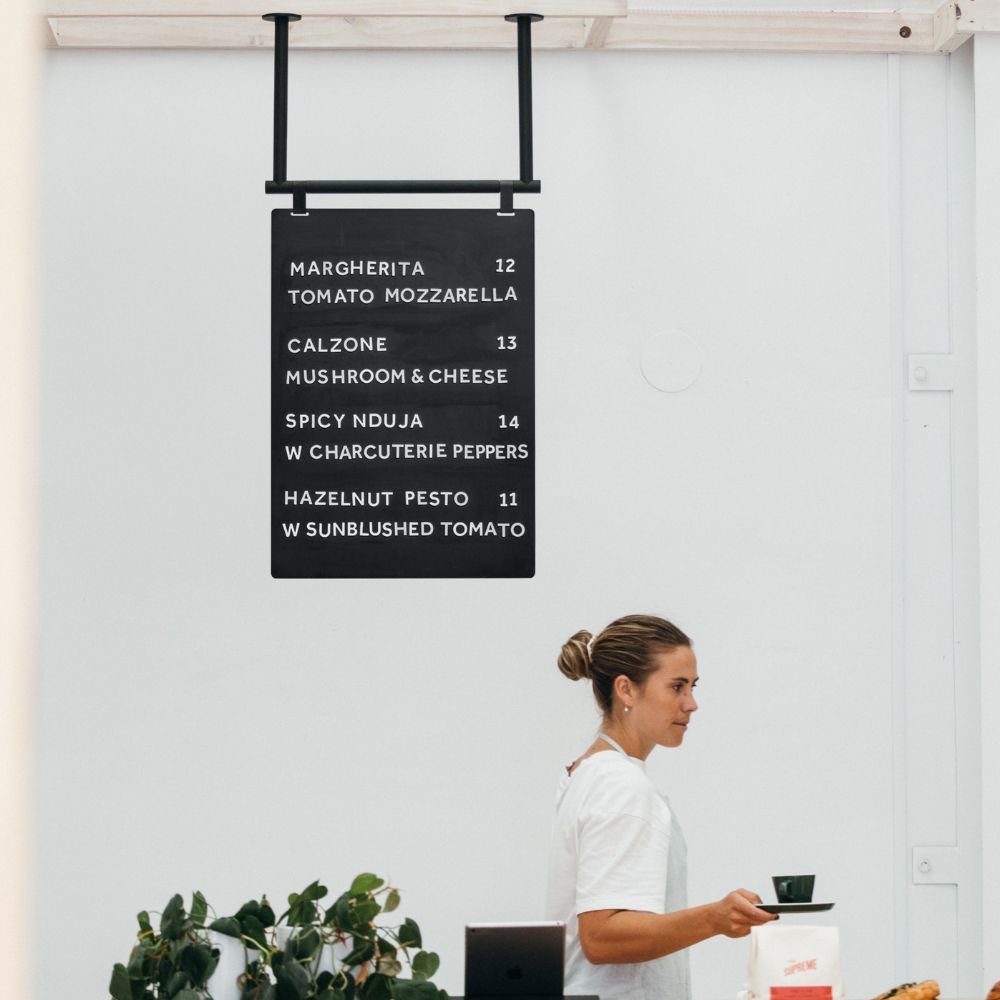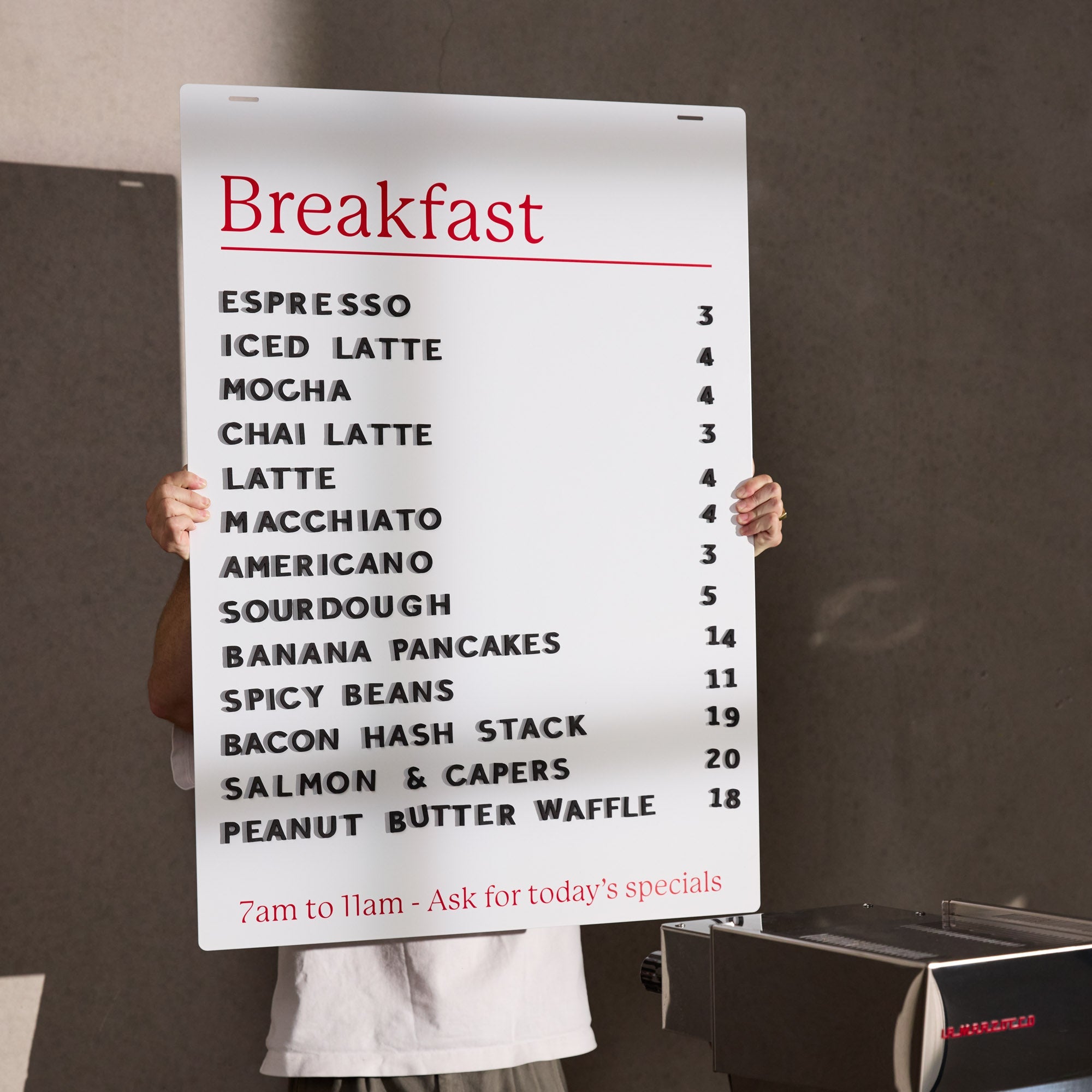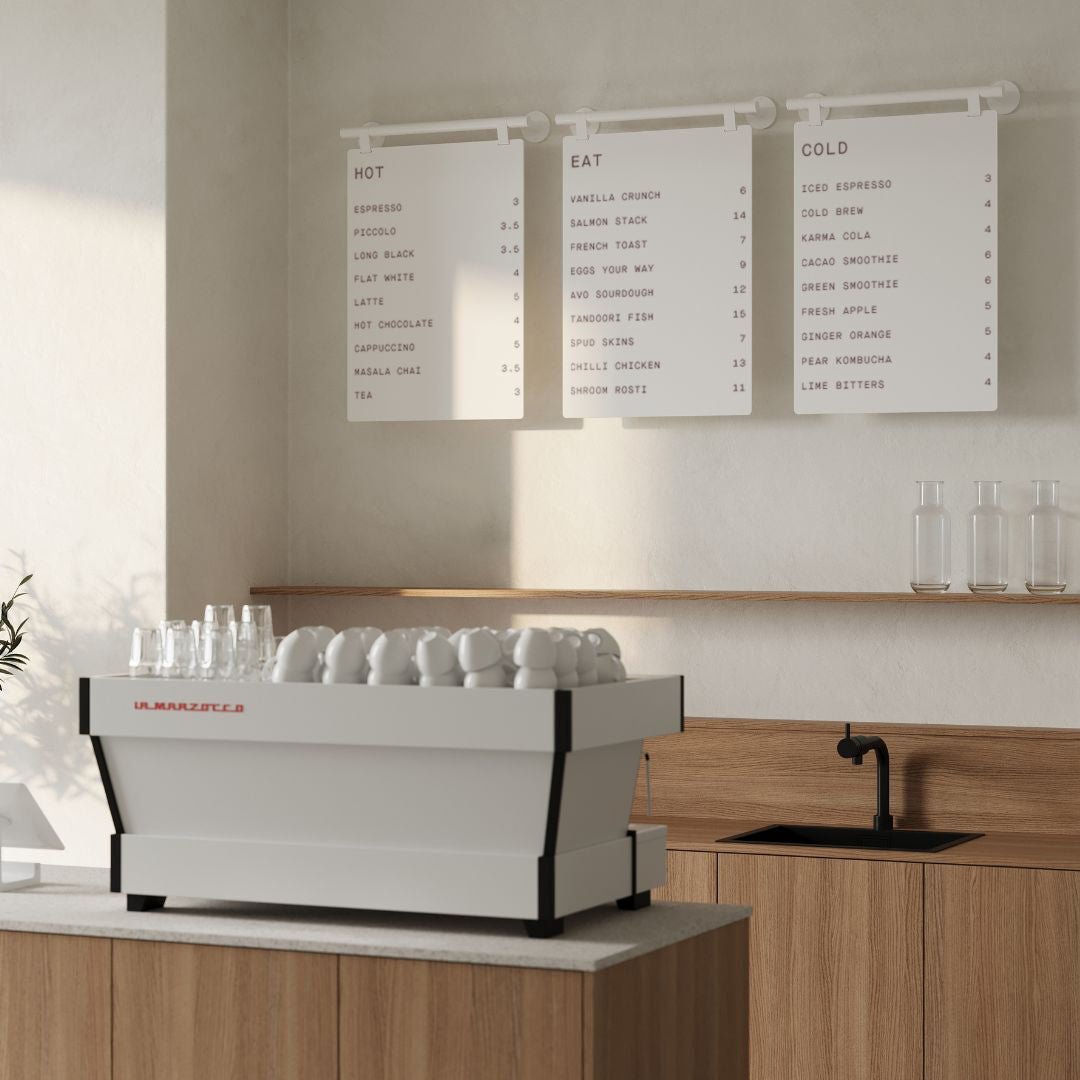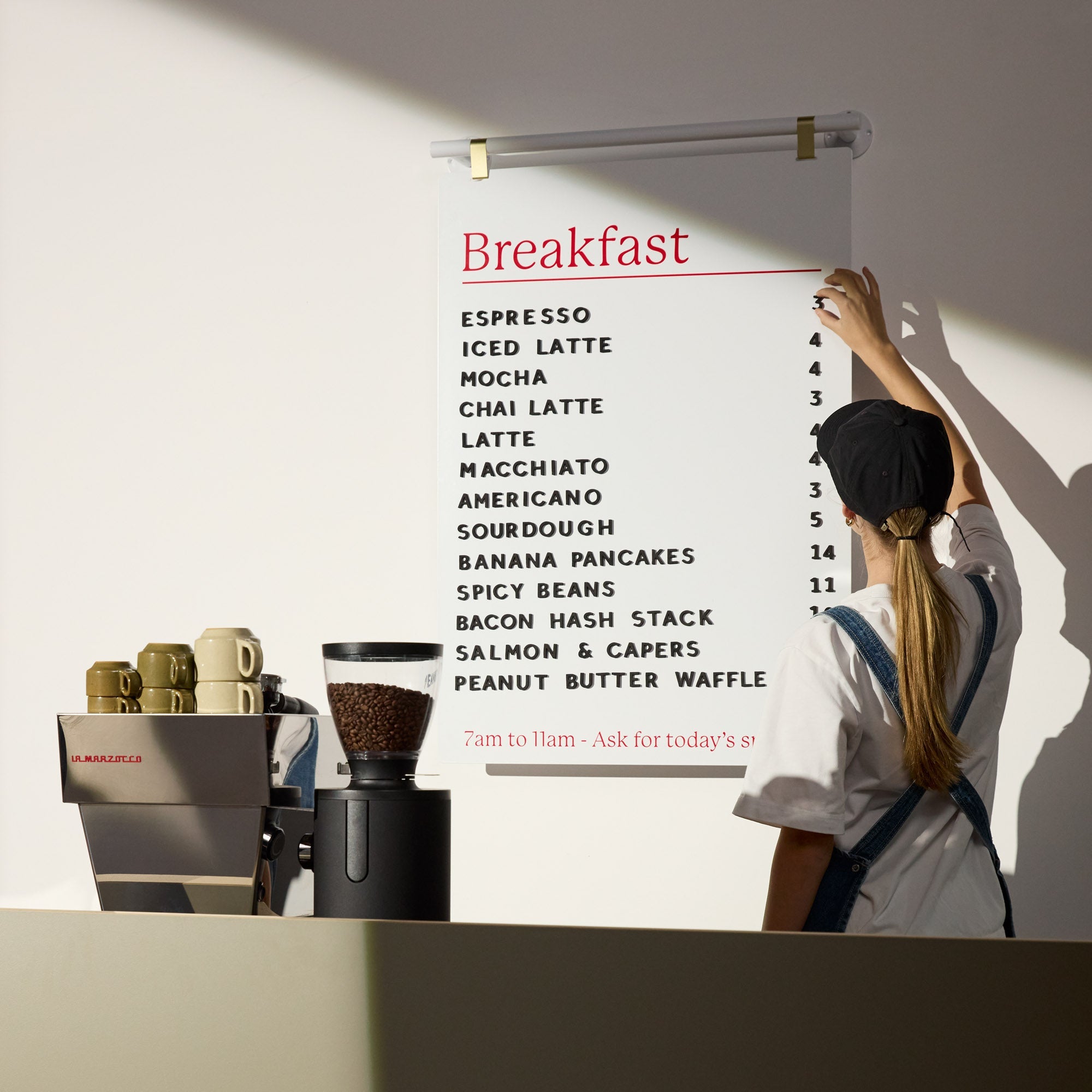




Great signage is one of the most powerful tools a business has. It’s your silent salesperson, your 24/7 brand ambassador, and the first hello you offer potential customers. In fact, an impressive 76% of consumers admit to walking into a store for the first time based on its sign alone. The good news? You no longer need a massive budget or a graphic design degree to create stunning signs. With a quality online signage creator, you can design professional visuals right from your computer.
This guide will walk you through everything you need to know, from choosing the right online signage creator to turning your digital design into a beautiful physical sign that gets noticed.
Why Custom Signage is a Game Changer
Before diving into the tools, it’s important to understand the impact of great signage. A well designed sign does more than just display your name; it builds trust and drives sales. Studies show that 68% of consumers believe a business’s signage reflects the quality of its products or services. On the other hand, poor quality signs can actively turn people away, with over half of shoppers saying they are less willing to enter a store with misspelled or poorly made signs.
Using a sign maker tool empowers you to take control of this crucial first impression, ensuring your brand looks polished, professional, and inviting.
Choosing the Right Online Signage Creator for Your Needs
An online signage creator is a web based platform that lets you design visuals without needing complex software. These tools are perfect for busy entrepreneurs, offering templates, simple controls, and vast libraries of creative assets.
Canva for All Around Simplicity
Canva is a powerhouse in the DIY design world, and for good reason. With over 170 million users, its platform is known for an incredibly user friendly, drag and drop interface. It’s an ideal online signage creator for beginners, offering thousands of templates for posters, banners, and social media graphics that can be easily adapted for your signage needs.
Adobe Express for Polished, Professional Graphics
Formerly known as Adobe Spark, Adobe Express brings the power of Adobe’s professional software into a simple, accessible package. It’s a fantastic online signage creator if you want access to a massive library of Adobe Fonts and Stock photos. Its AI powered features, like background removal, can also help you create polished designs quickly.
Snappa for Speed and Efficiency
If you need to create marketing graphics in a hurry, Snappa is an excellent choice. This online signage creator is built for speed, focusing on a streamlined process with a clean interface. It provides access to over 5 million stock photos and thousands of templates, allowing you to produce a great looking design in minutes.
Vistaprint for an Integrated Design and Print Solution
Vistaprint is a popular choice because it combines an online signage creator with a printing service. You can design banners, posters, window decals, and yard signs directly on their platform and have the finished product shipped to your door. This all in one approach simplifies the process, making it a go to for over 17 million small business owners.
The Major Benefits of Using a Sign Customization Tool
Embracing a DIY approach with an online signage creator comes with a host of advantages that can make a real difference for your business.
Save Significant Time and Effort
Templates are your best friend. Instead of starting from a blank canvas, you can choose a professionally designed layout and customize it in minutes. These platforms are packed with time saving features like pre loaded asset libraries, drag and drop editors, and automatic resizing tools that can instantly adapt your design for different formats.
Keep Your Marketing Costs Low
Hiring a professional designer can be expensive. Using an online signage creator is incredibly cost effective. Many platforms offer robust free versions, and premium subscriptions are a fraction of the cost of a single outsourced design project. Plus, on premise signage offers a fantastic return on investment. The U.S. Small Business Administration found that a storefront sign costs as little as seven cents per 1,000 views, compared to over seven dollars for a newspaper ad.
Enjoy Total Flexibility and Control
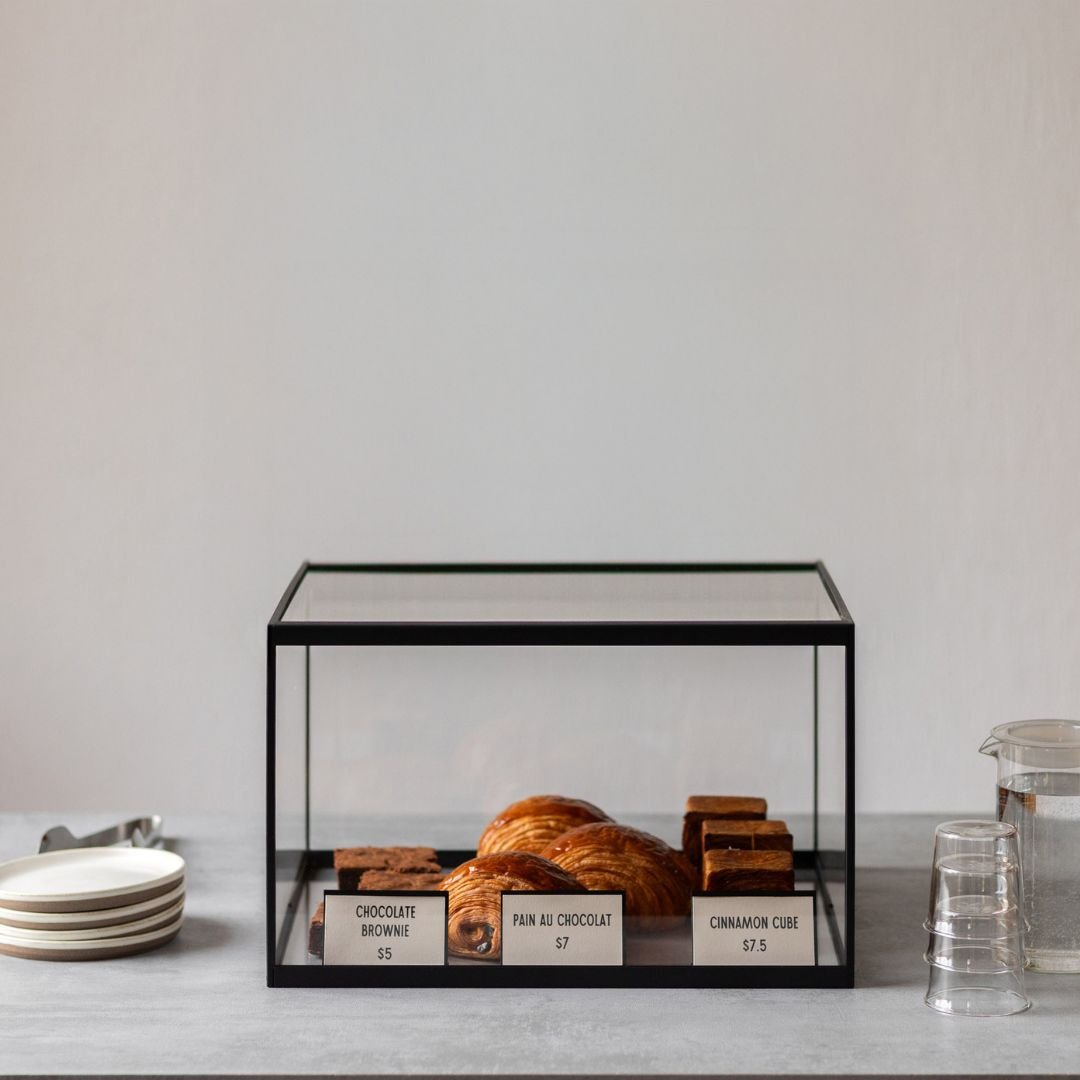
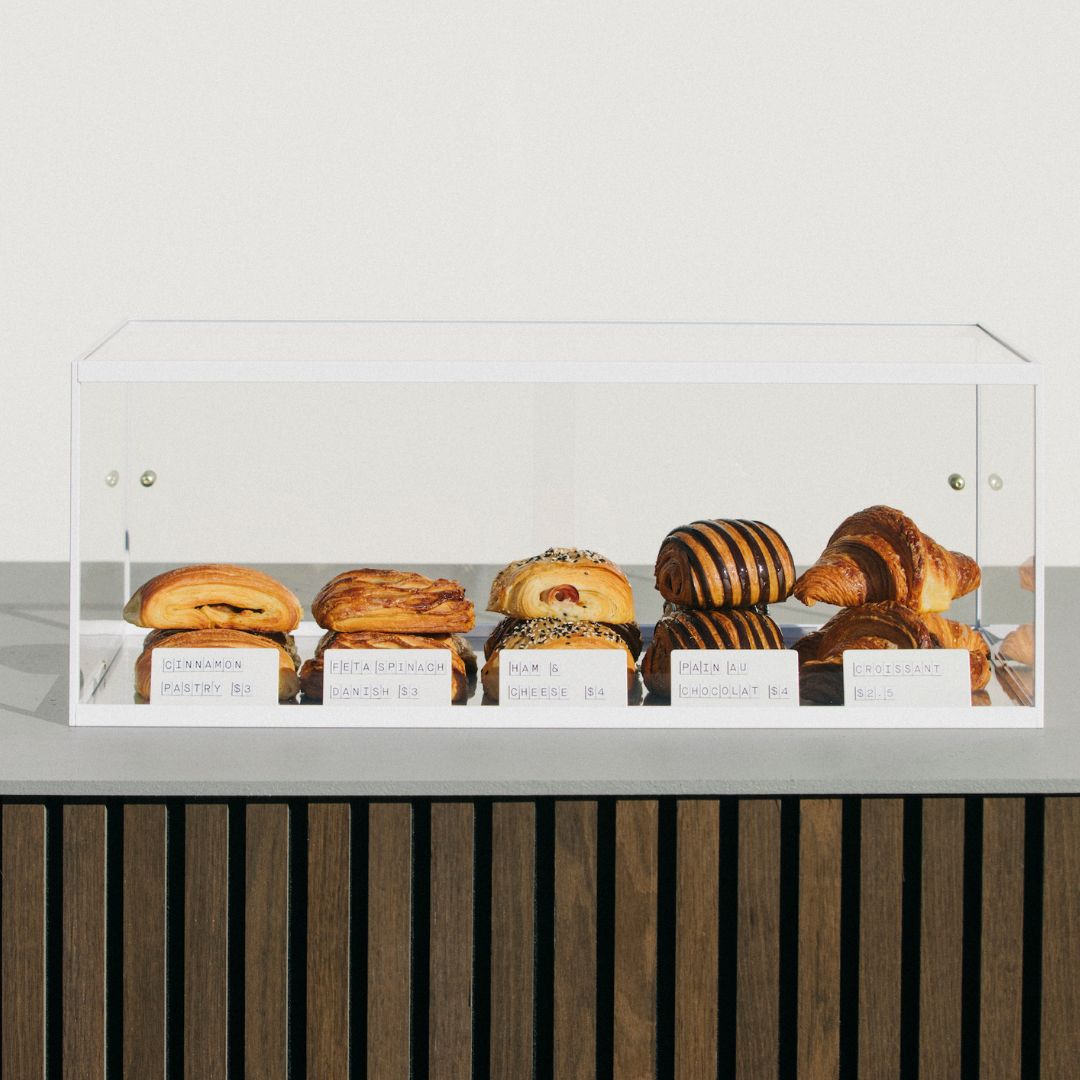
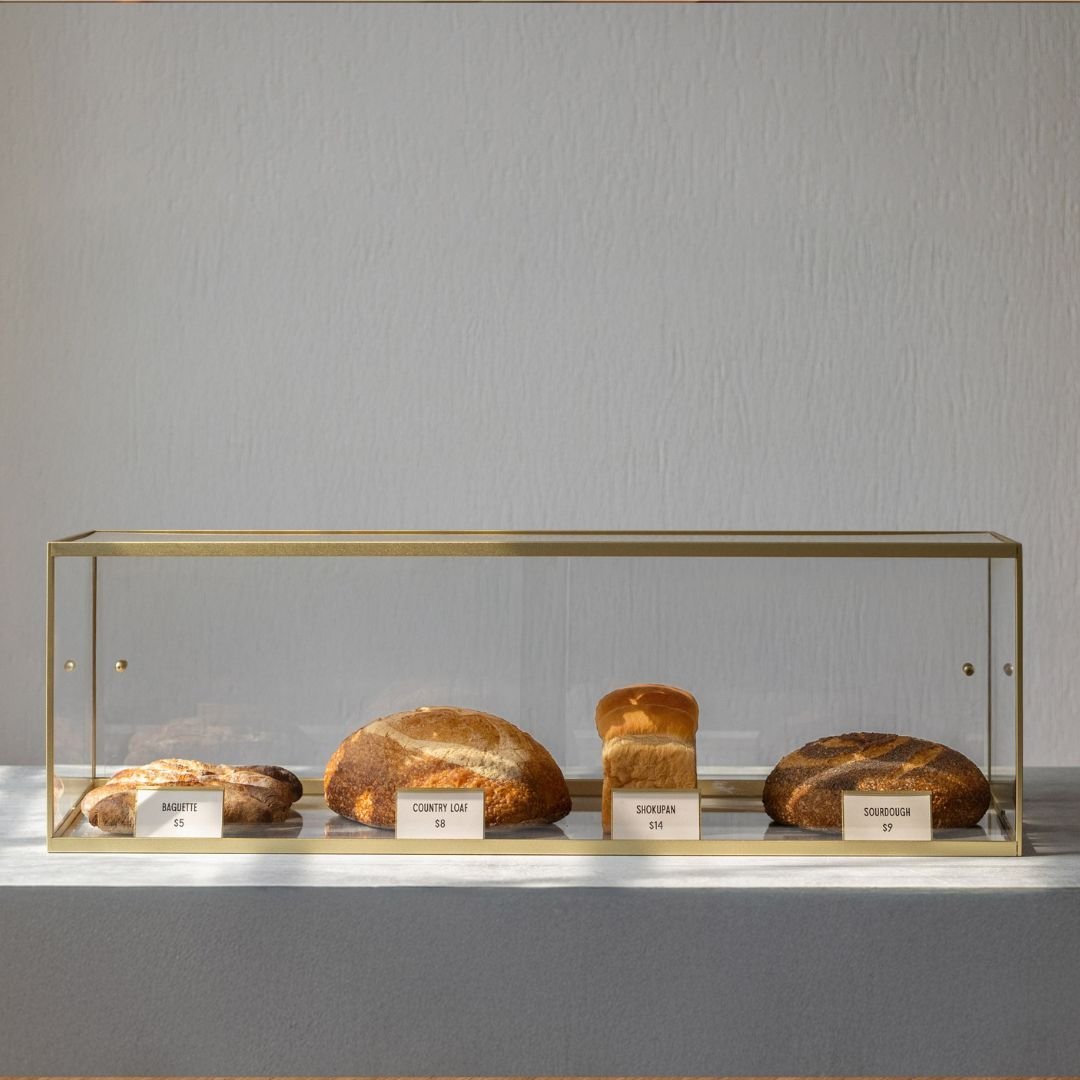
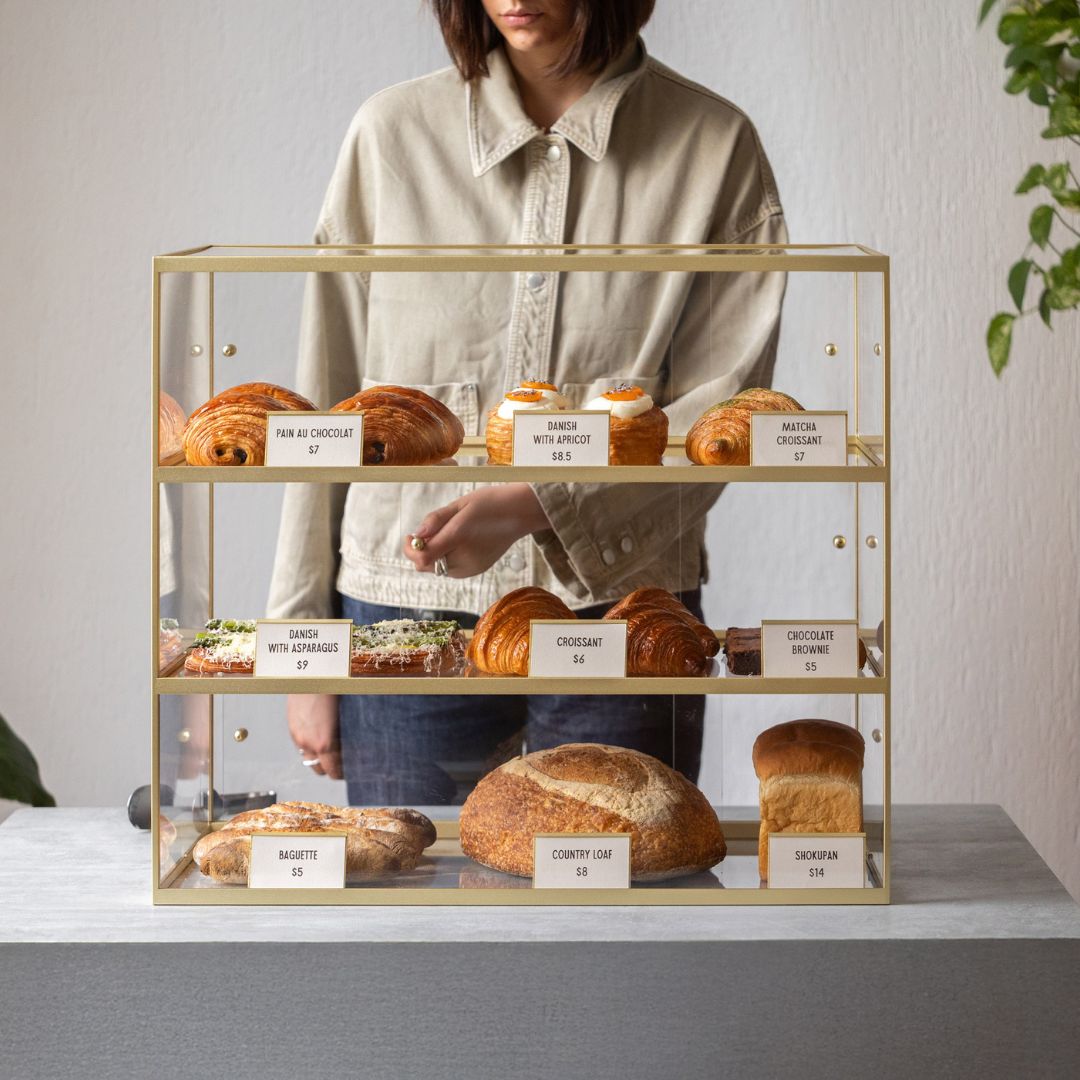
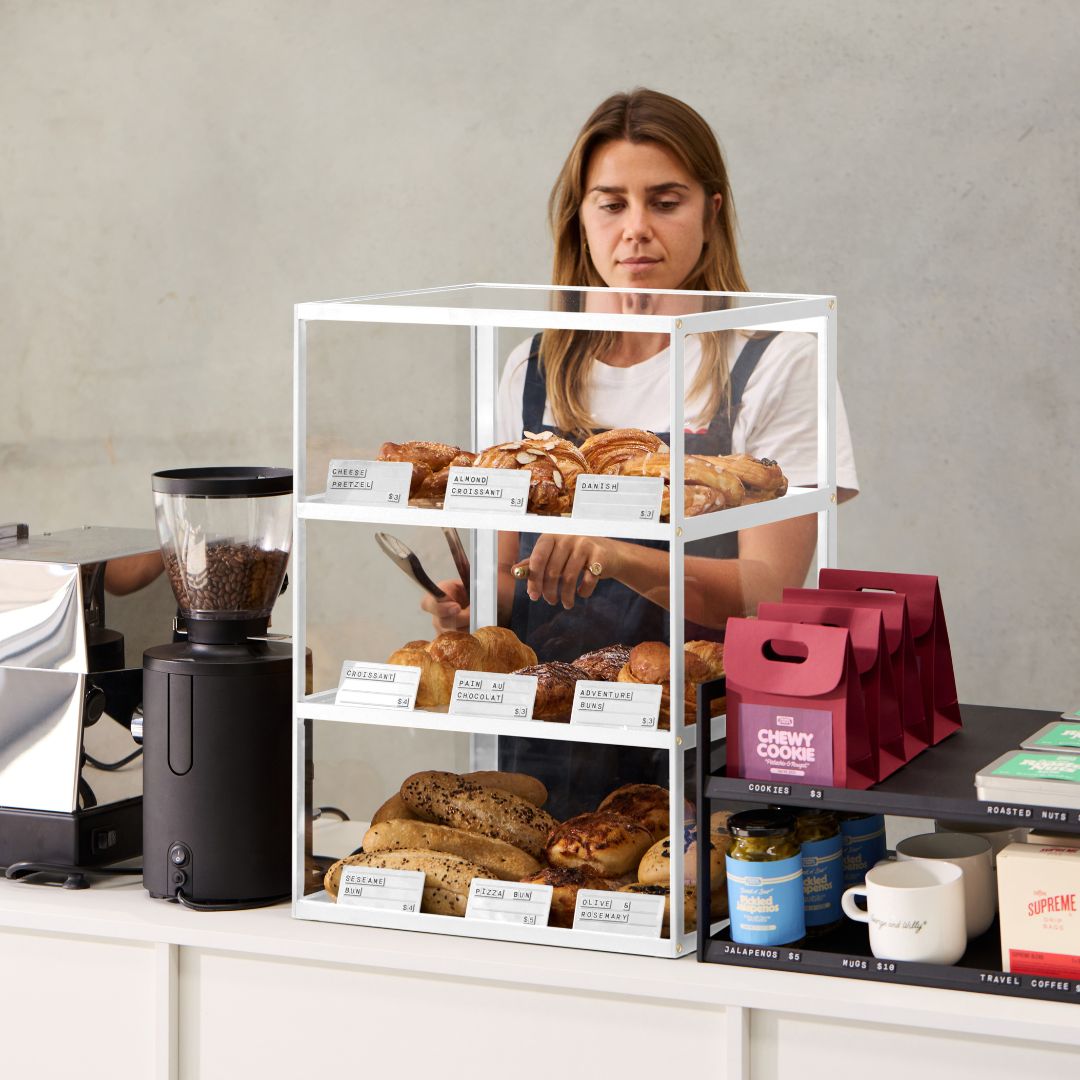
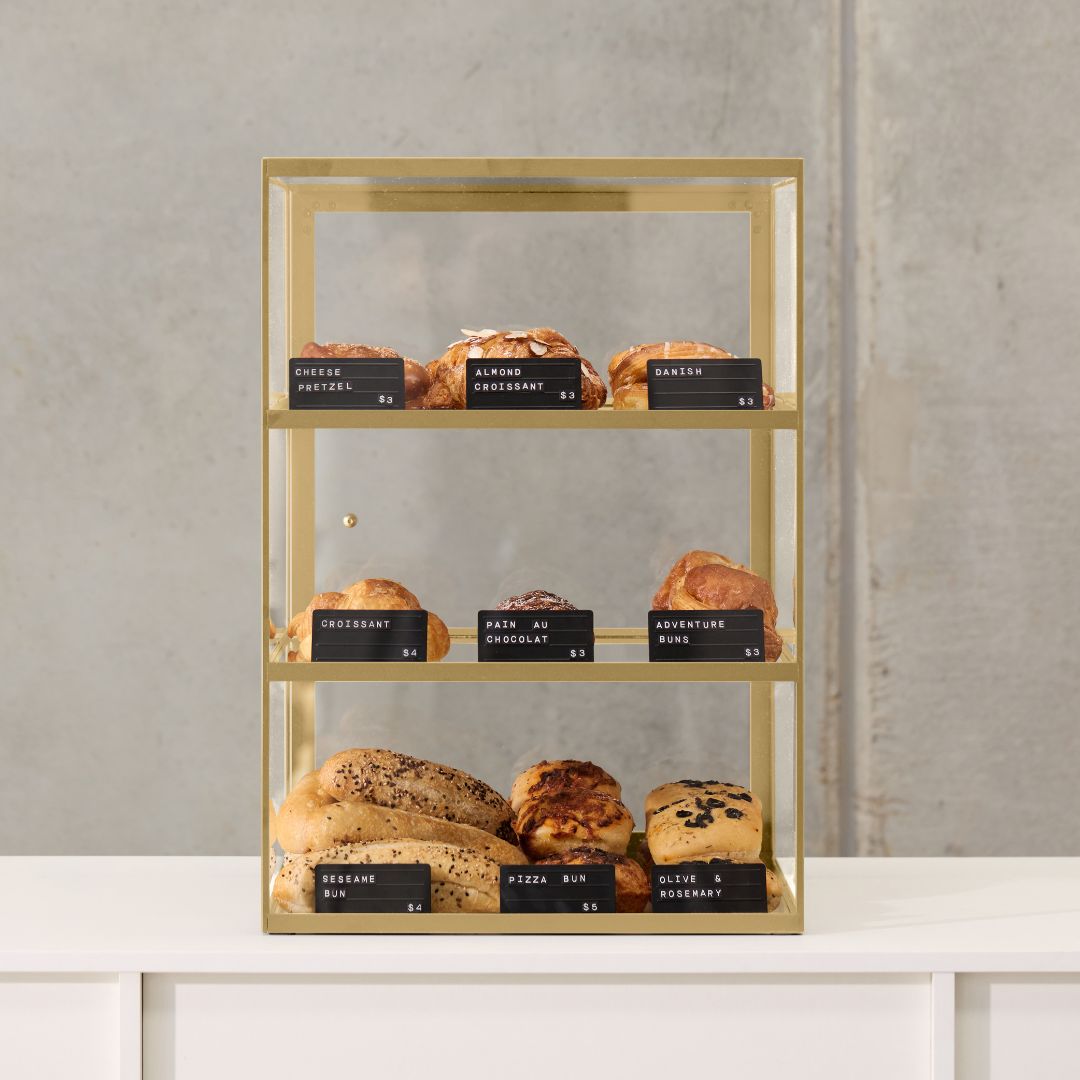
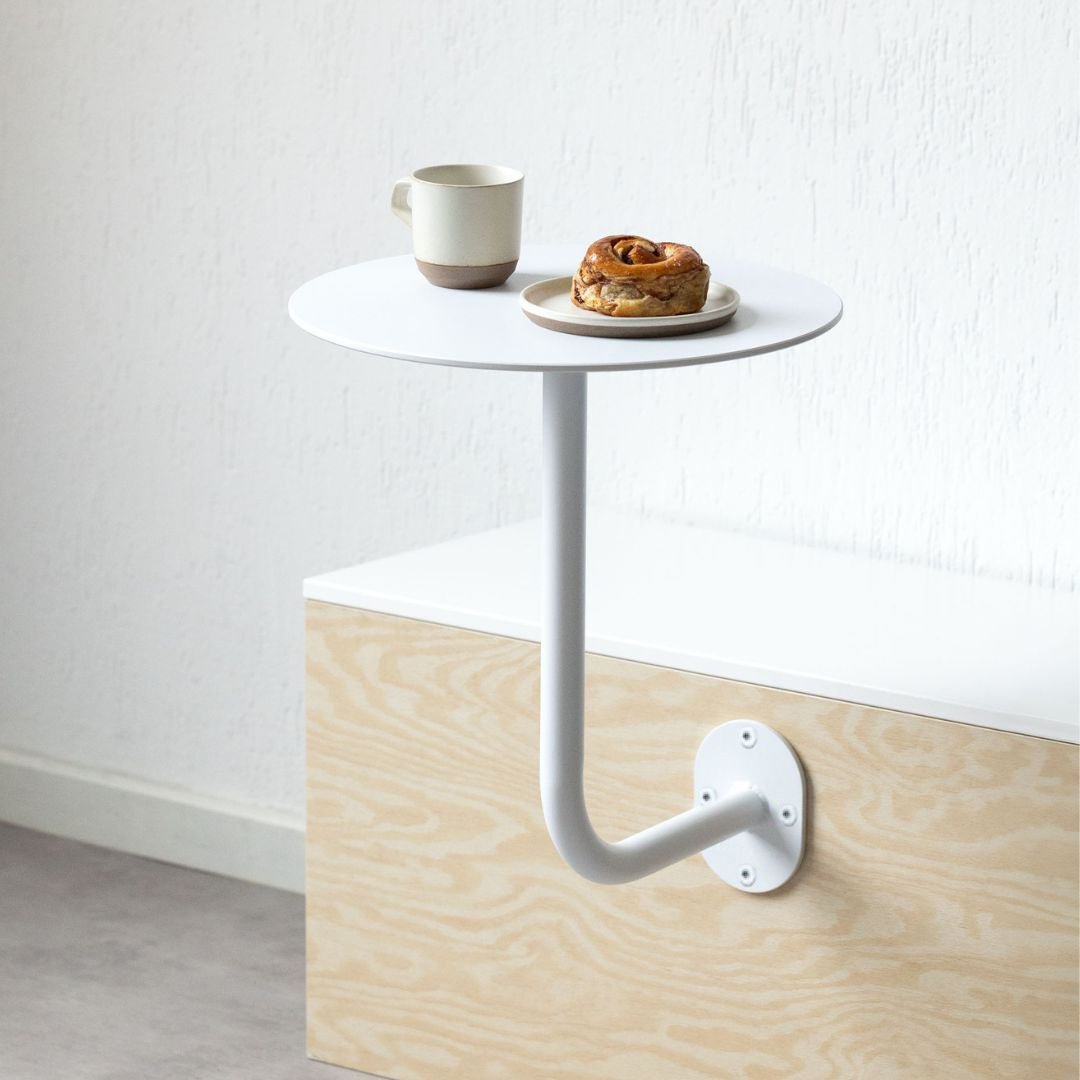
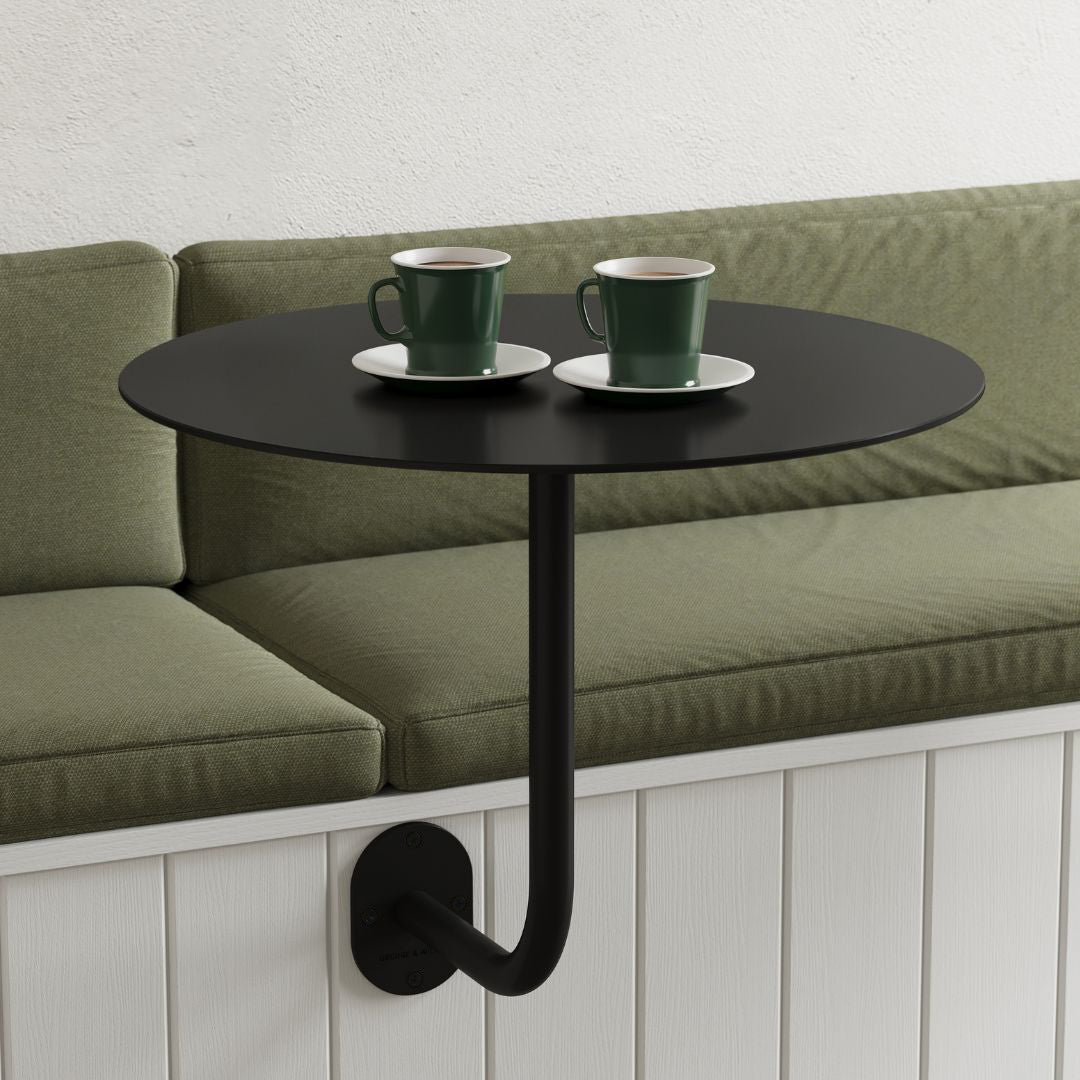
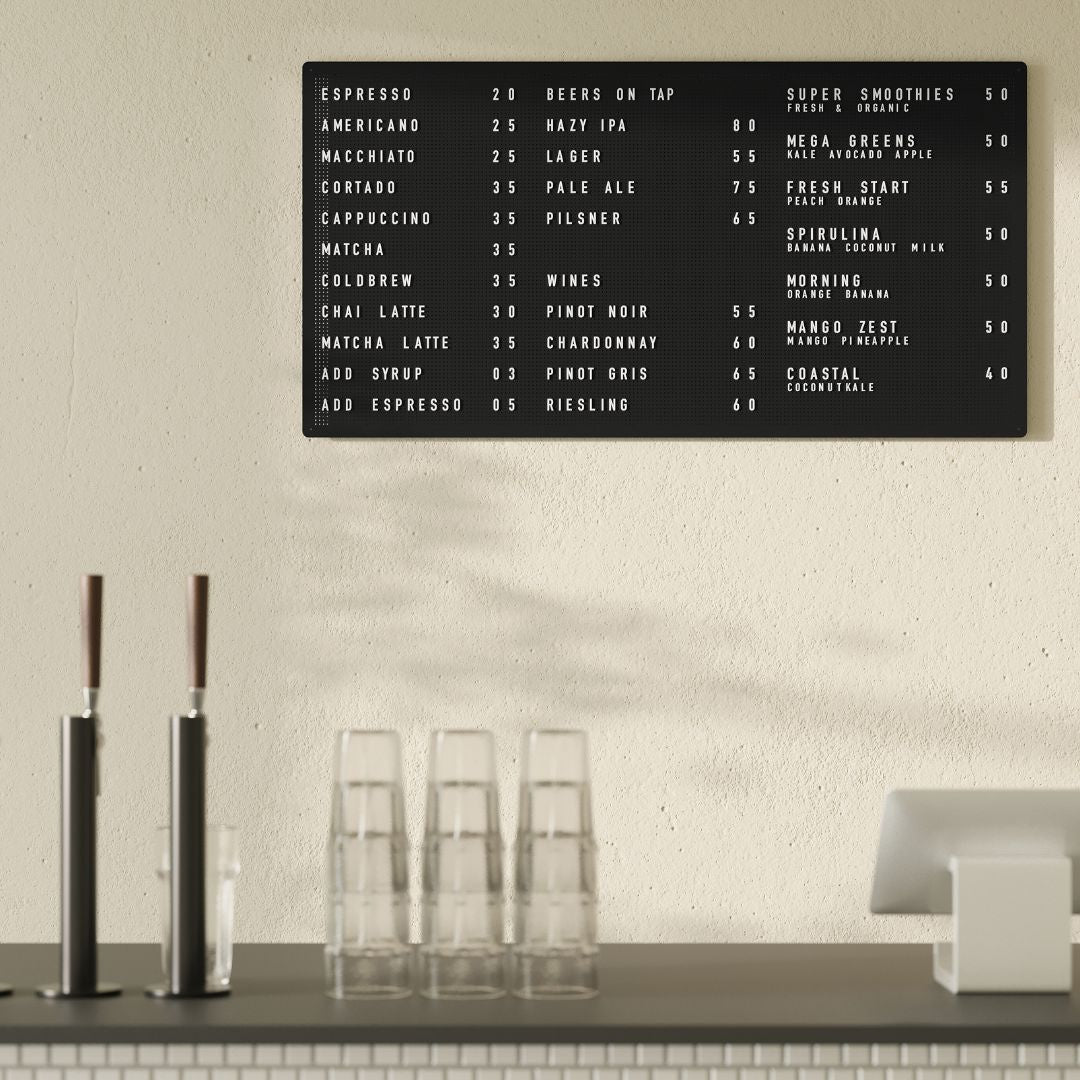
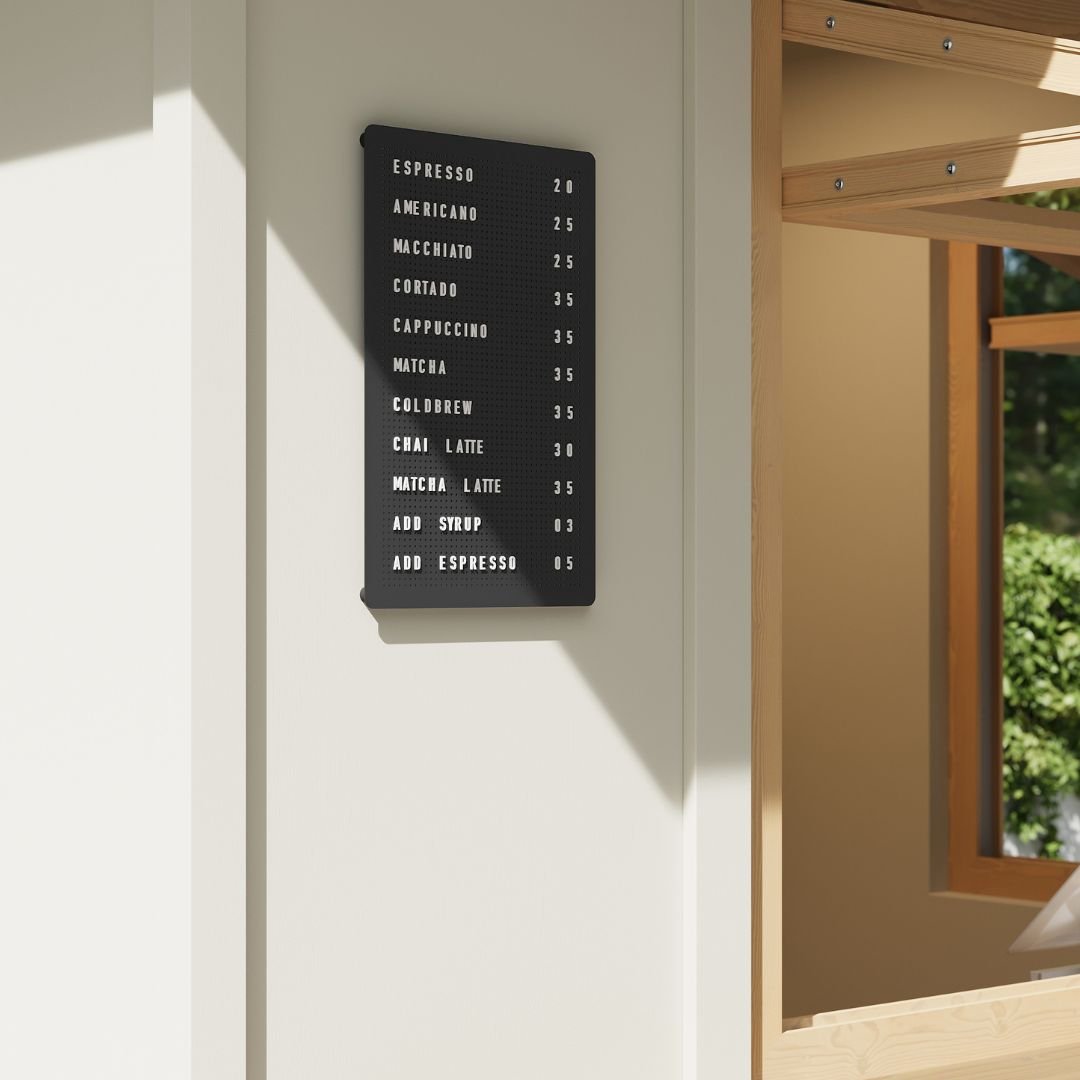
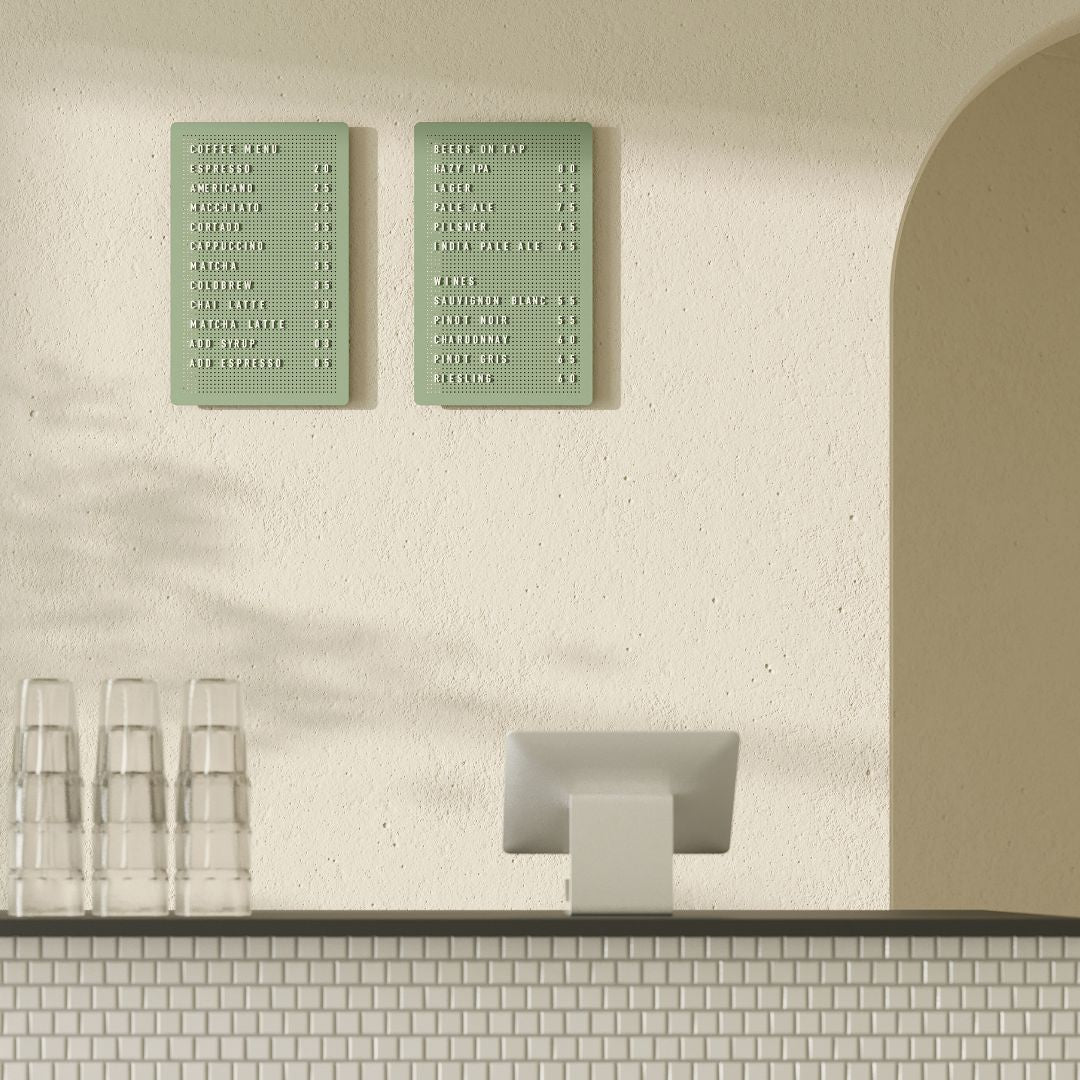
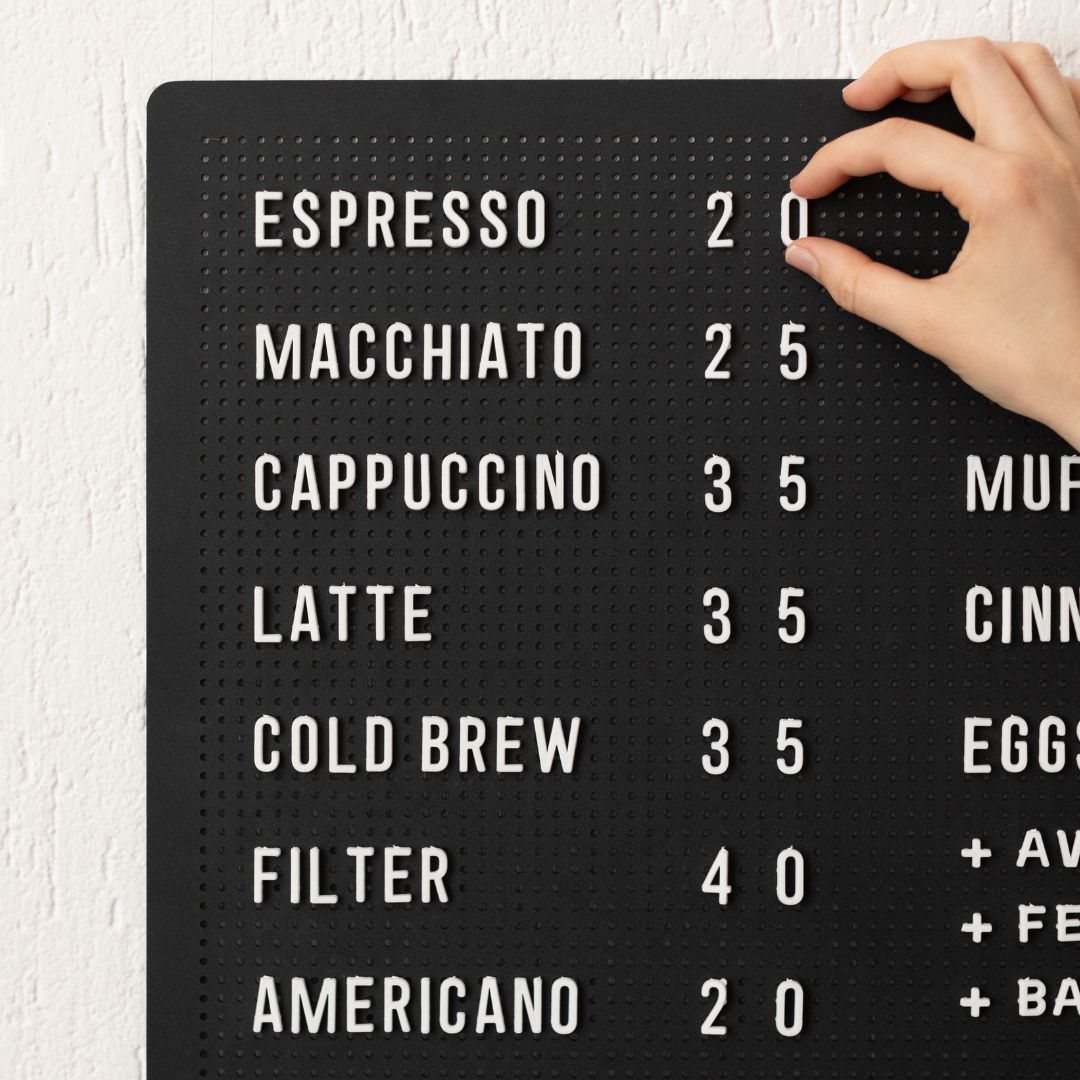
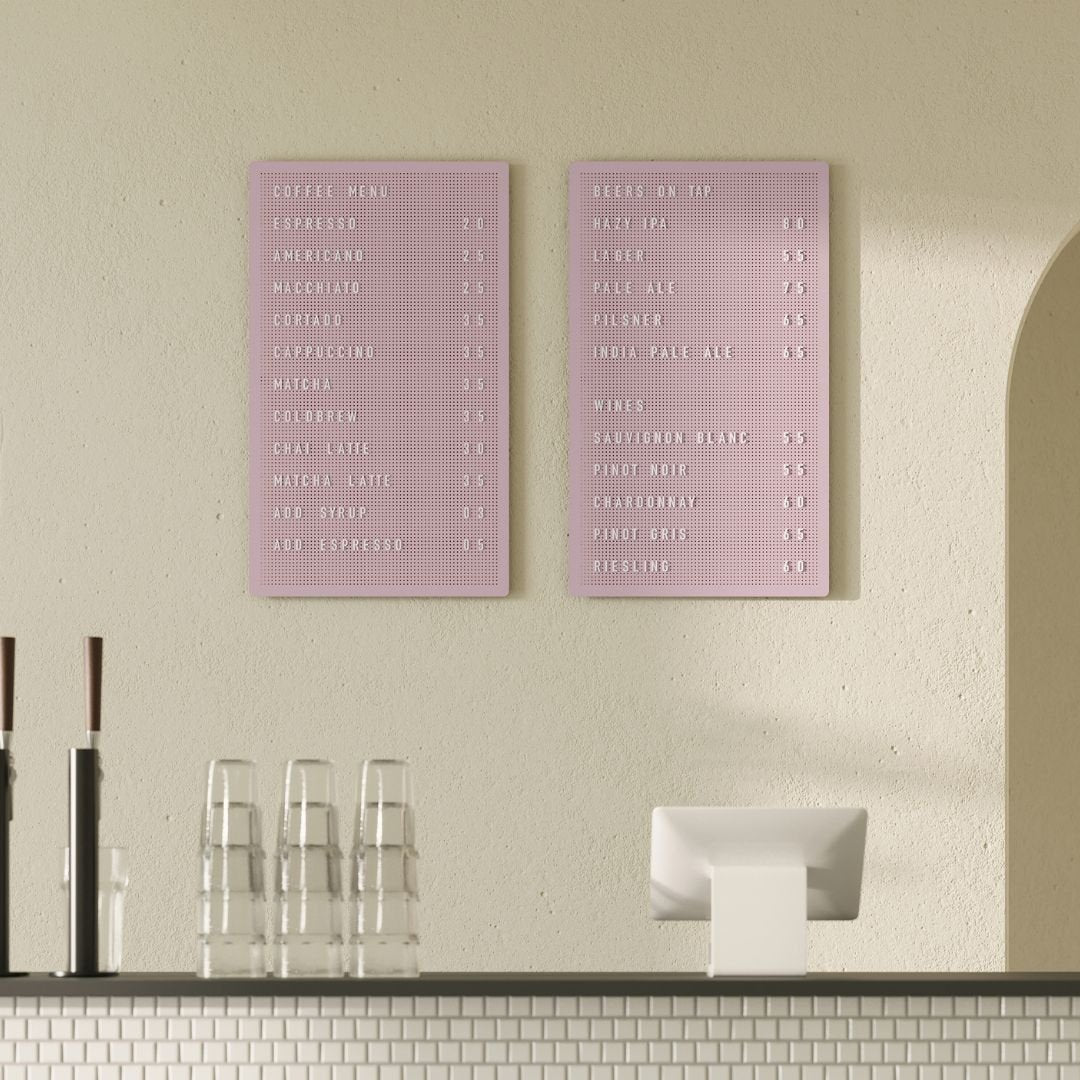
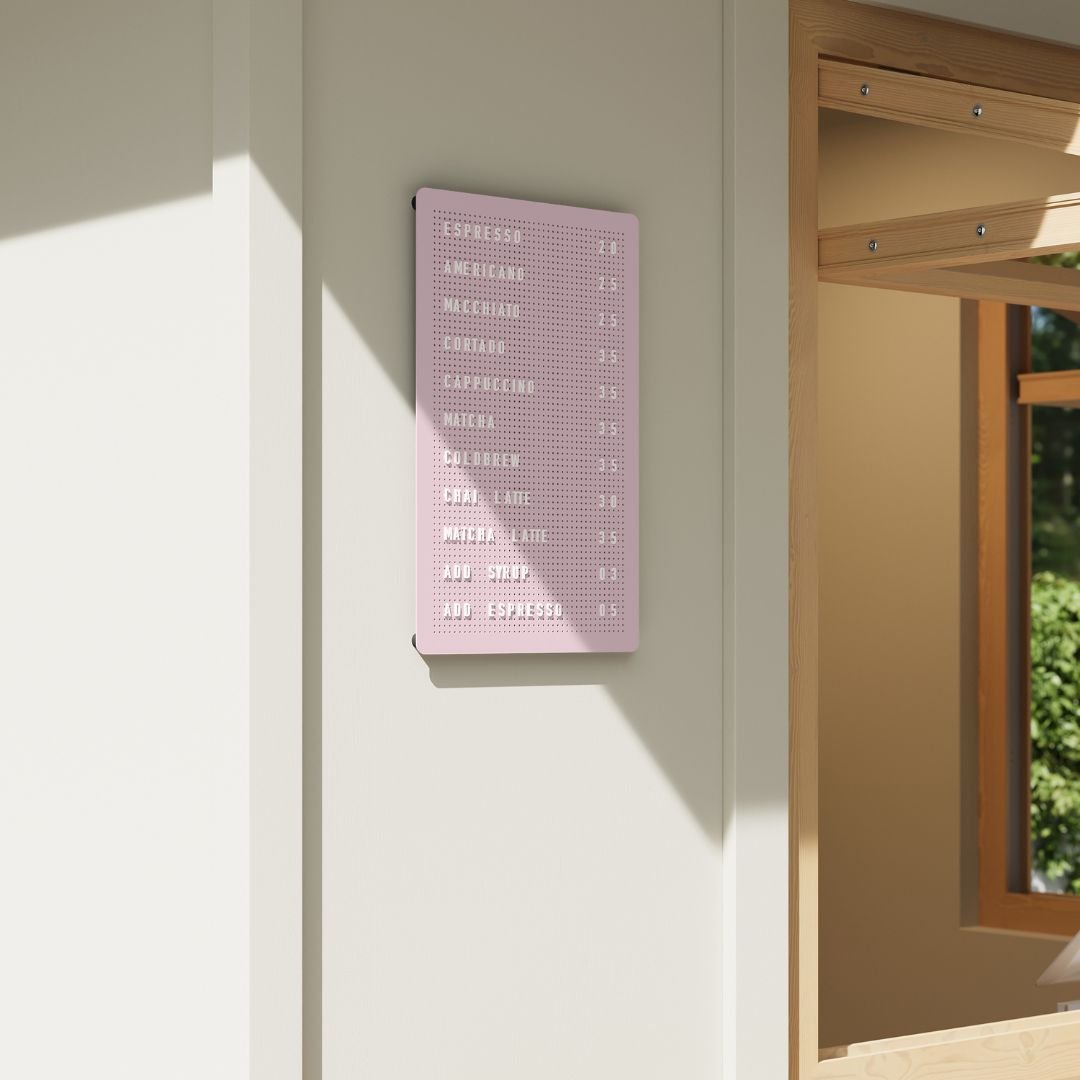
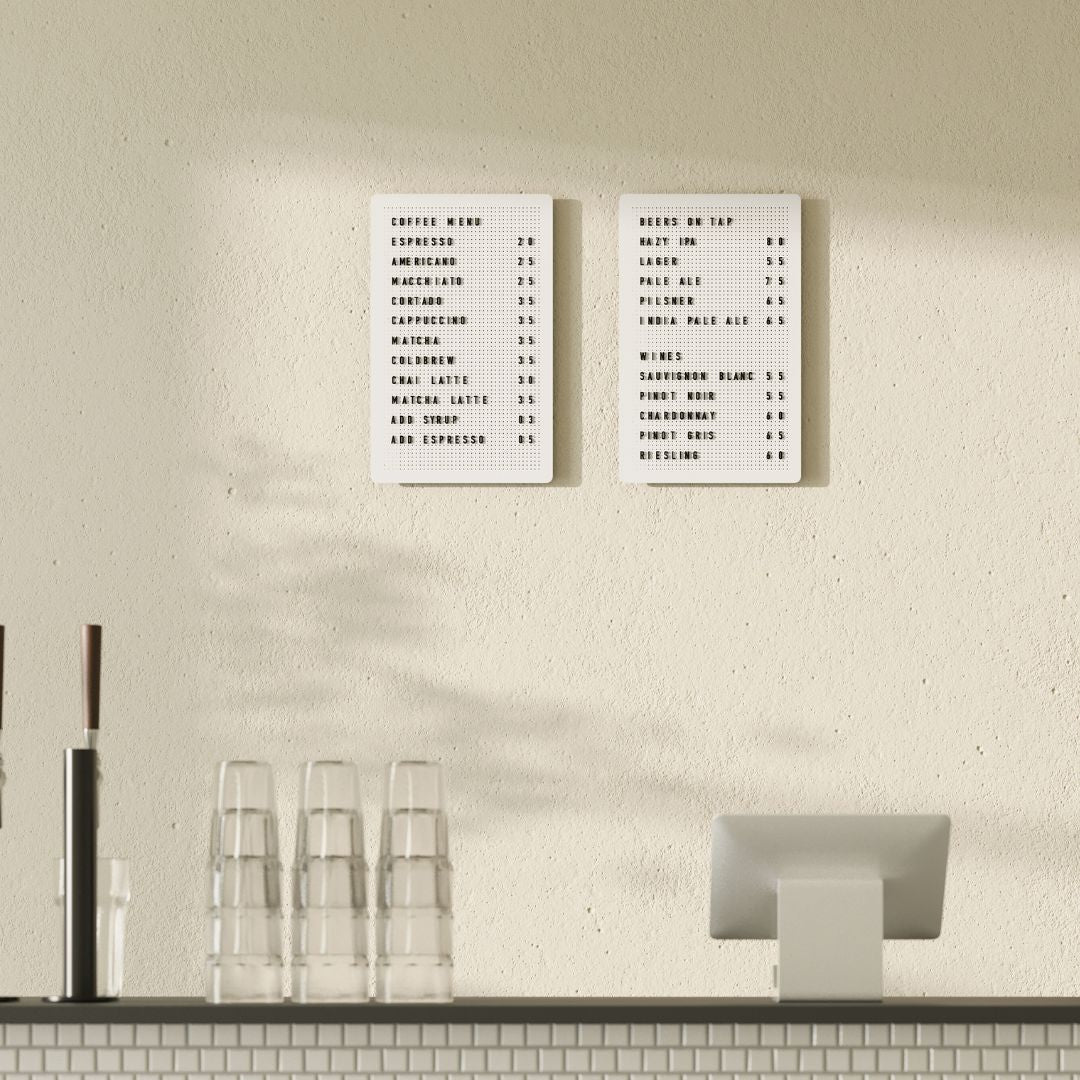
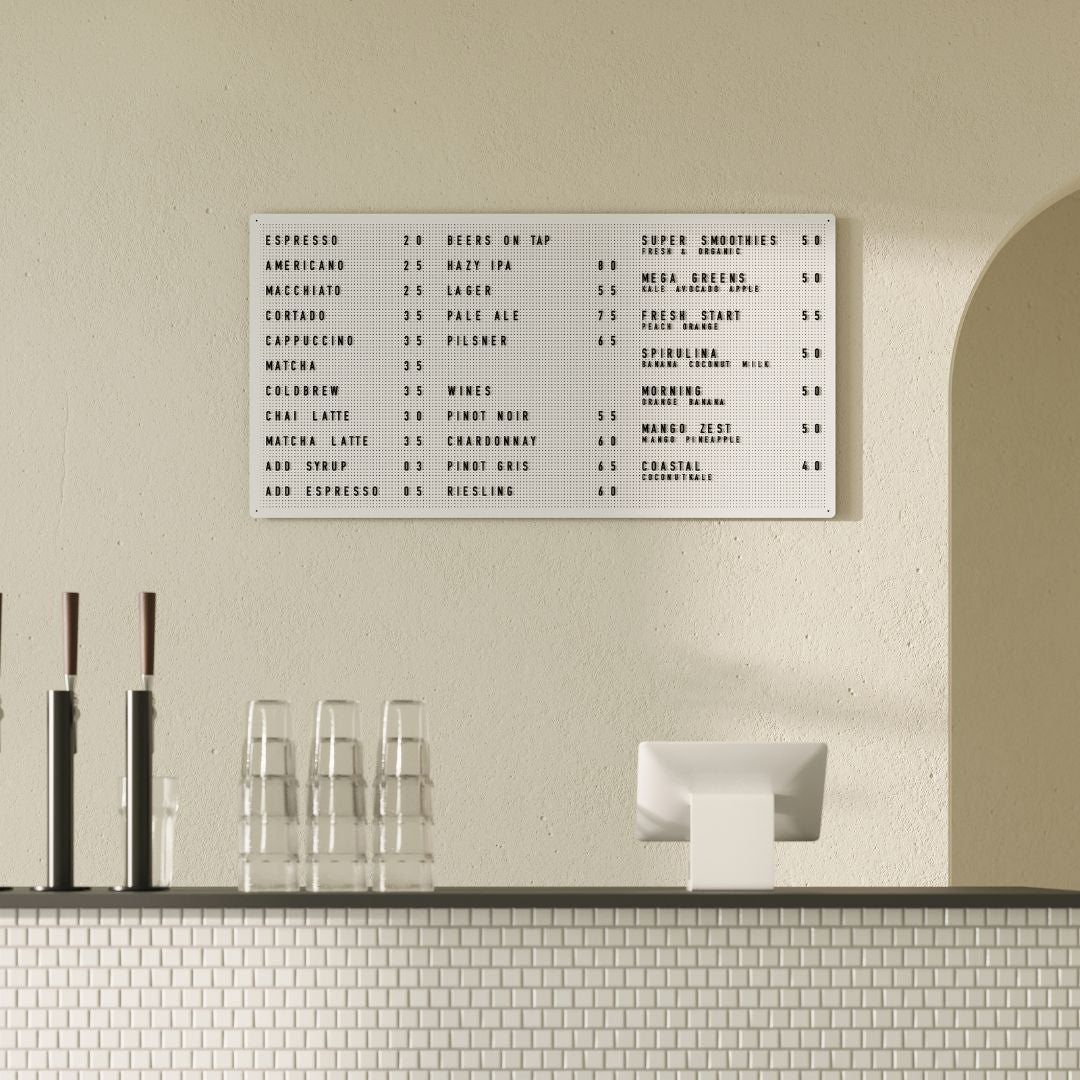
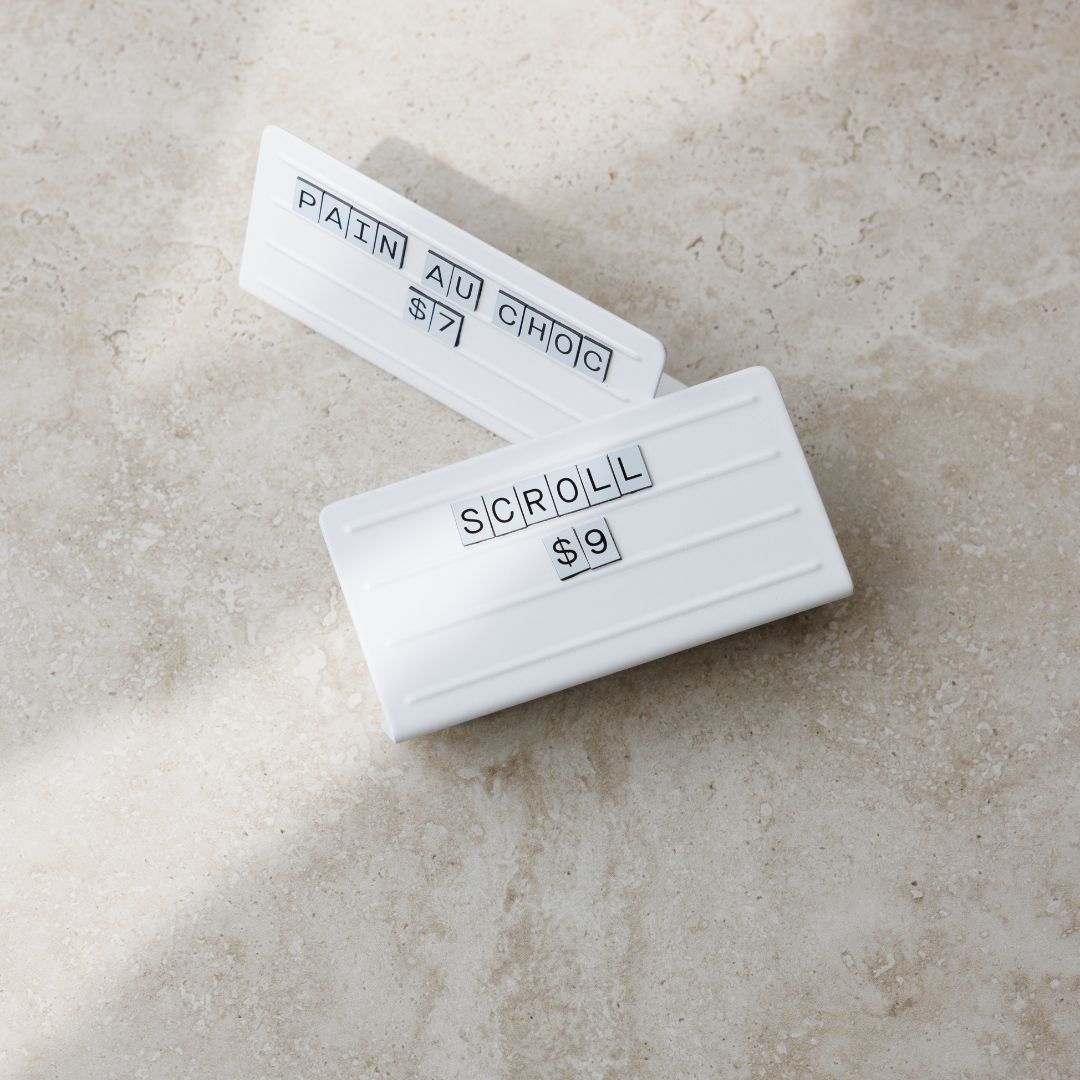
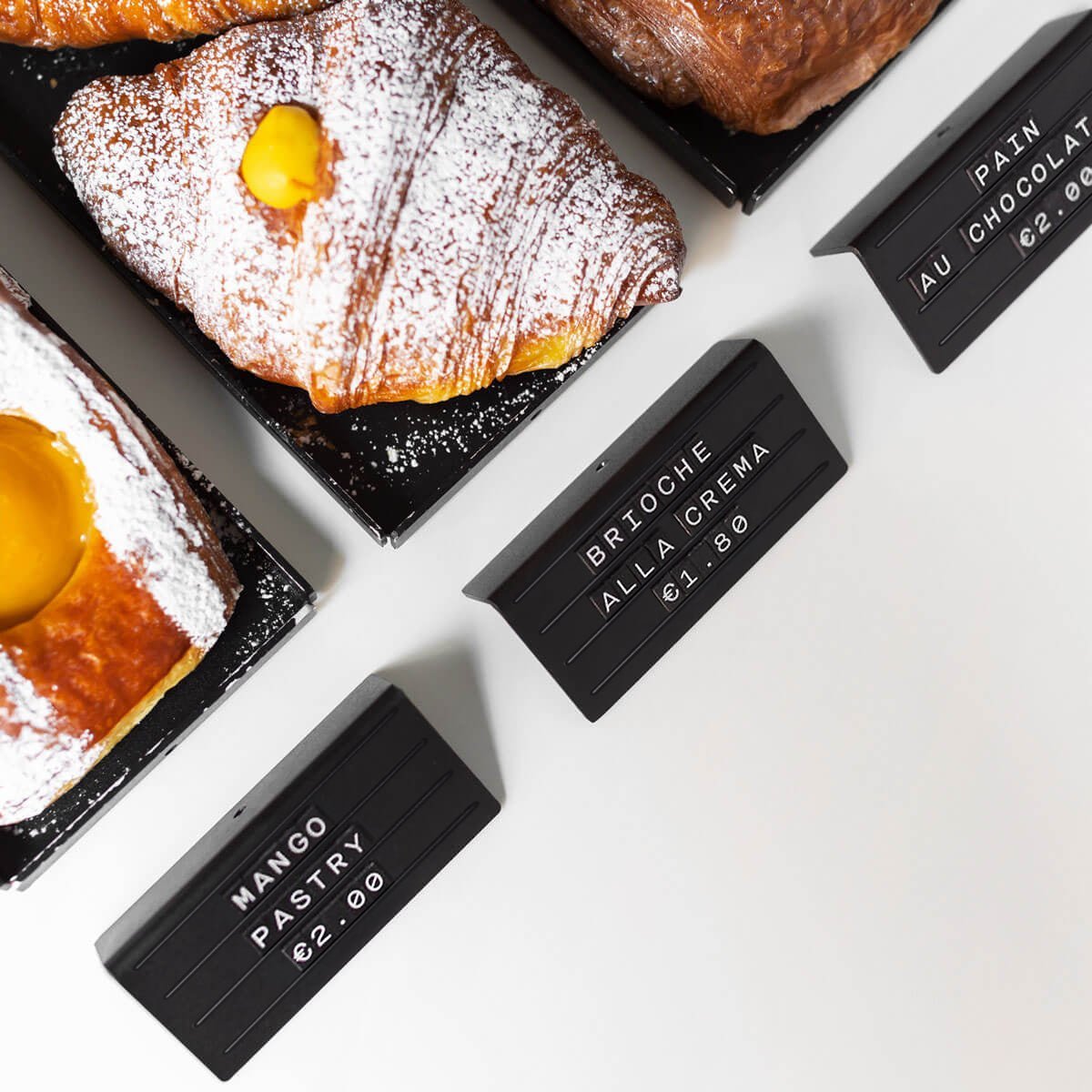
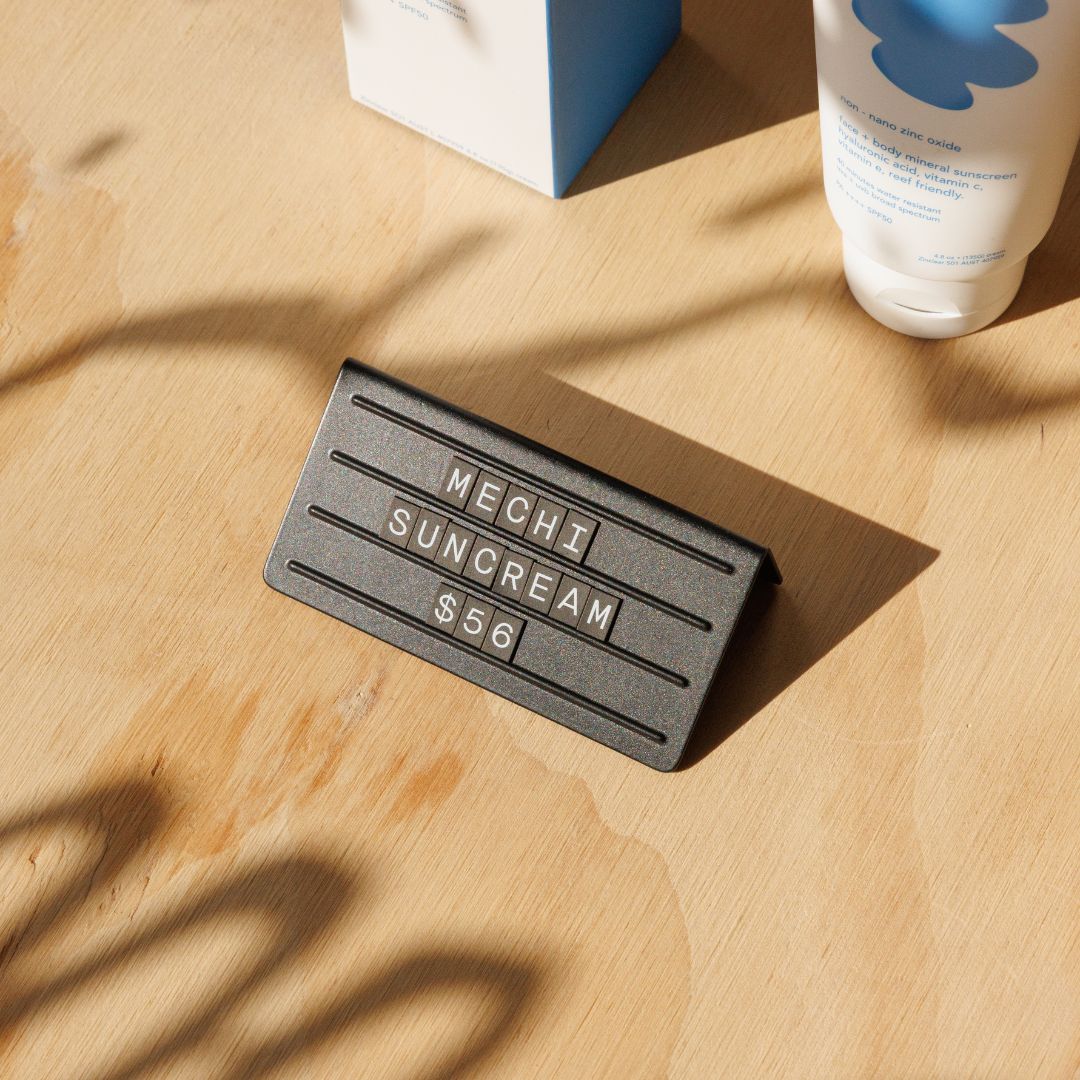
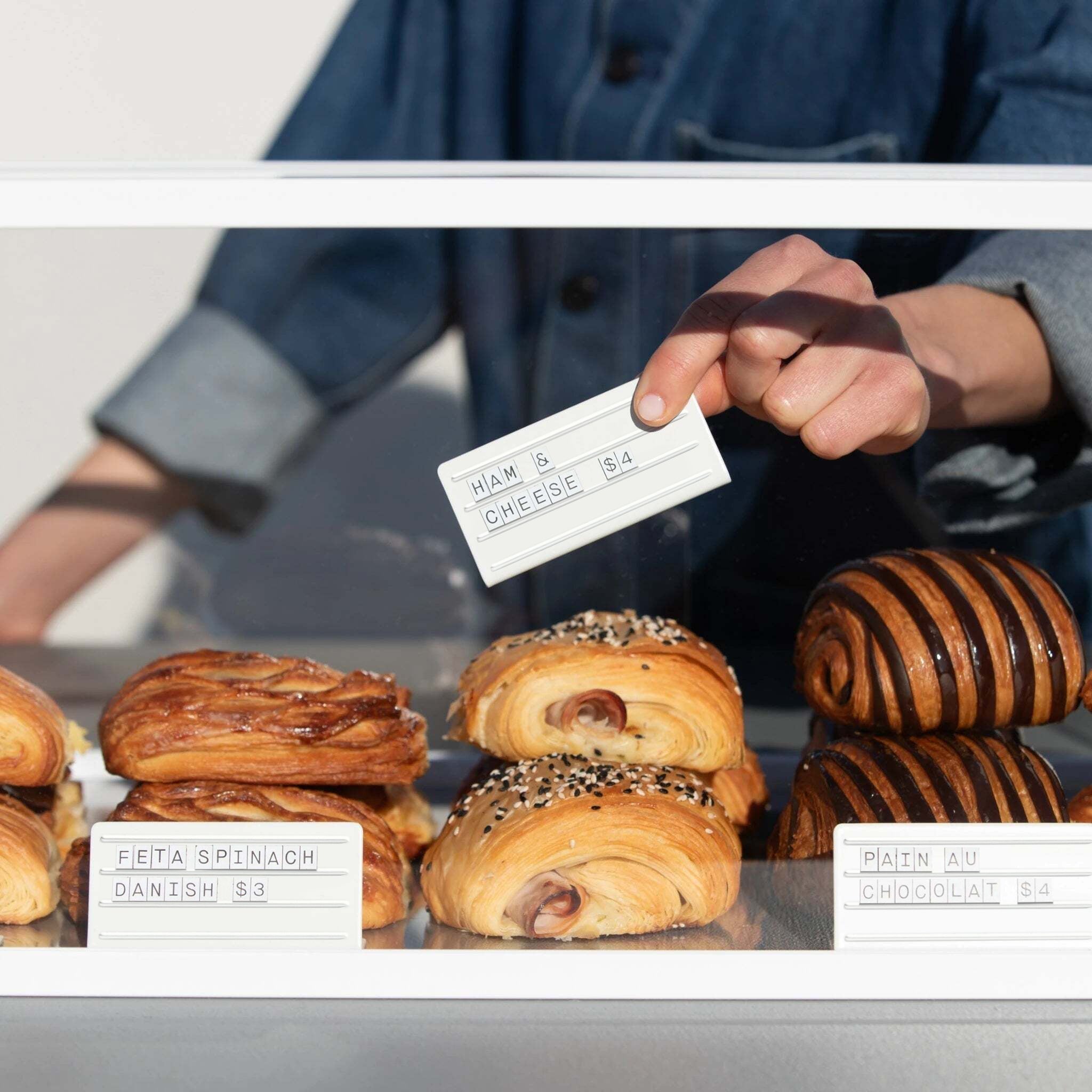
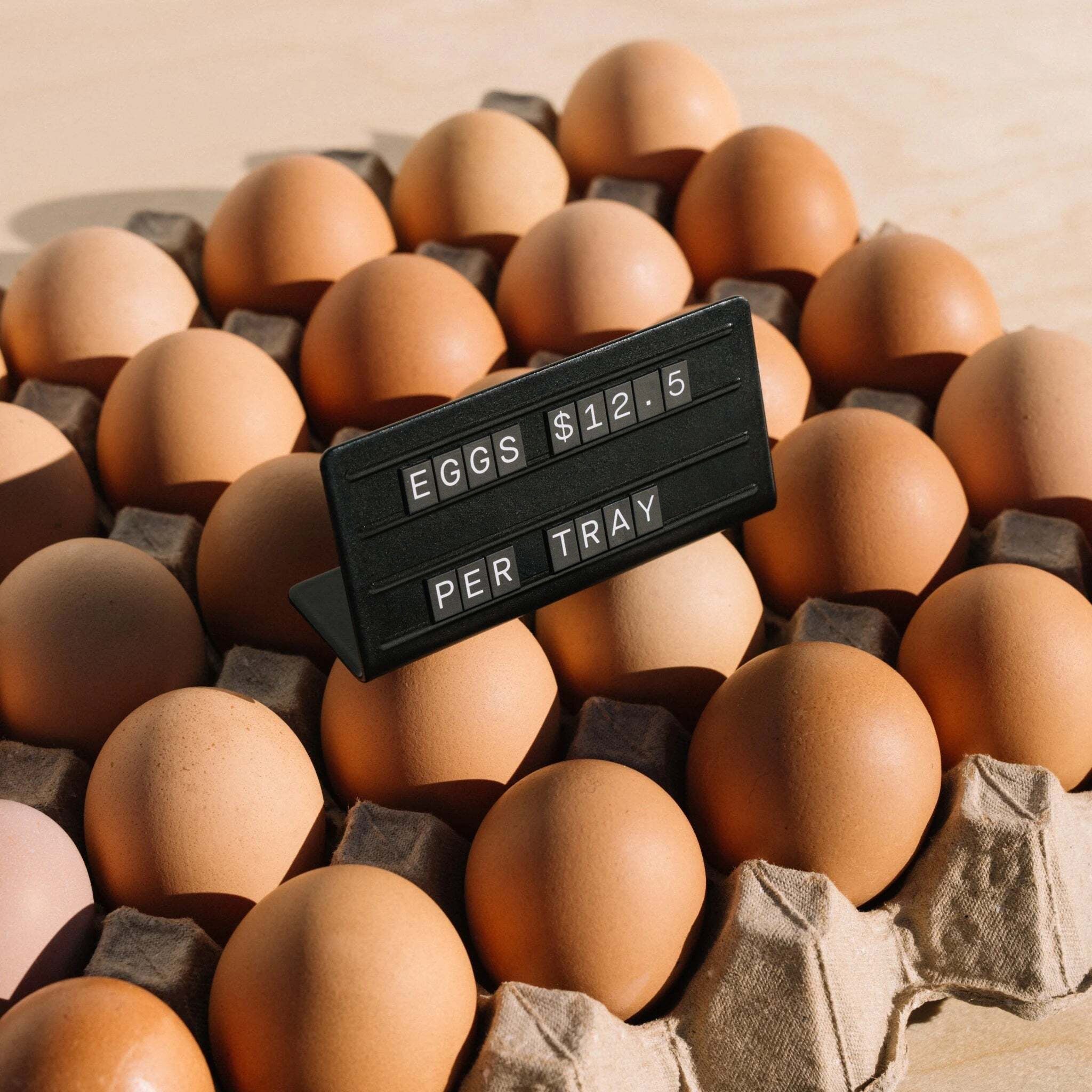
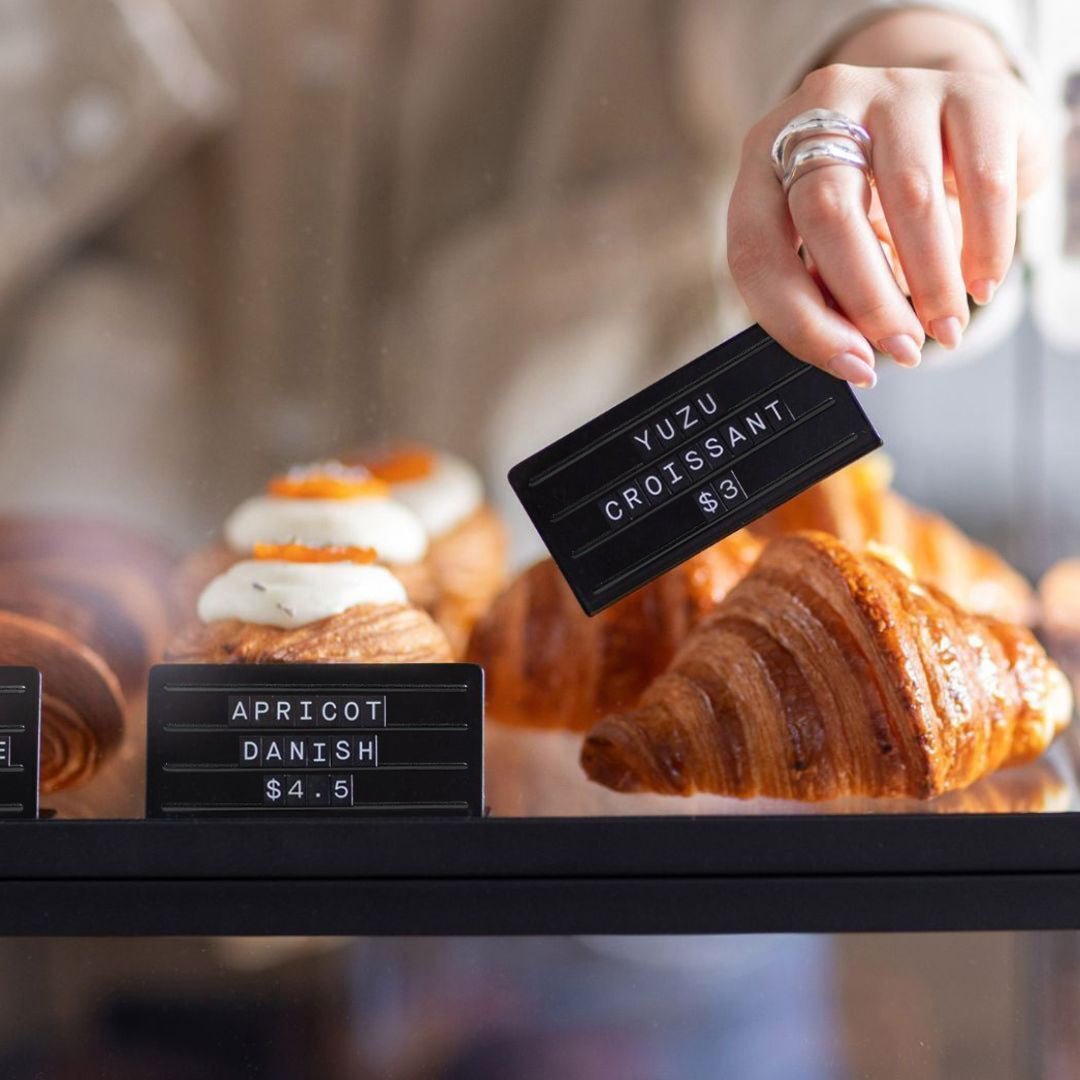
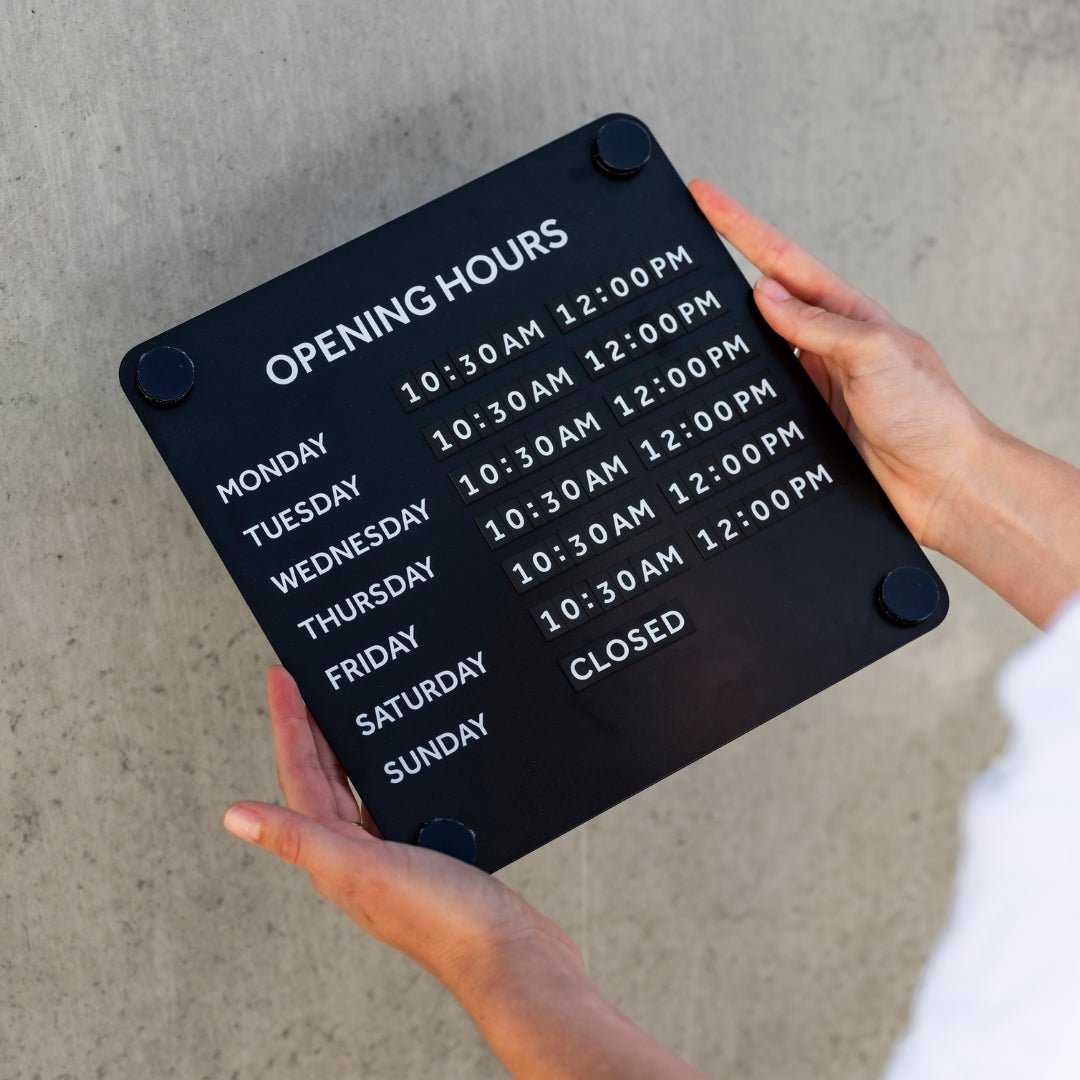
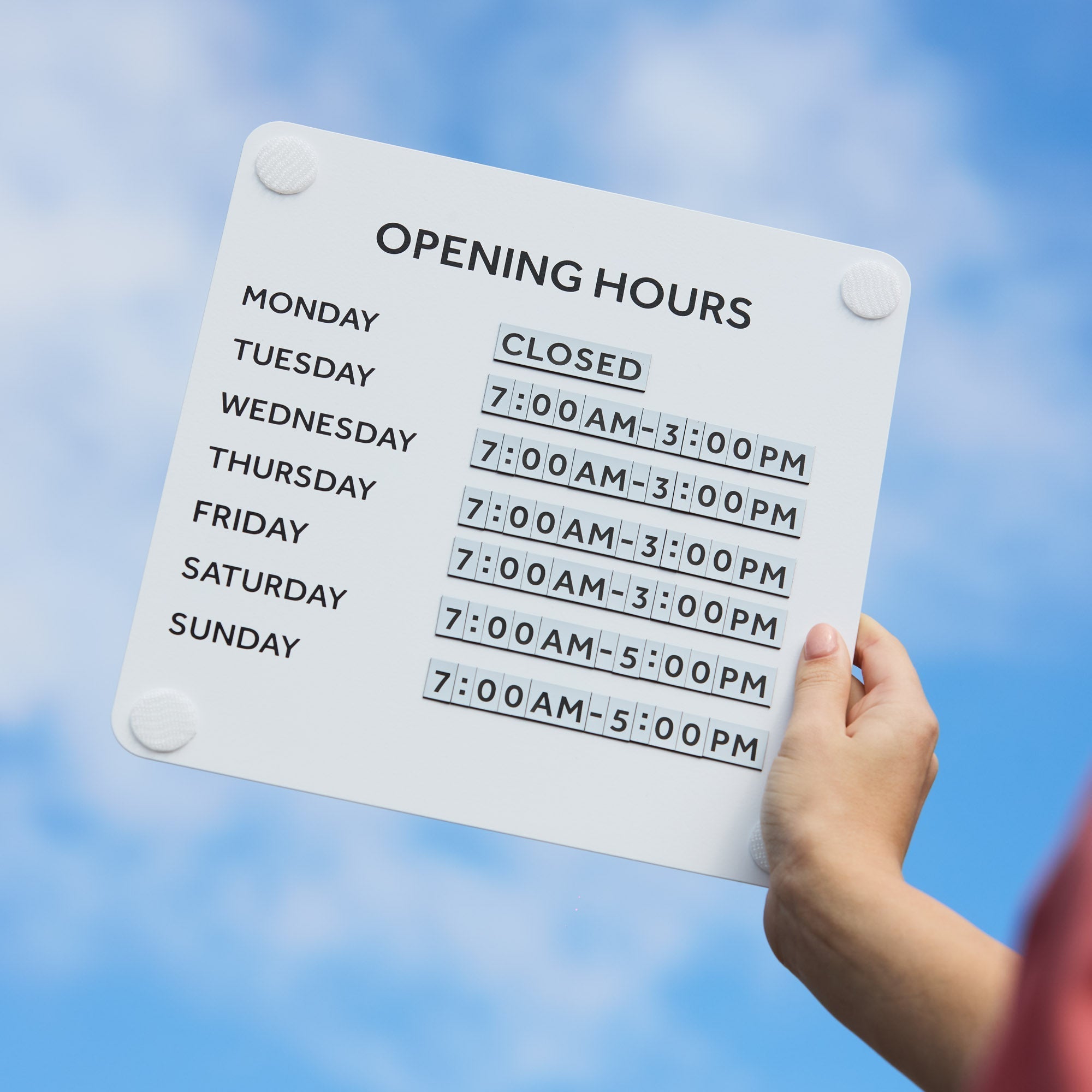
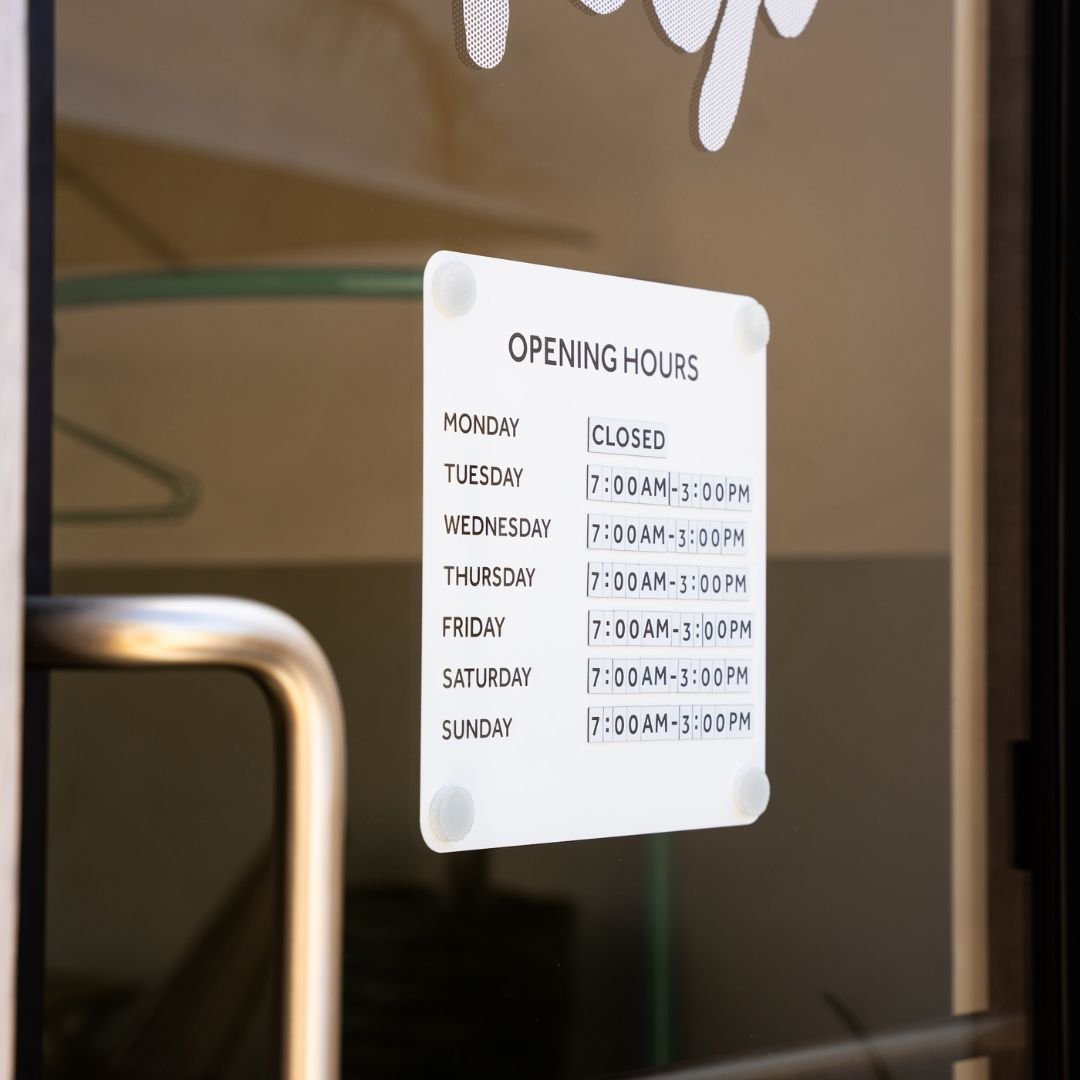
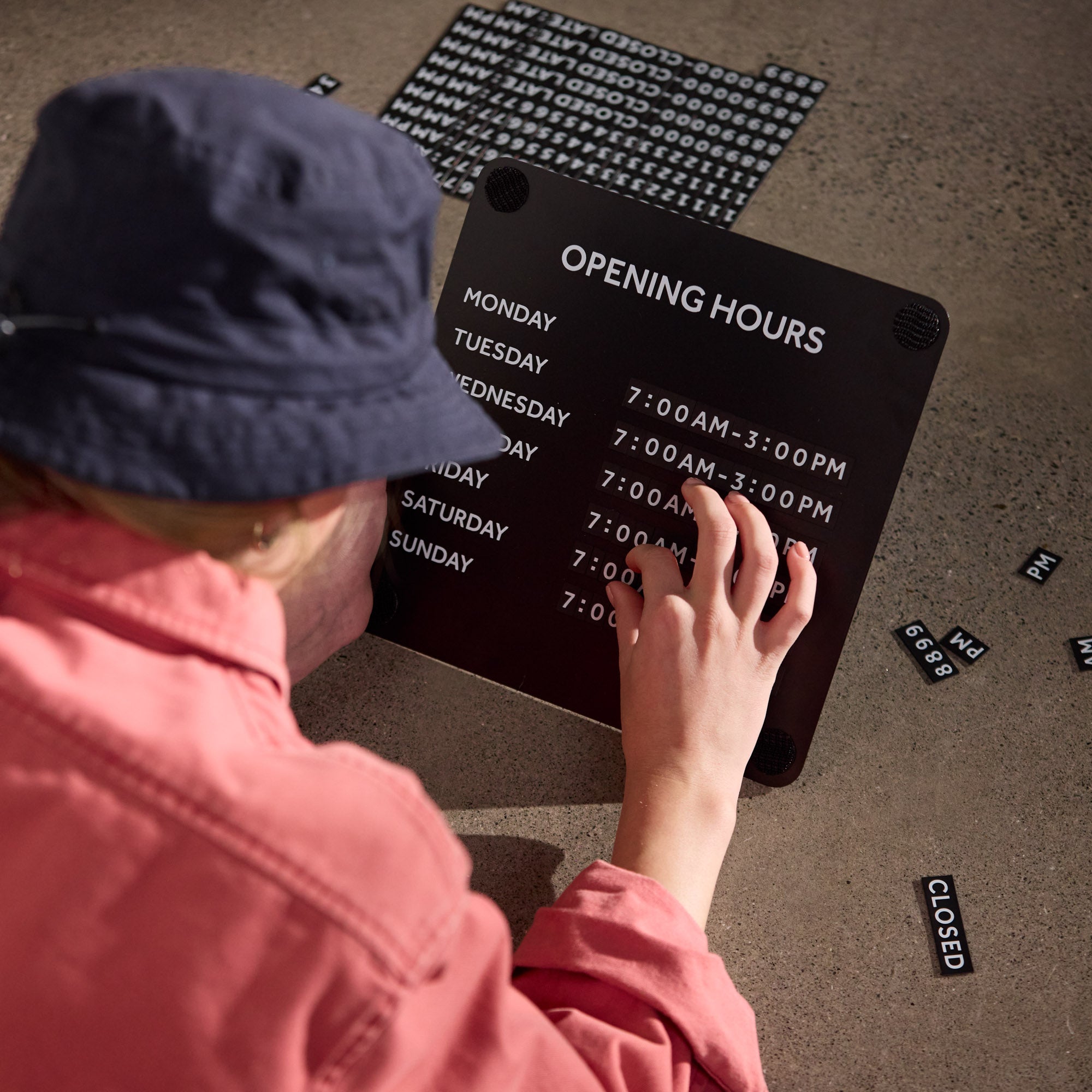
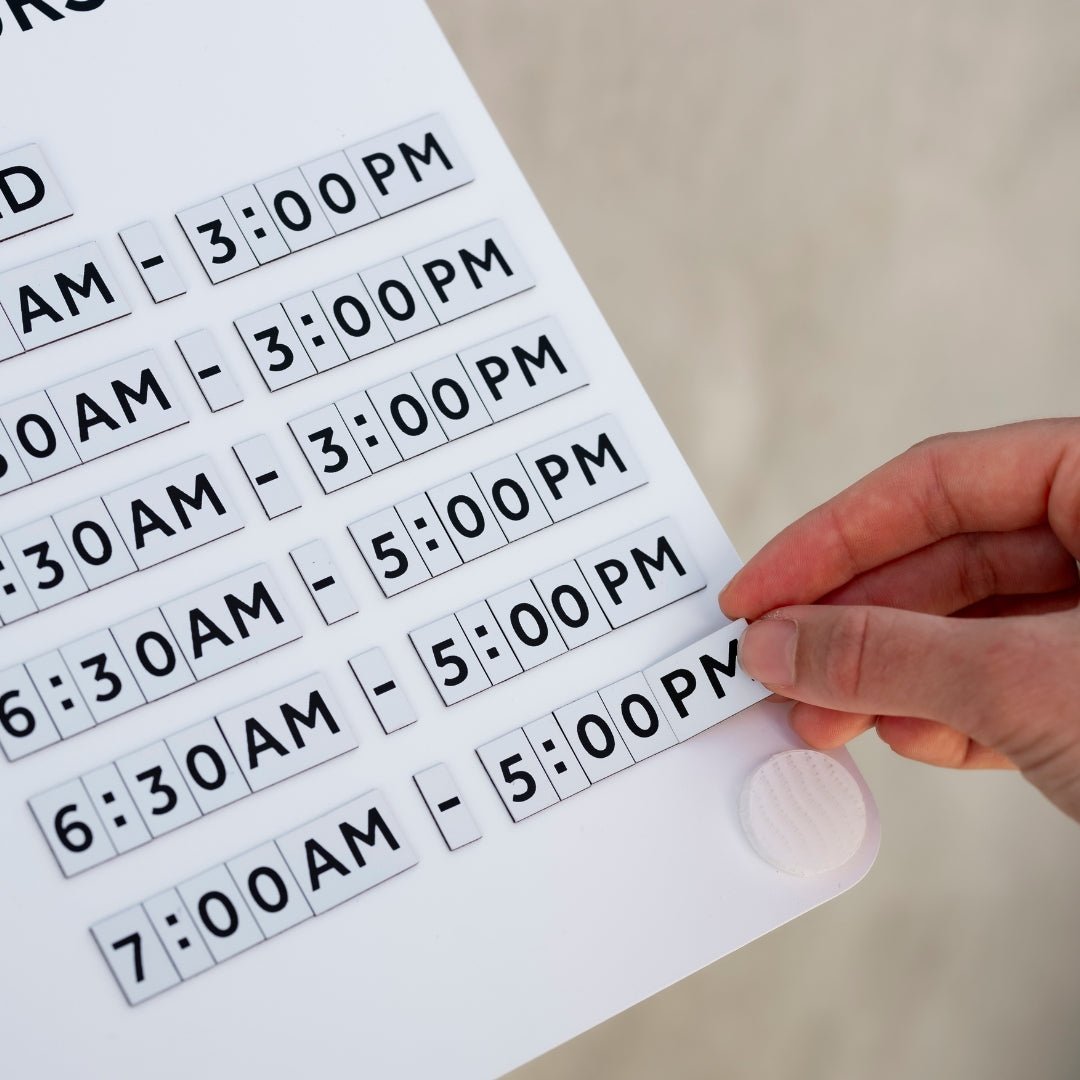
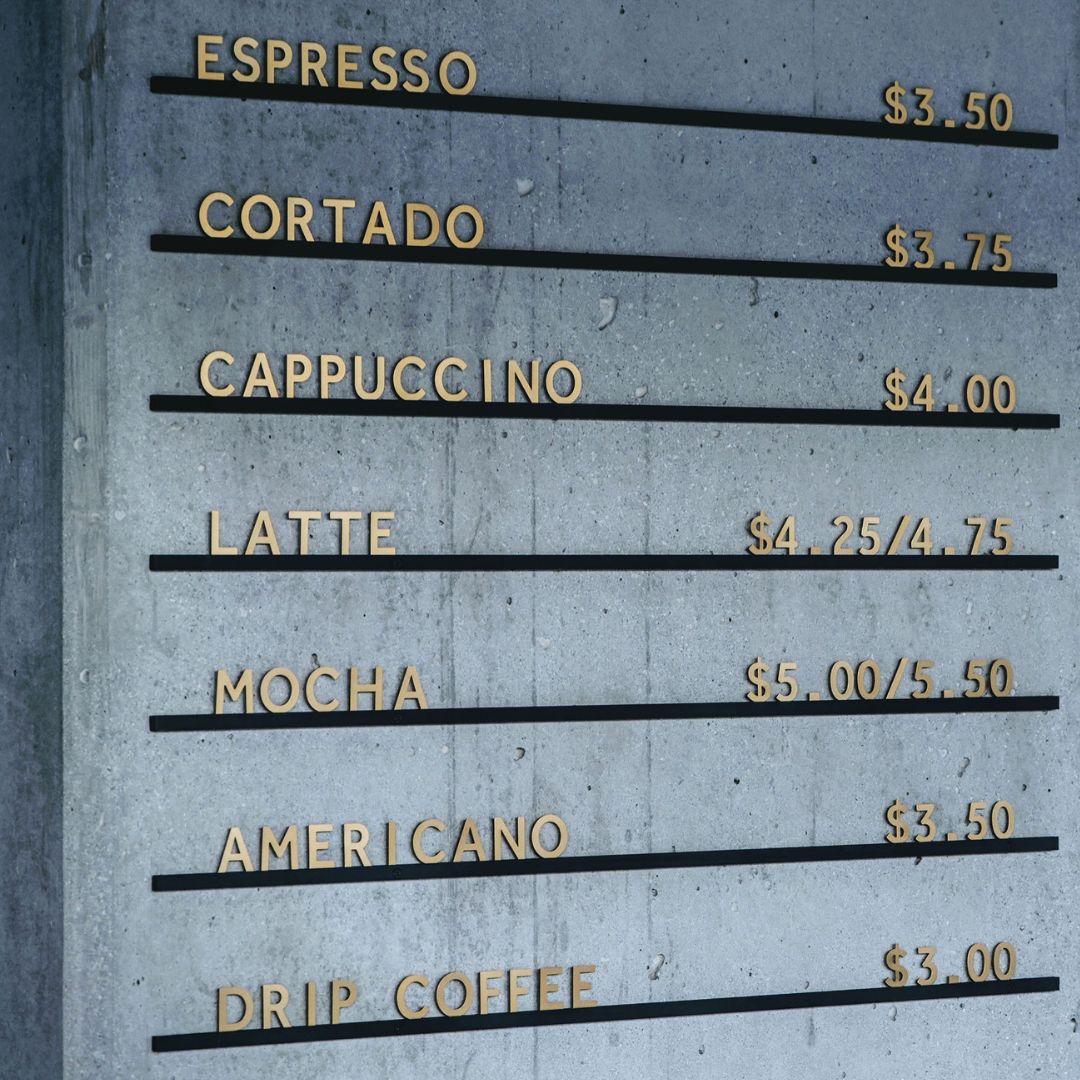
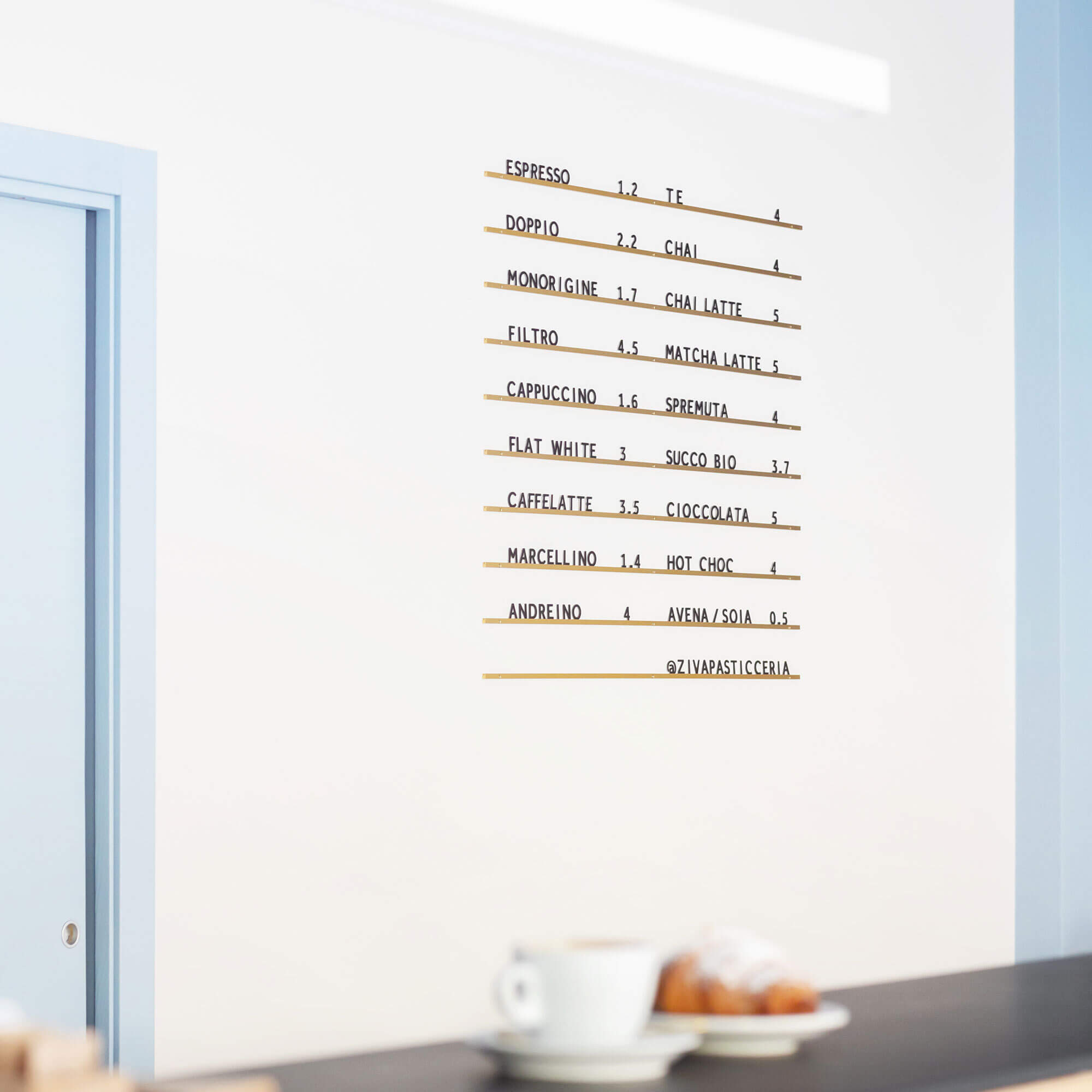
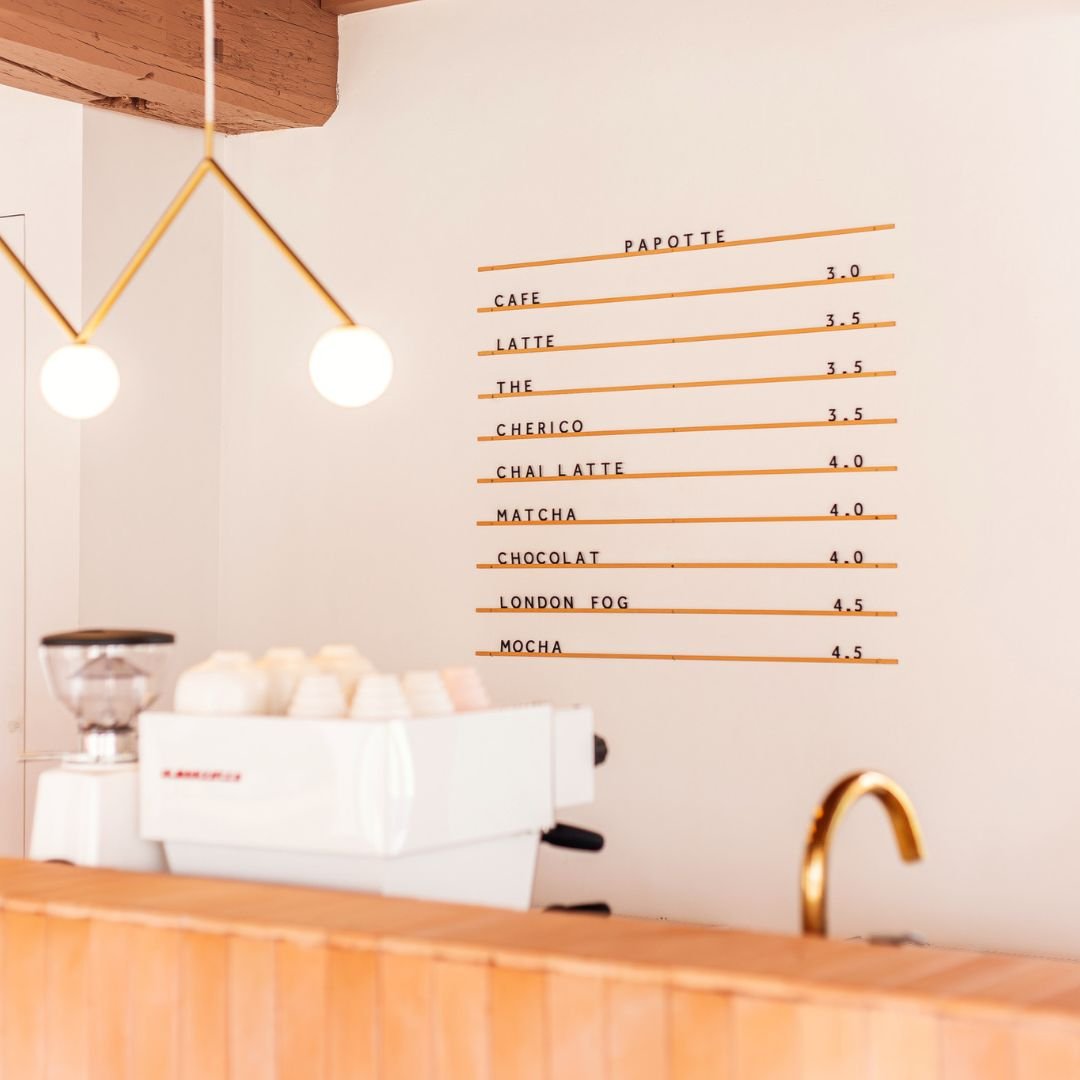
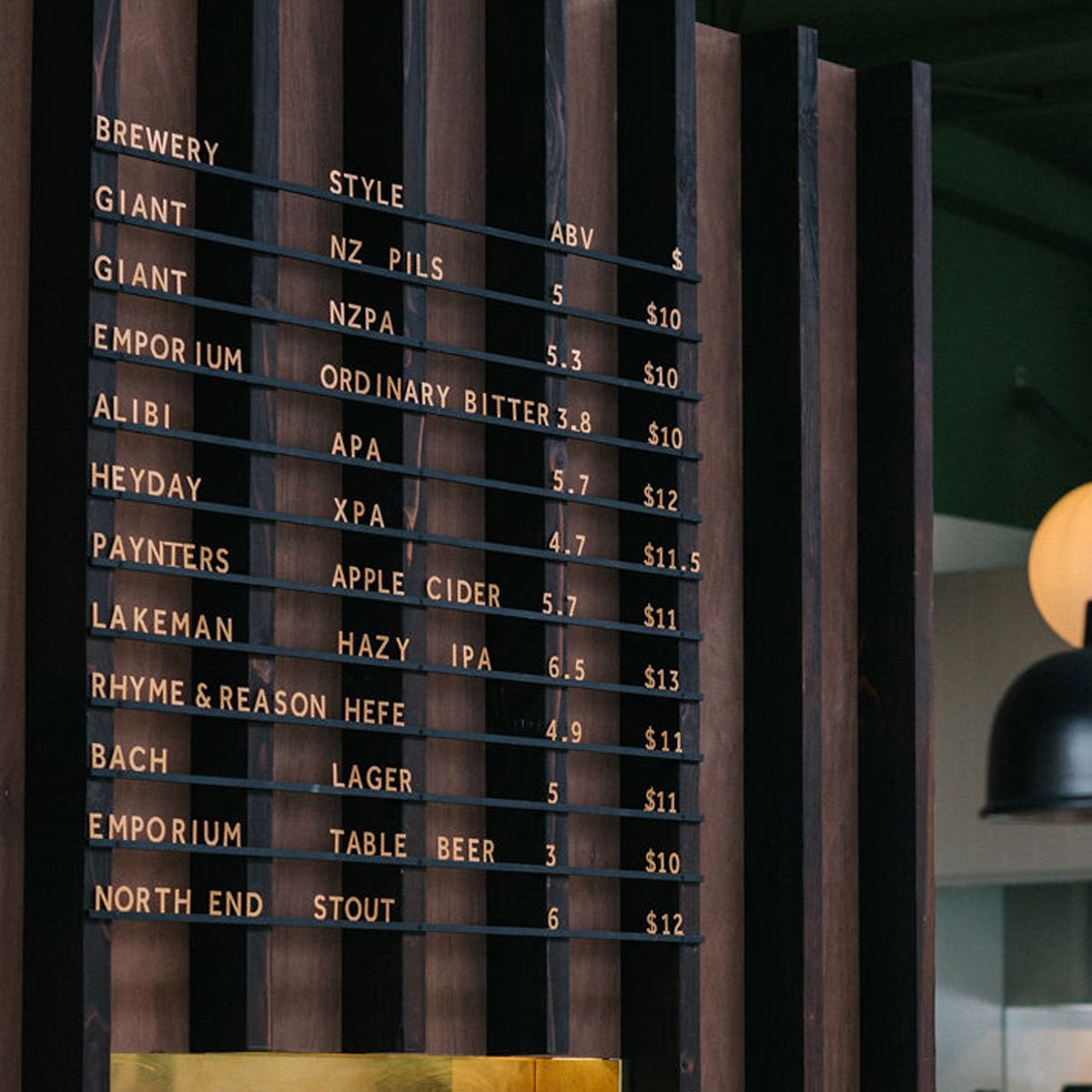
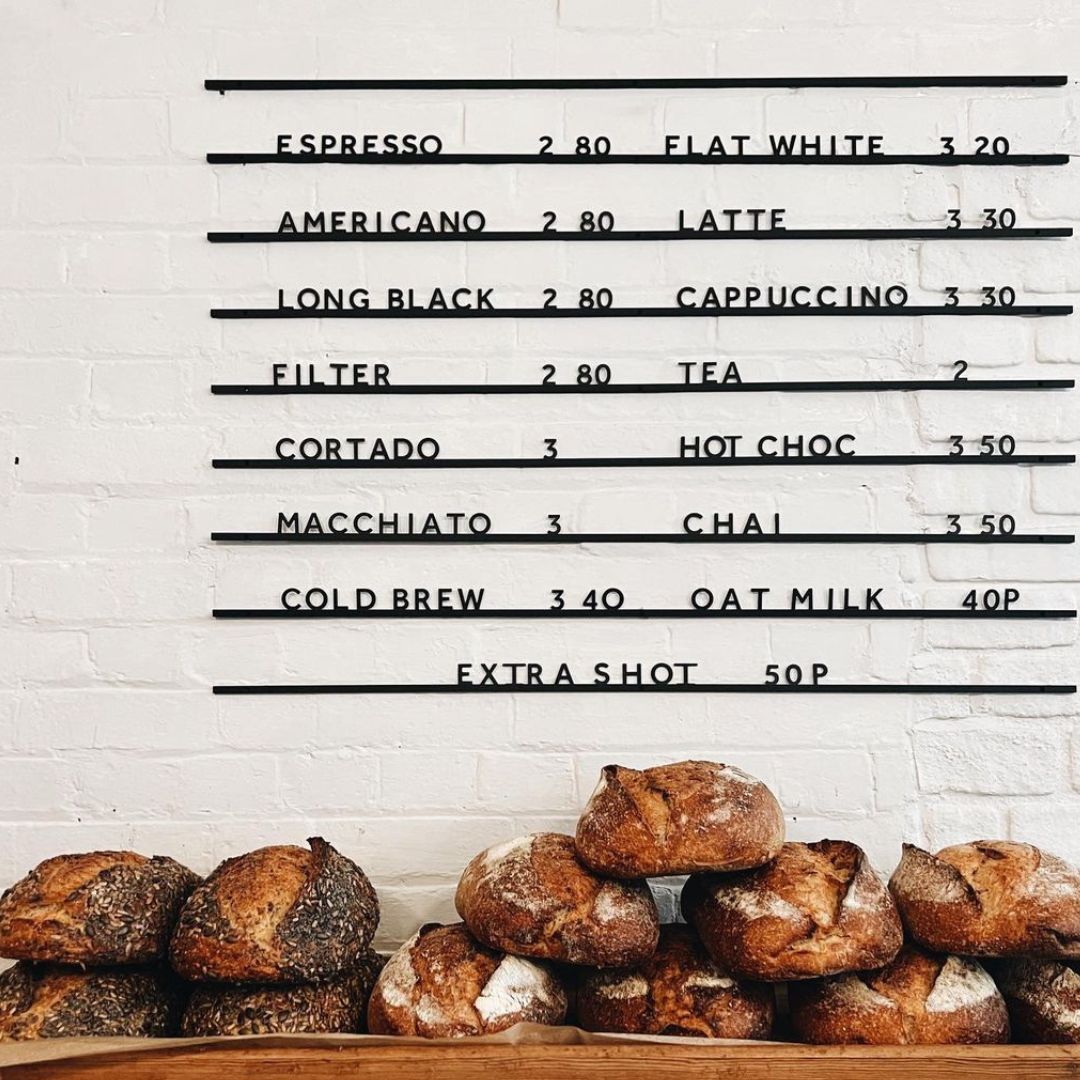
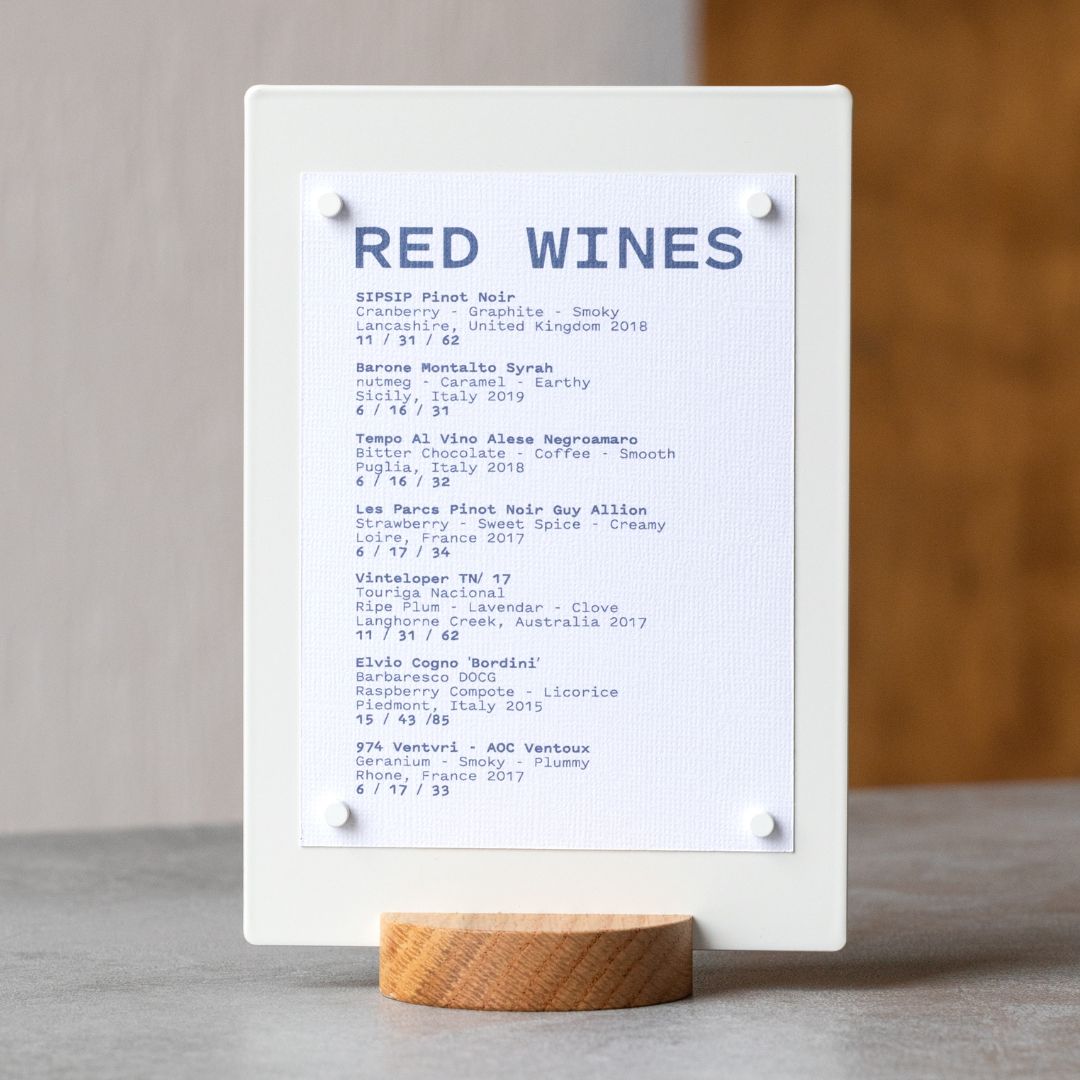
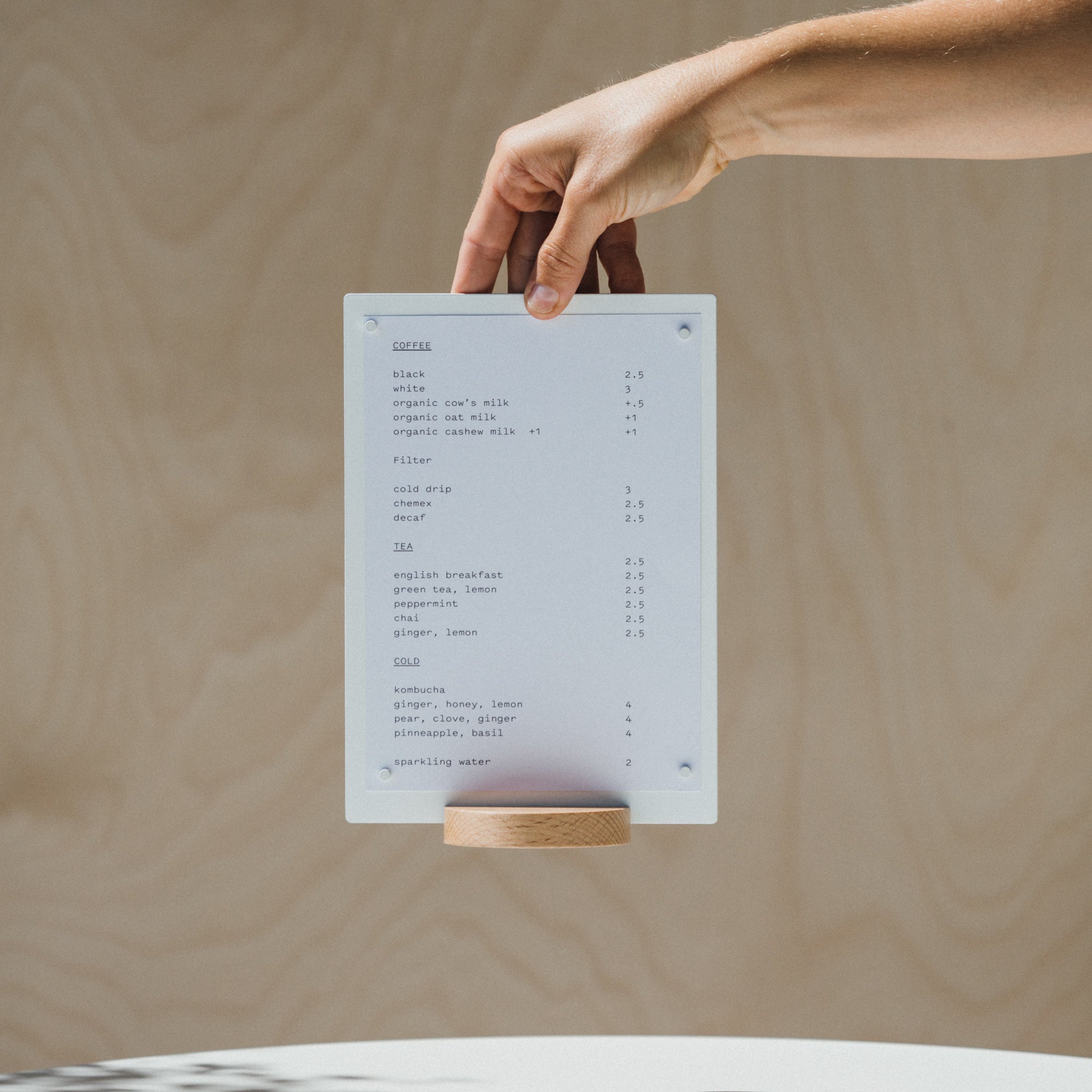
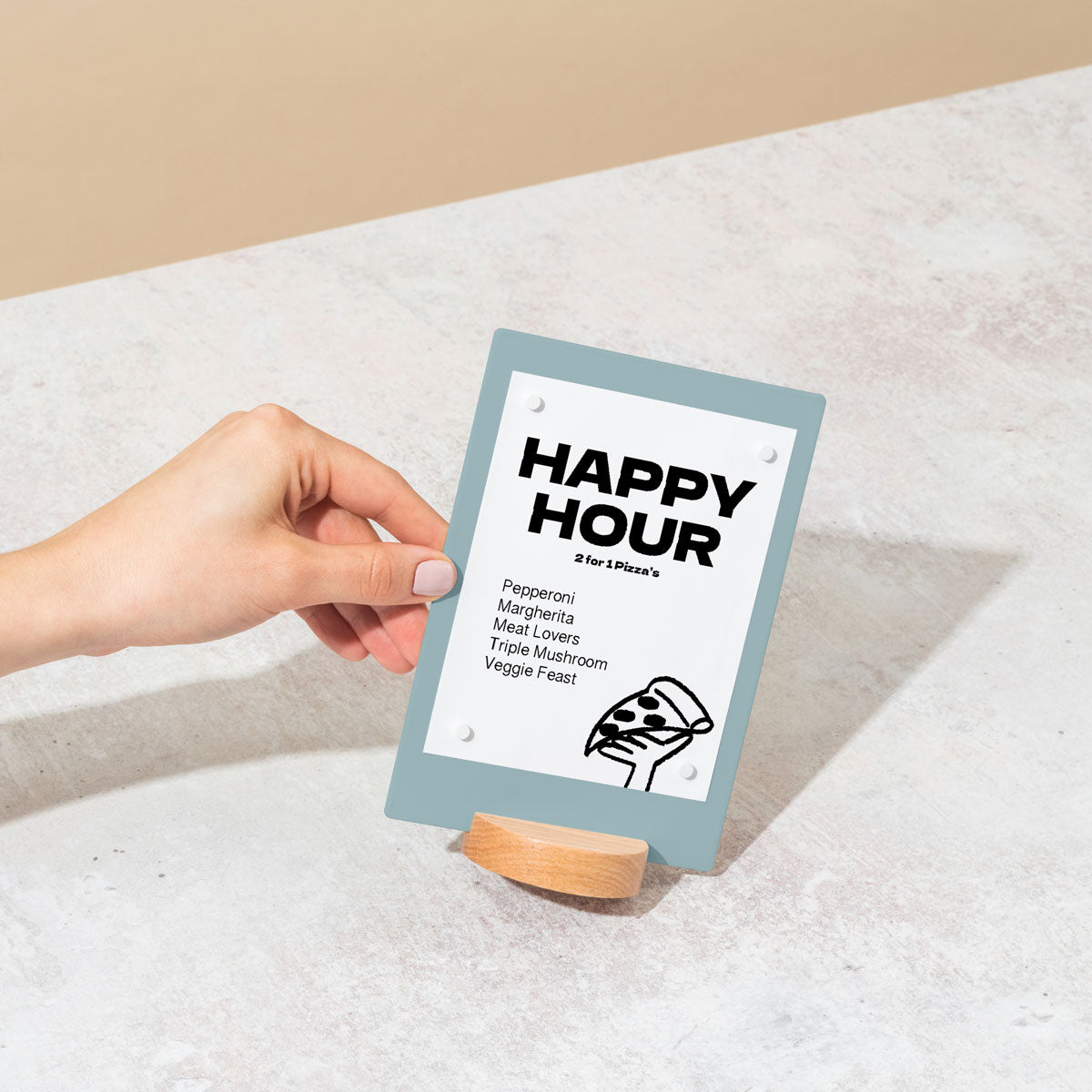
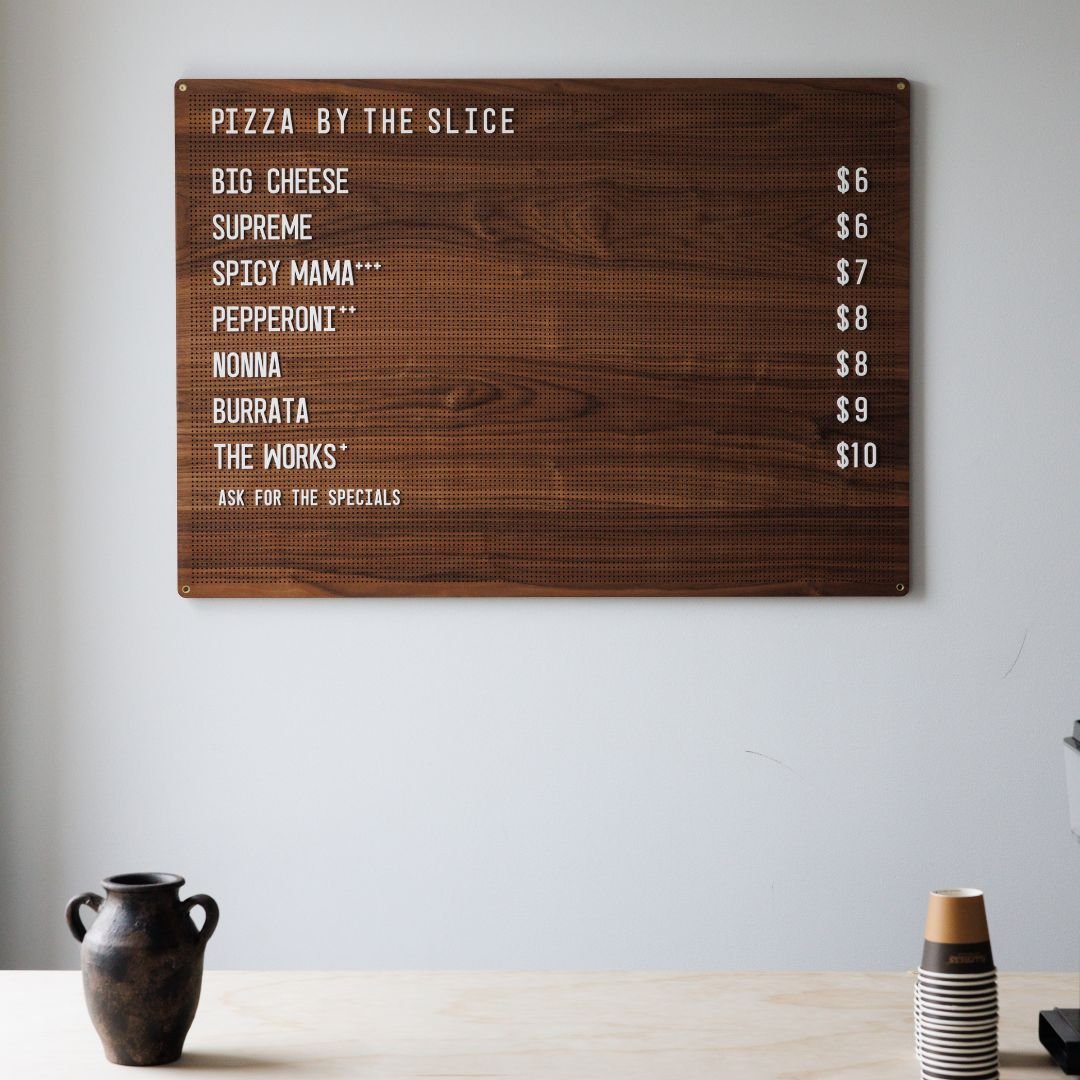
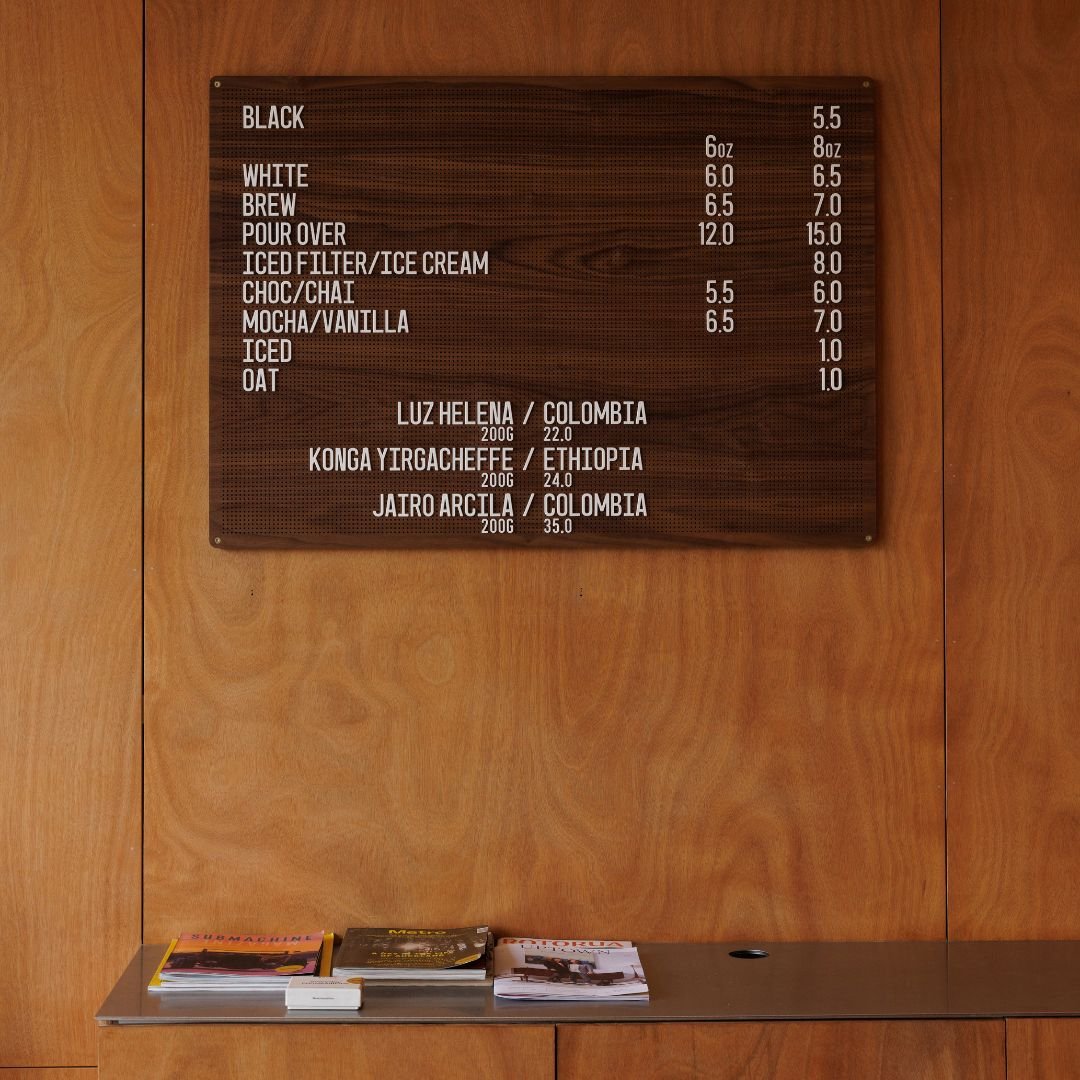
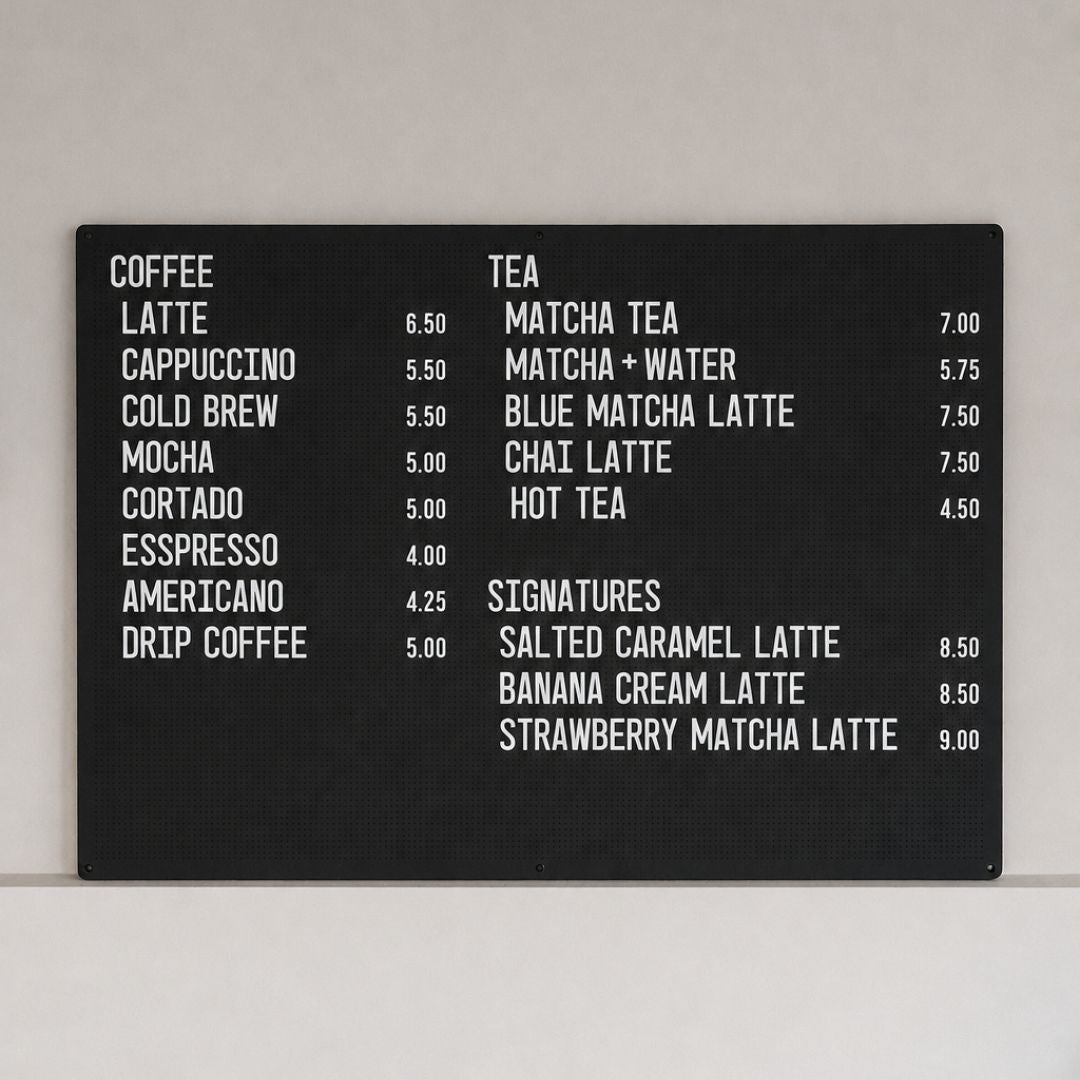
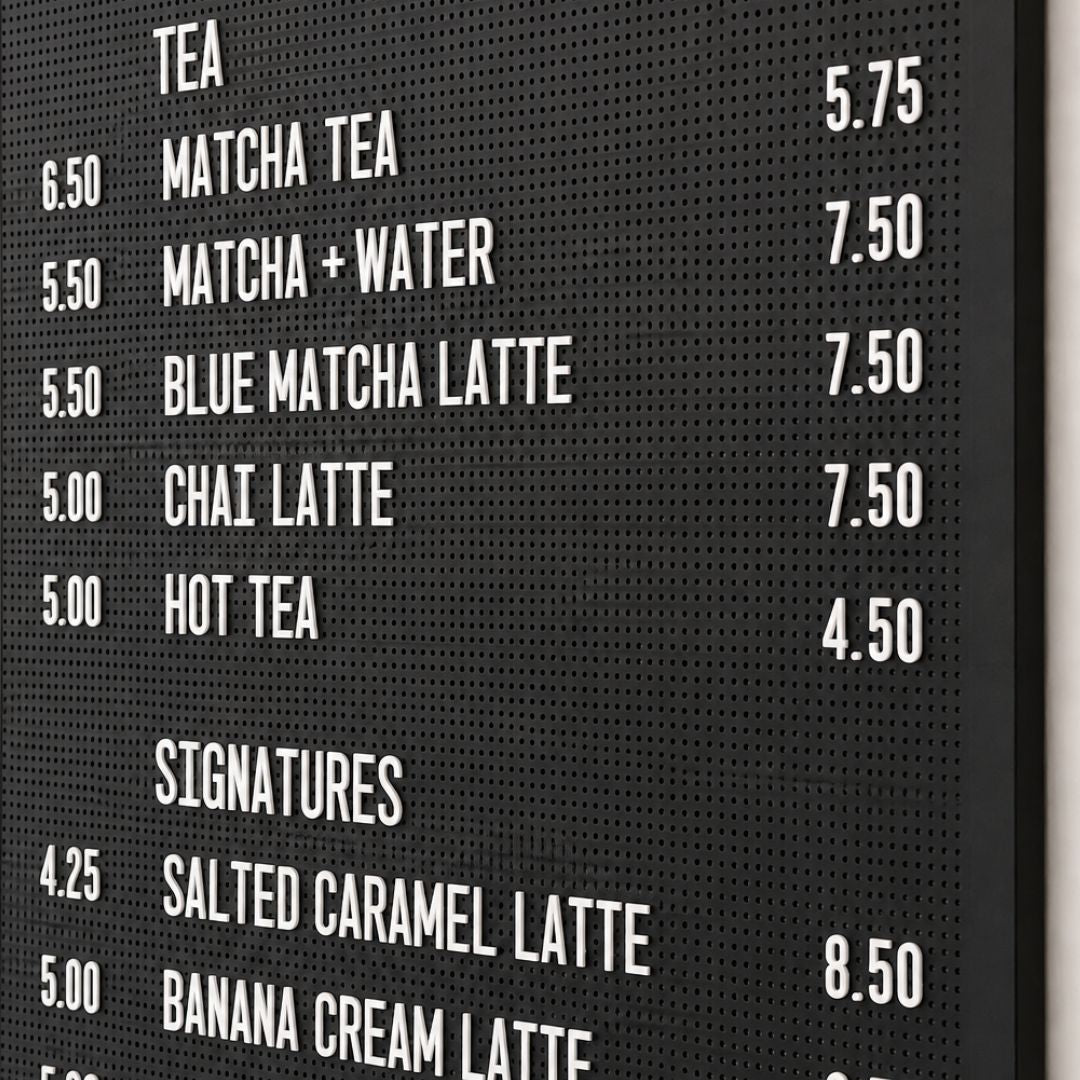
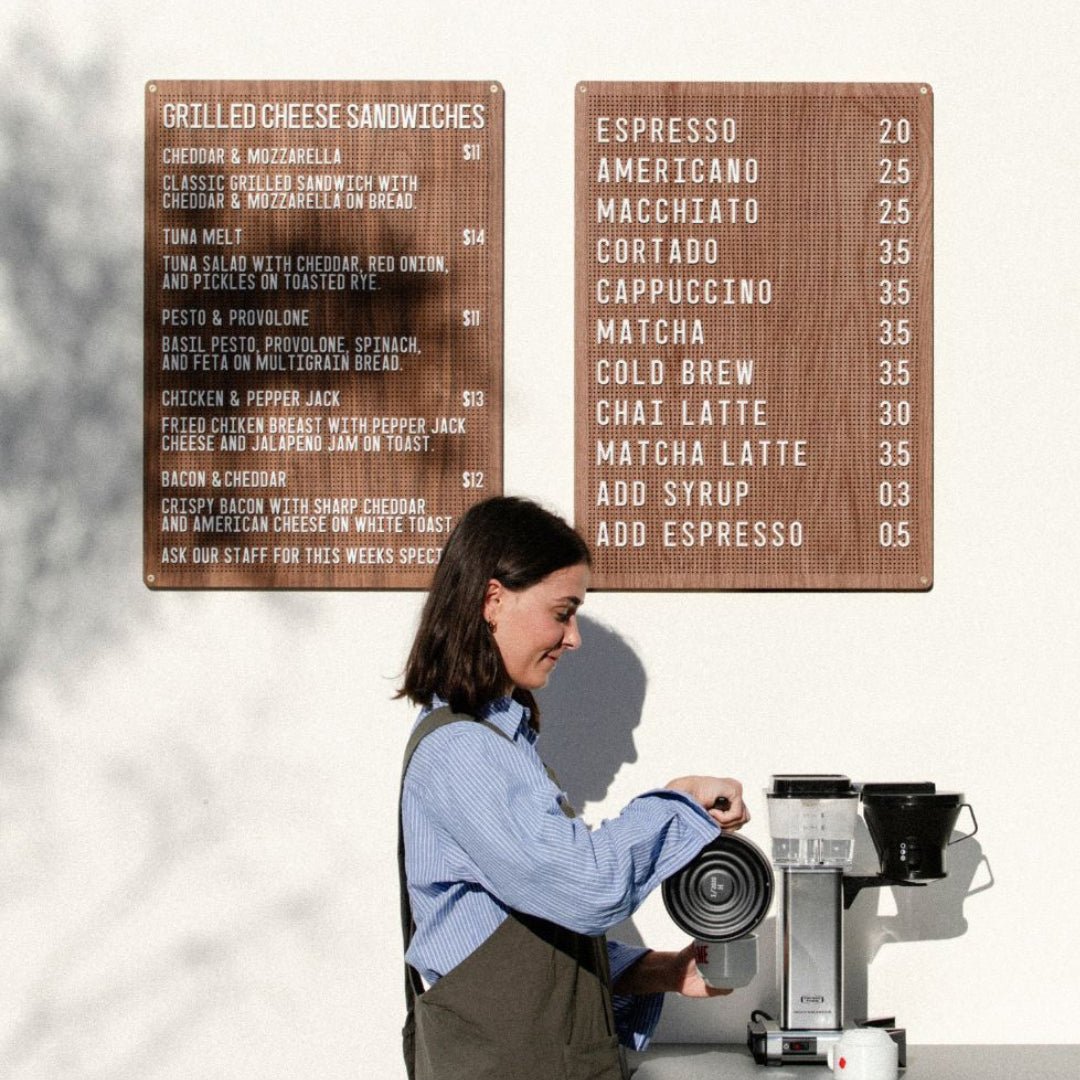
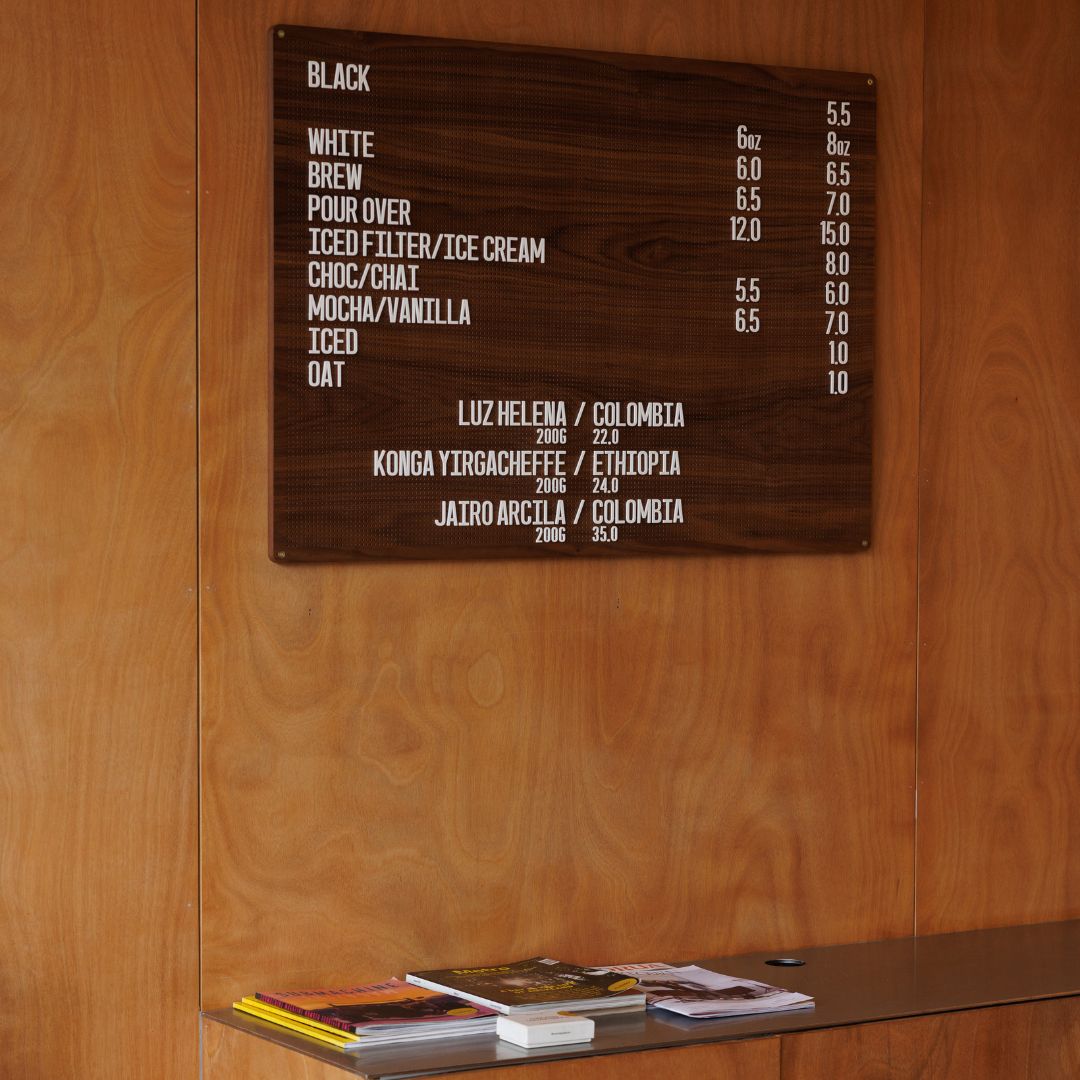
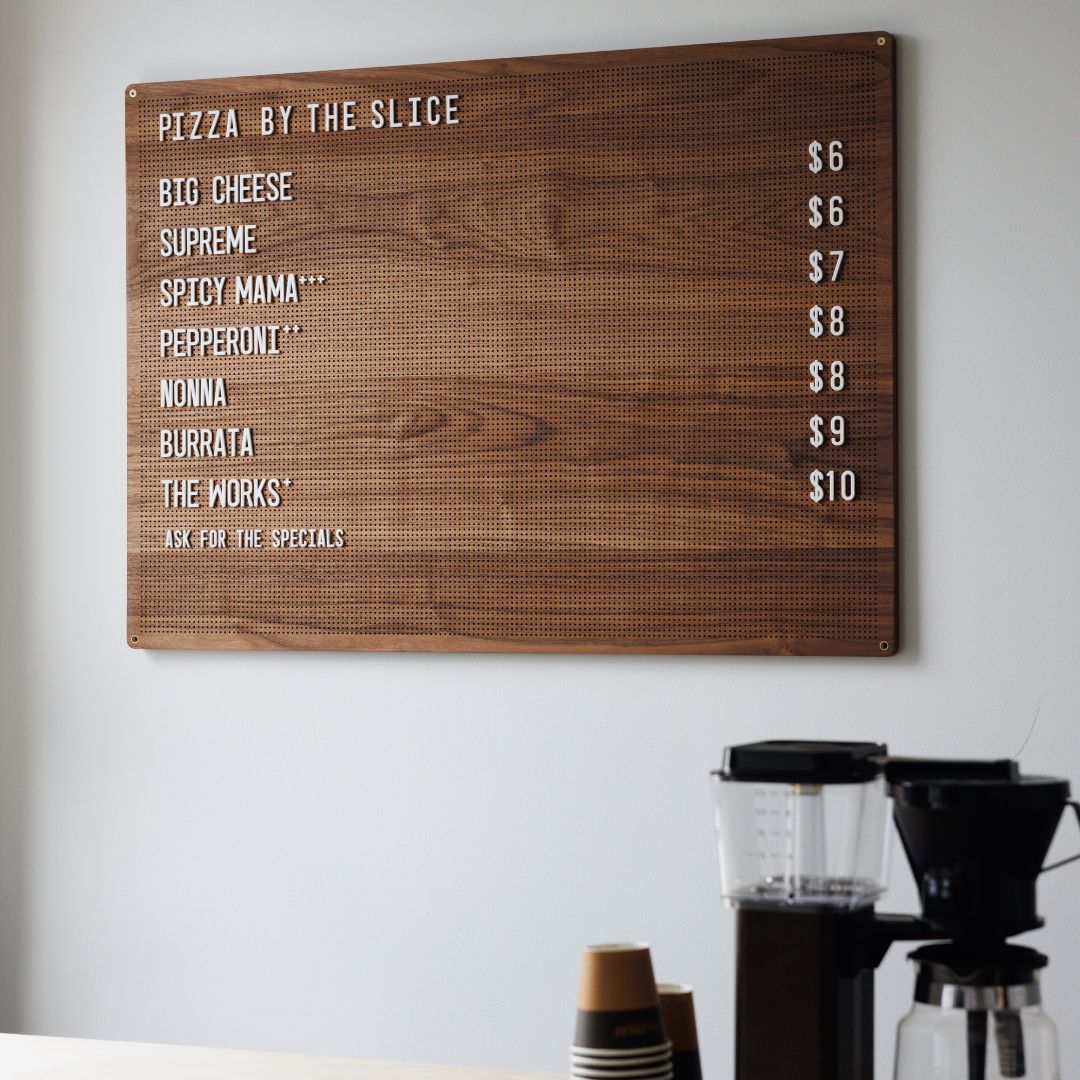
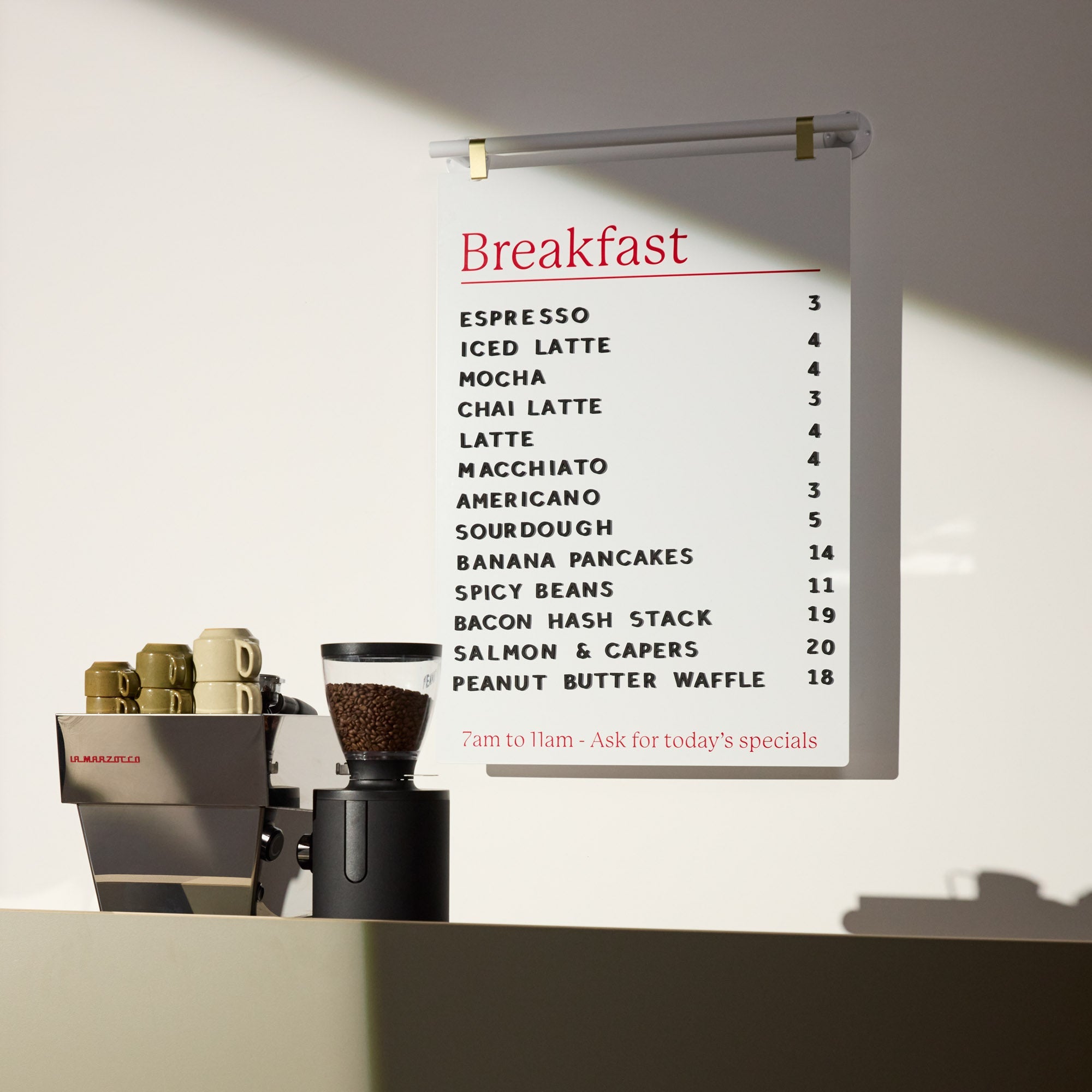
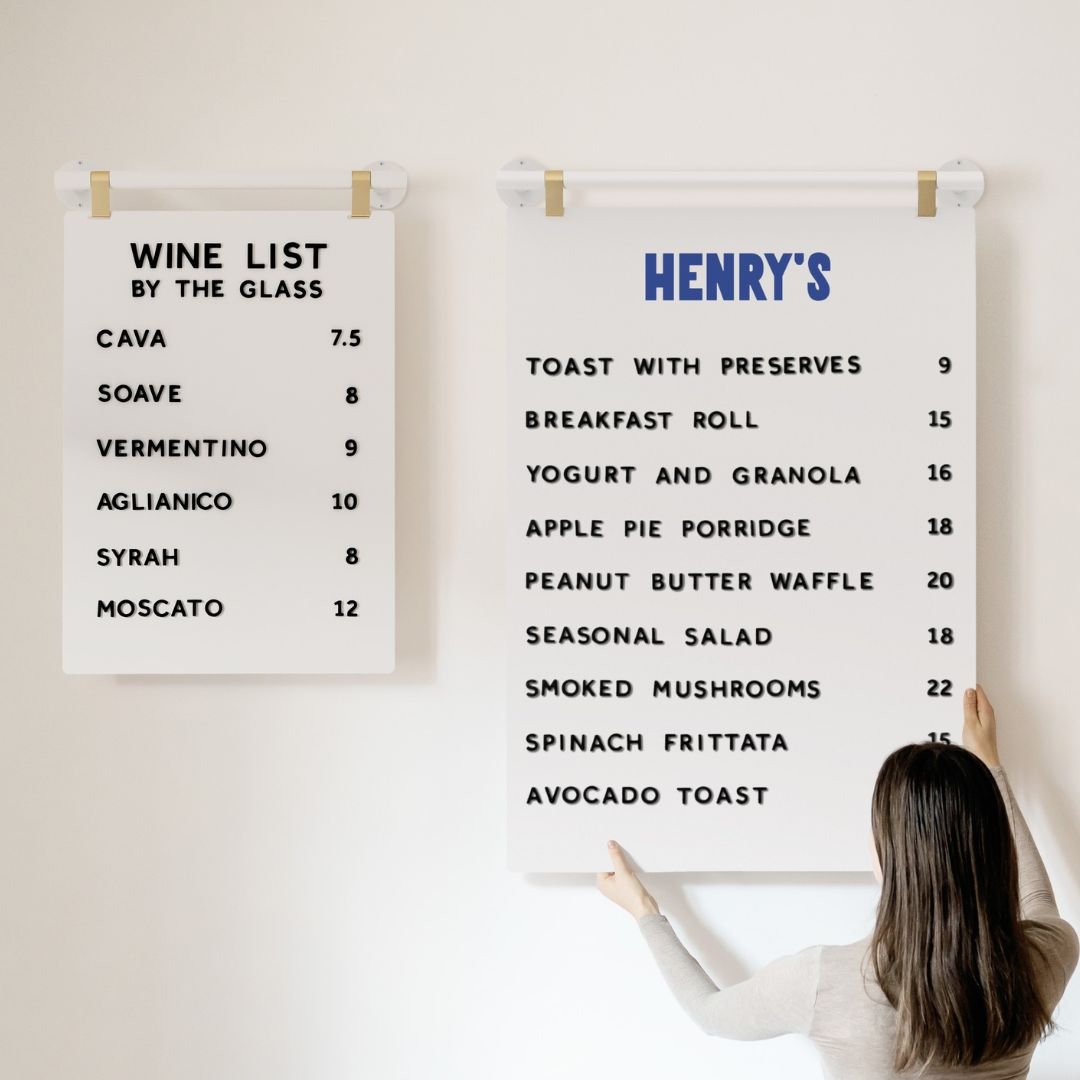
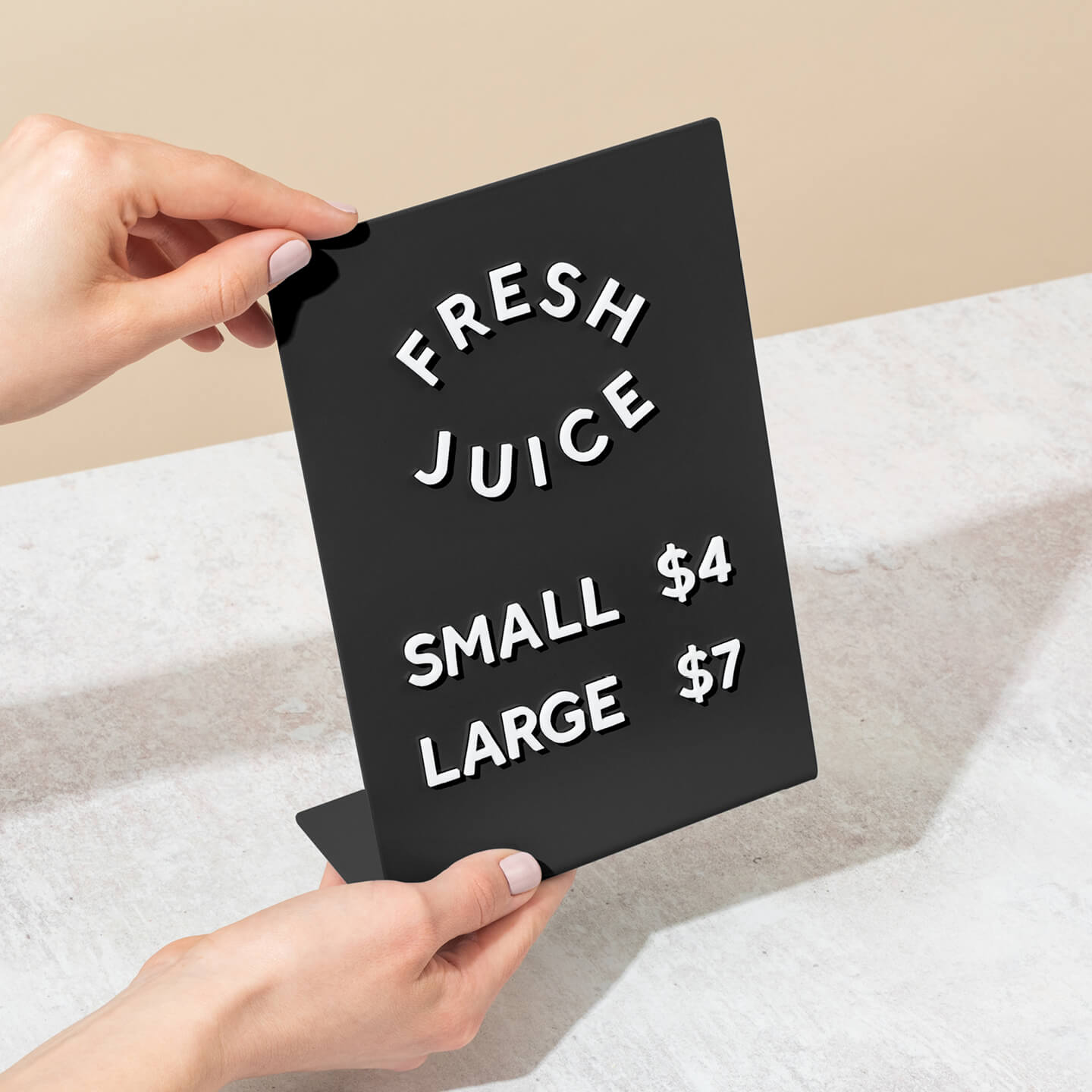
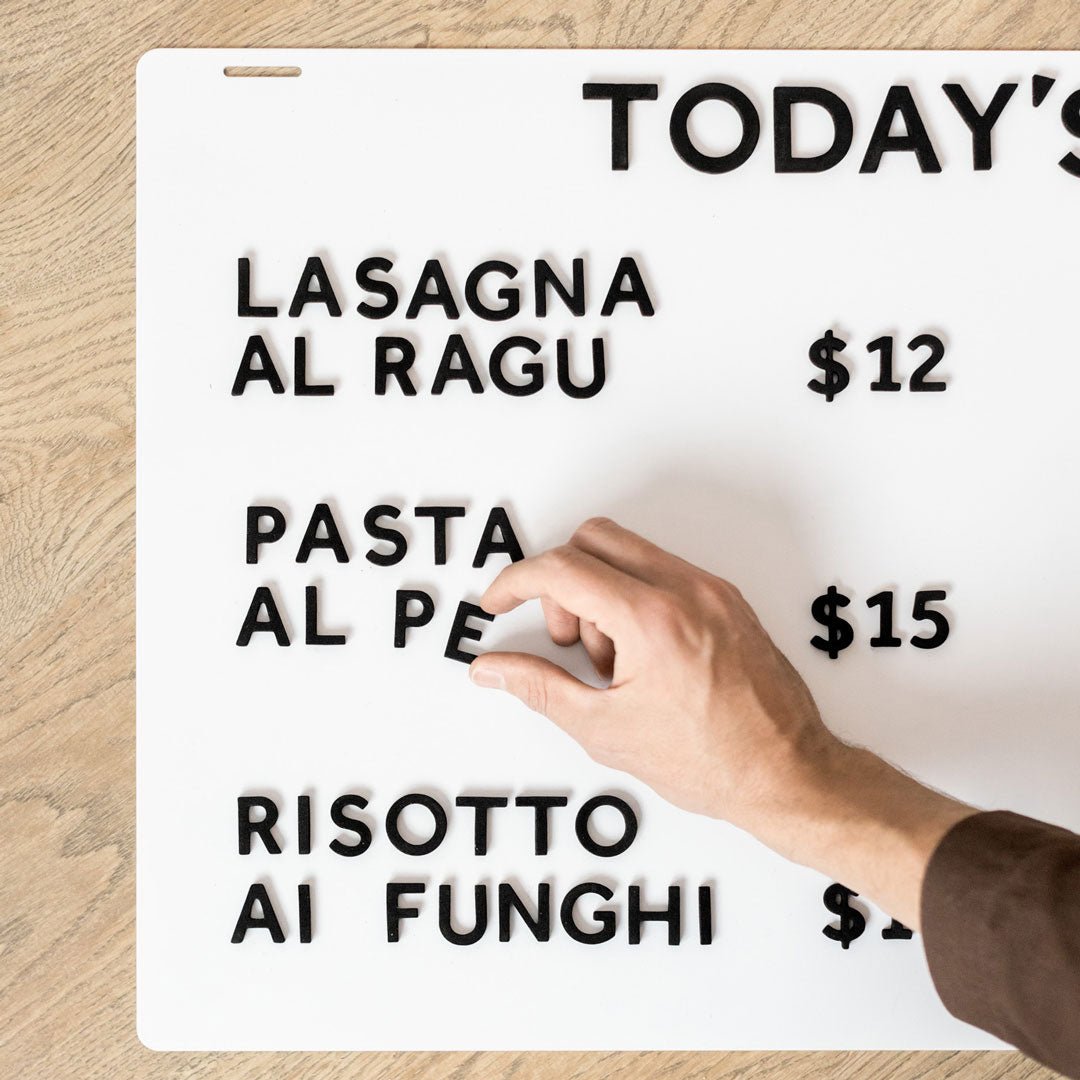
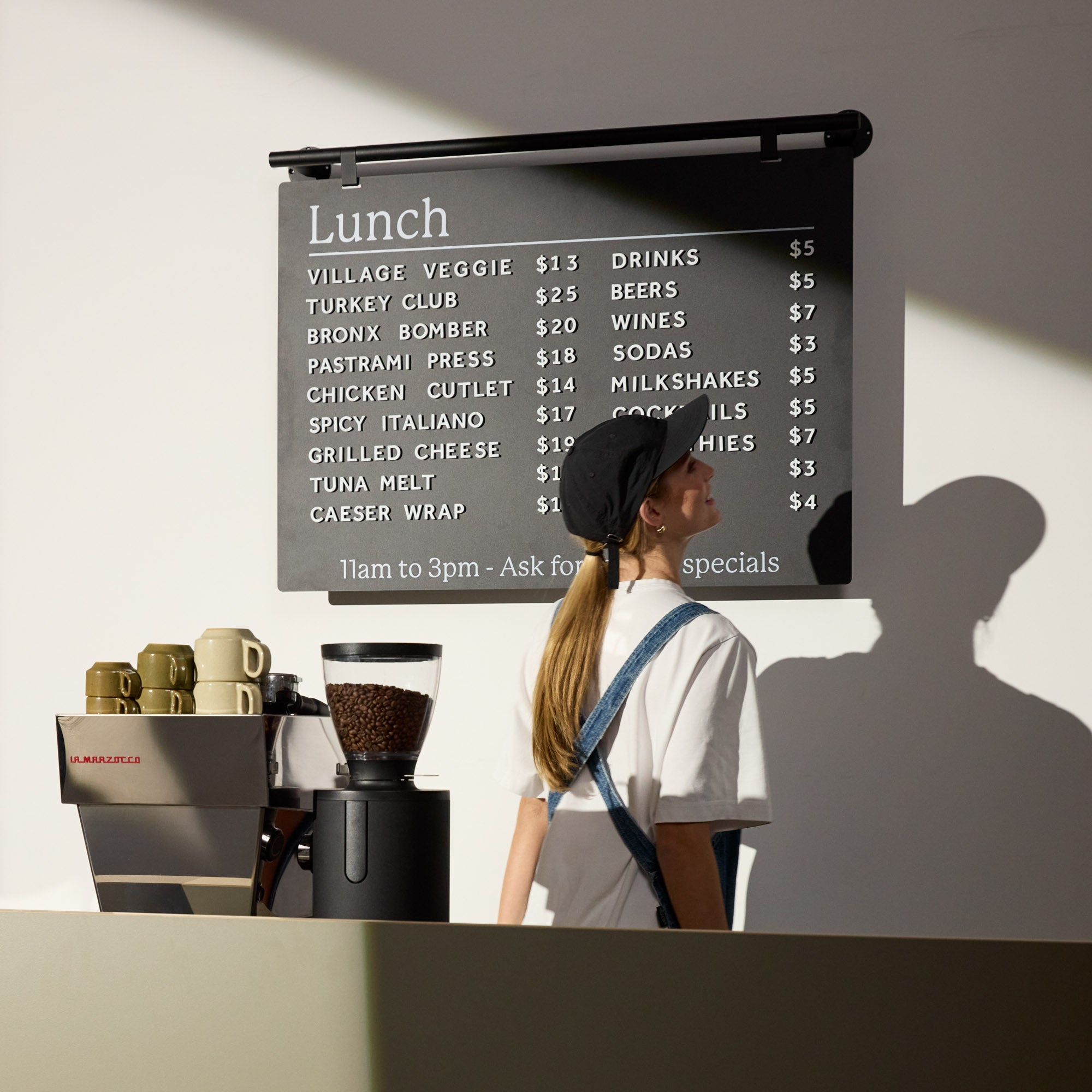
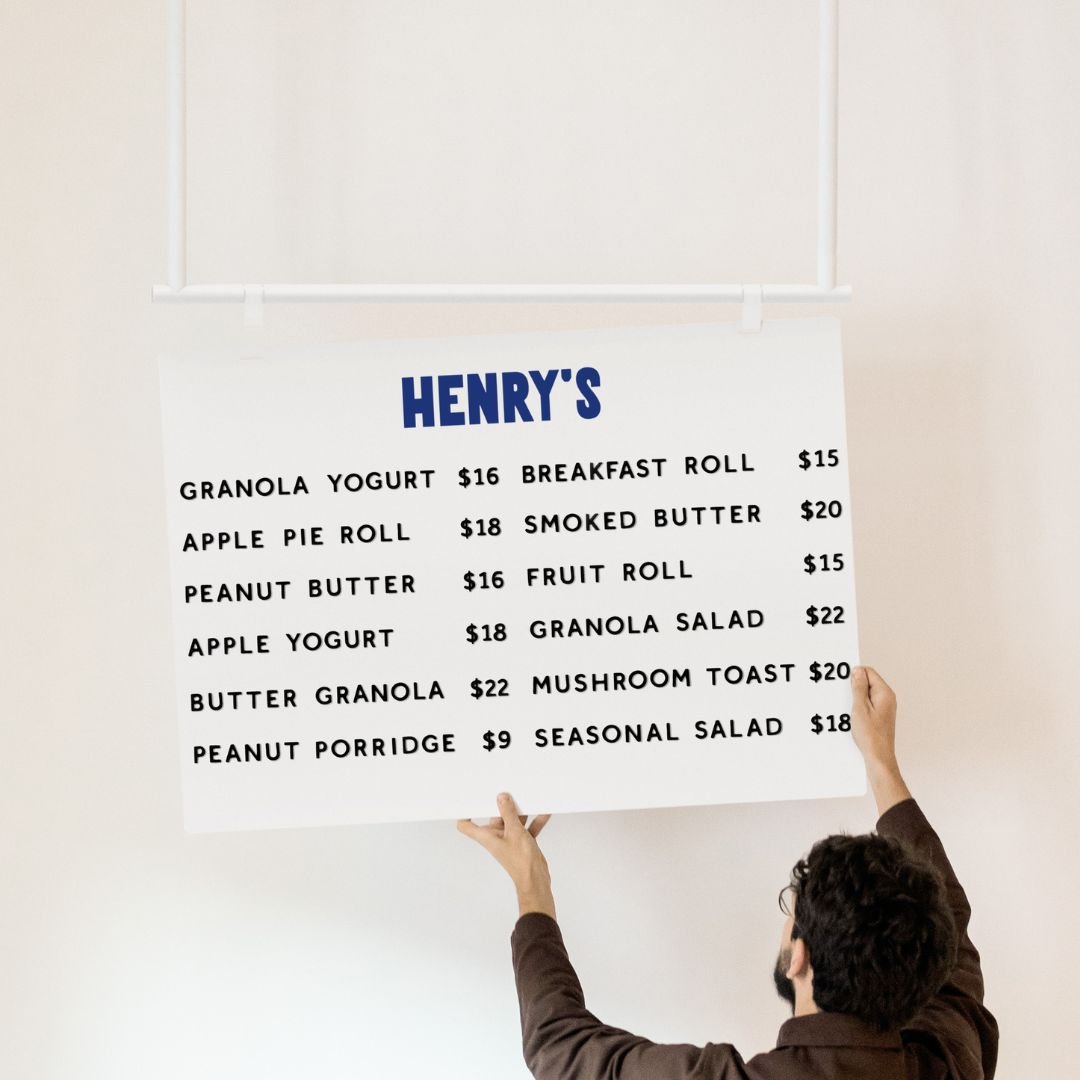
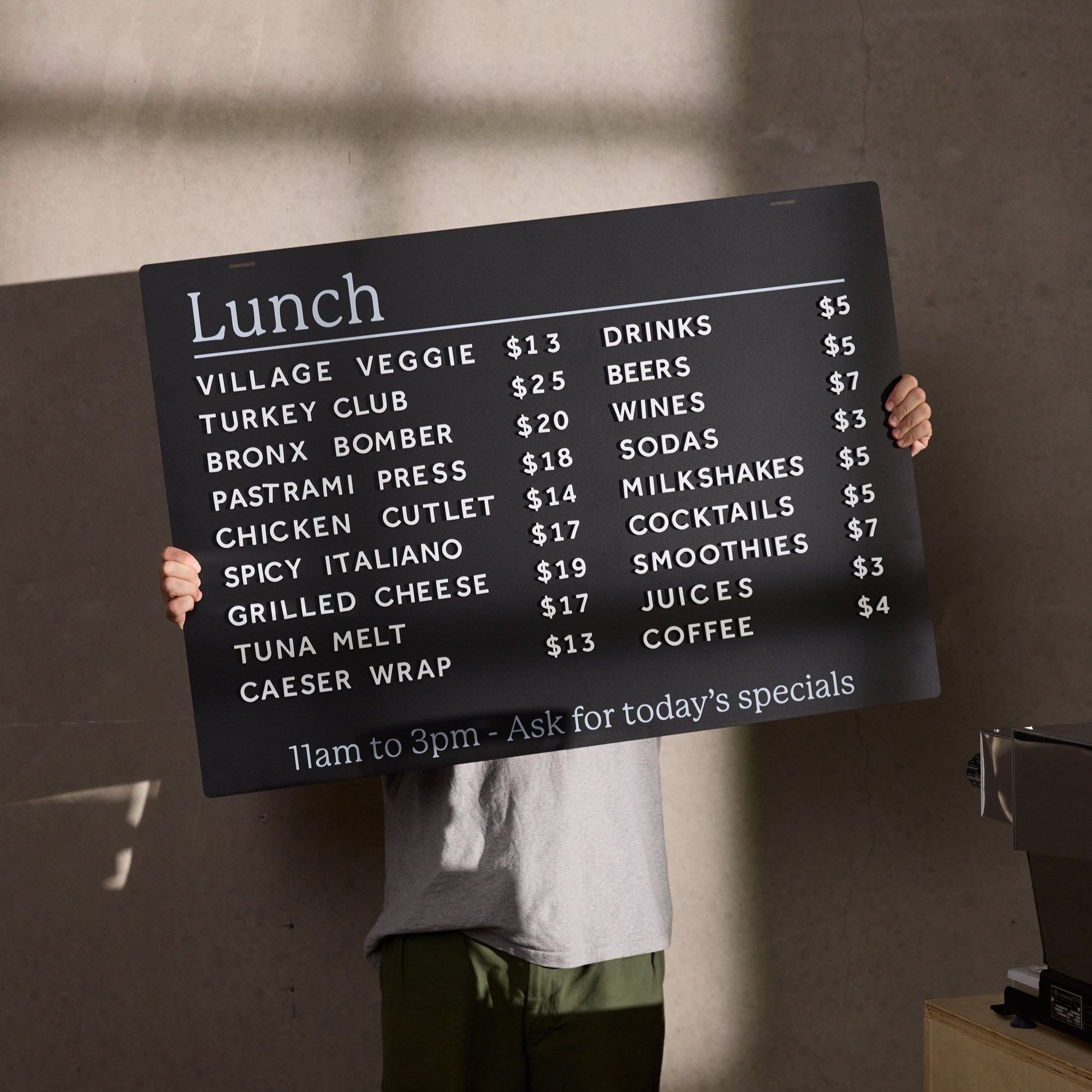
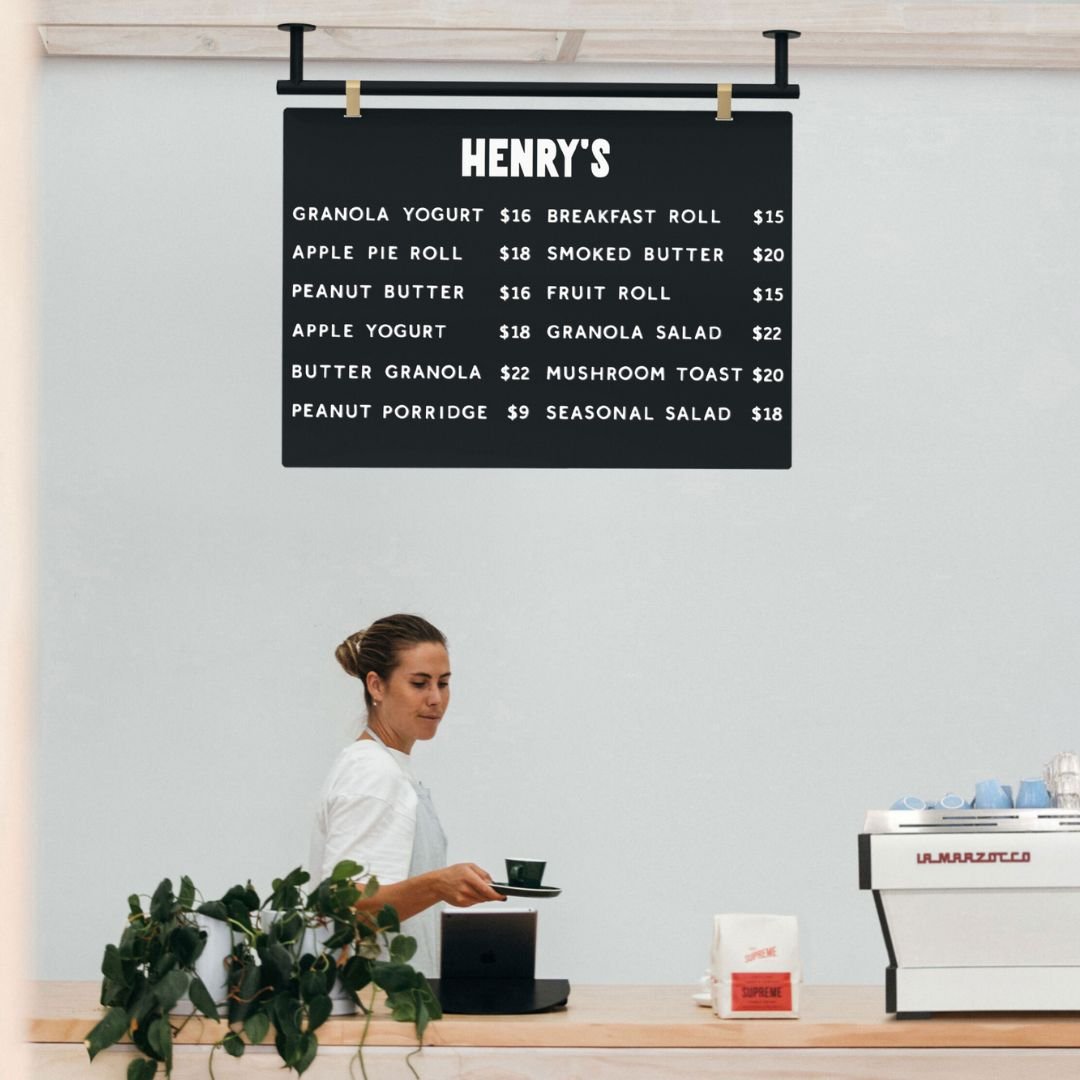
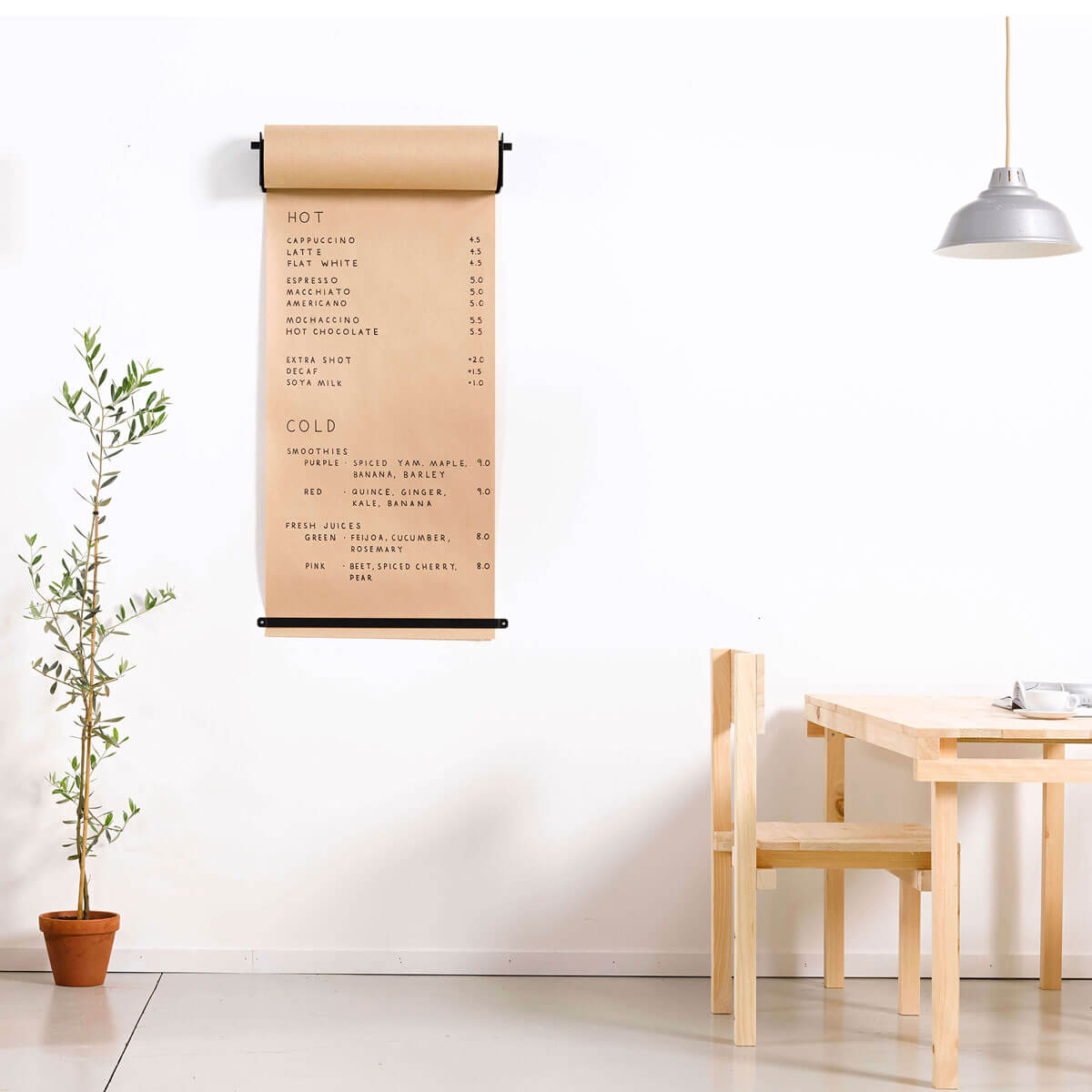
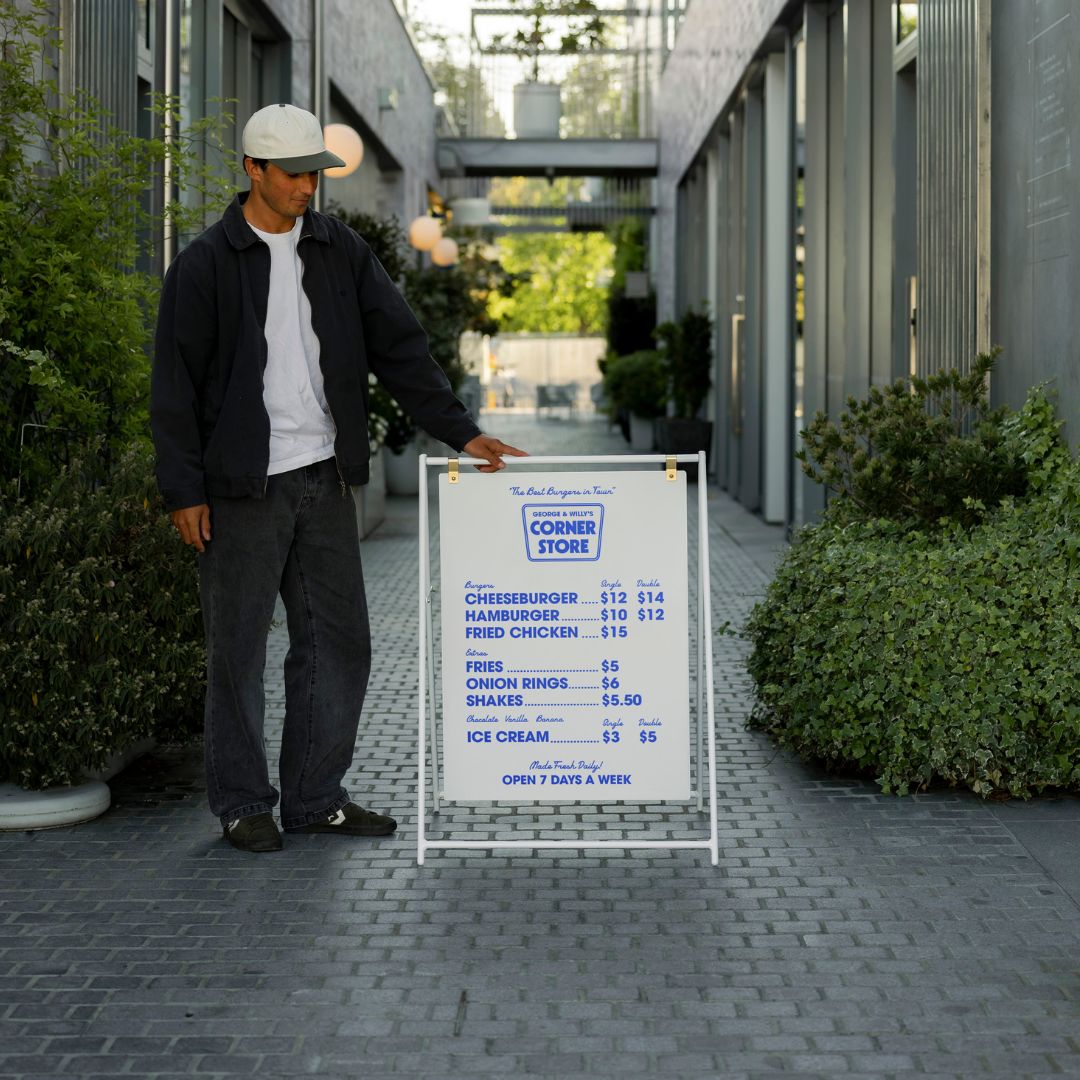
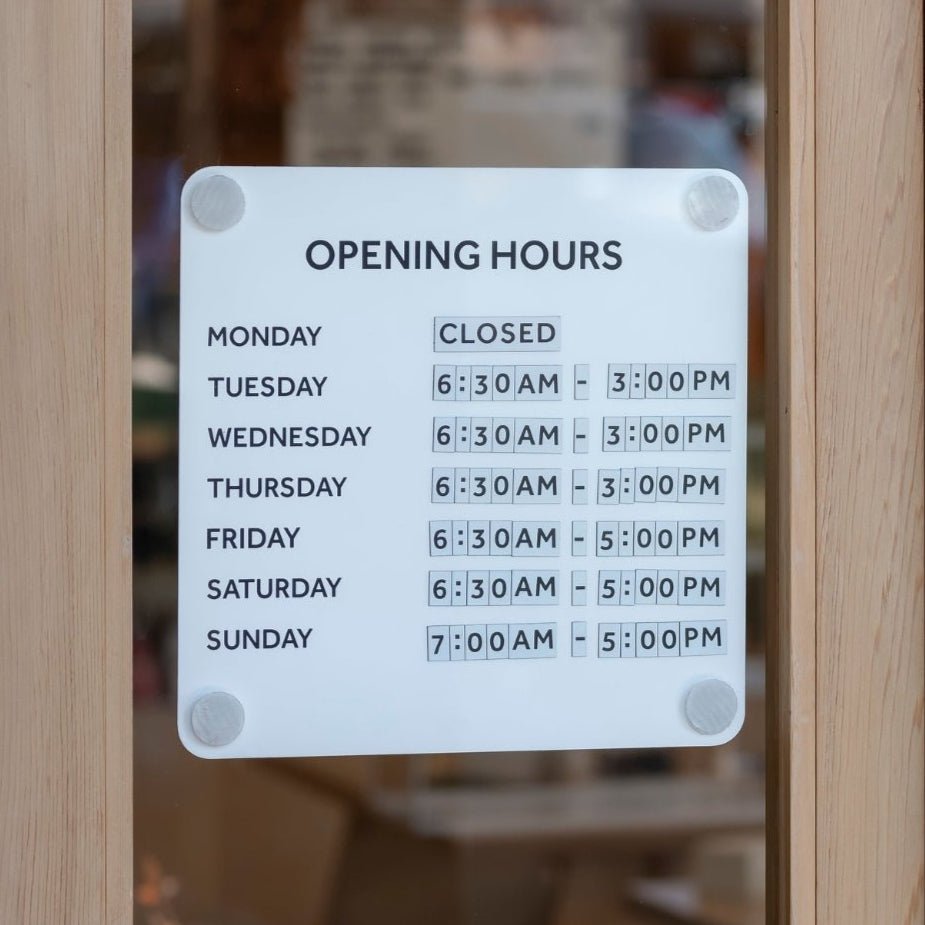
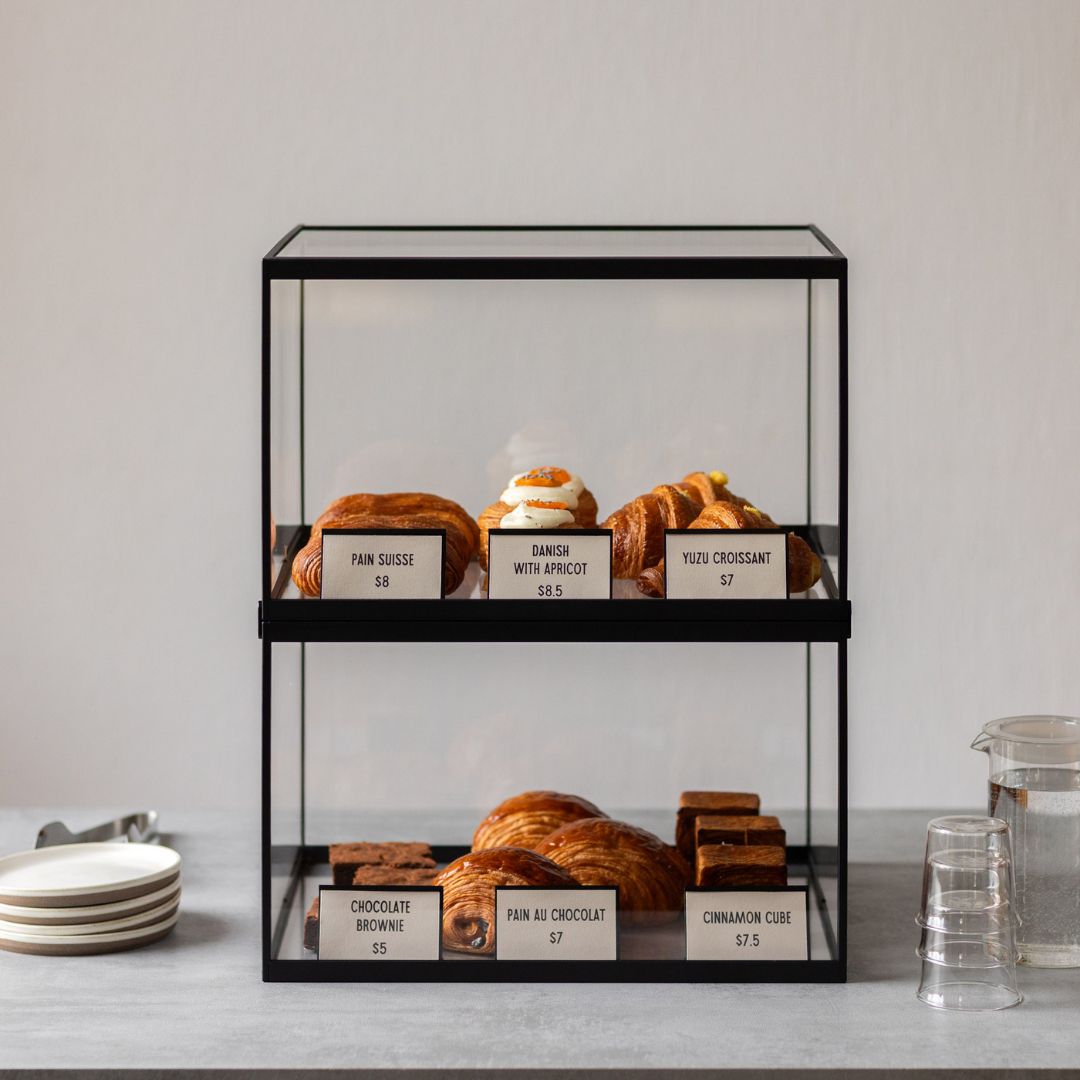
Business needs can change in an instant. An online signage creator gives you the agility to update your signs on demand. Whether you’re running a flash sale, changing your hours, or updating menu prices on a cafe menu, you can quickly make edits and get a new design ready in no time. This flexibility allows your signage to be a dynamic part of your marketing strategy. For countertop specials, Counter Signs make on-the-fly changes easy.
Designing a Sign That Truly Represents Your Brand
A great tool is just the start. The design itself needs to be clear, on brand, and eye catching to have the desired effect.
Perfect Your Typography with Lettering Tools
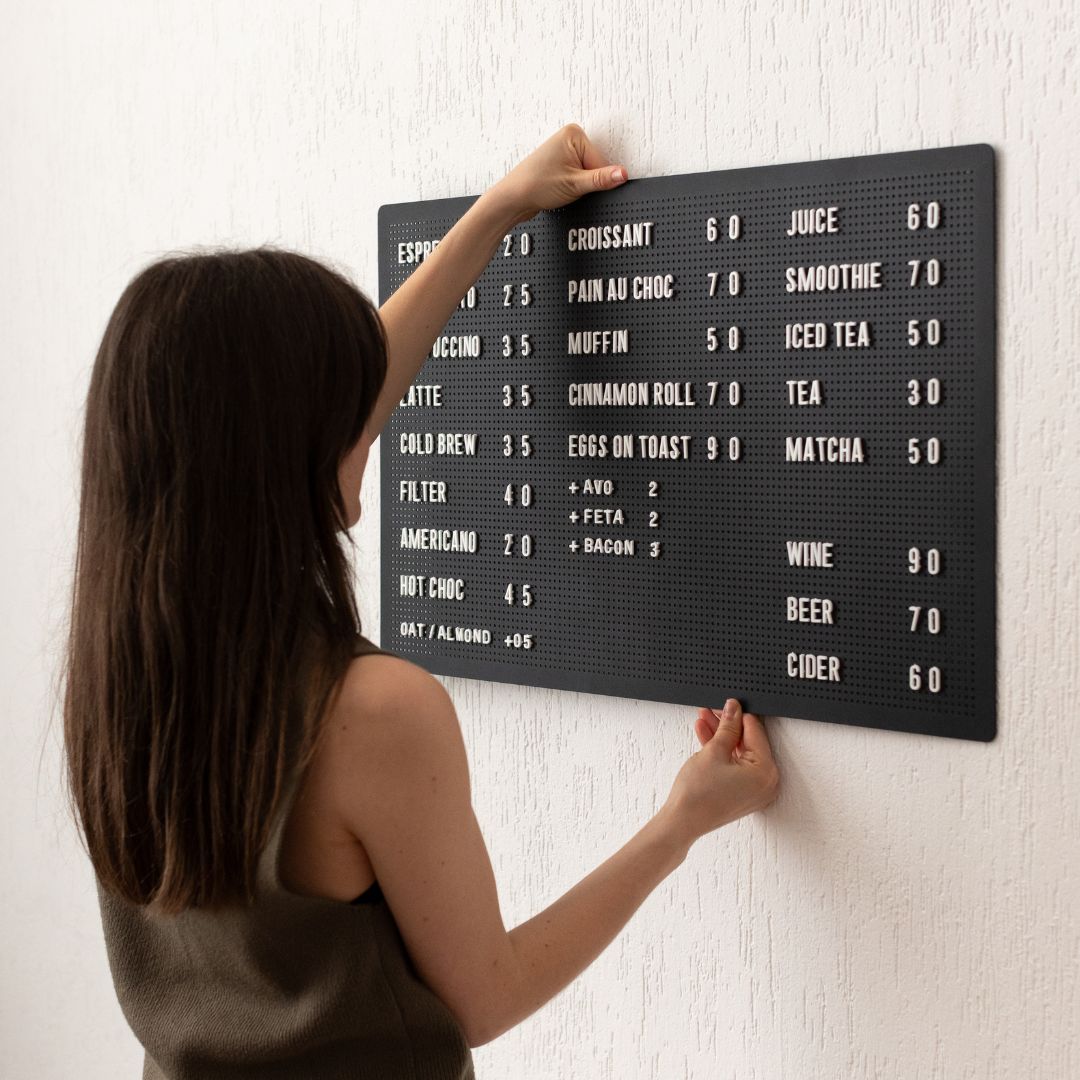
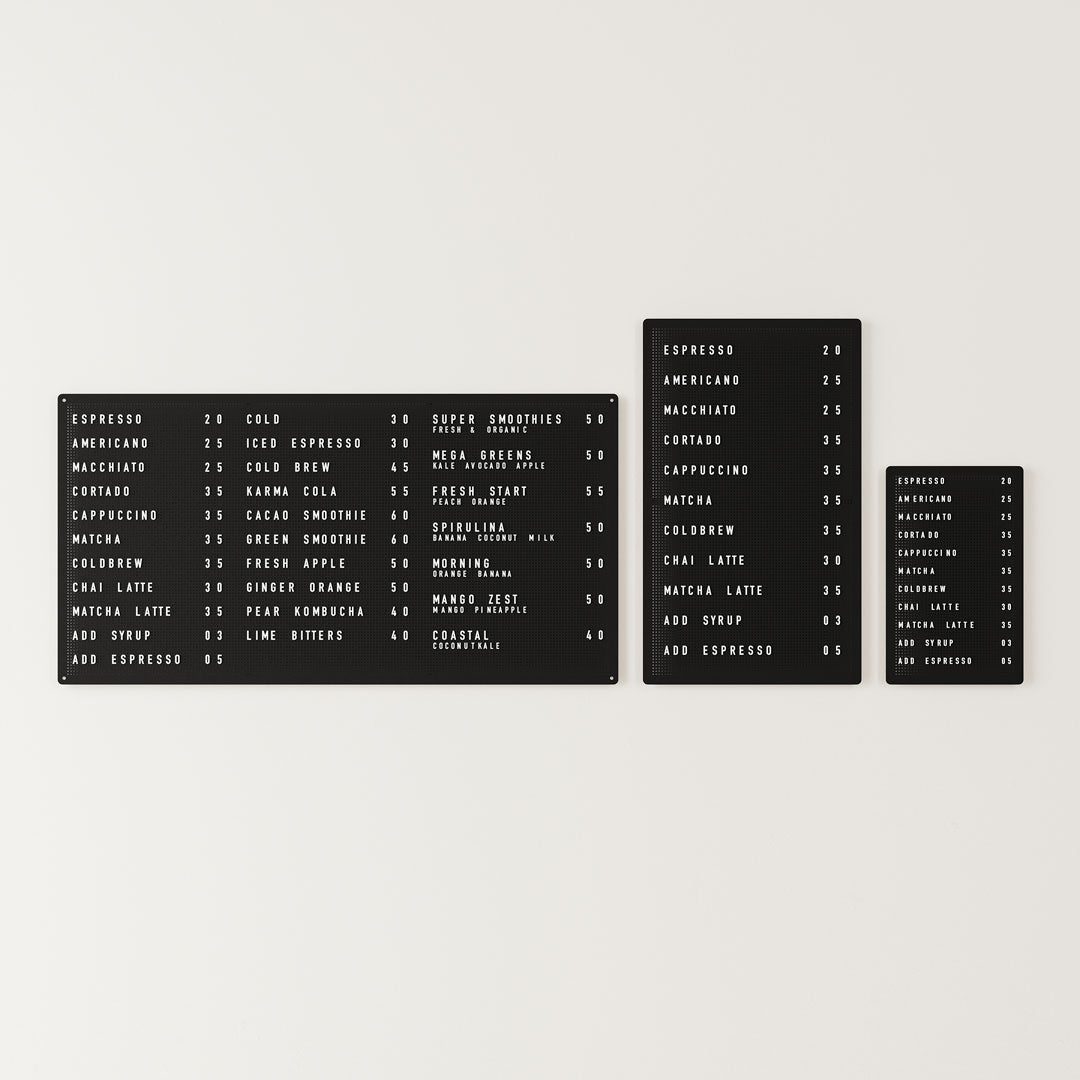
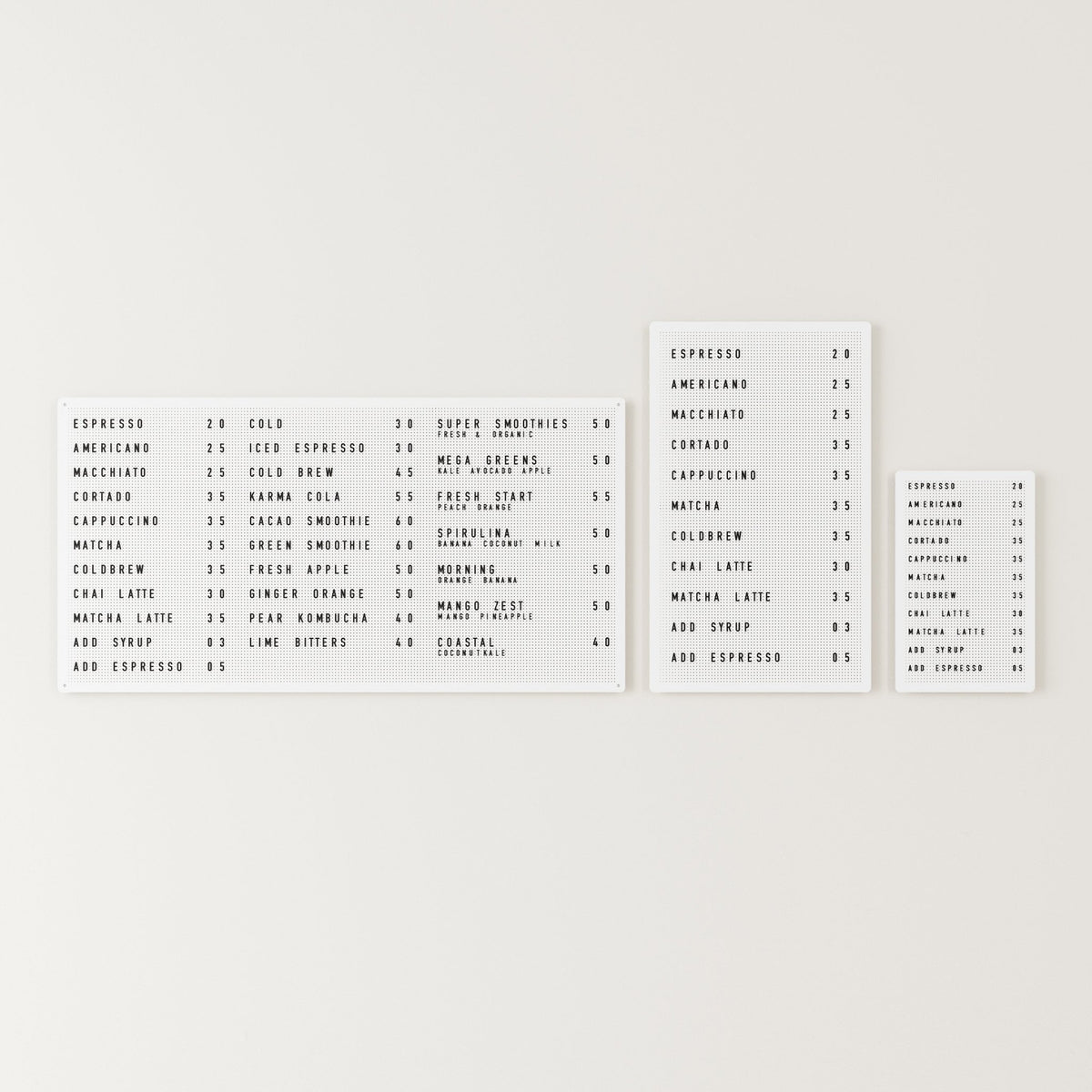
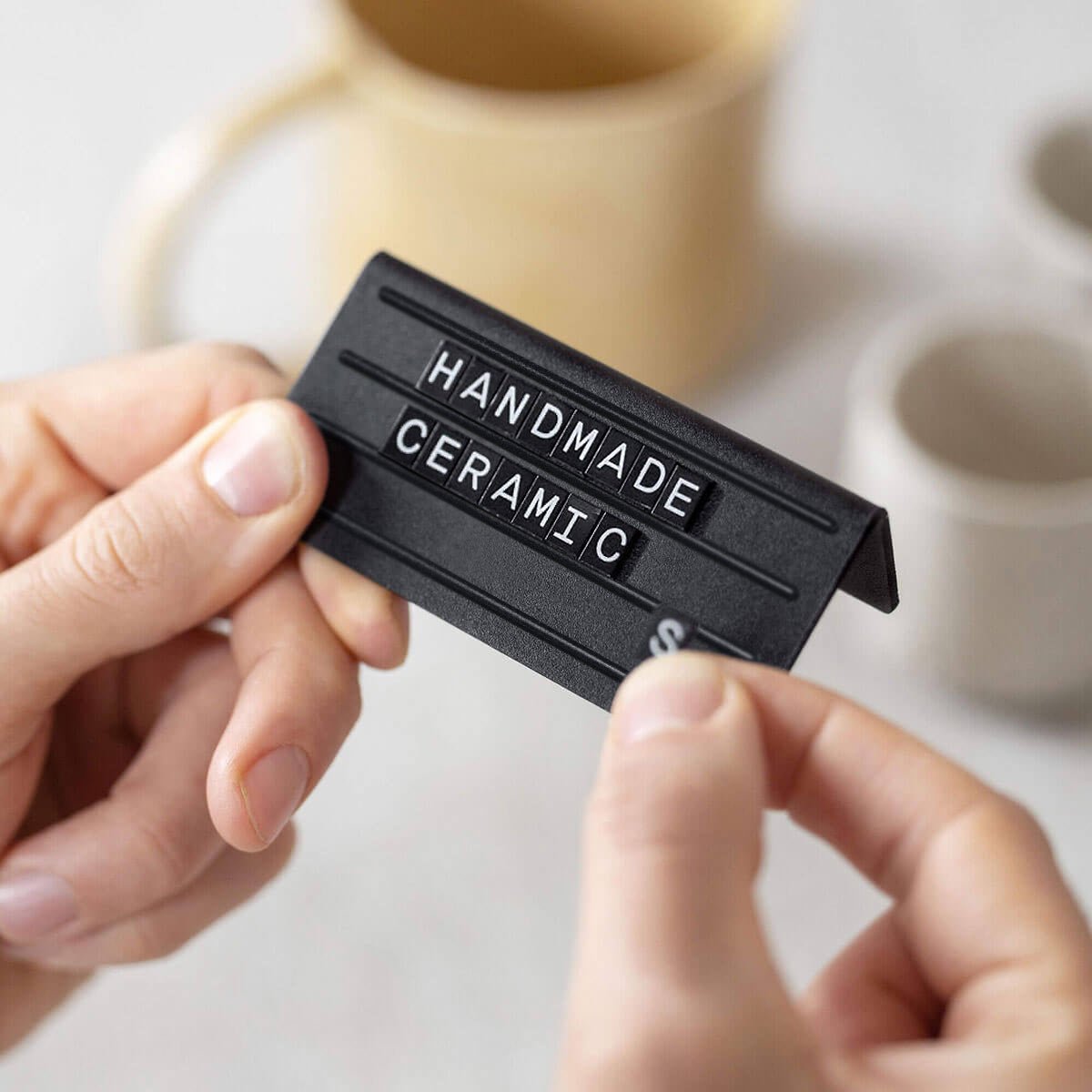
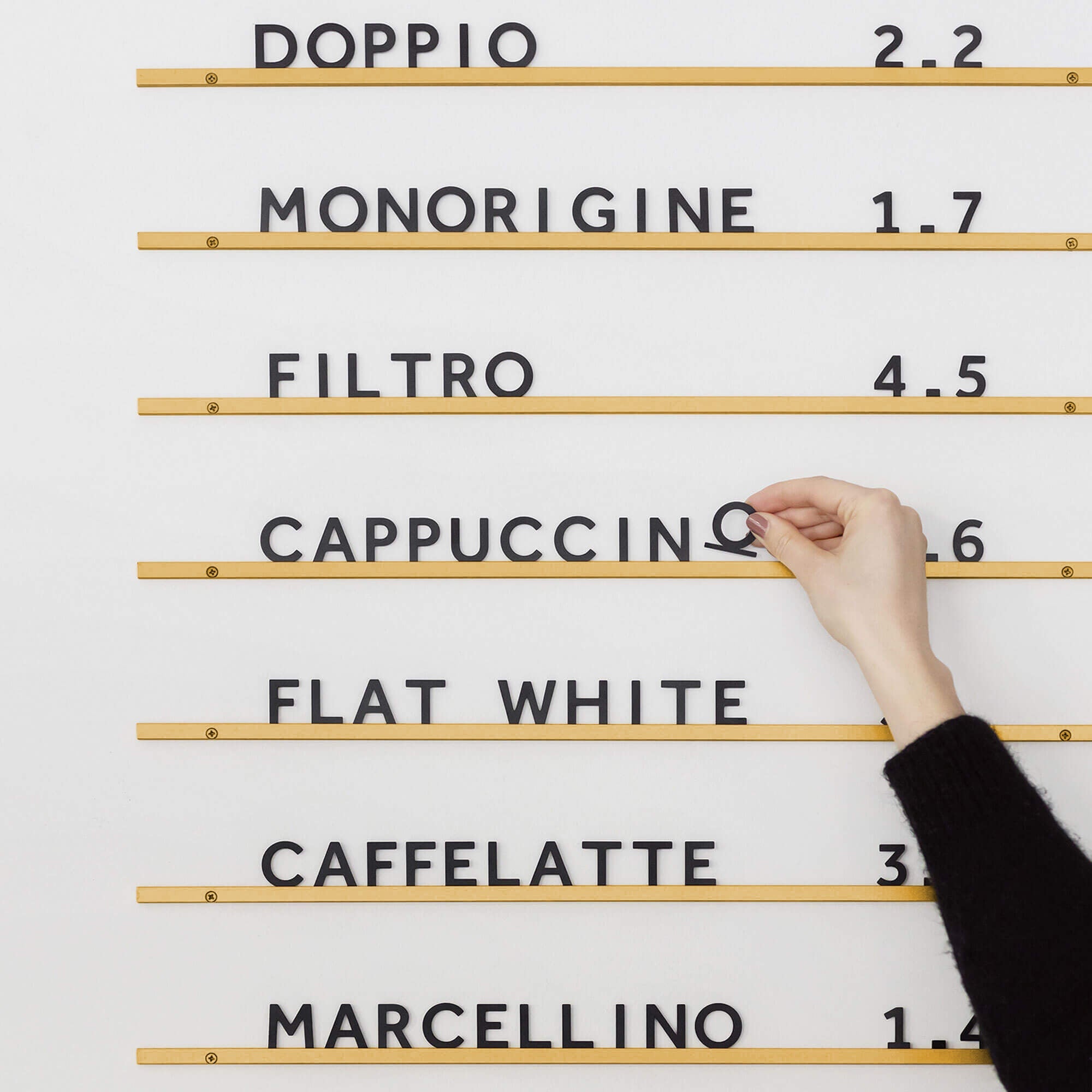
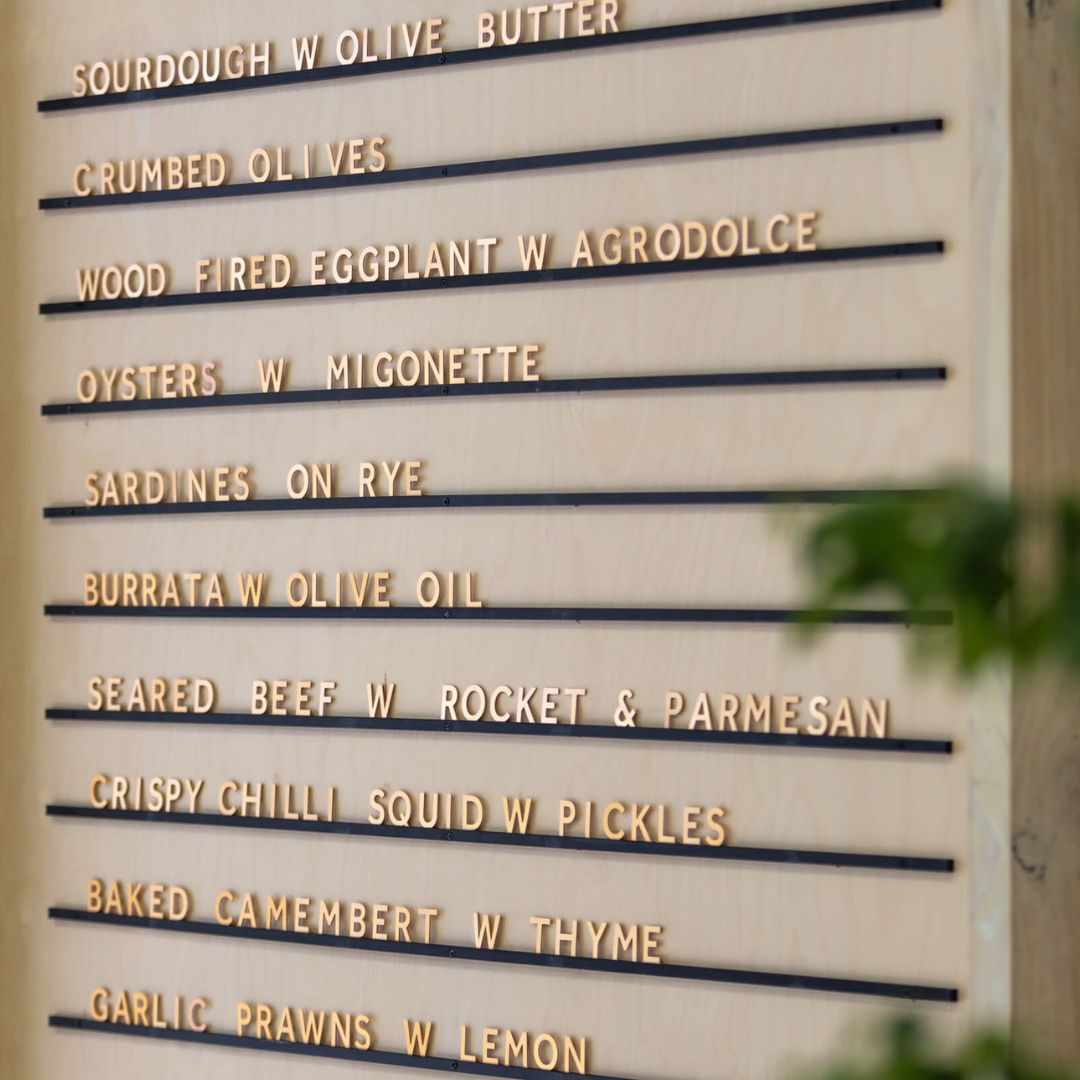
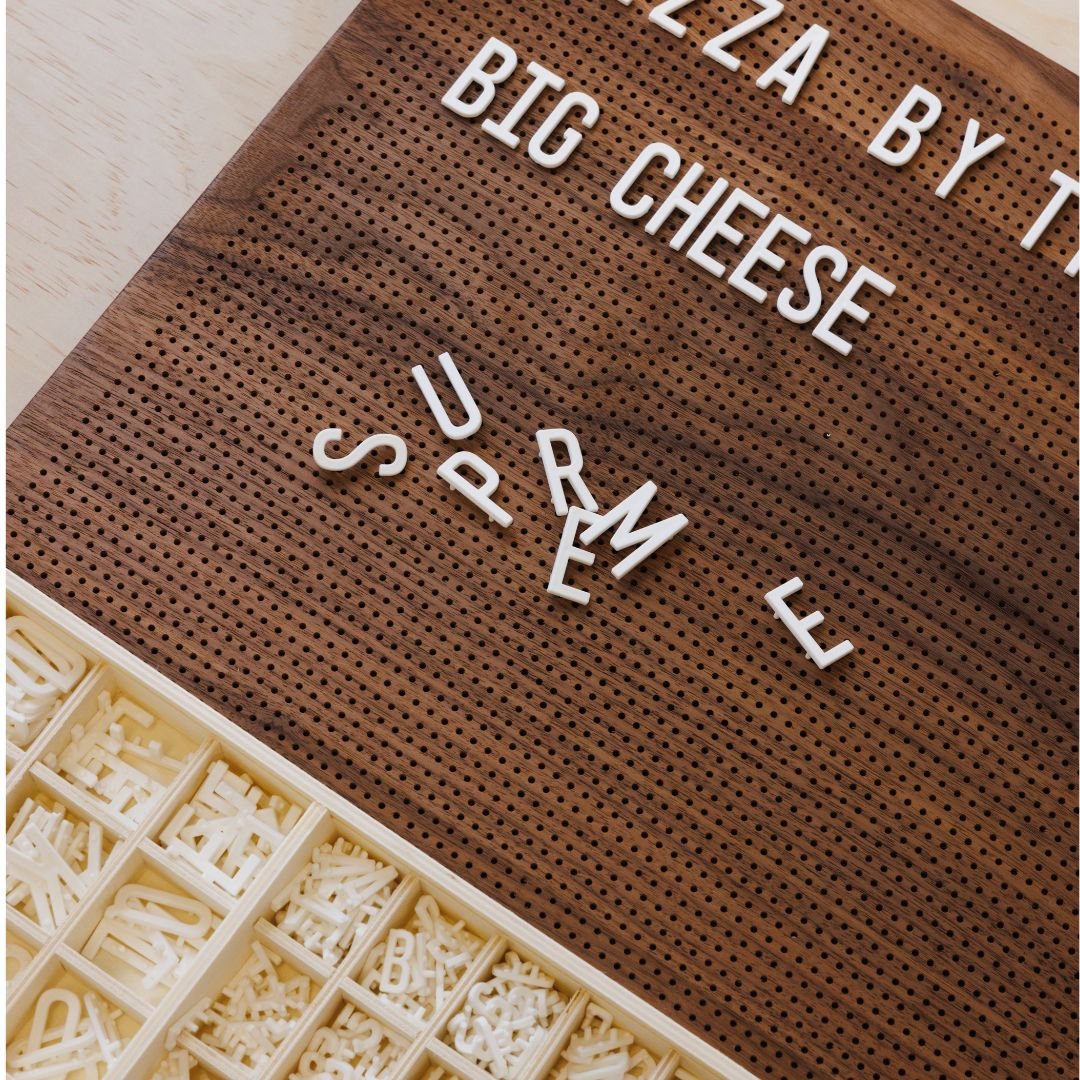
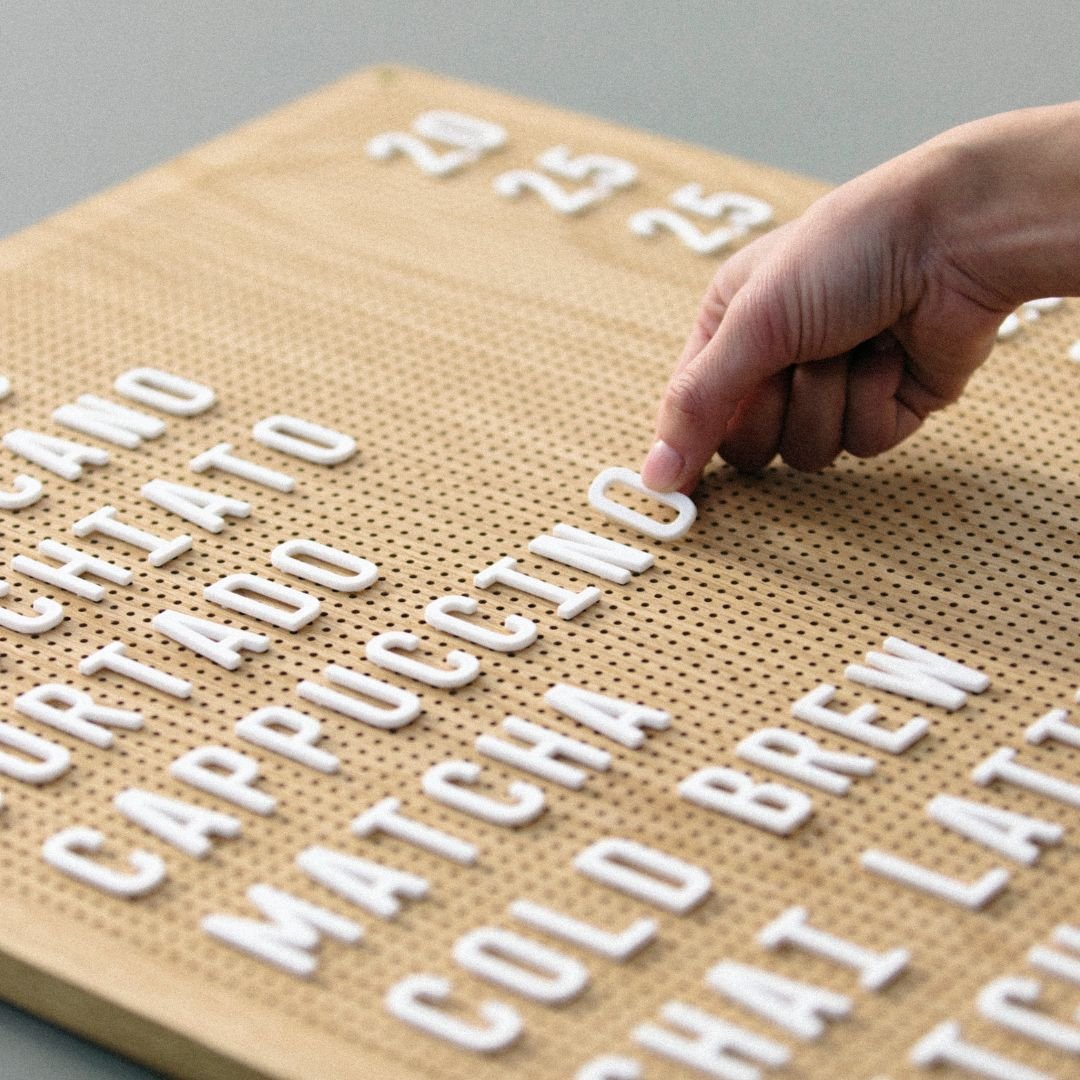
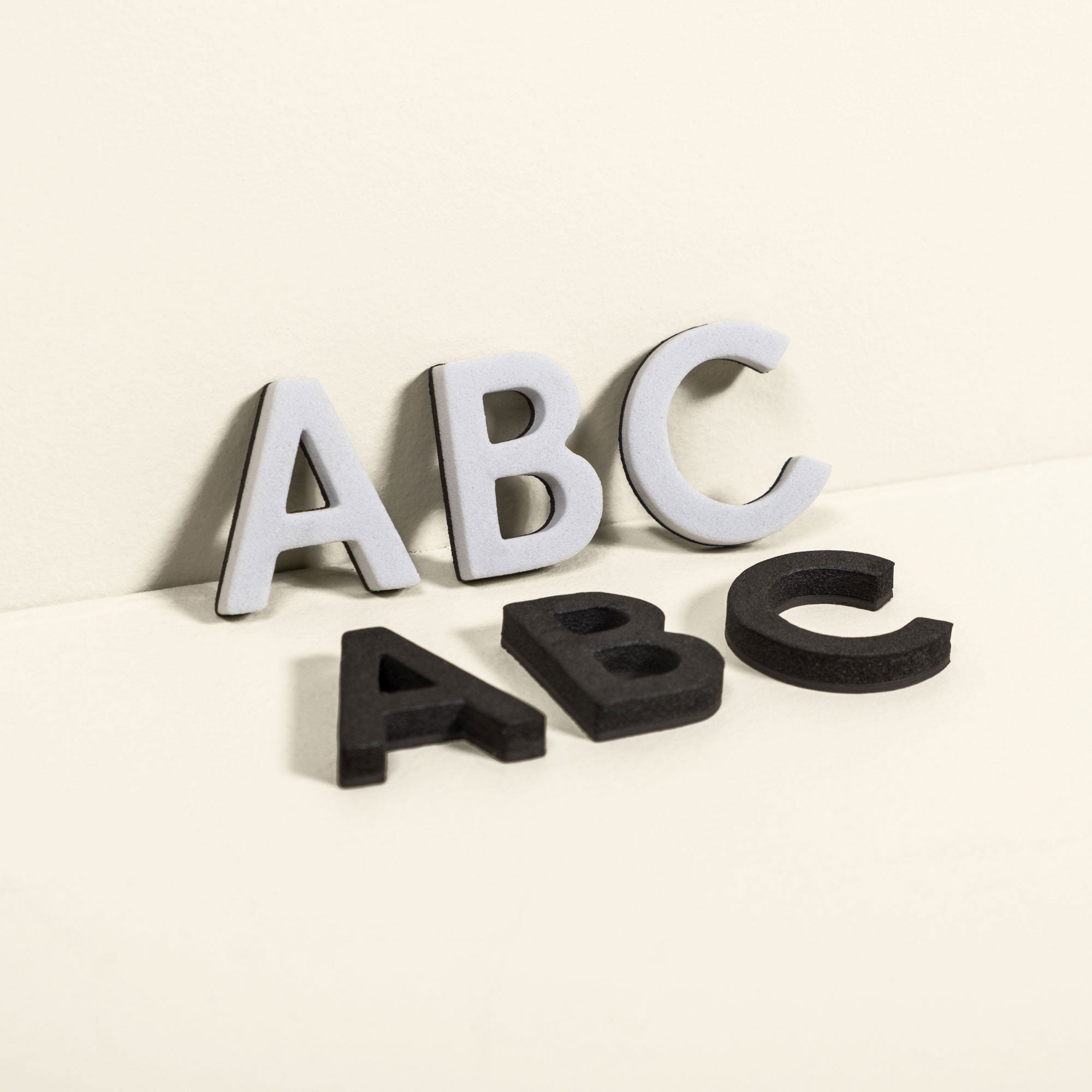
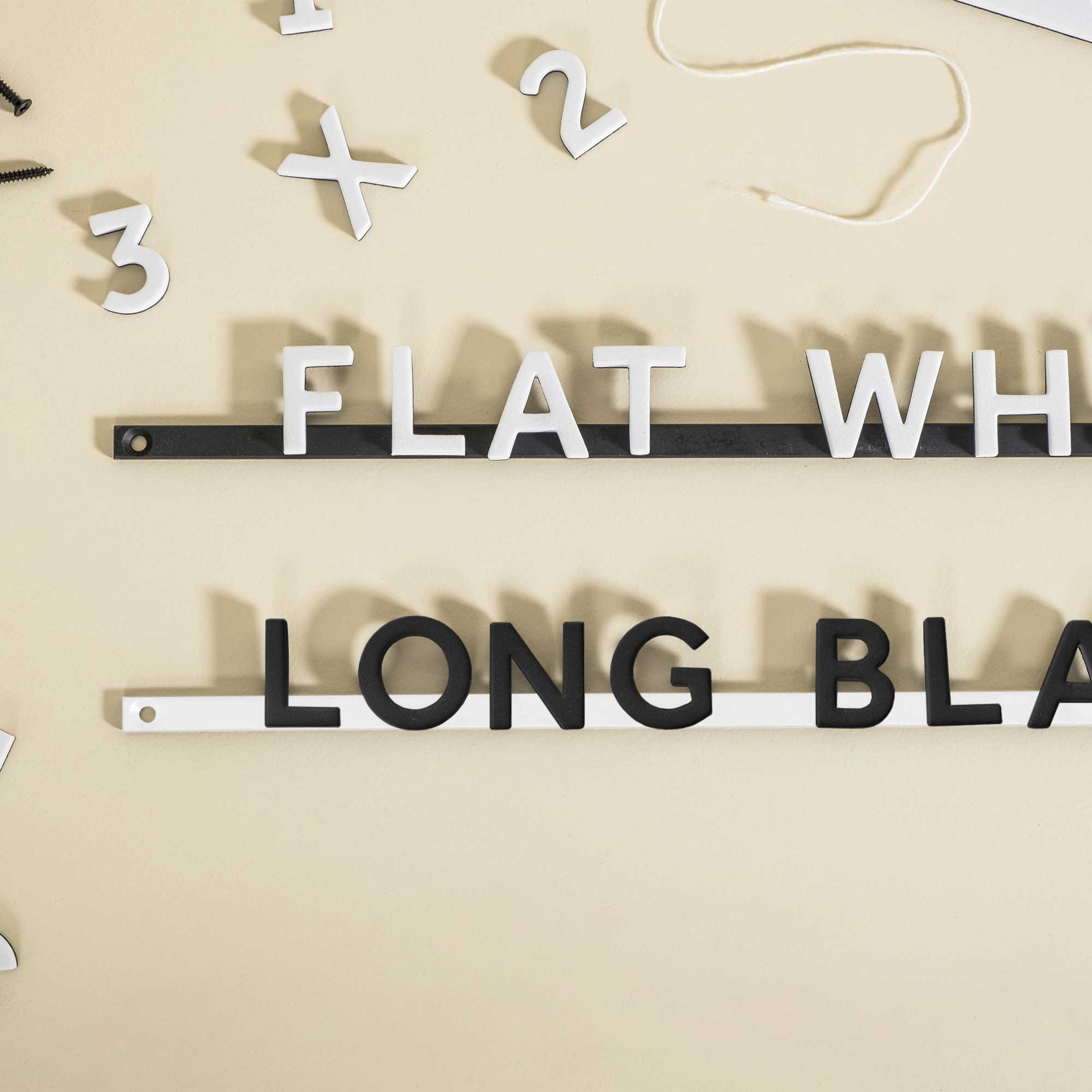
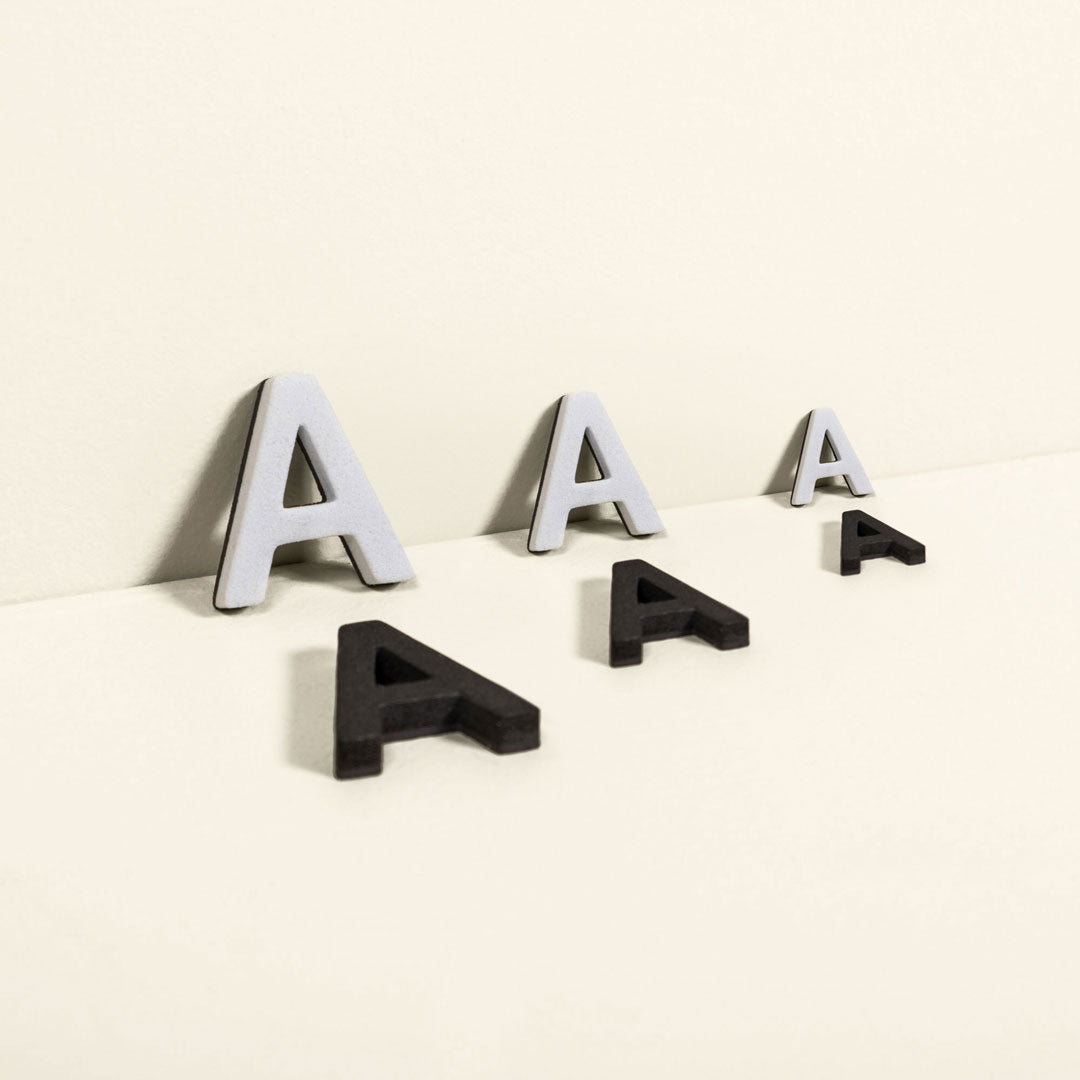
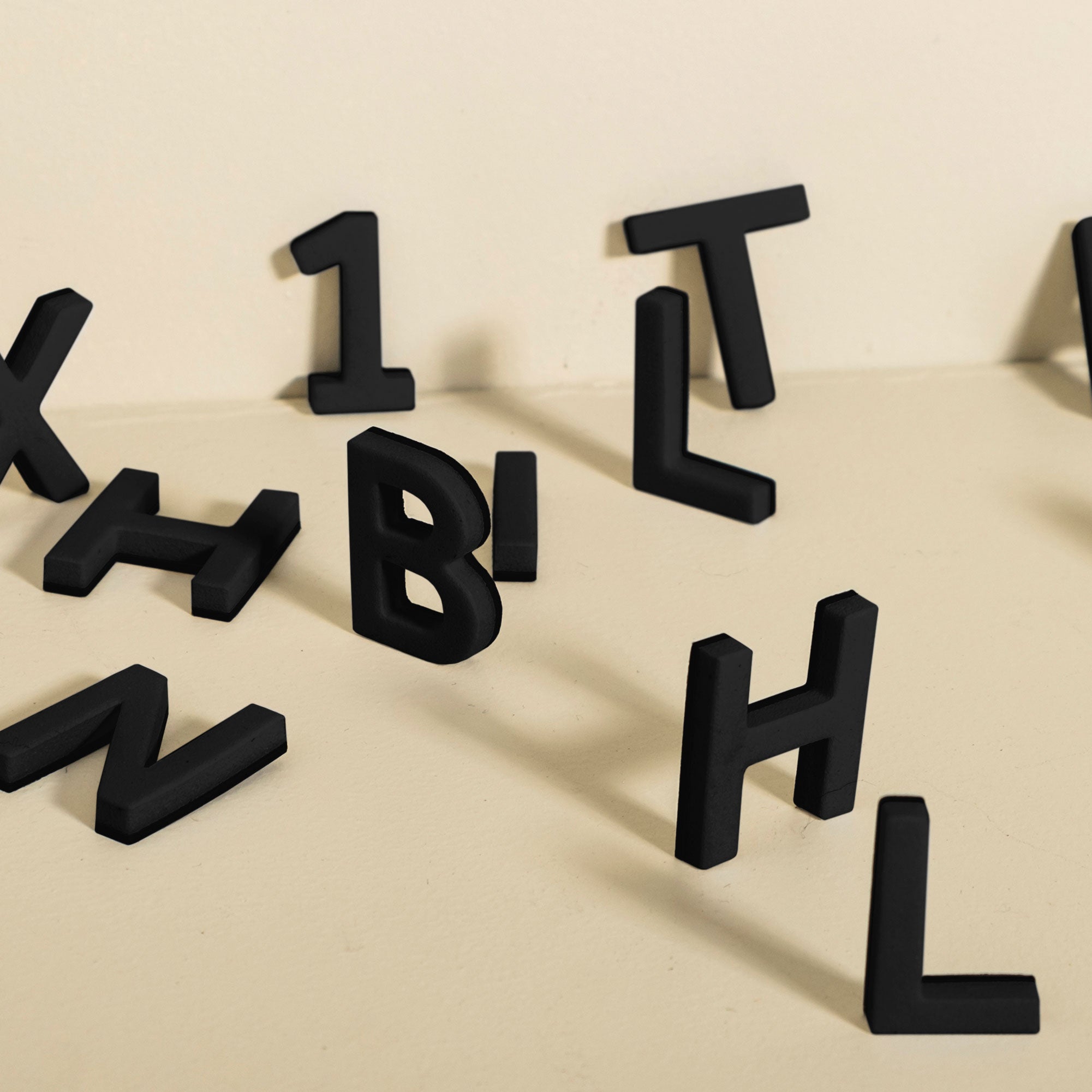
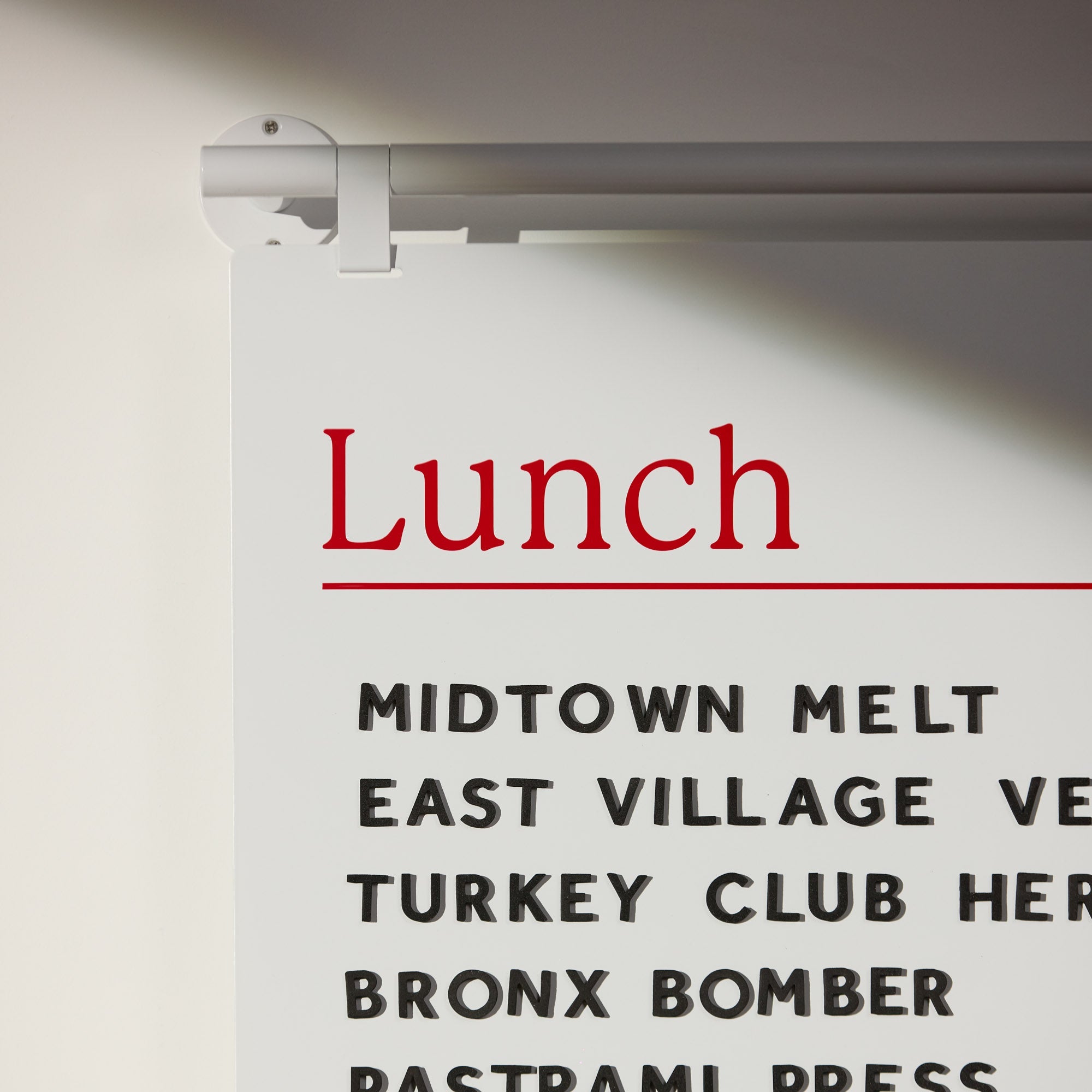
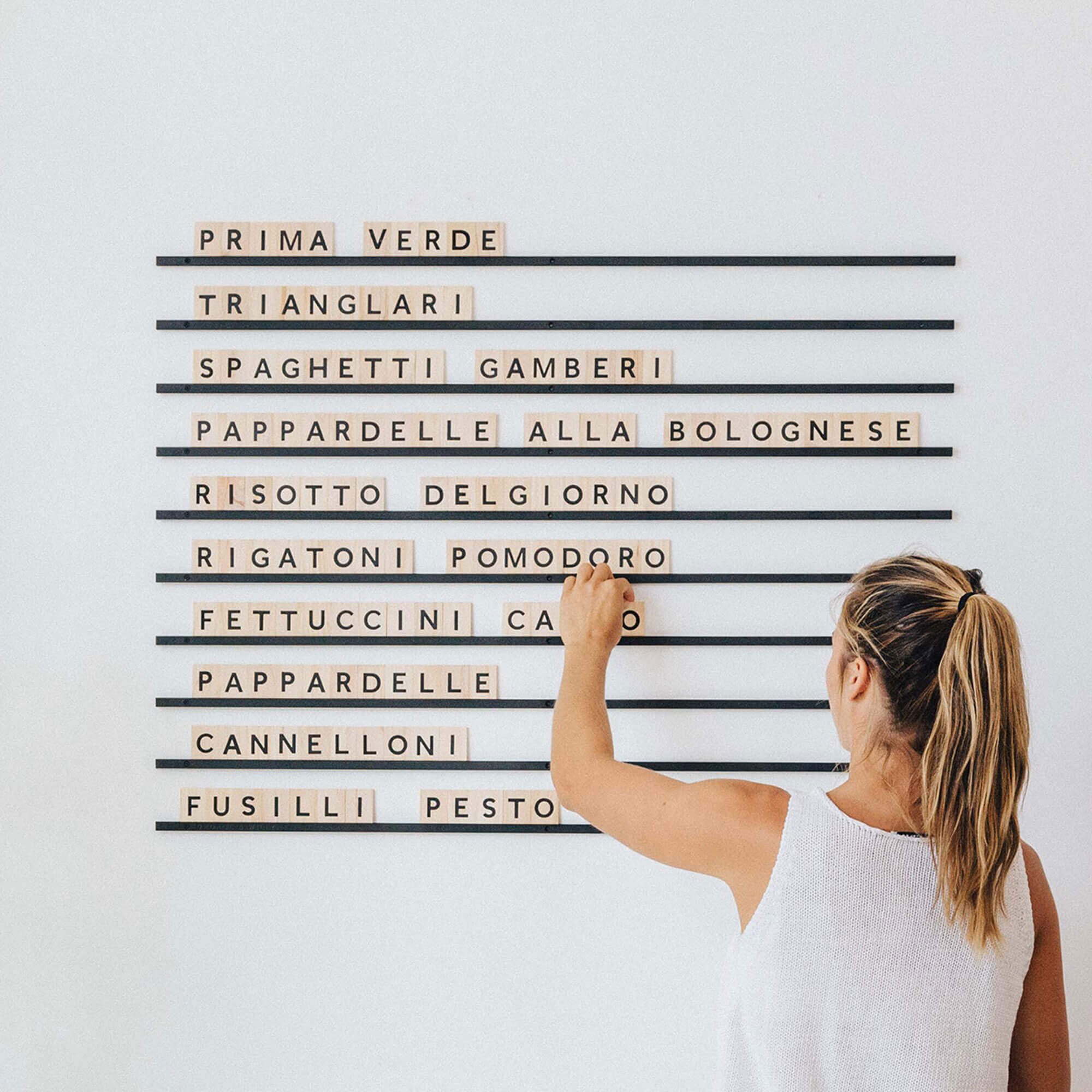
The lettering on your sign is critical for readability. Poor typography is a common pitfall; nearly half of consumers report missing a business because its sign was too small or unclear to read. An online signage creator gives you access to thousands of fonts, allowing you to test different styles for clarity and aesthetic appeal. Tools like Canva and Adobe Express let you experiment with shadows, outlines, and spacing to ensure your message is legible from a distance. For physical menus, Magnet Letters make typographic updates simple without reprinting.
Boost Your Brand Identity
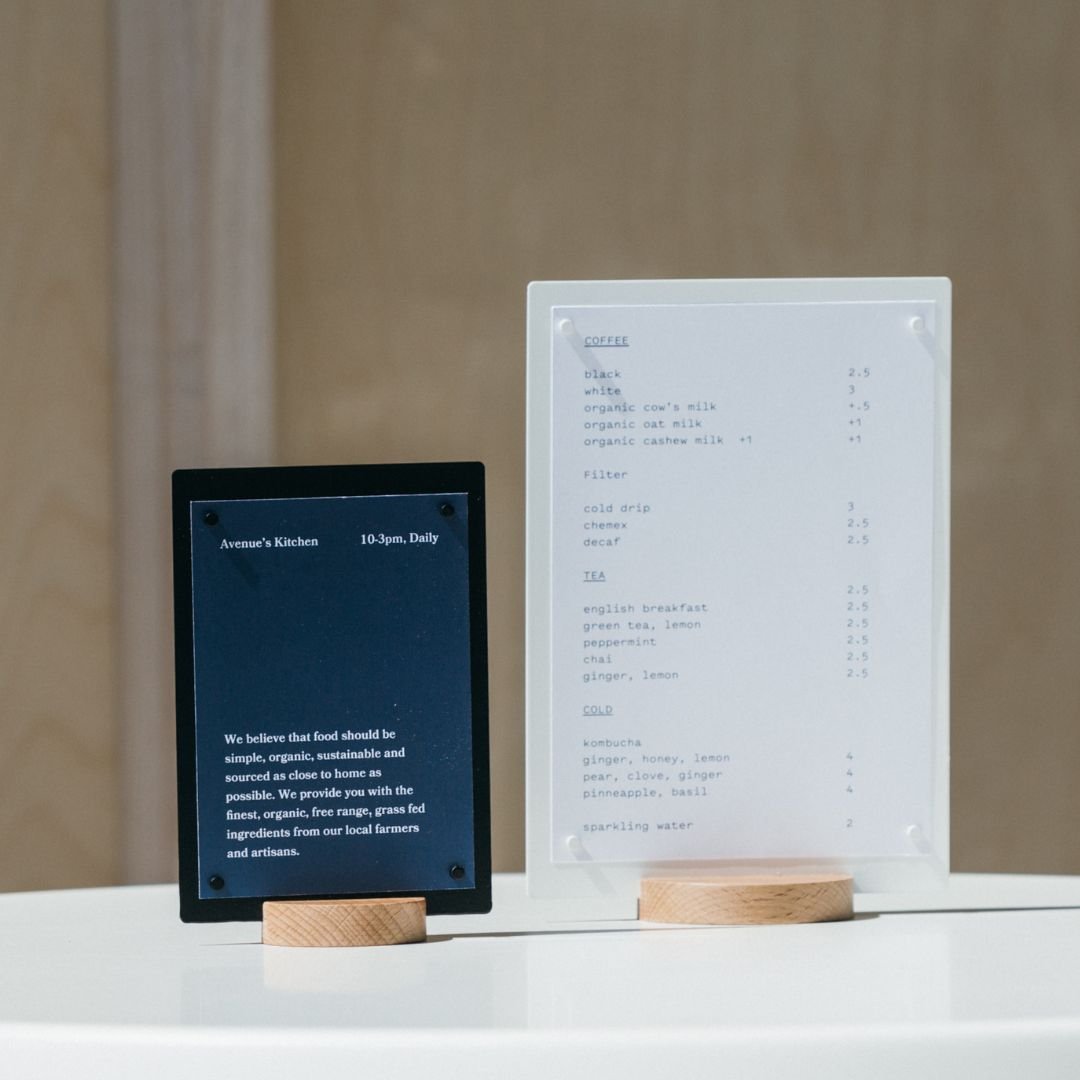
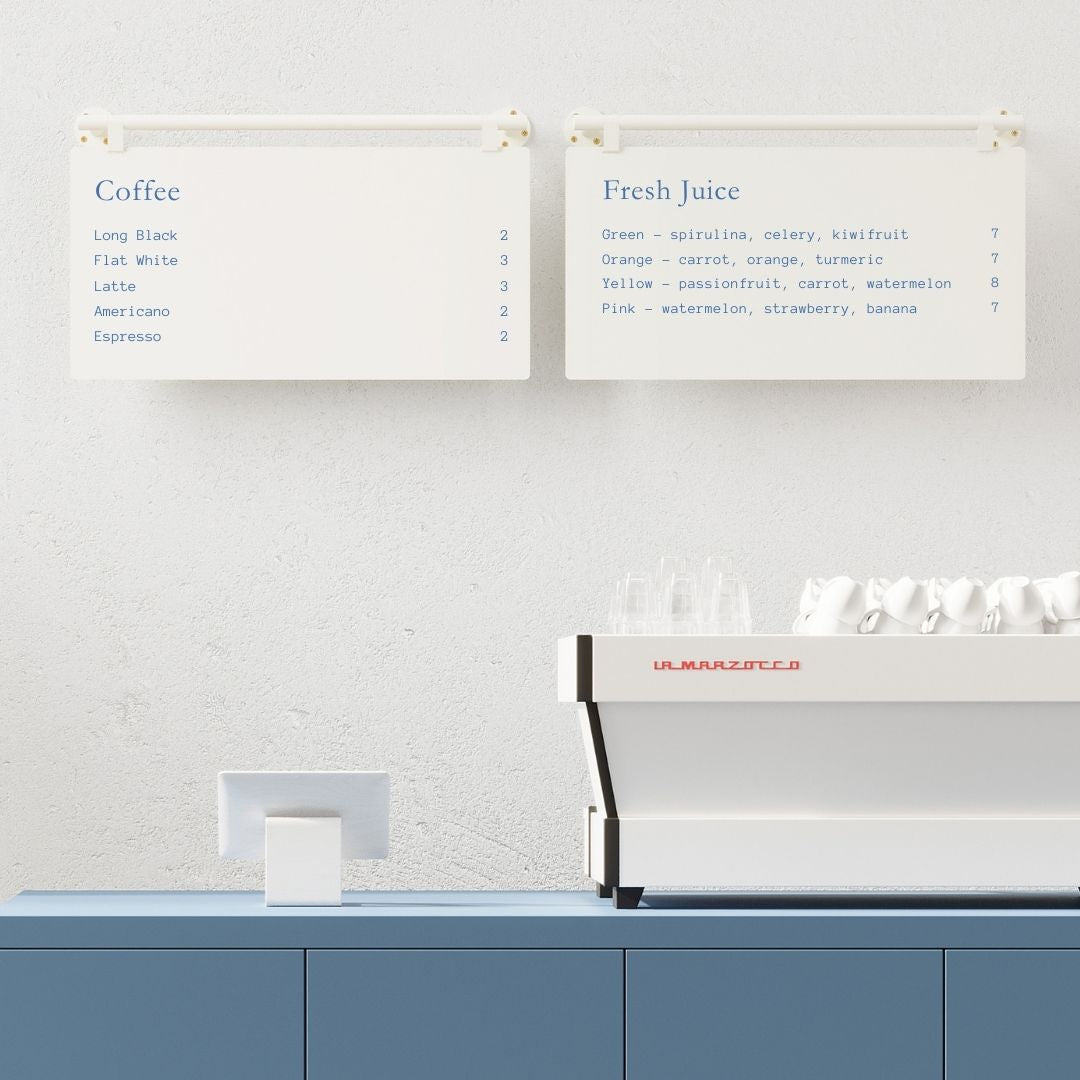
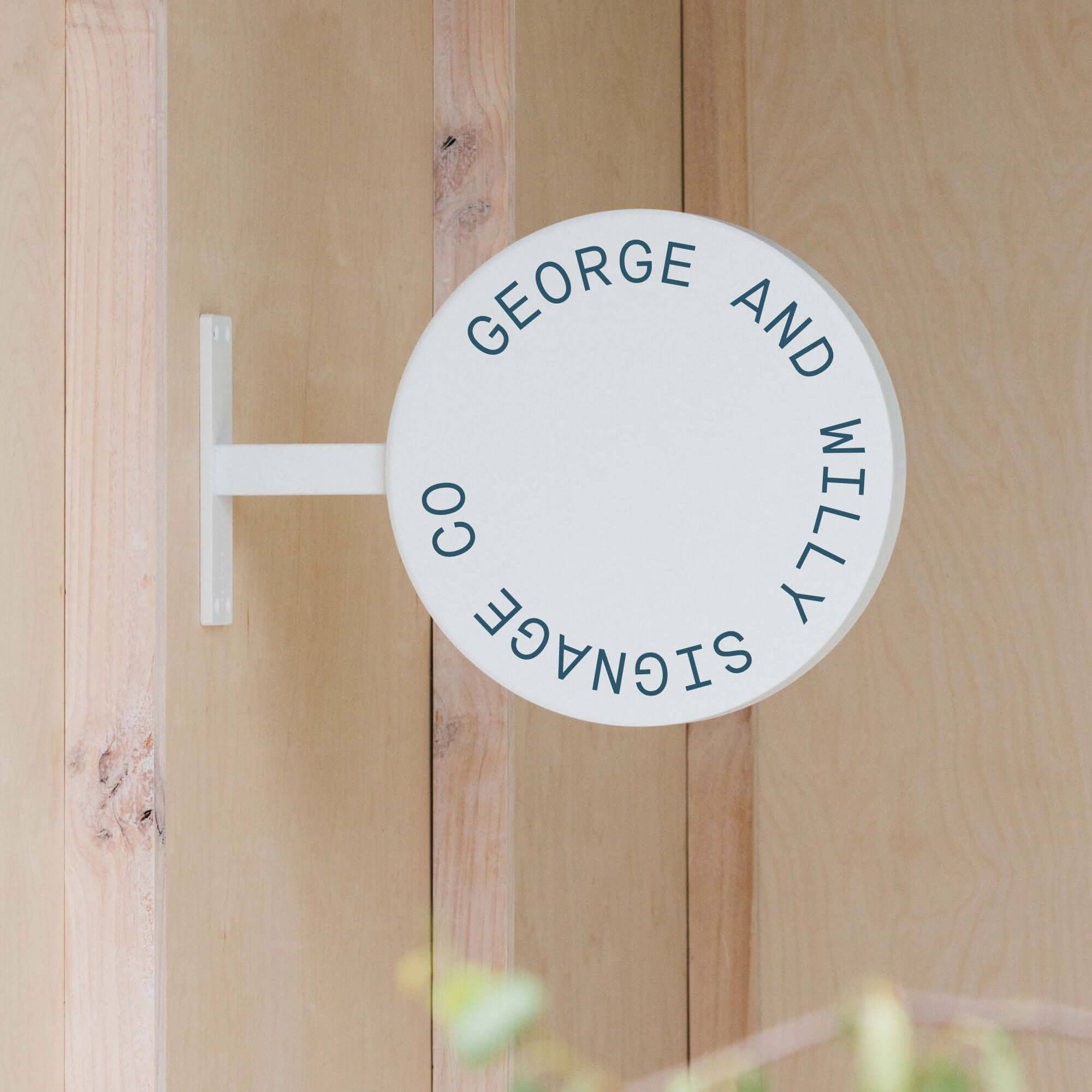
Your signage is a direct reflection of your brand. Consistency in your use of colors, logos, and fonts helps build recognition and trust. A cohesive look across your storefront sign (like a projecting wall sign), sidewalk displays, and in store menus reinforces your brand identity and makes your business more memorable. Think of your signage as a 24/7 brand ambassador, silently communicating your quality and personality to everyone who sees it.
Get Creative with Customization Options
Don’t be afraid to stand out. While templates are a great starting point, a modern online signage creator offers plenty of options to make your design unique. Play with different color palettes, upload your own graphics, or create a custom layout that breaks the mold. A unique and well designed sign can even become a local talking point, with 75% of consumers saying they’ve told others about a business based on its signage.
From Digital Design to Physical Reality: The Final Step
You’ve used an online signage creator to craft the perfect design. Now, how do you turn that digital file into a high quality physical sign? This is where easy integration comes in.
Your online tool should allow you to export a high resolution, print ready file (like a PDF or SVG). This is the file you’ll provide to a printer or sign maker. For things like posters or flyers, services like Vistaprint handle this seamlessly.
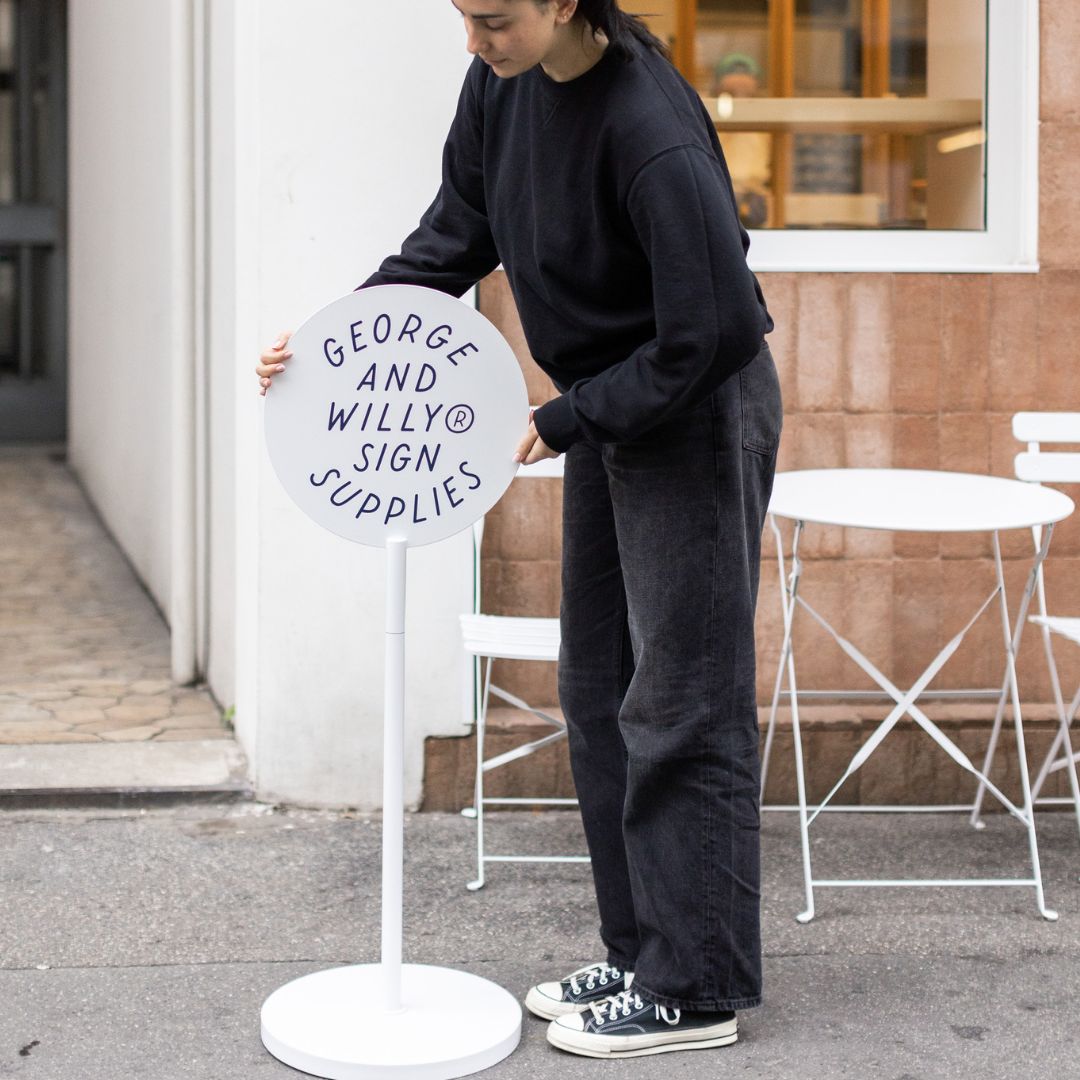
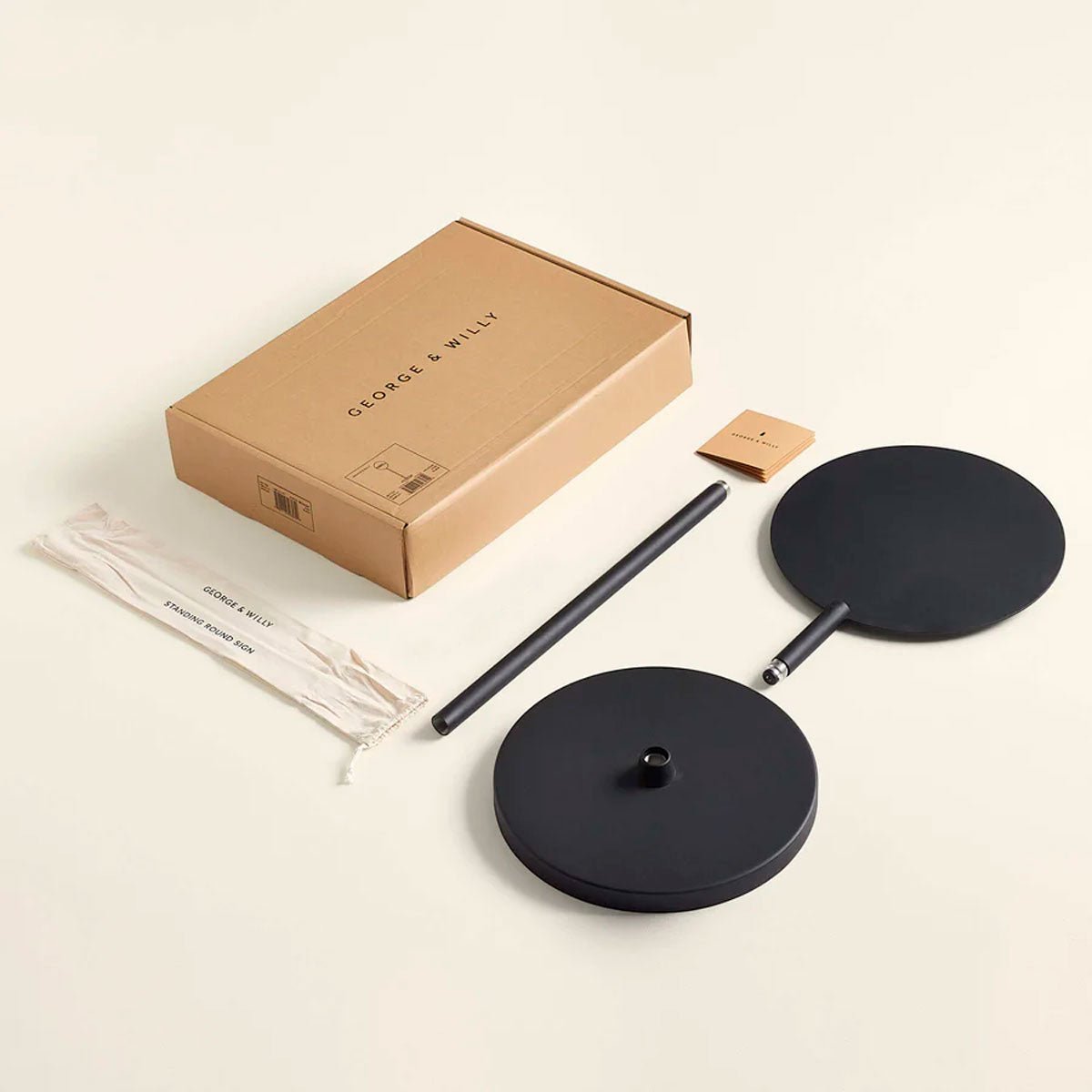
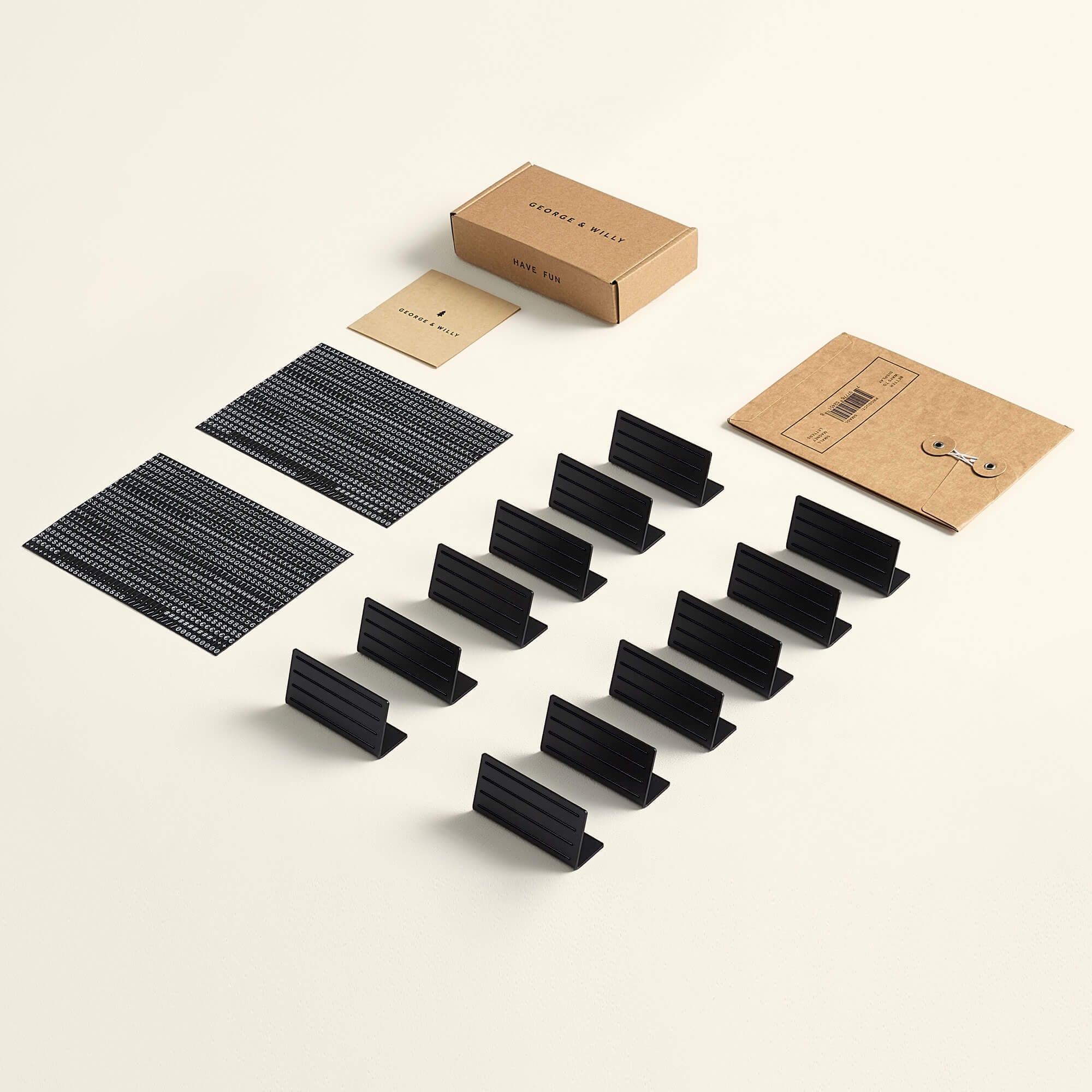
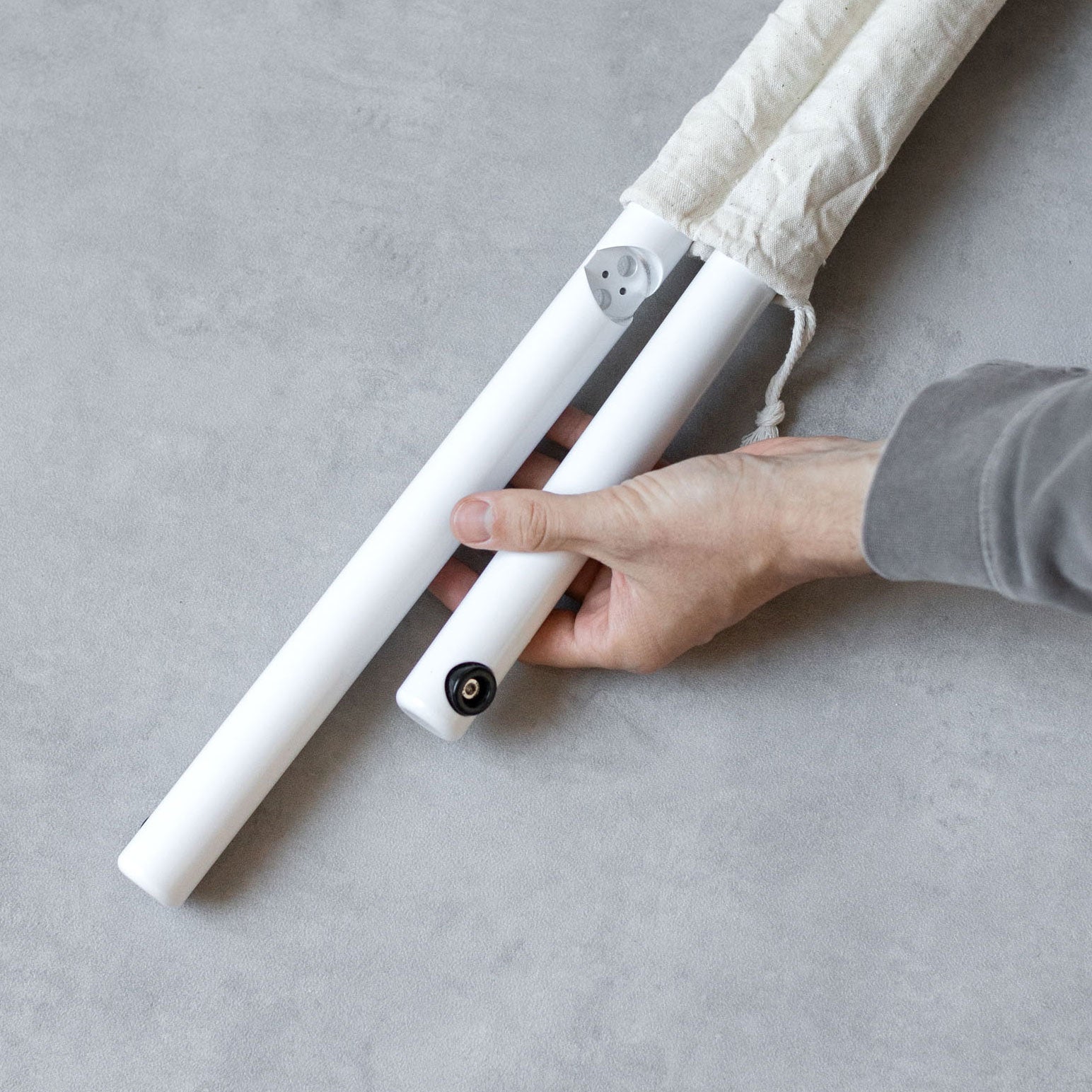
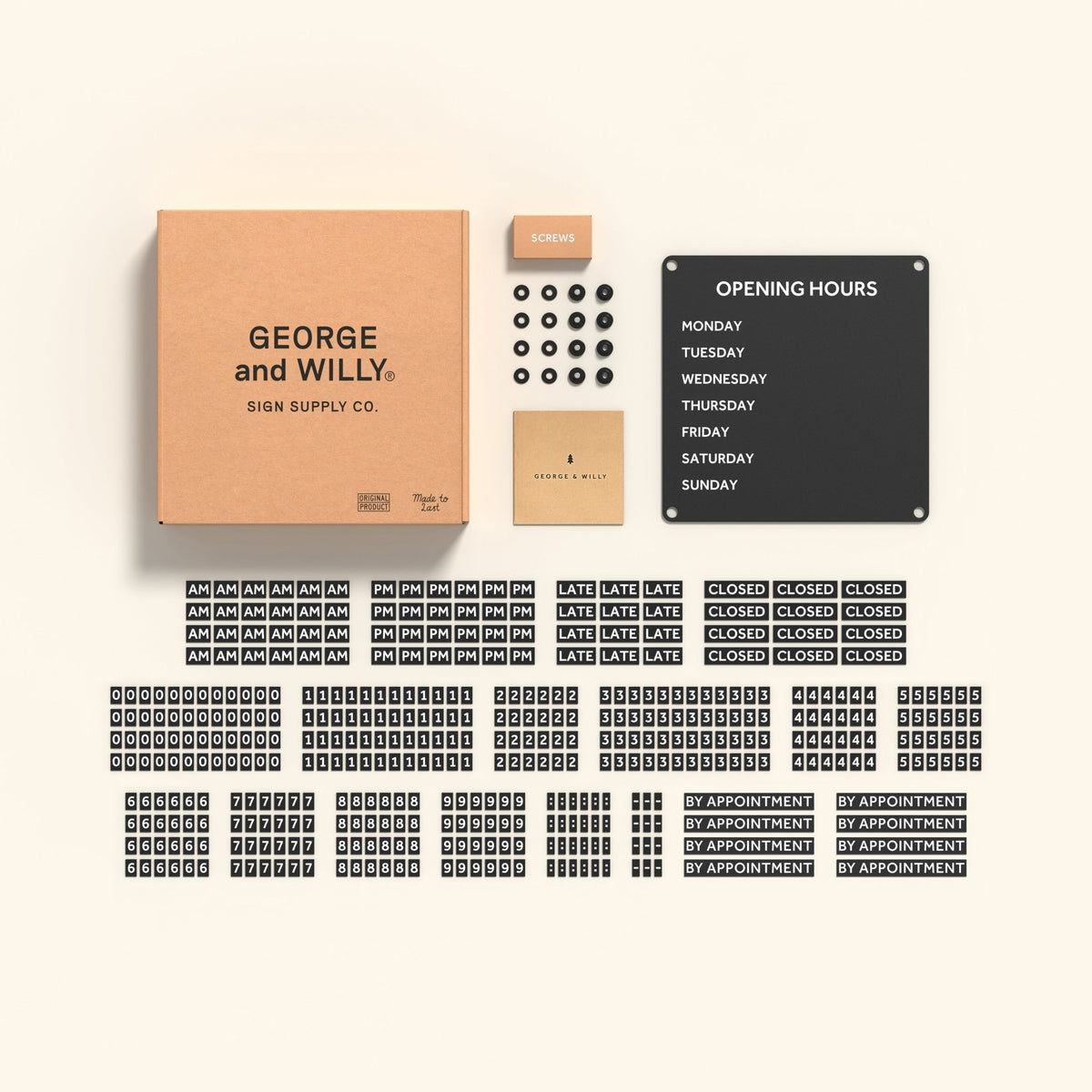
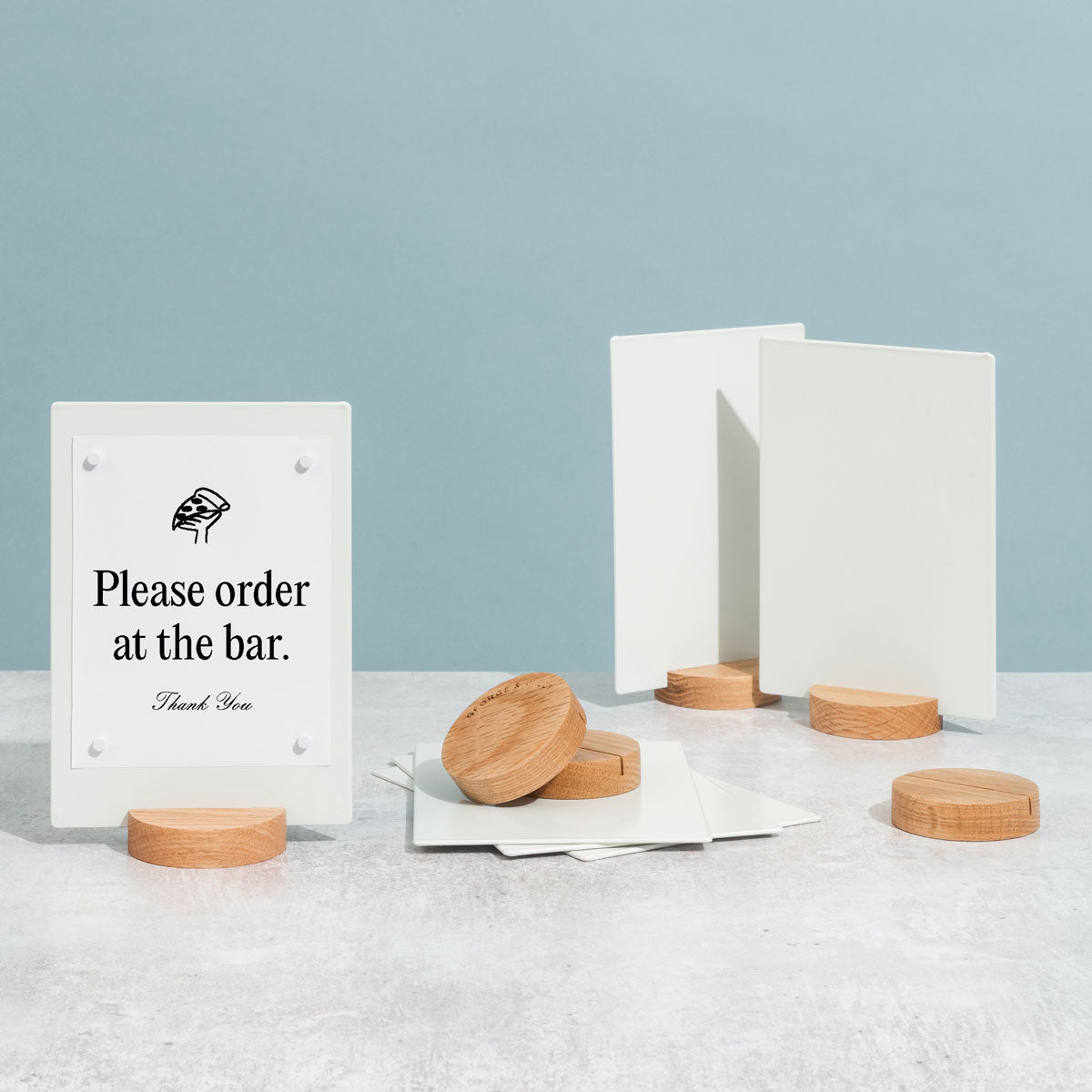
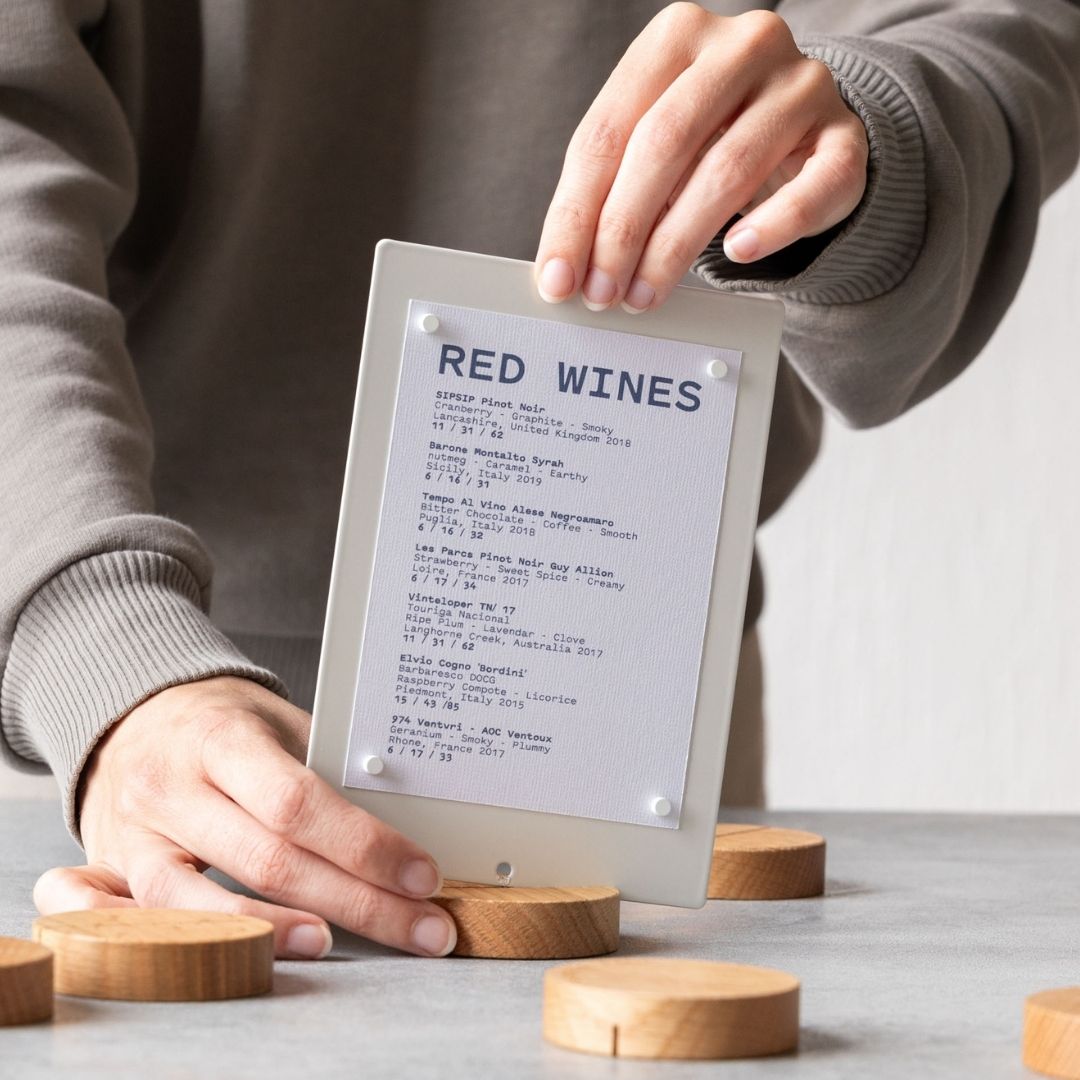
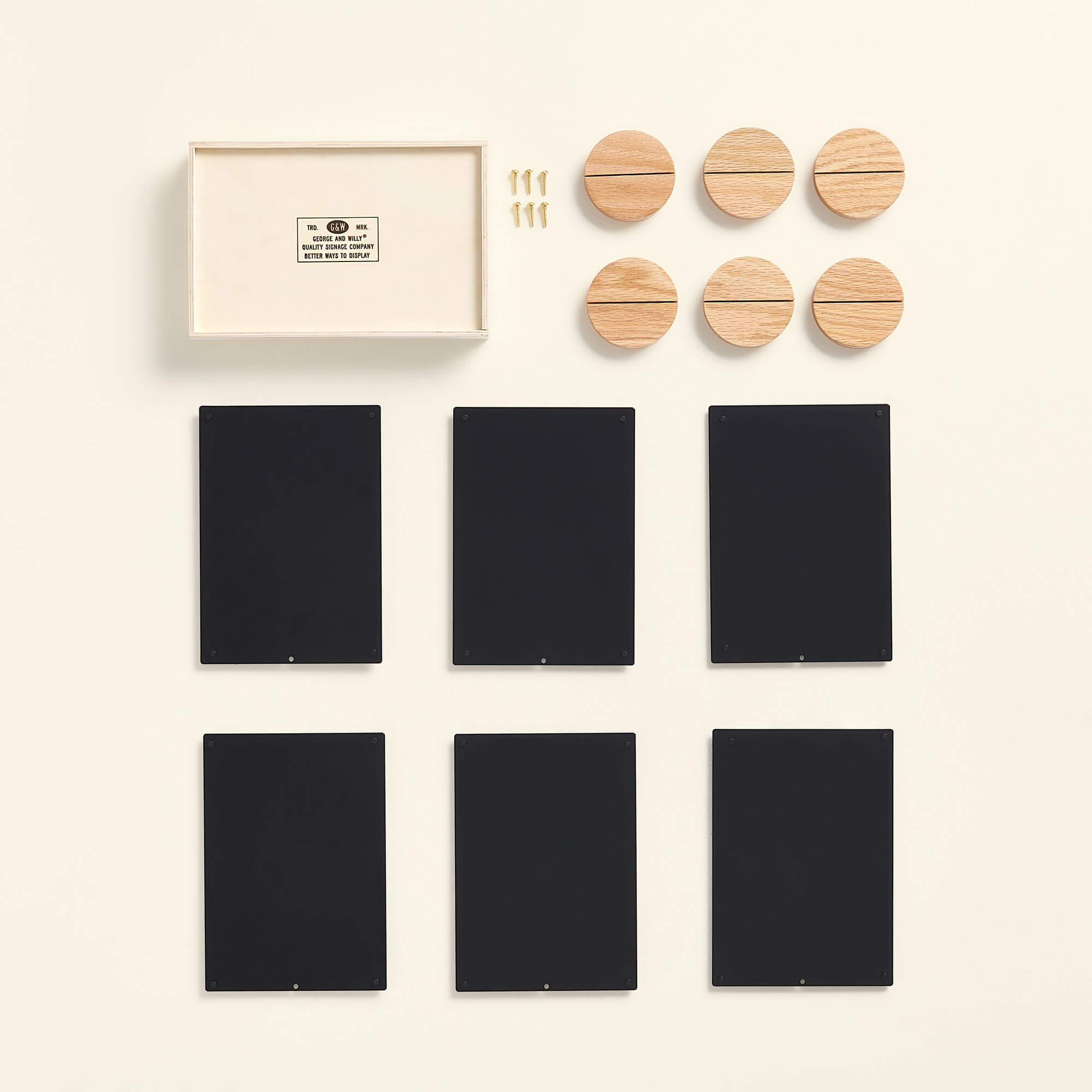
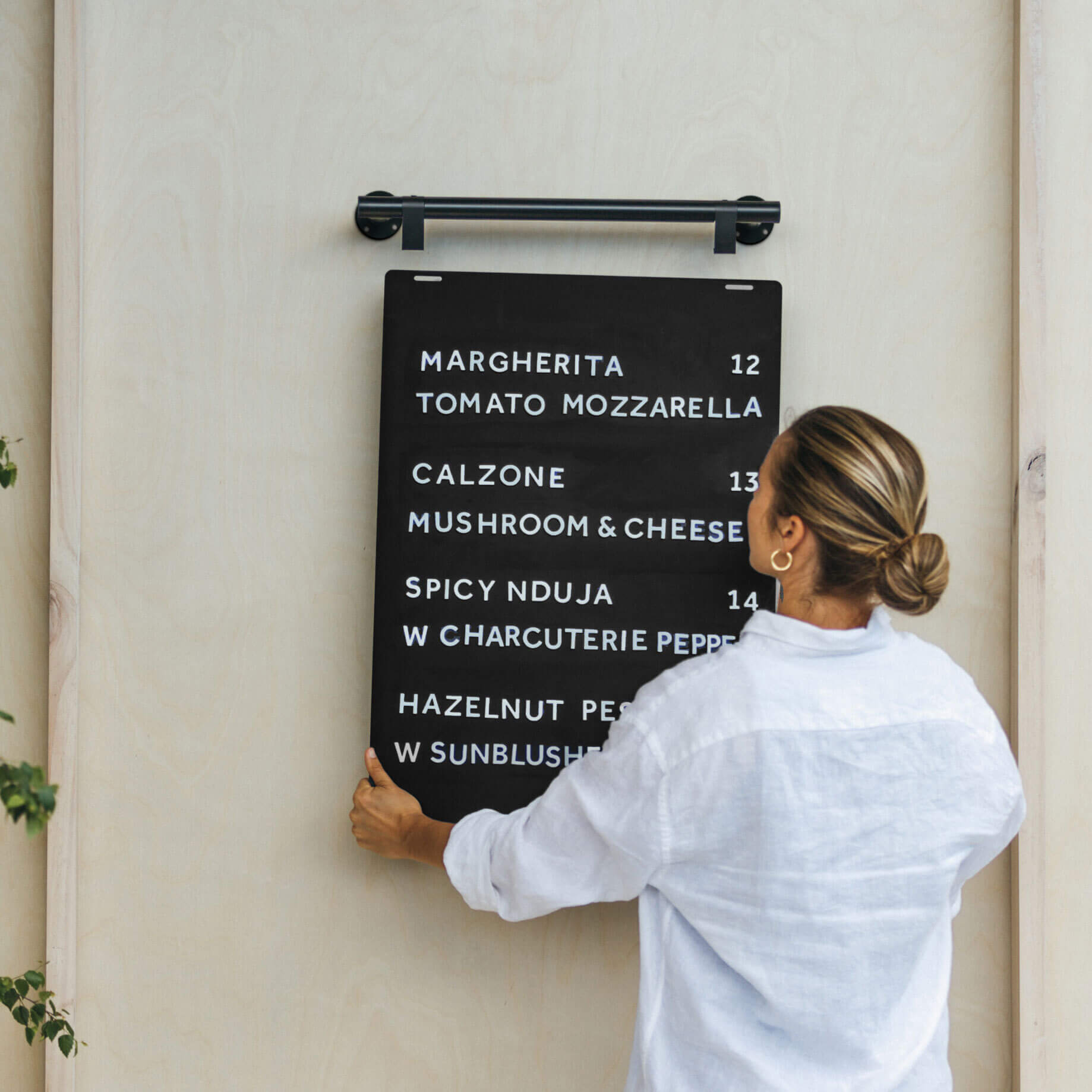
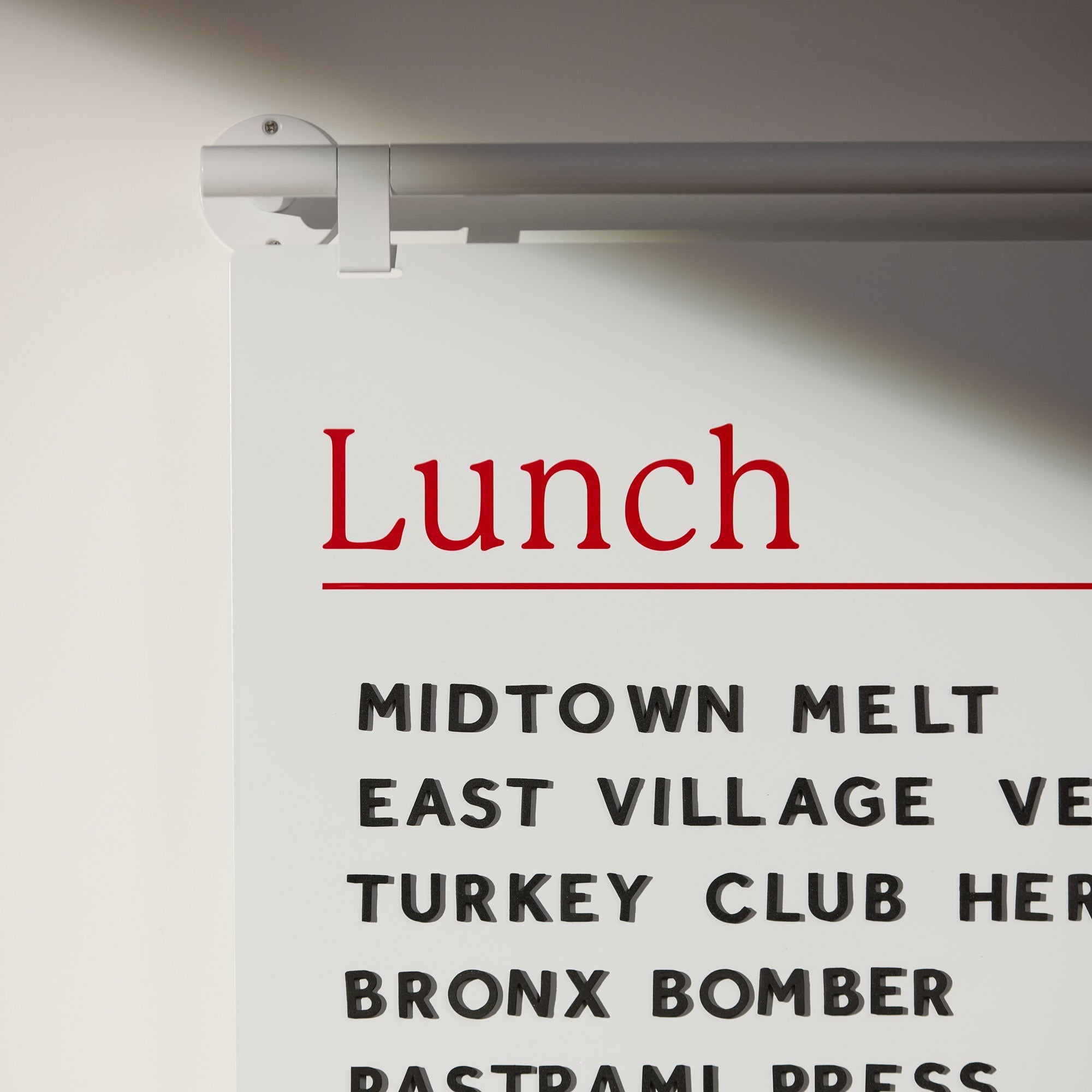
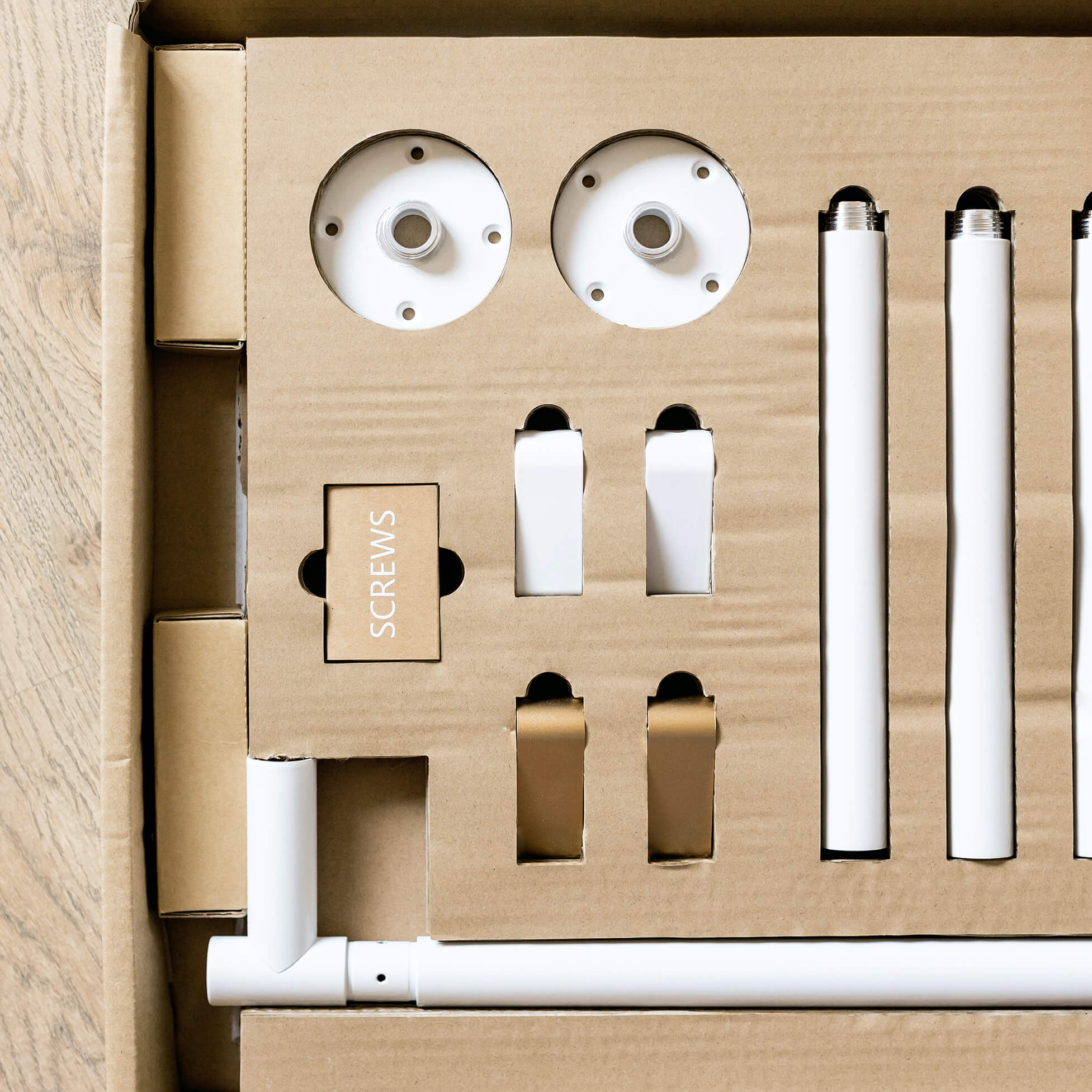
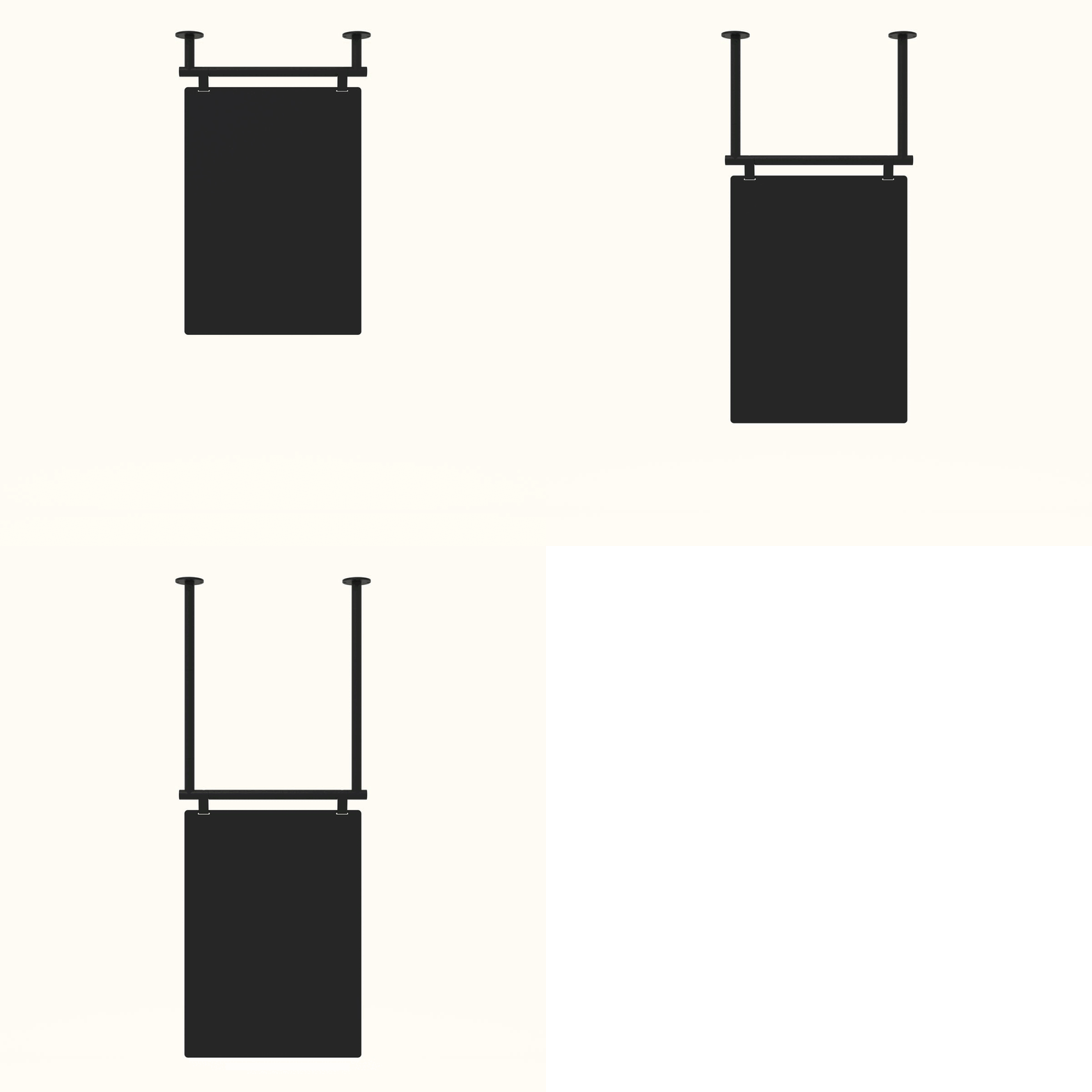
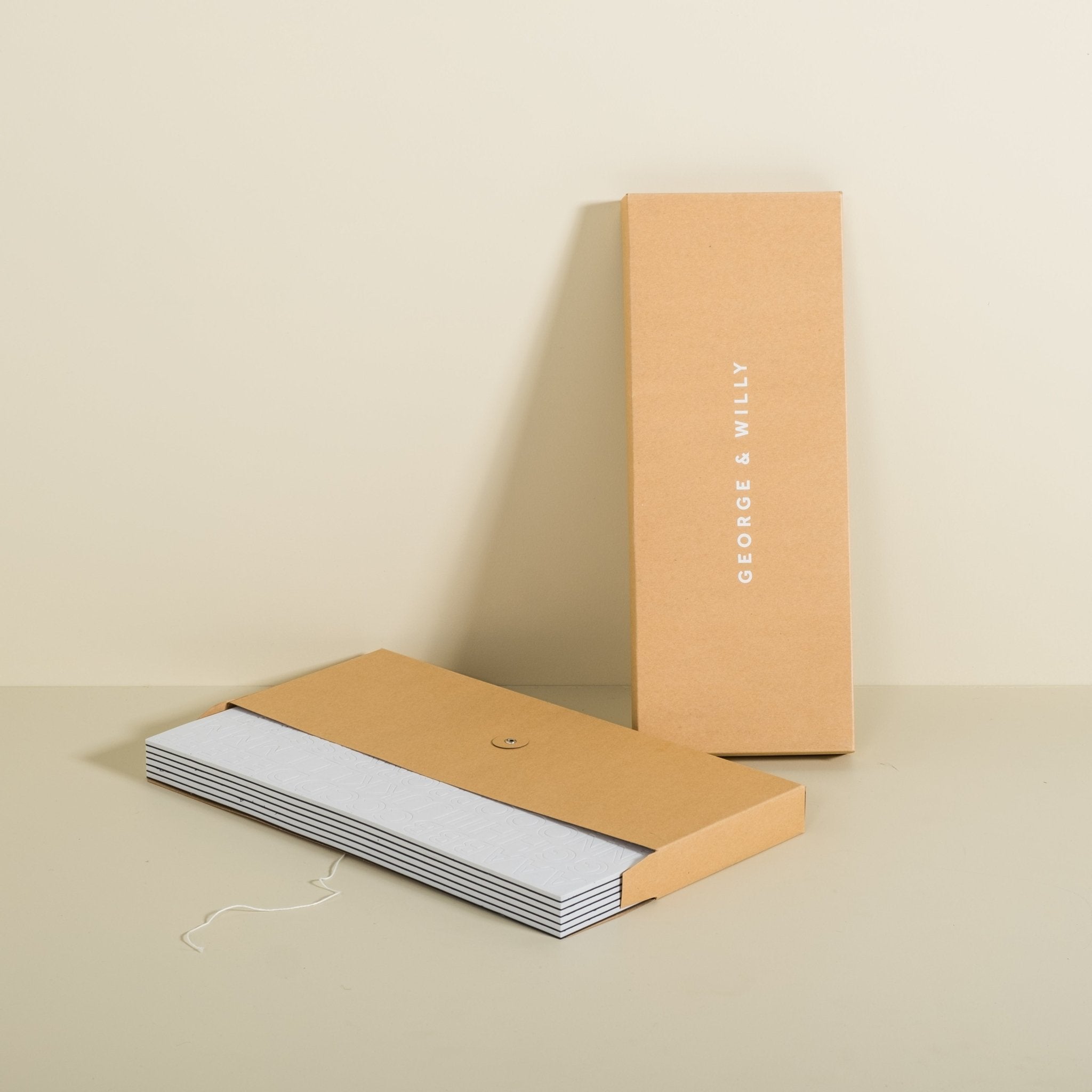
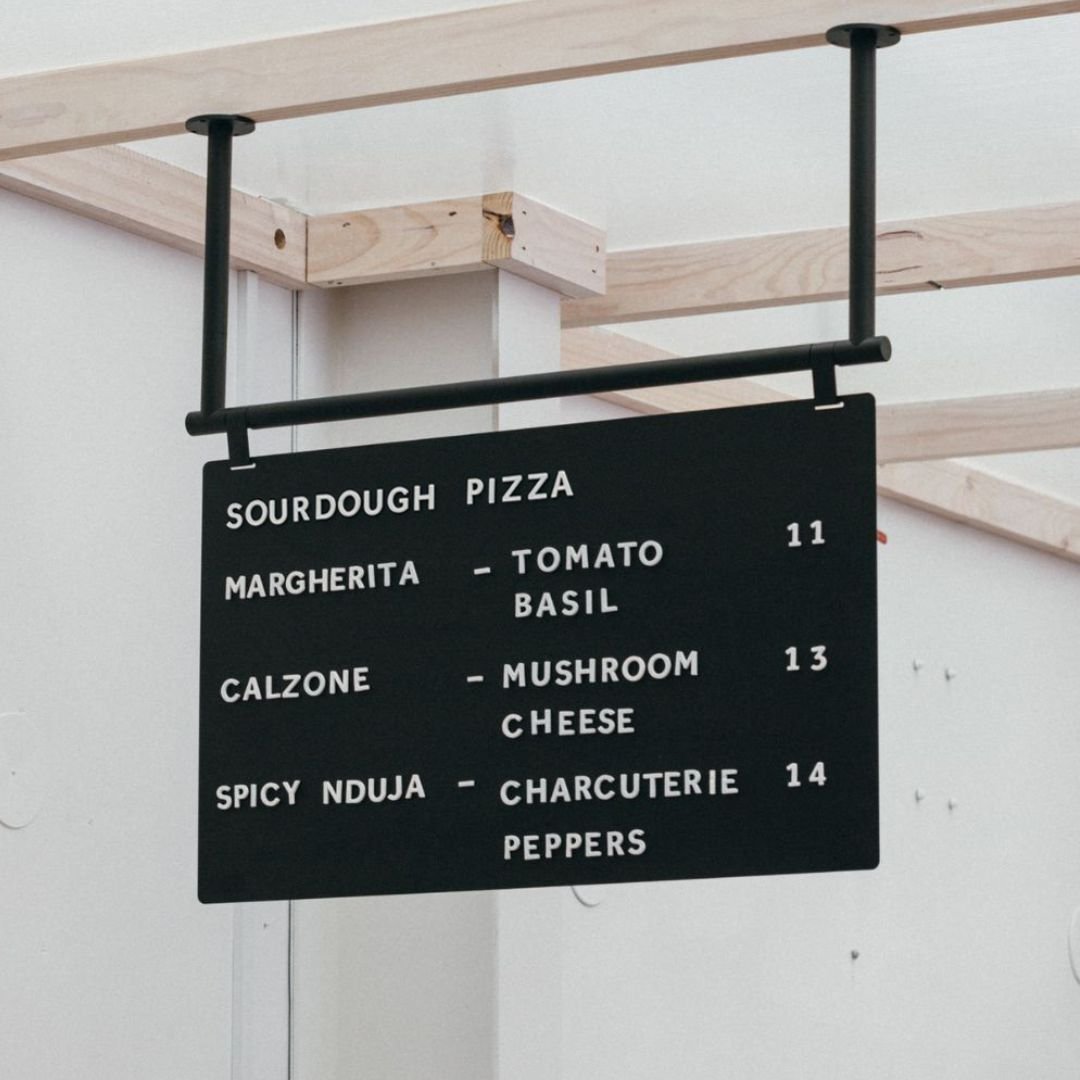
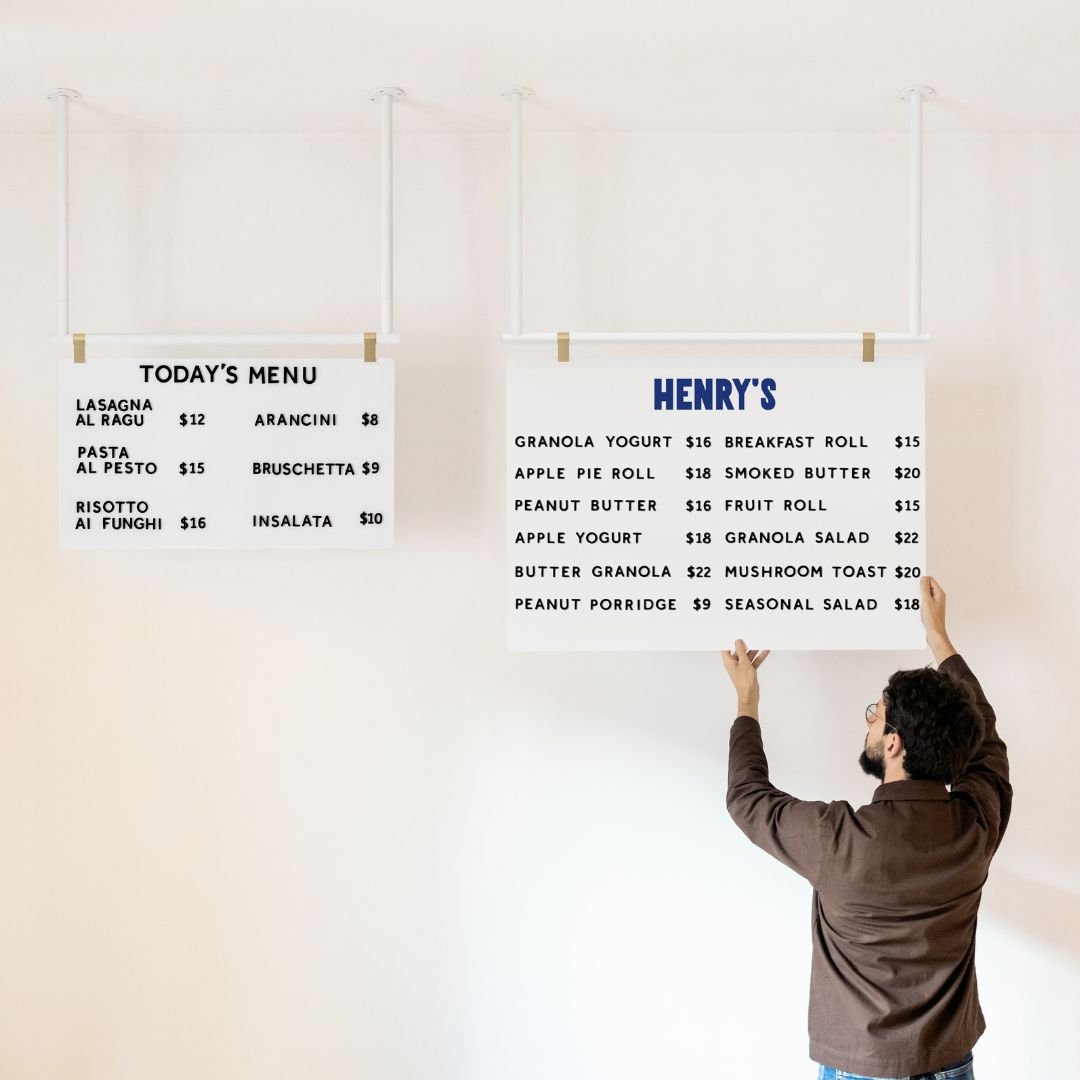
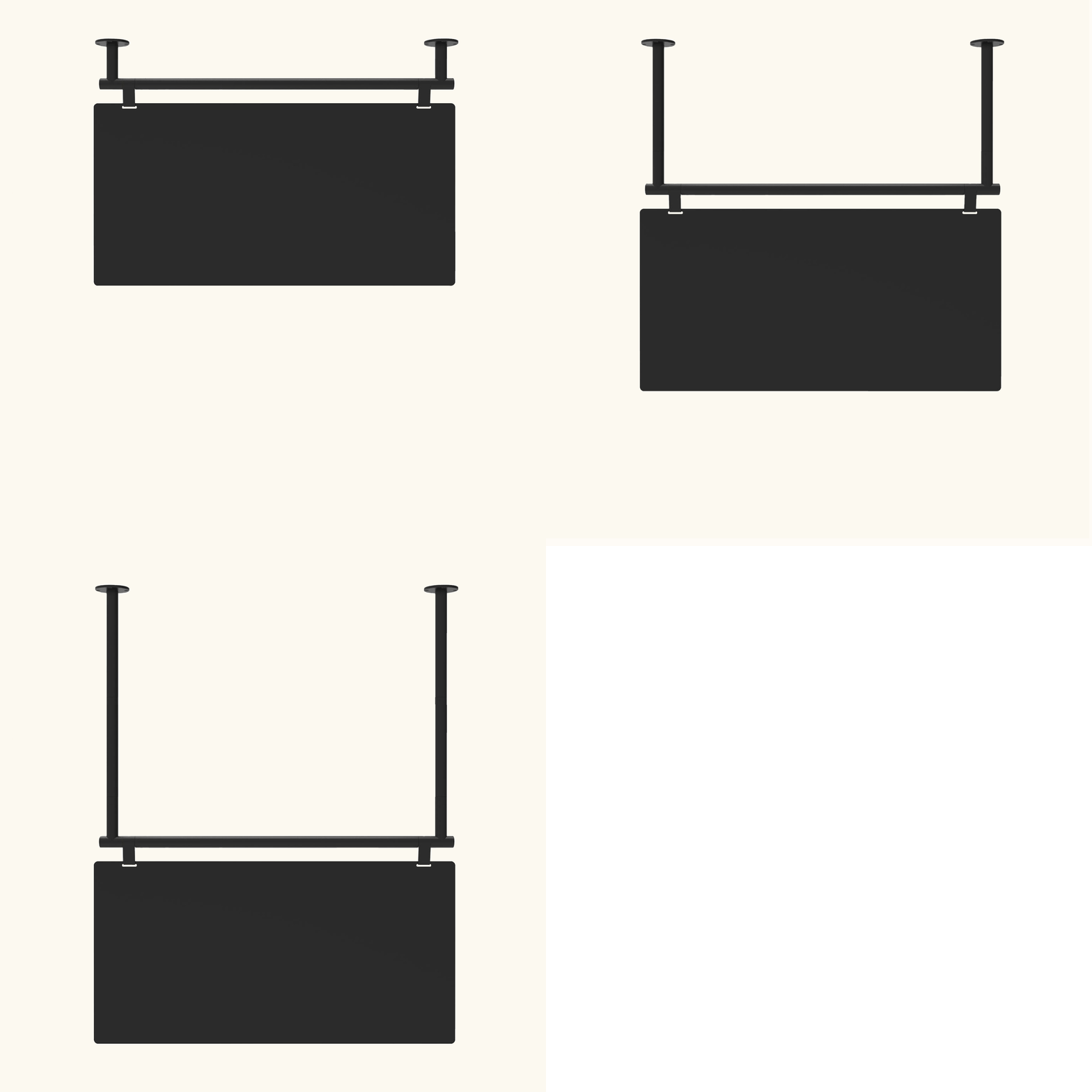
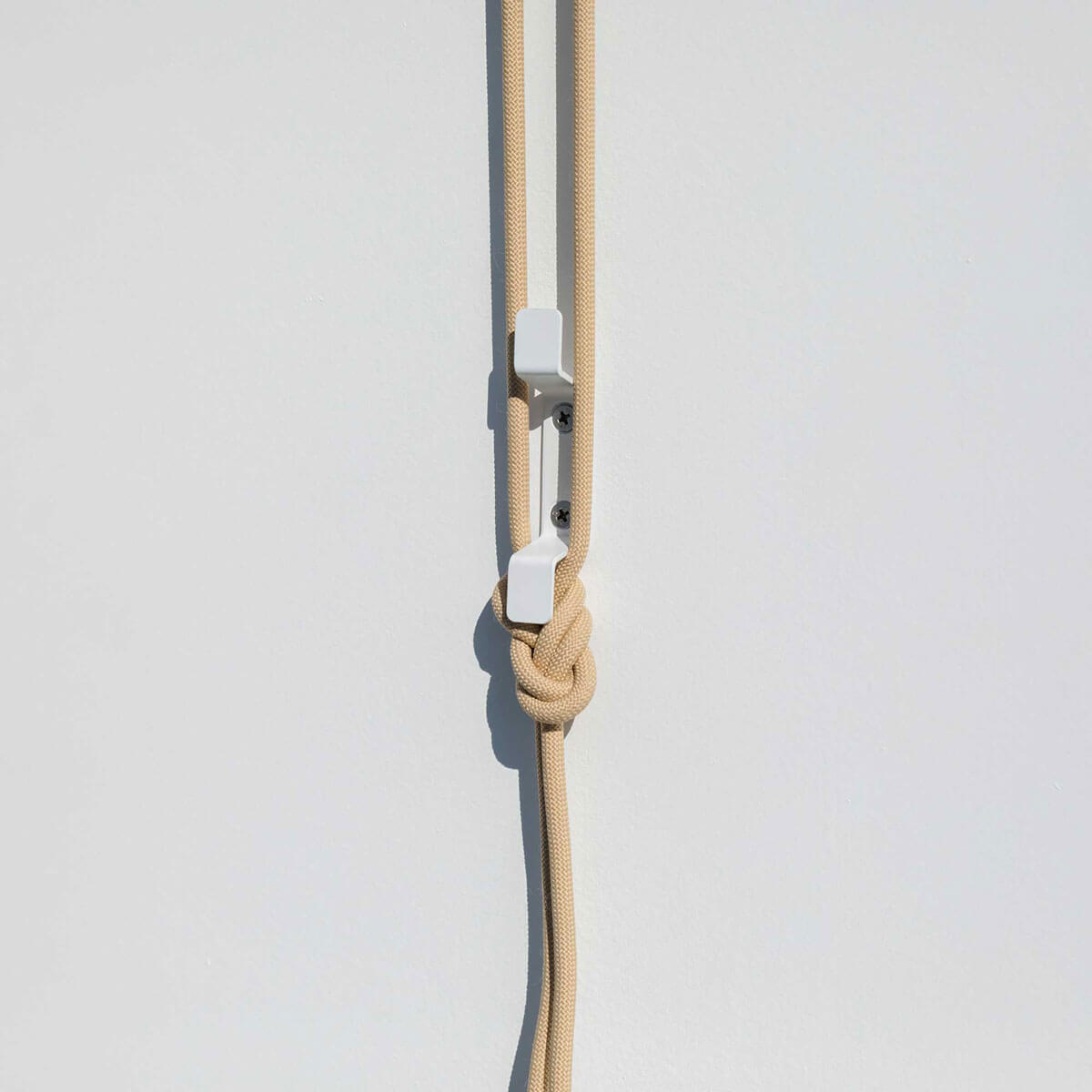
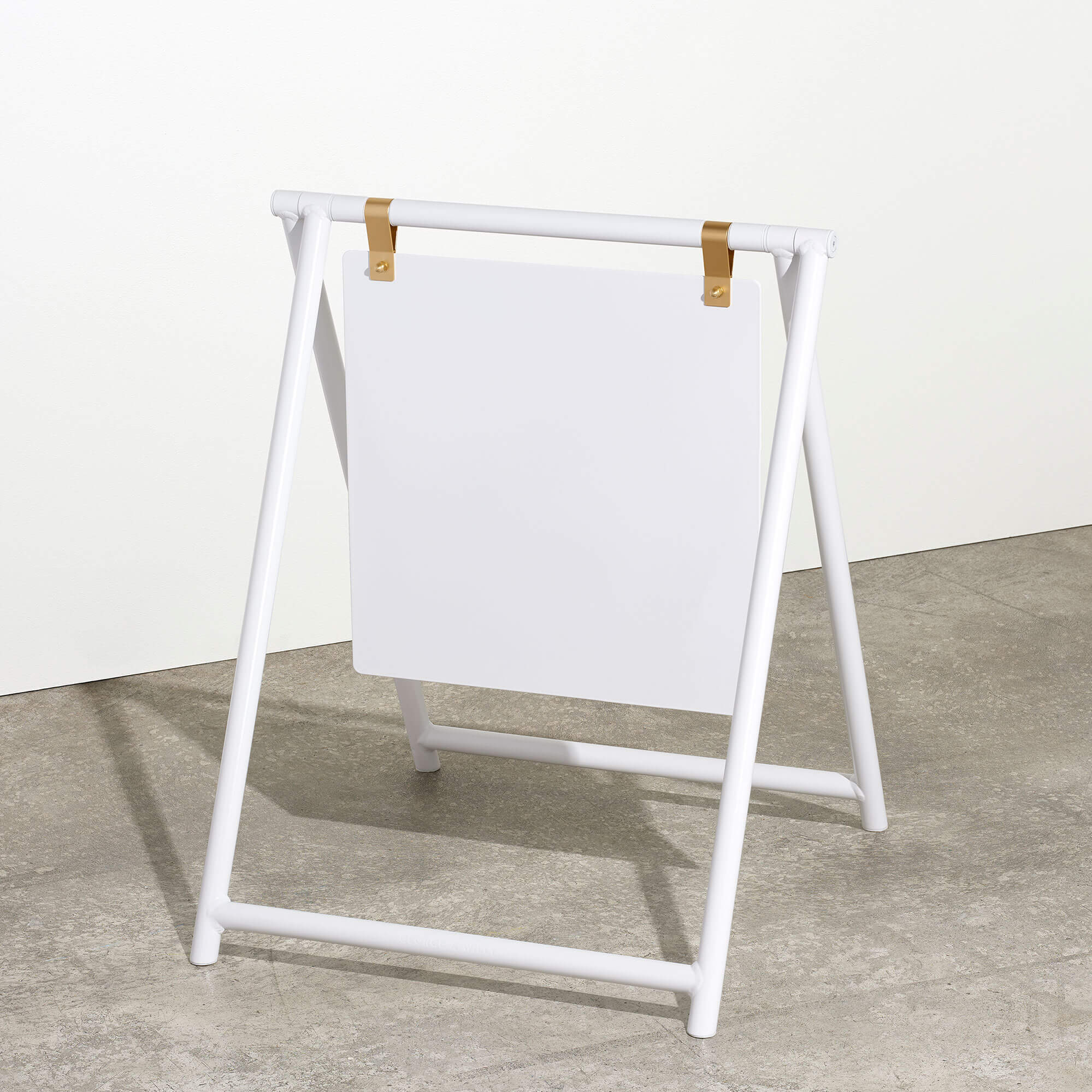
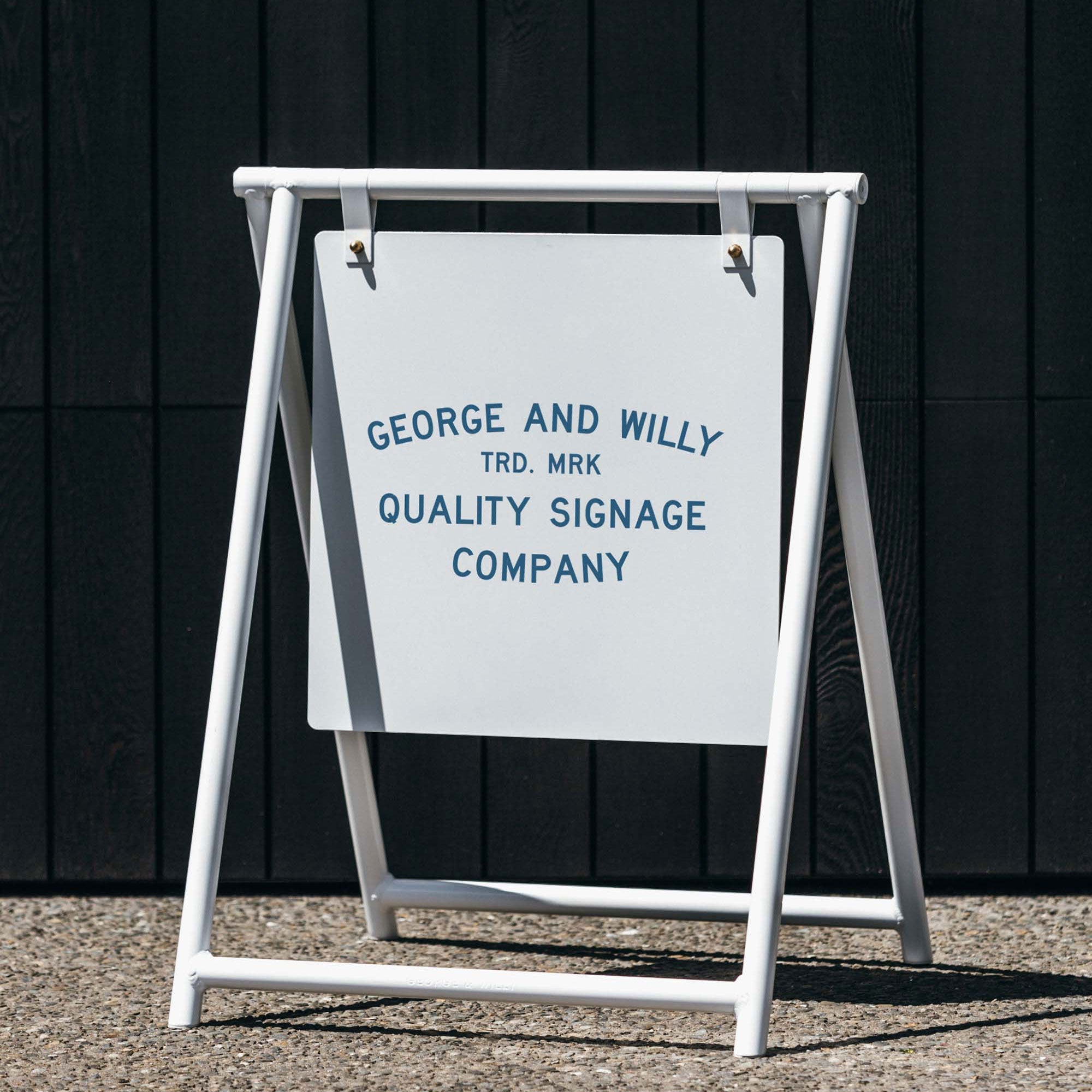
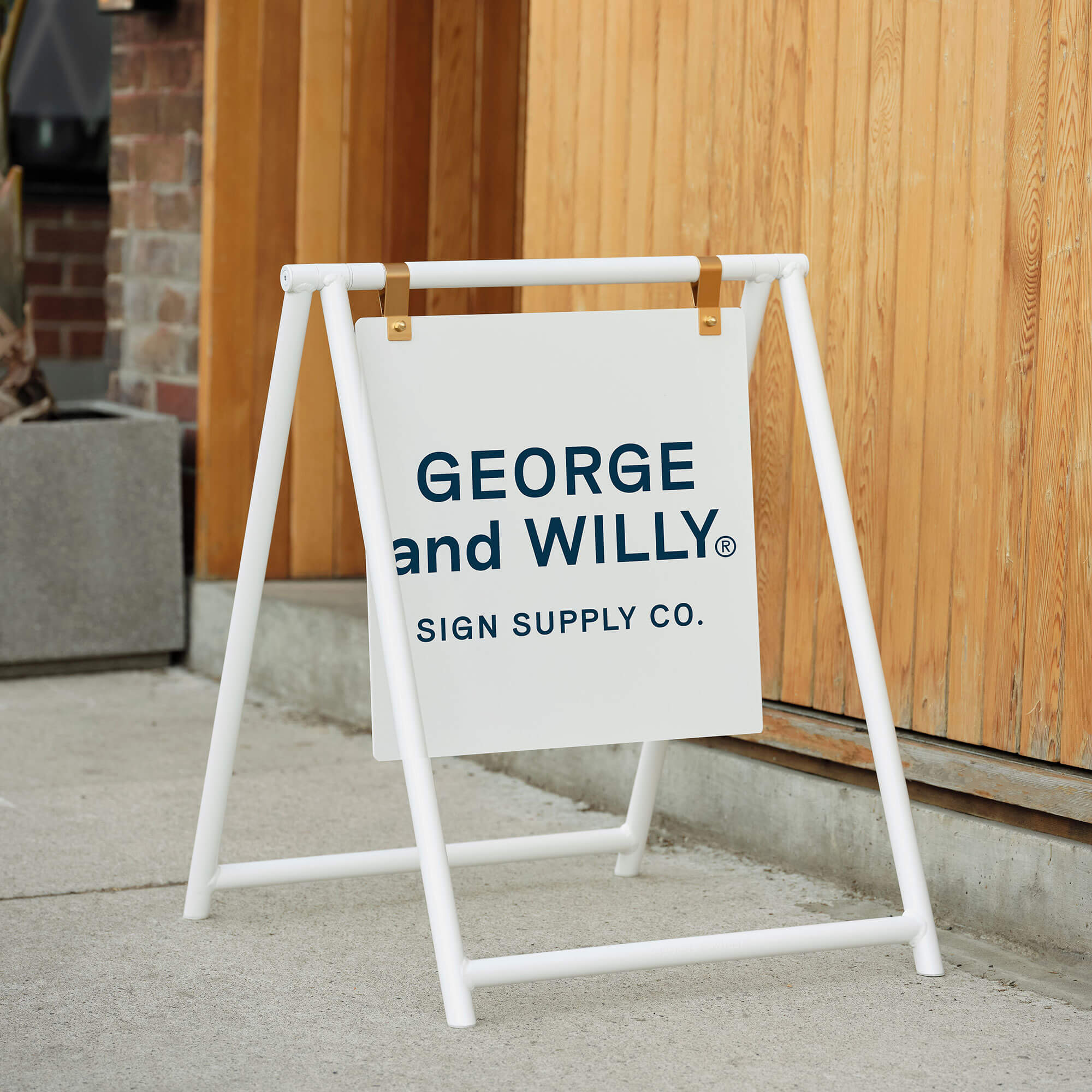
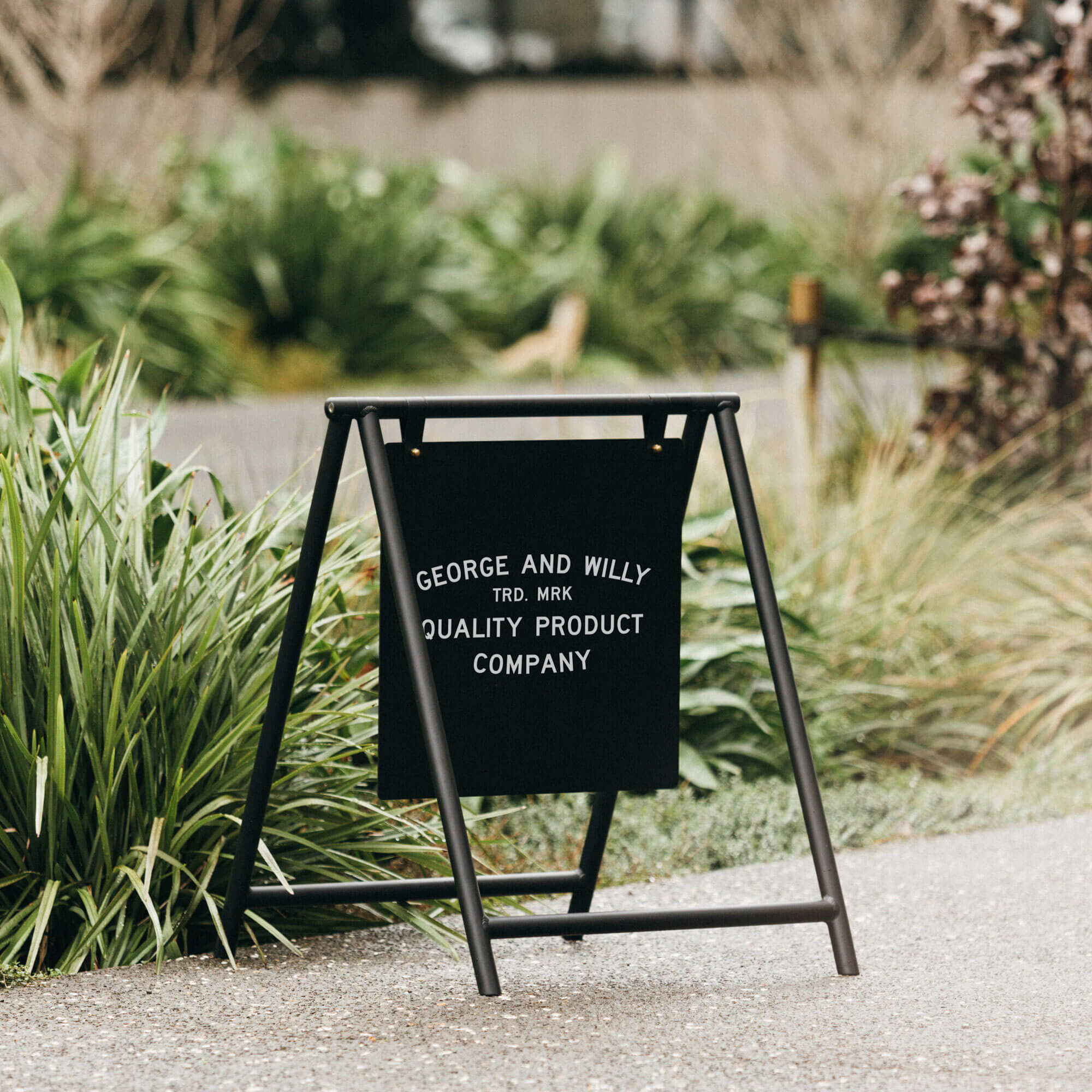
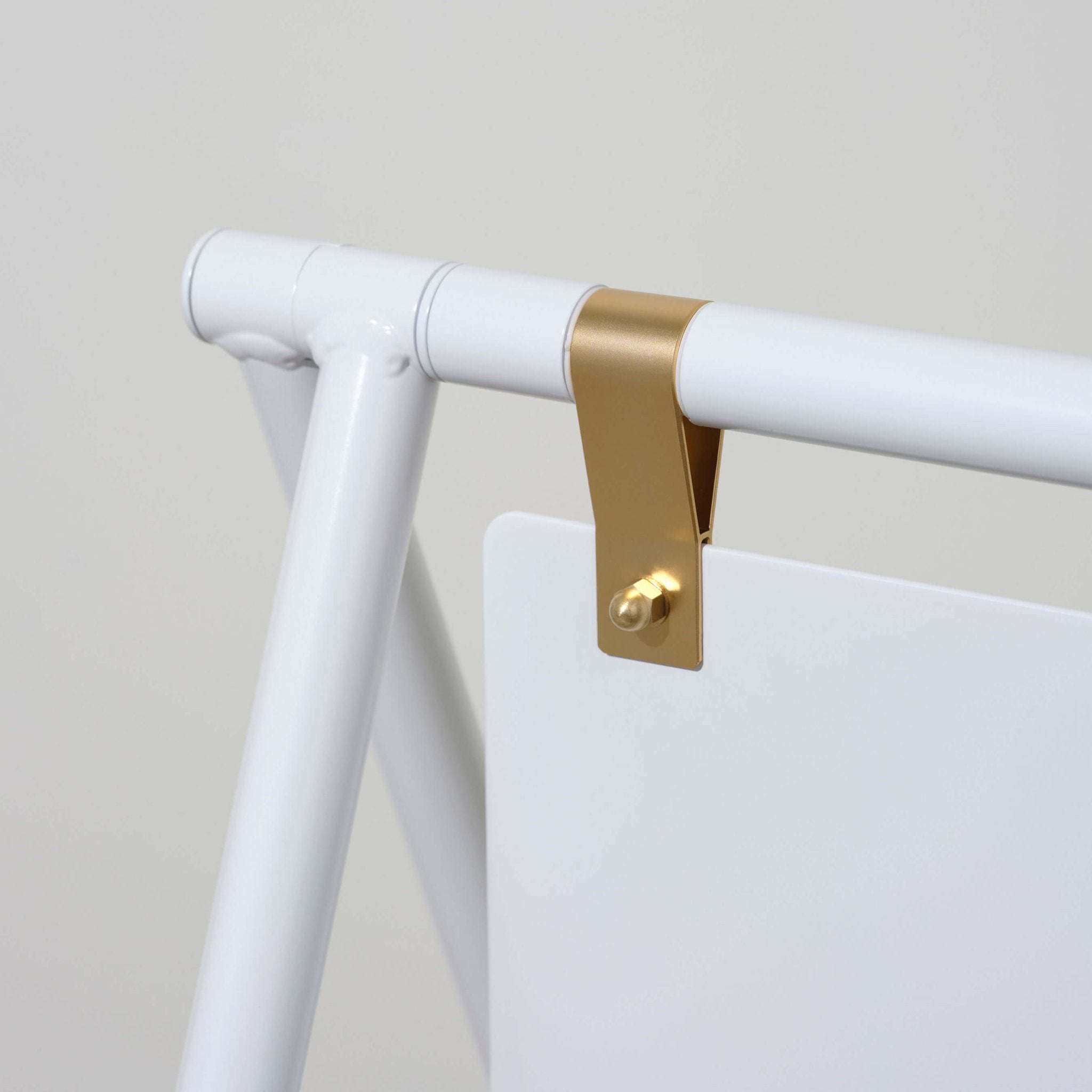
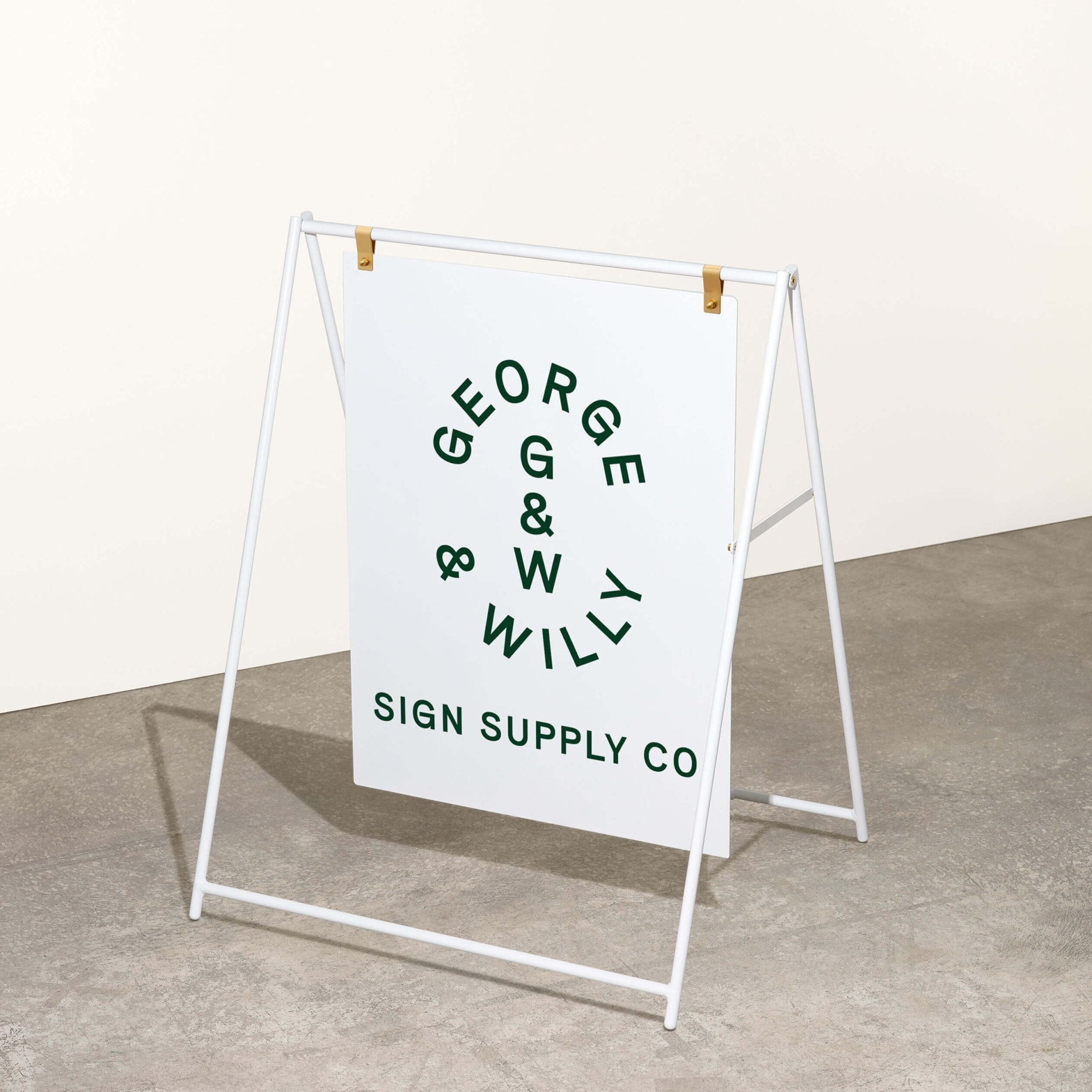
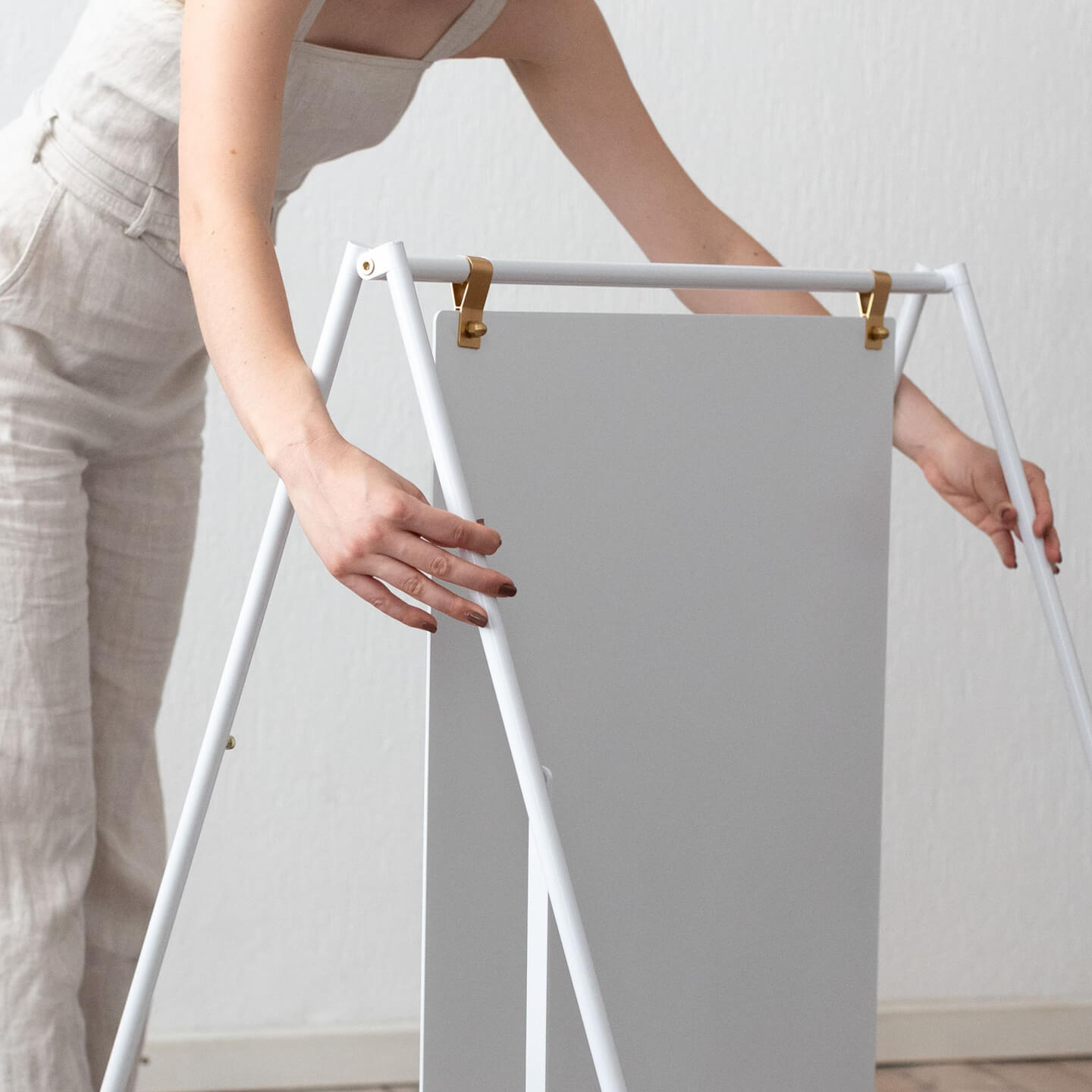
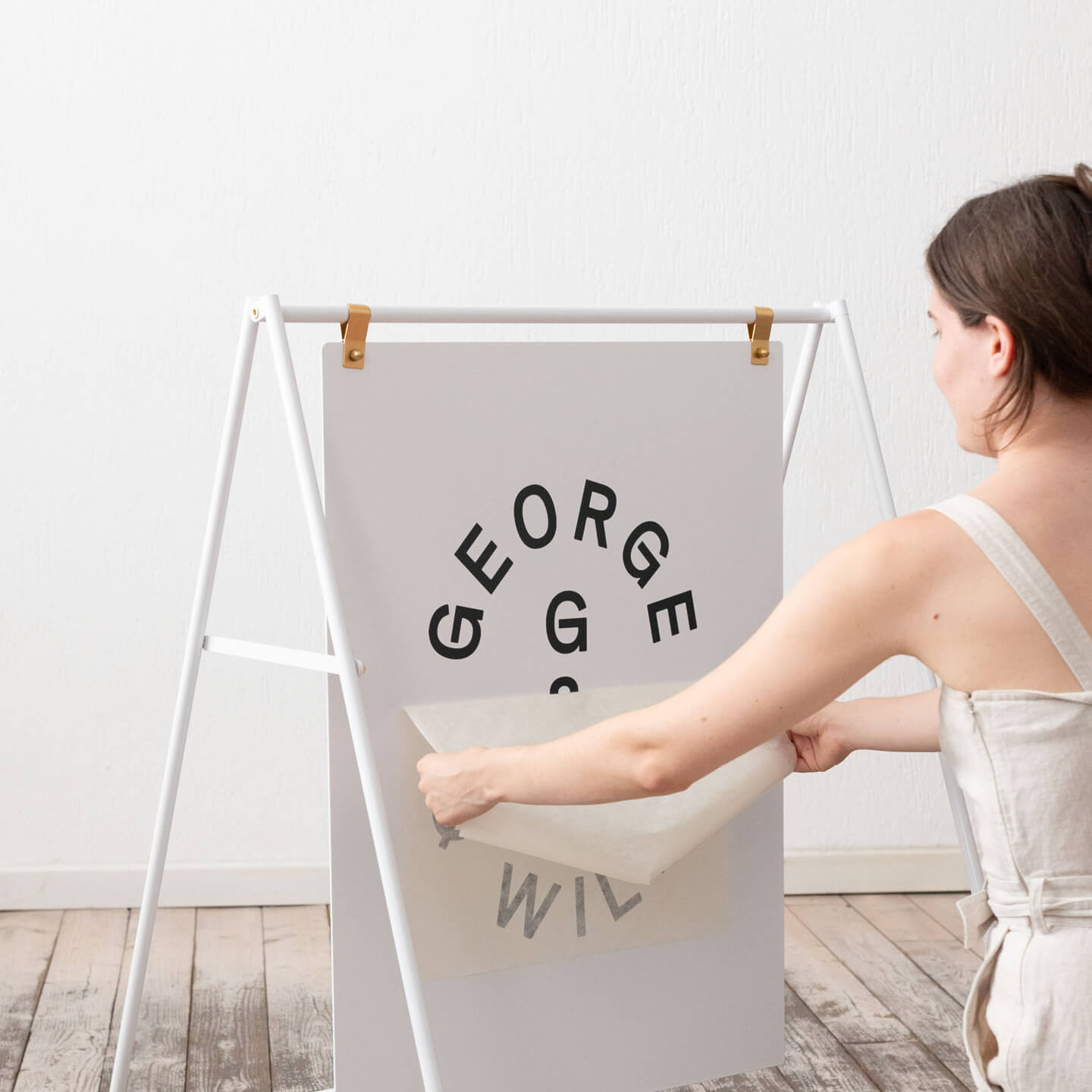
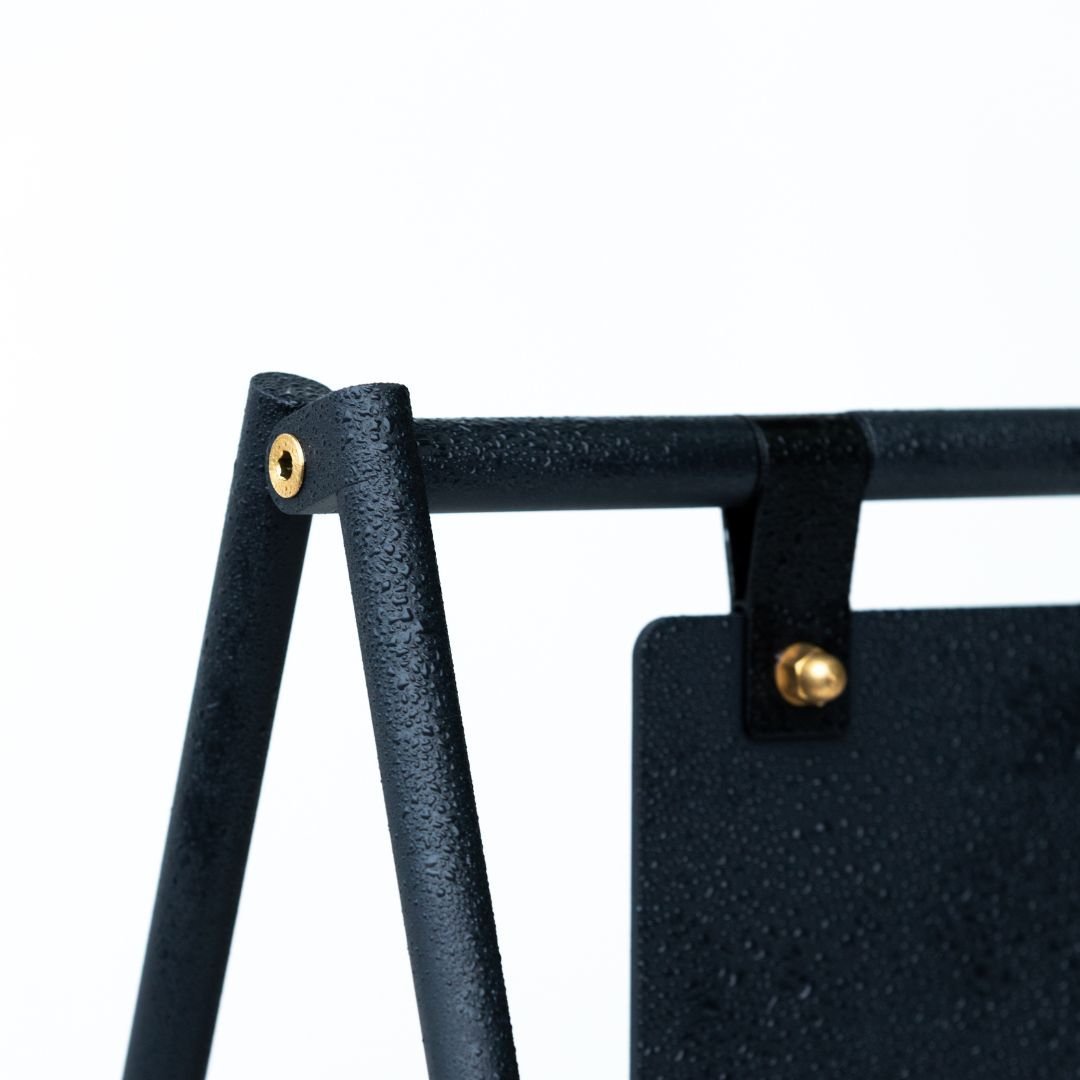
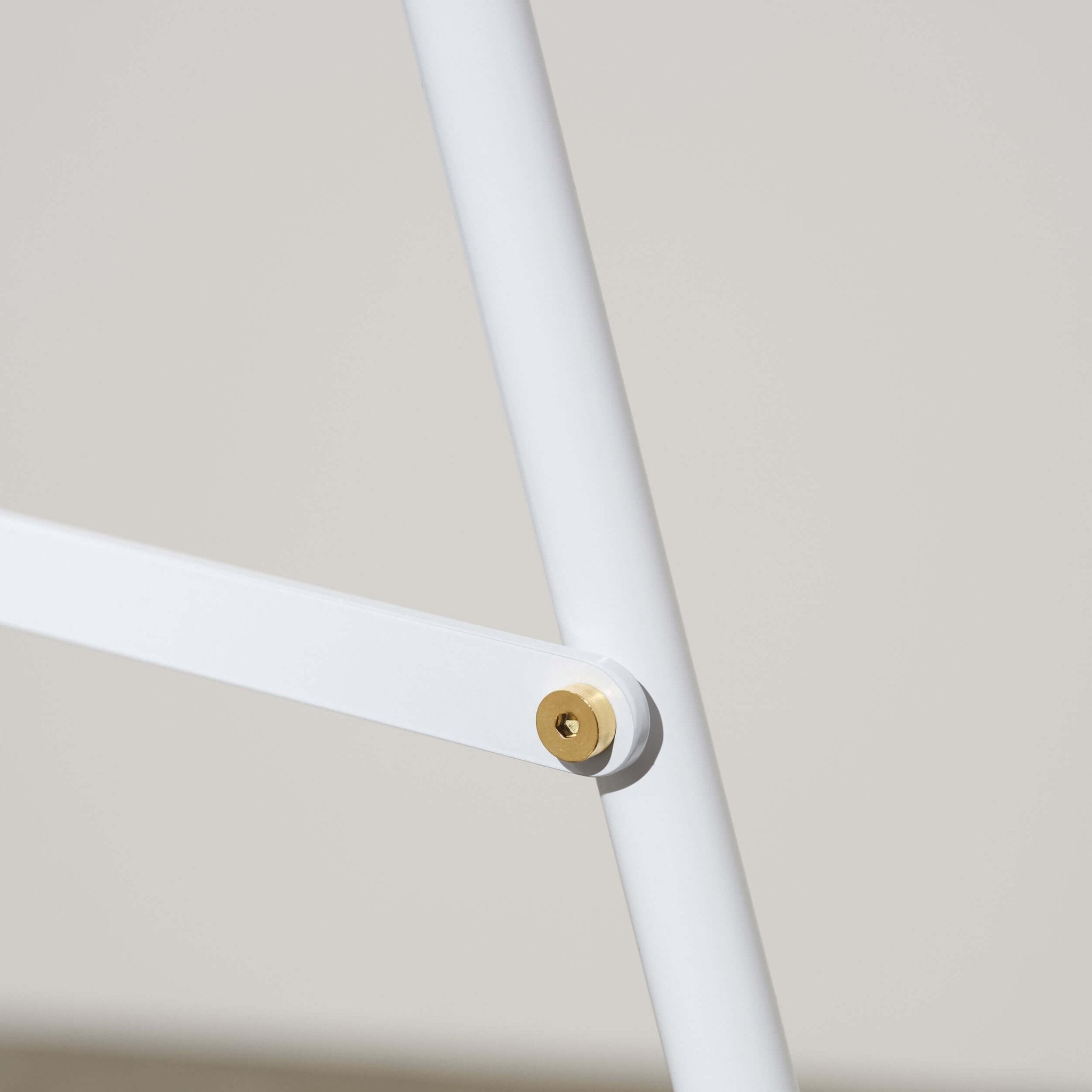
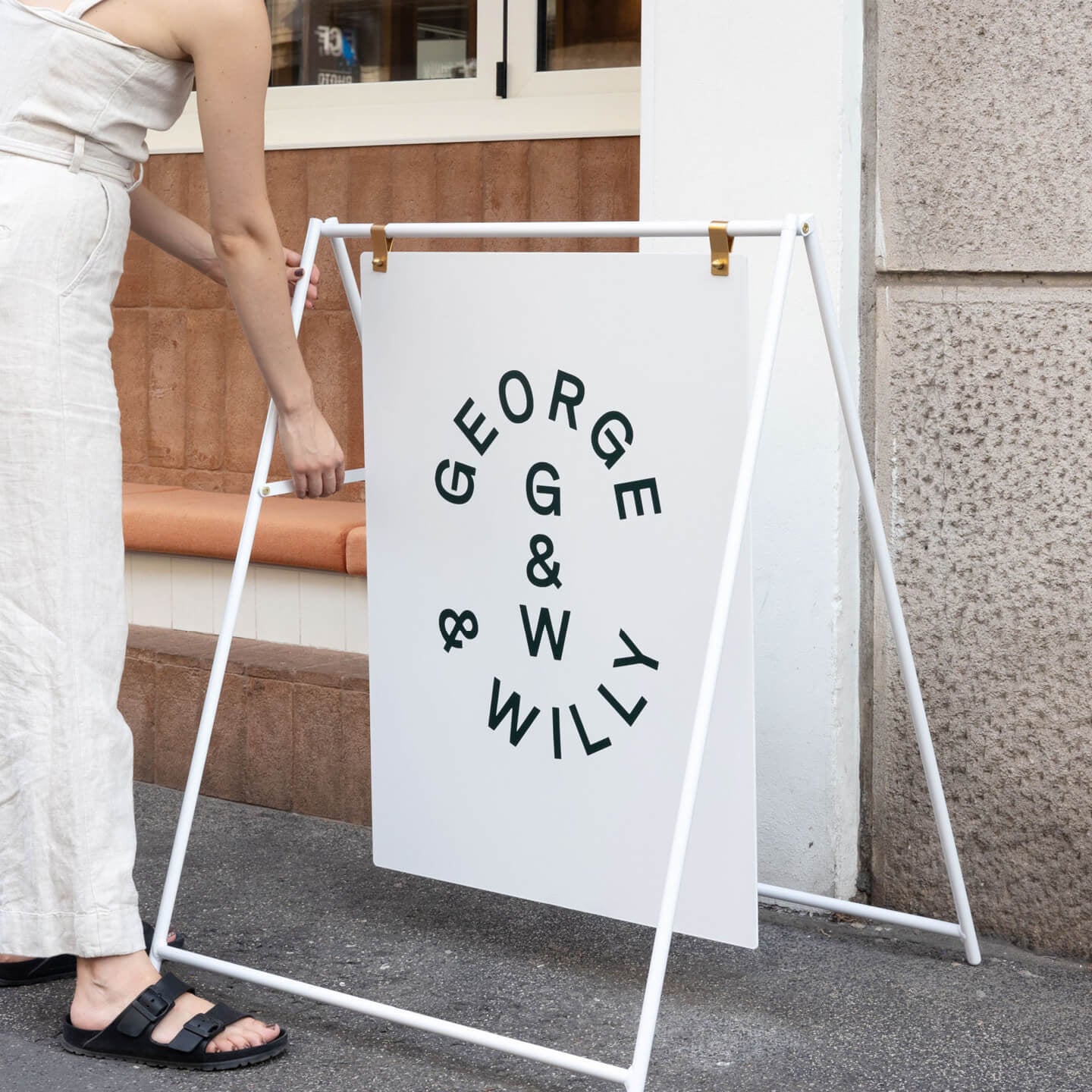
For more permanent, high impact signage, many businesses choose a different path. They pair their custom digital design with premium, beautifully crafted blank hardware like the outdoor hanging sign. This approach gives you the best of both worlds: complete creative freedom with an online signage creator and a durable, elegant physical sign that elevates your brand. Companies like George & Willy specialize in this, offering a range of minimalist, built to last signage.
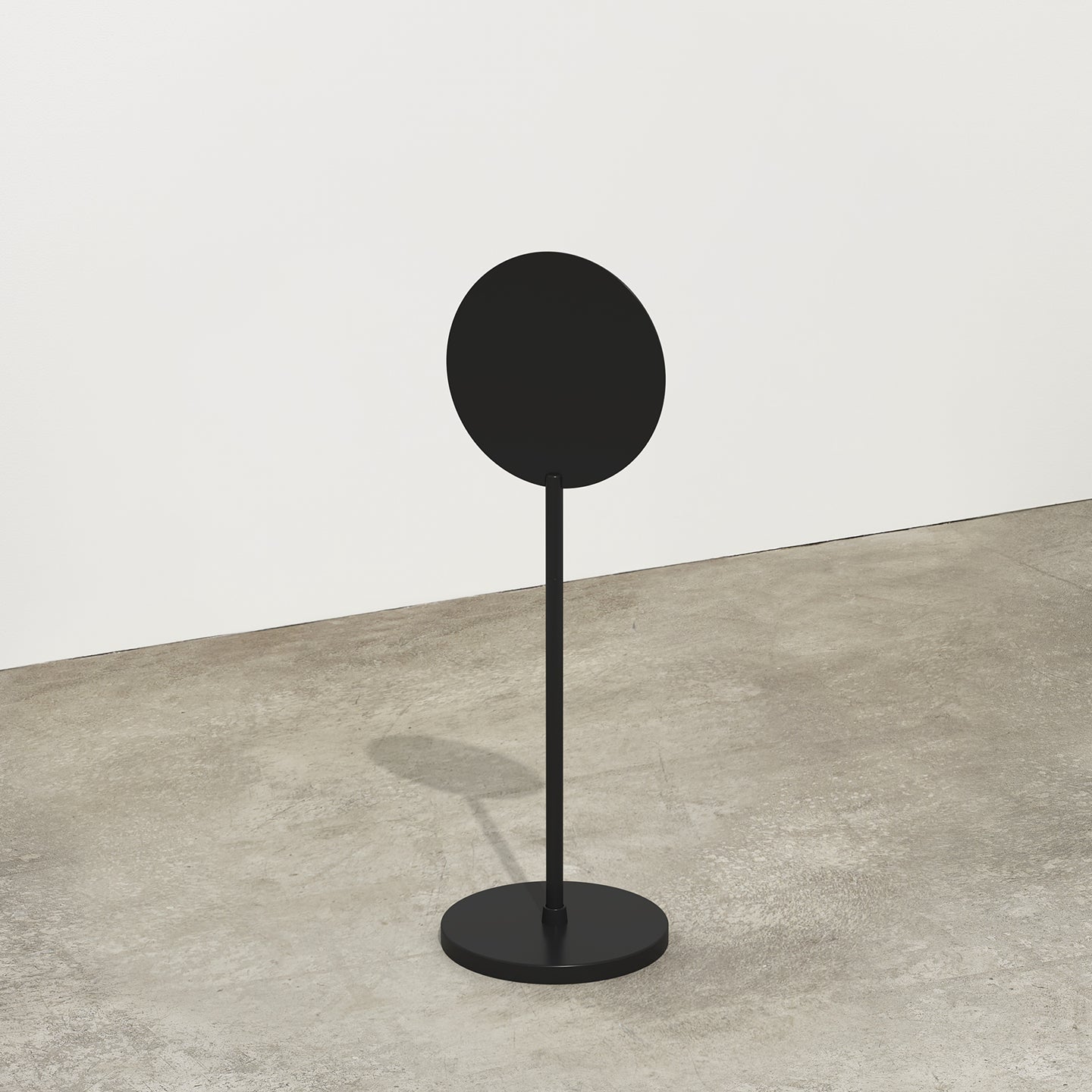
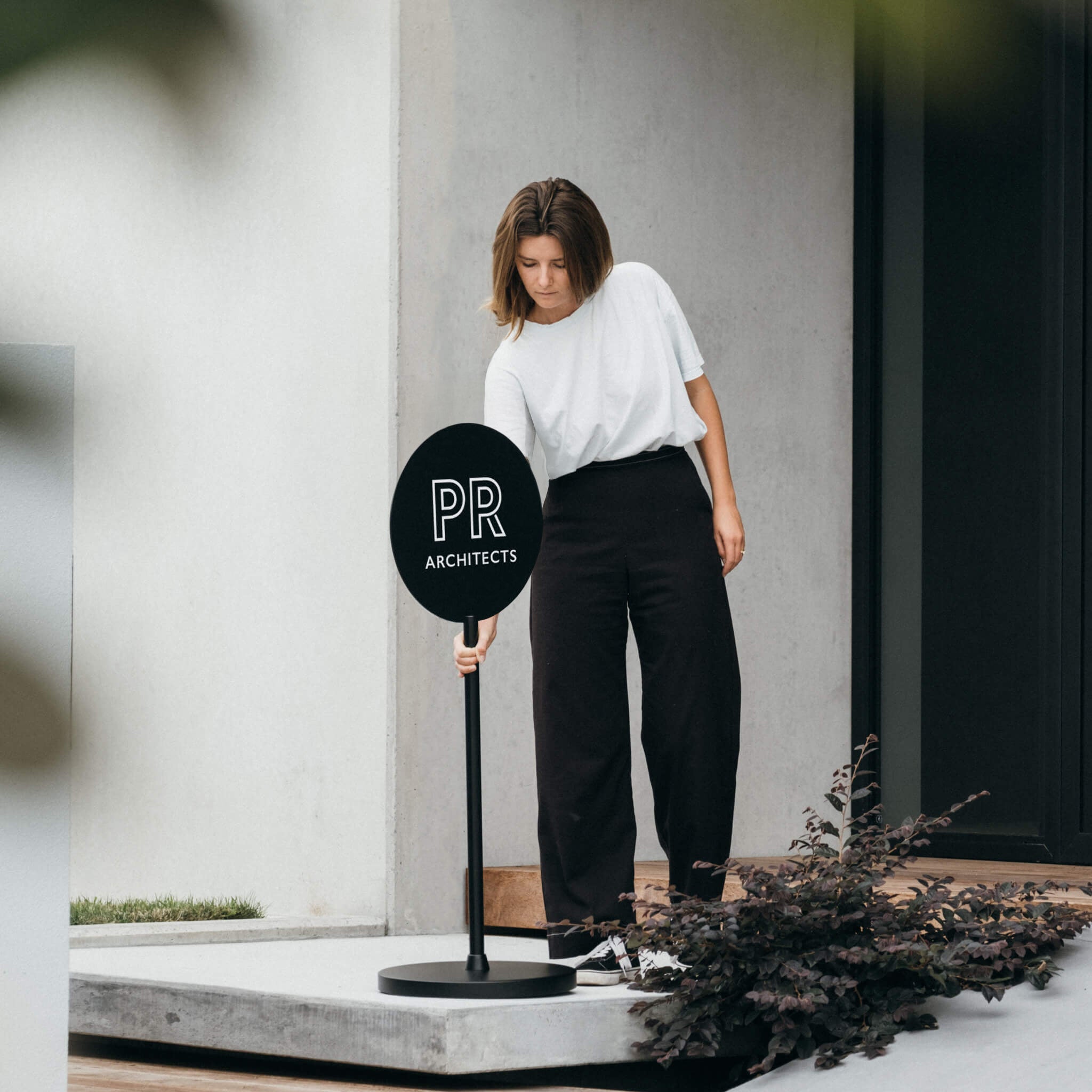
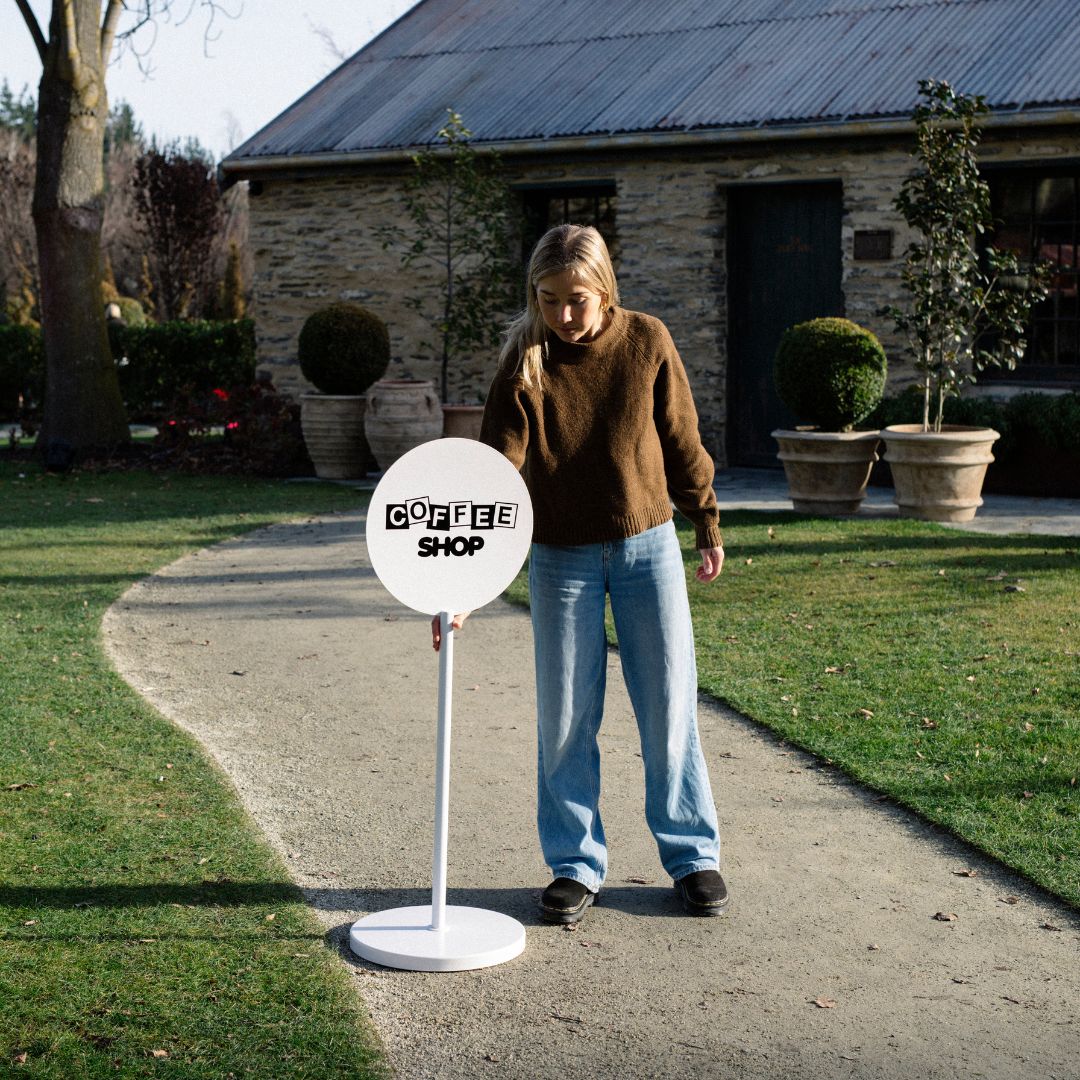
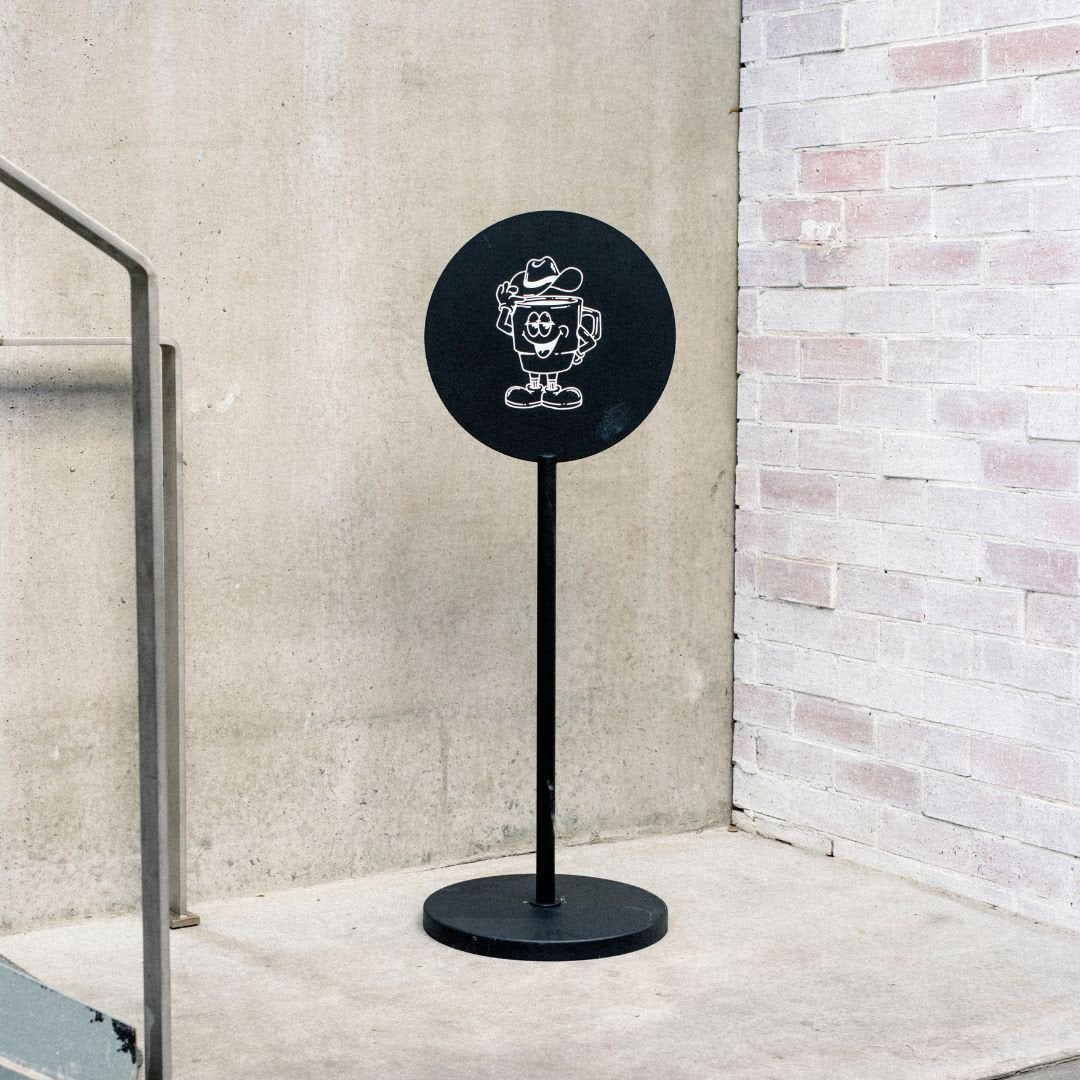
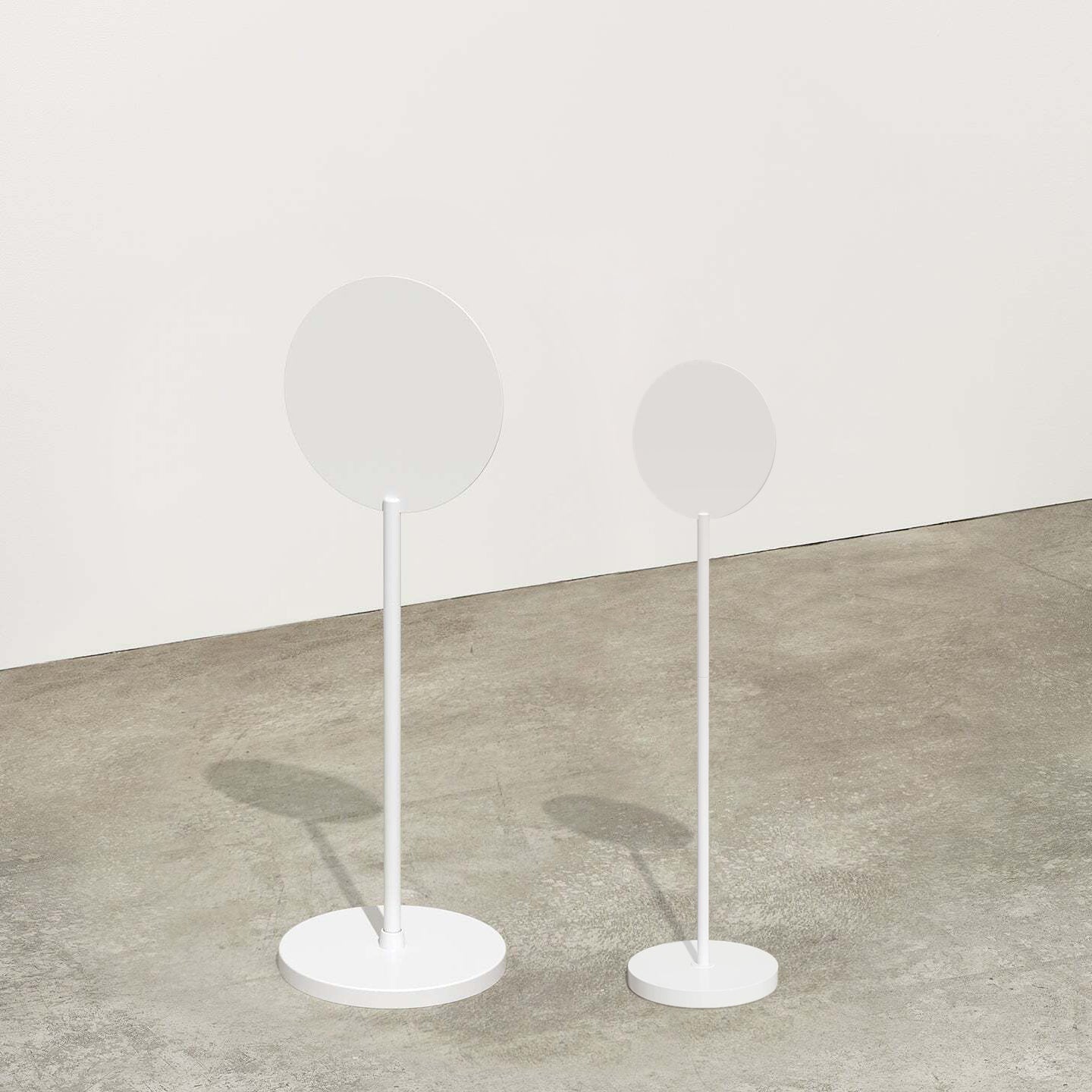
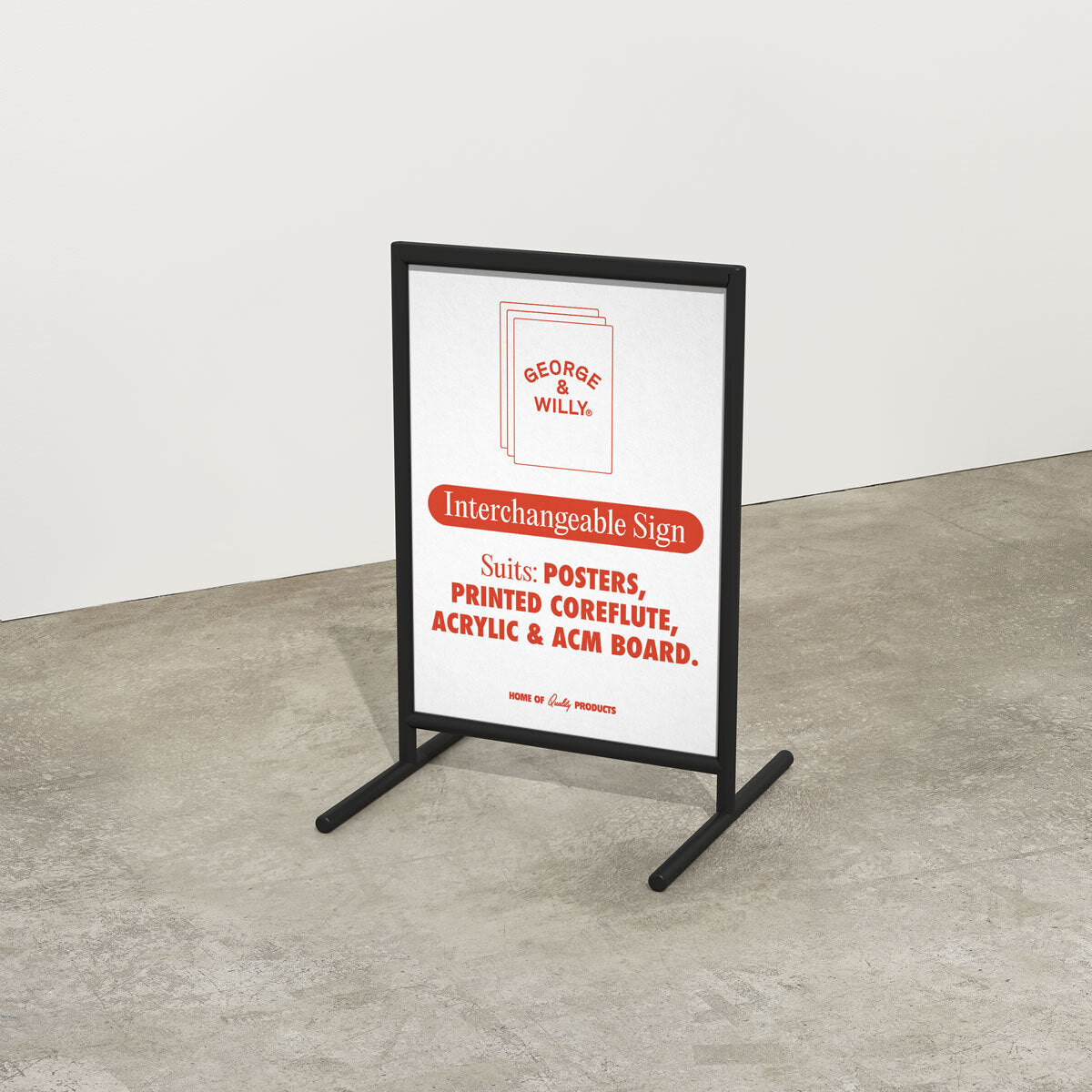
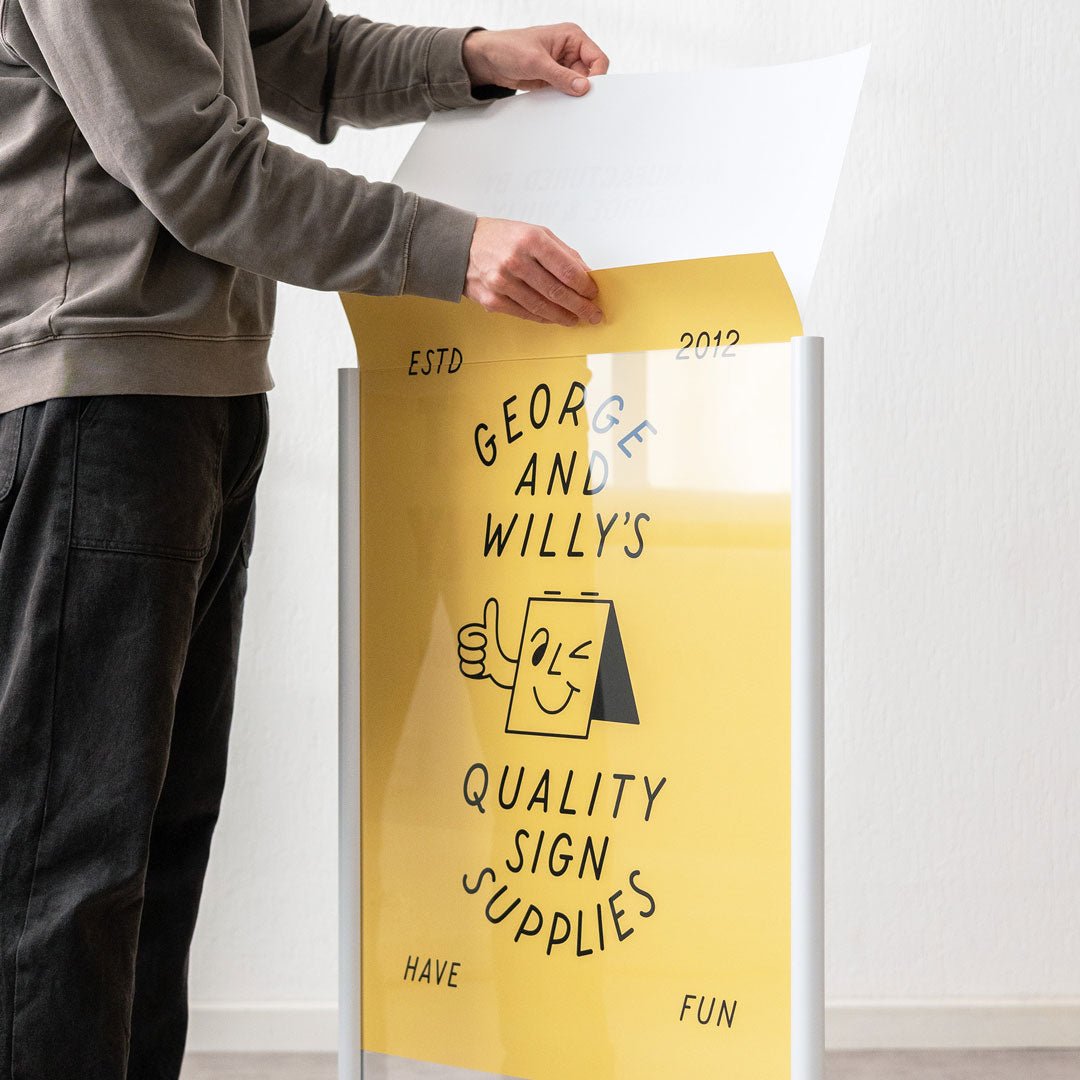
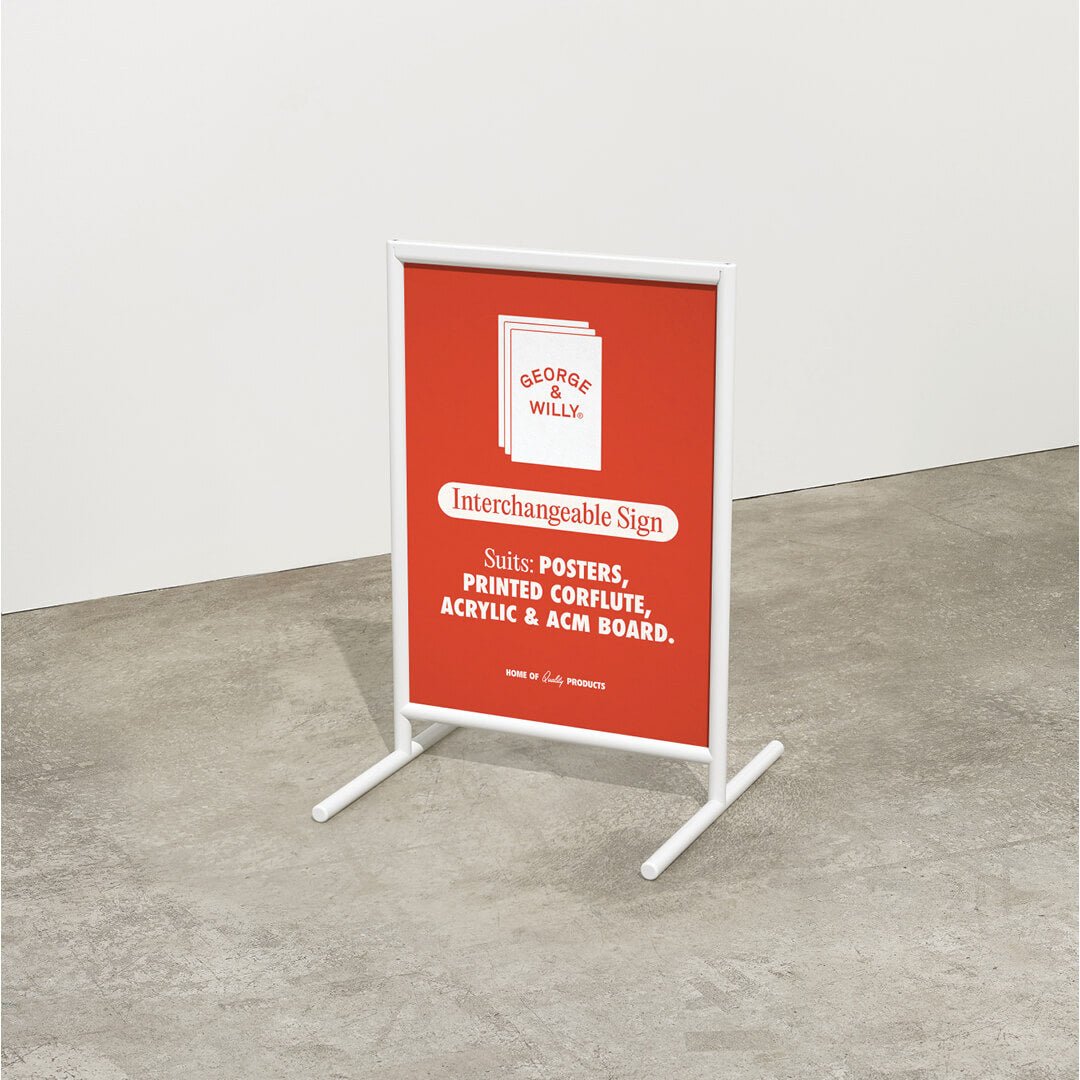
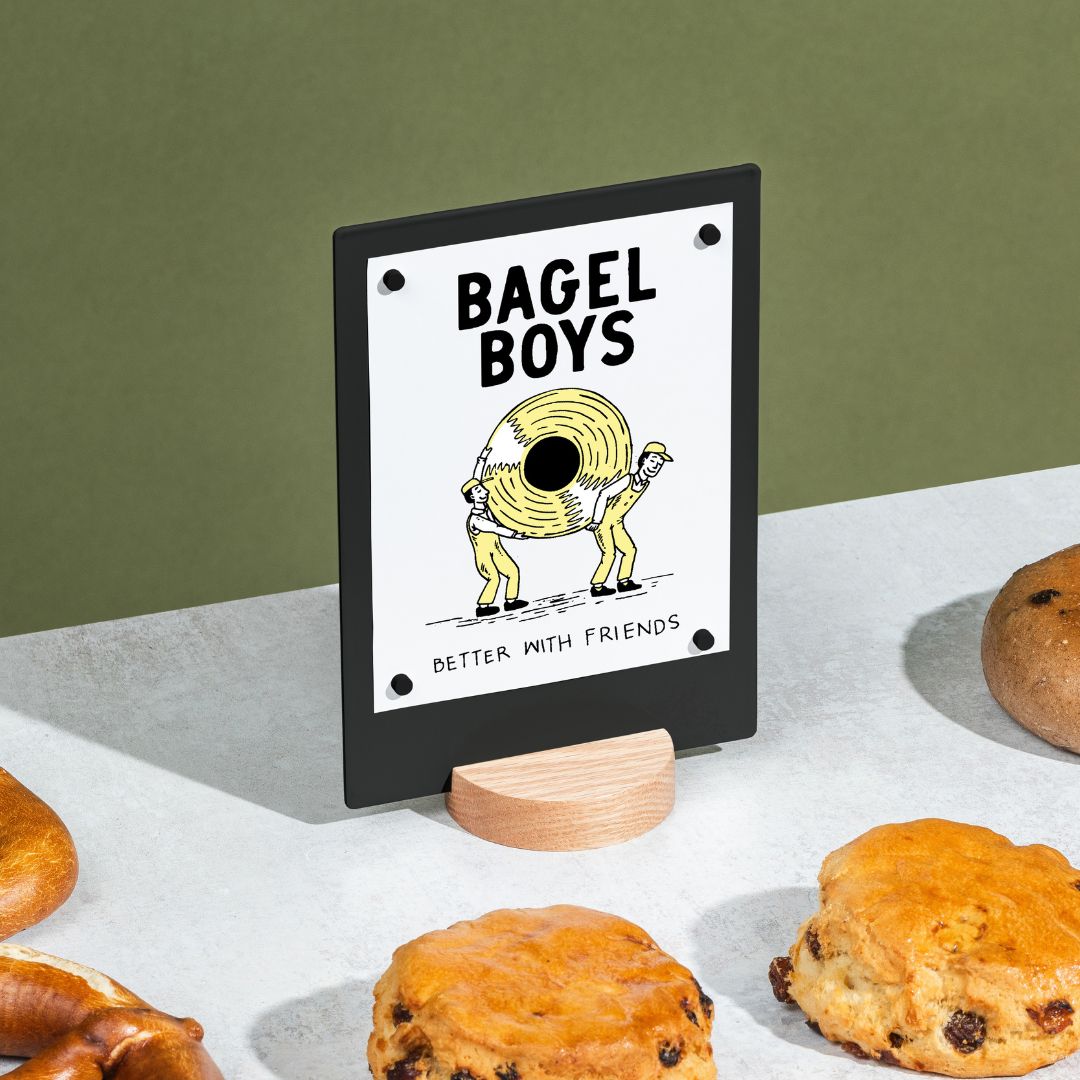
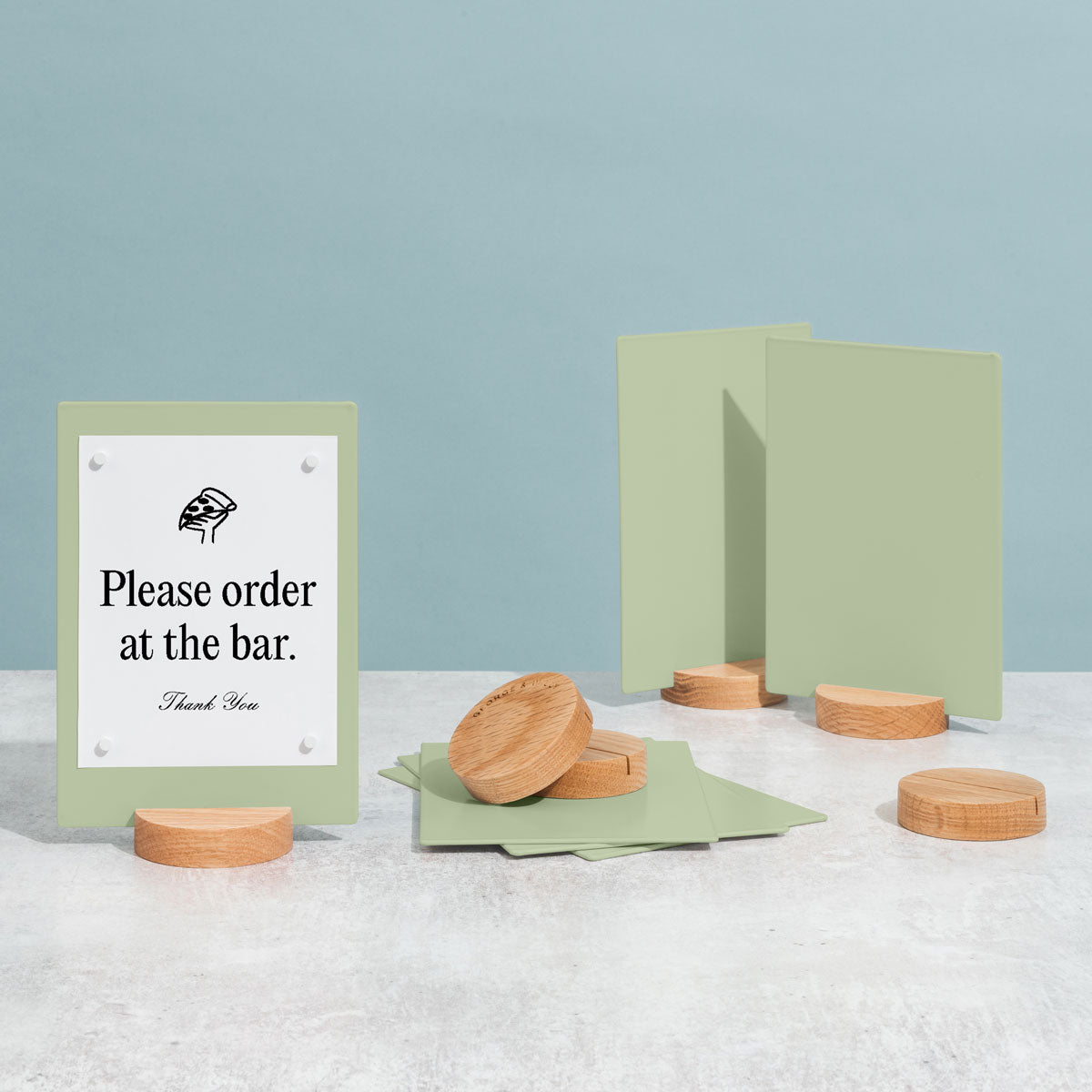
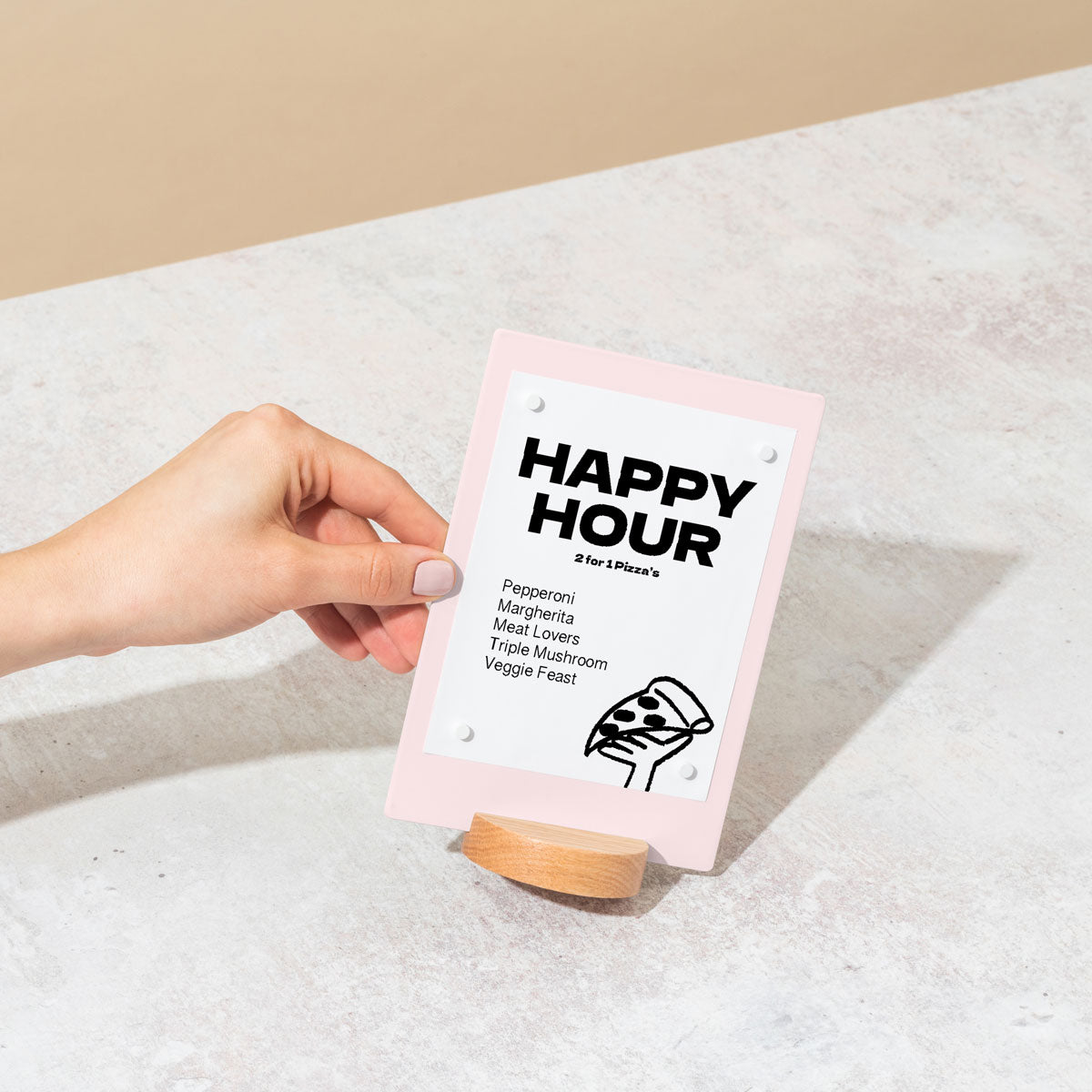
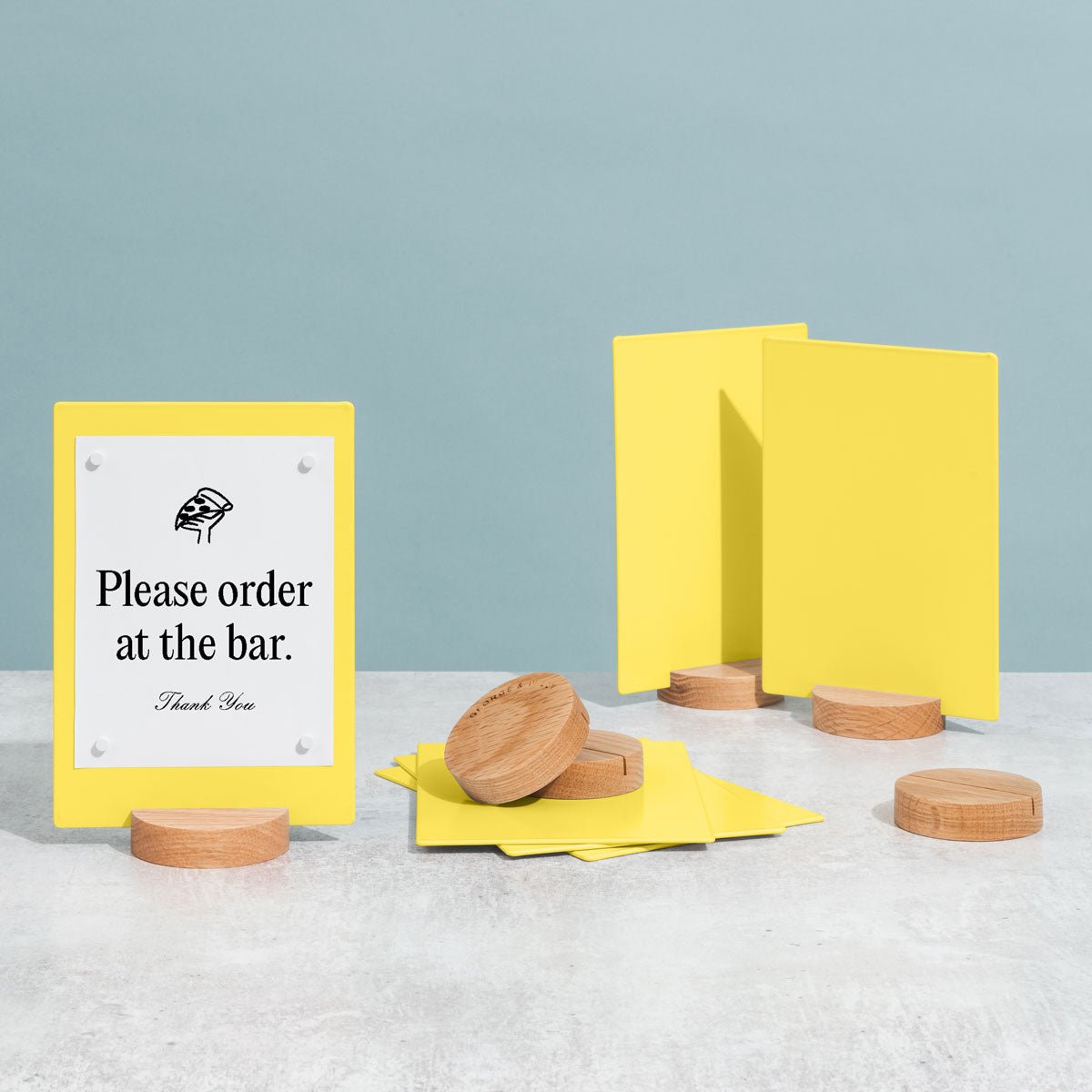
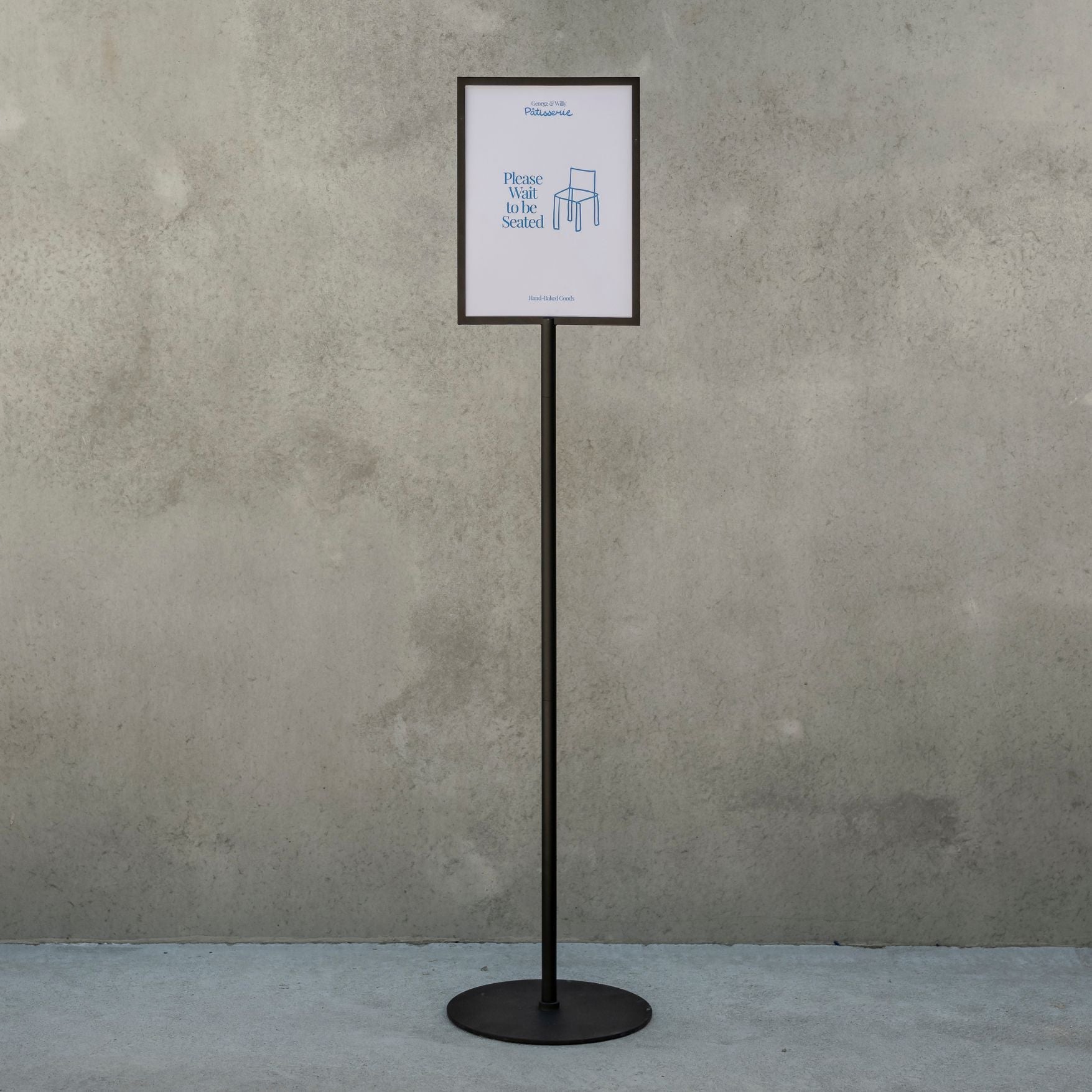
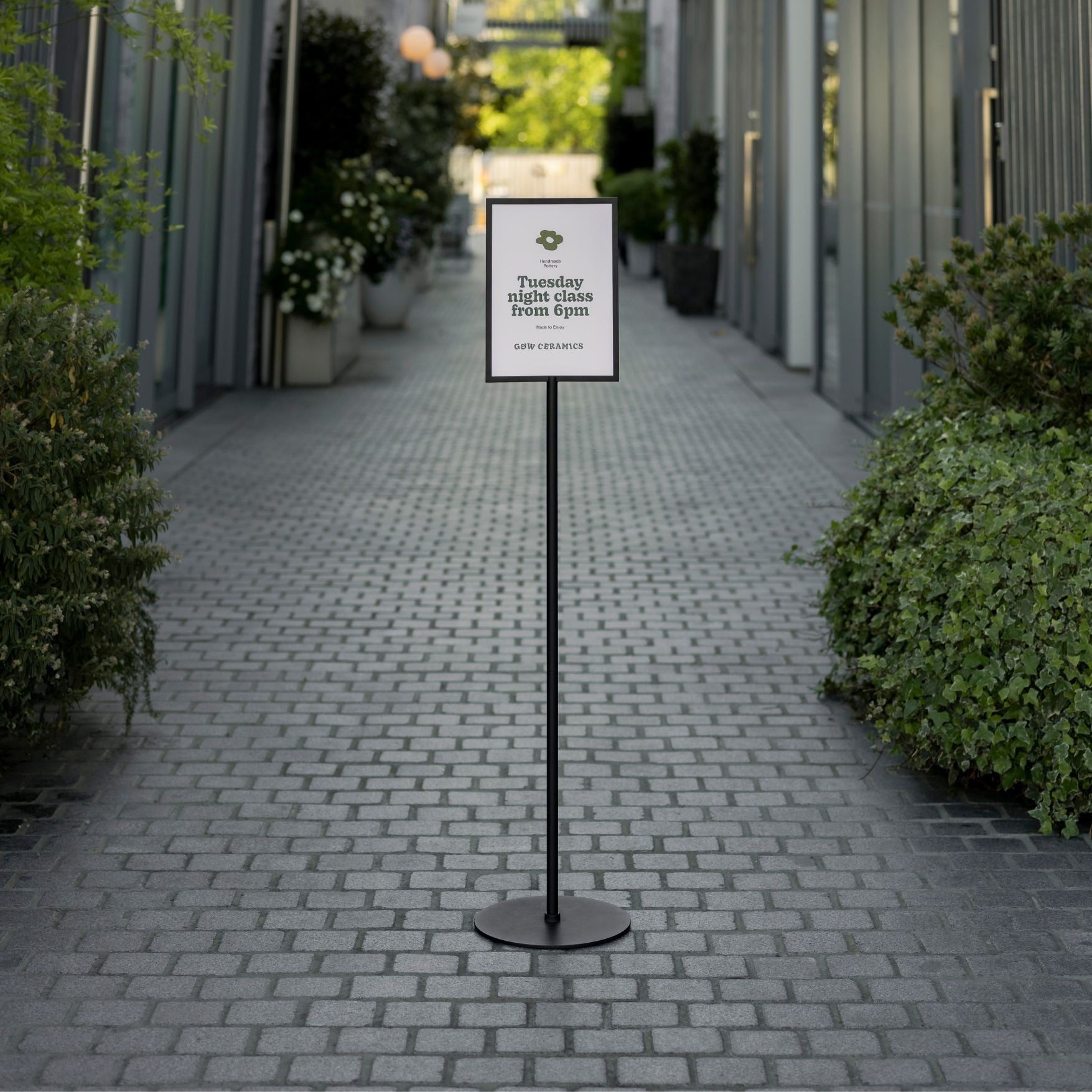
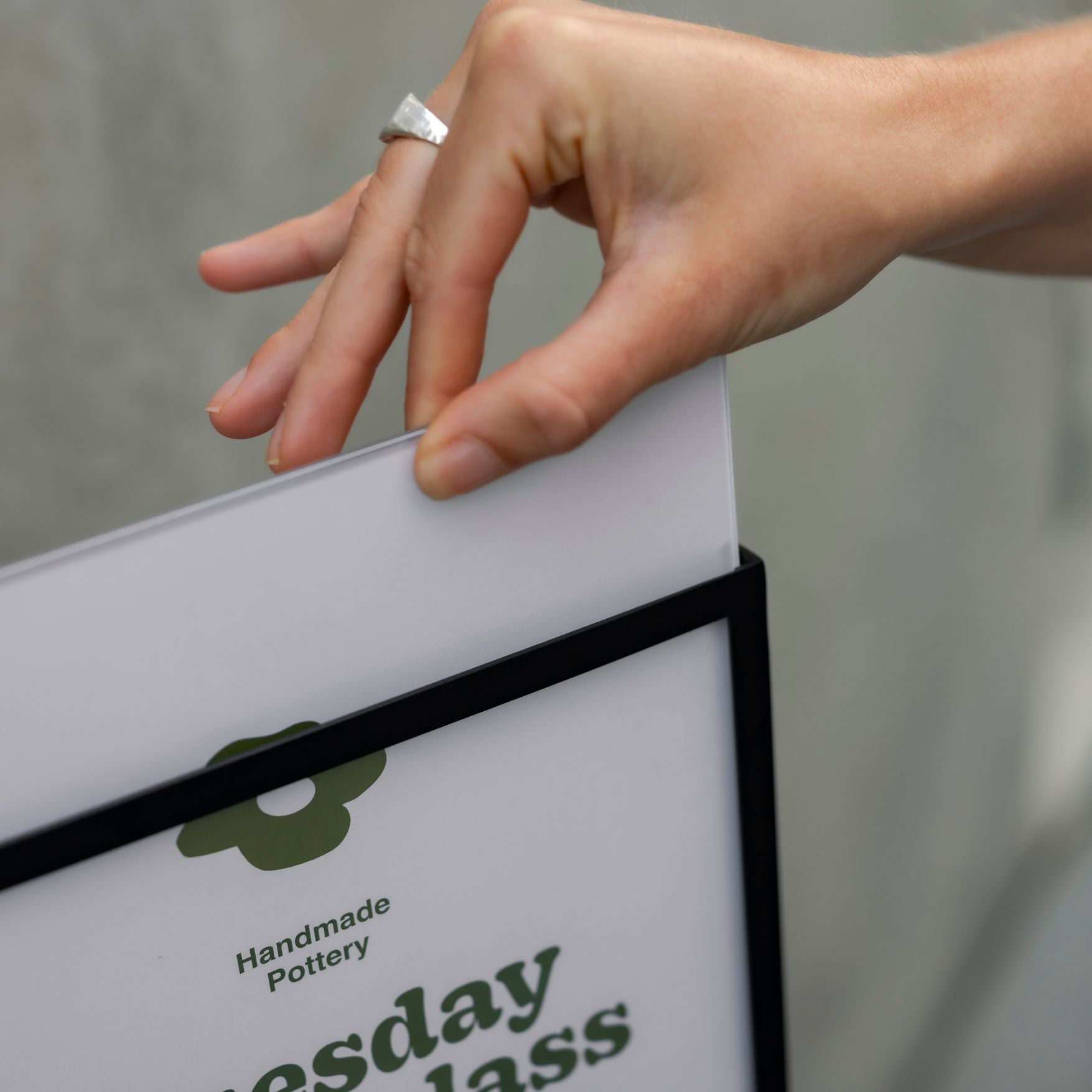
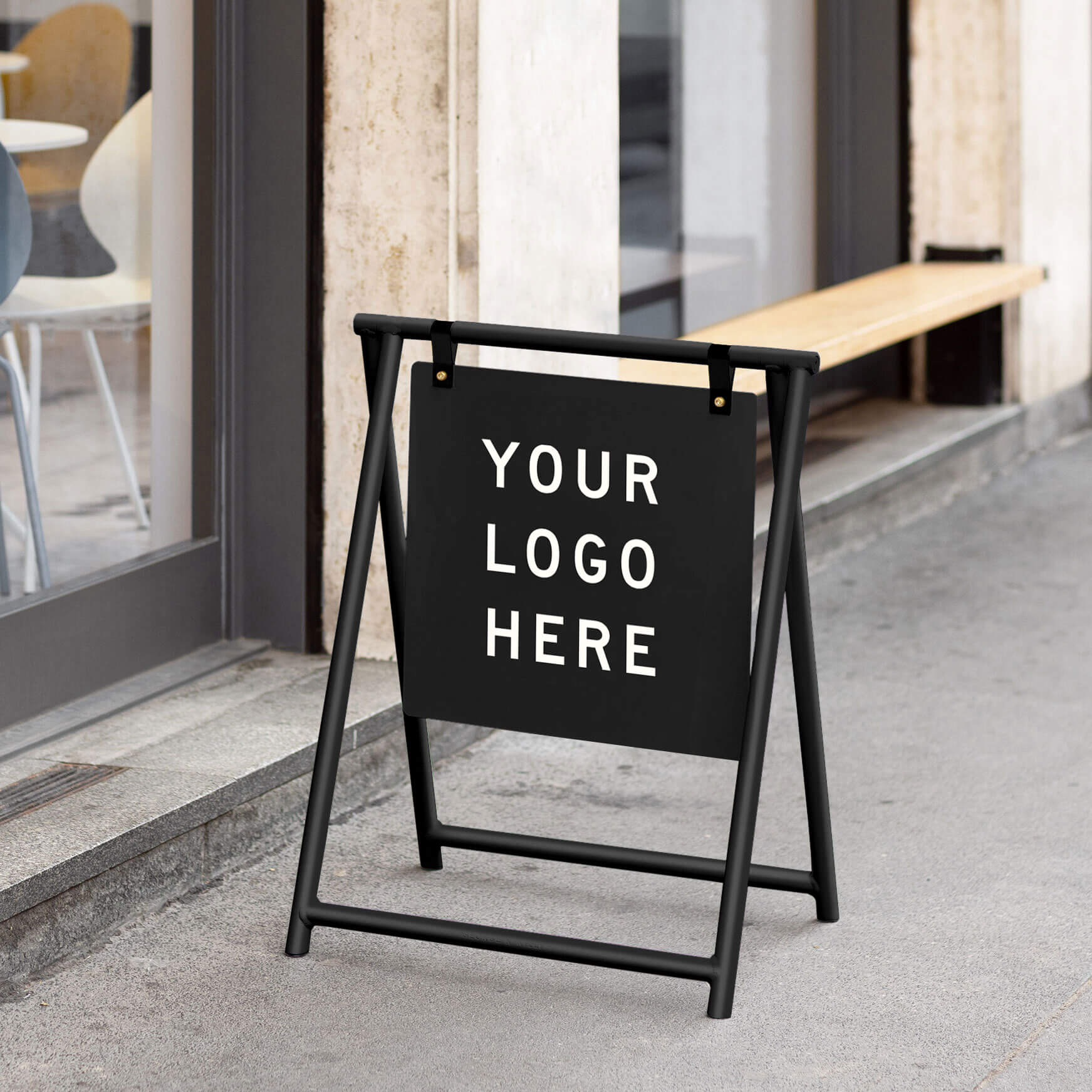
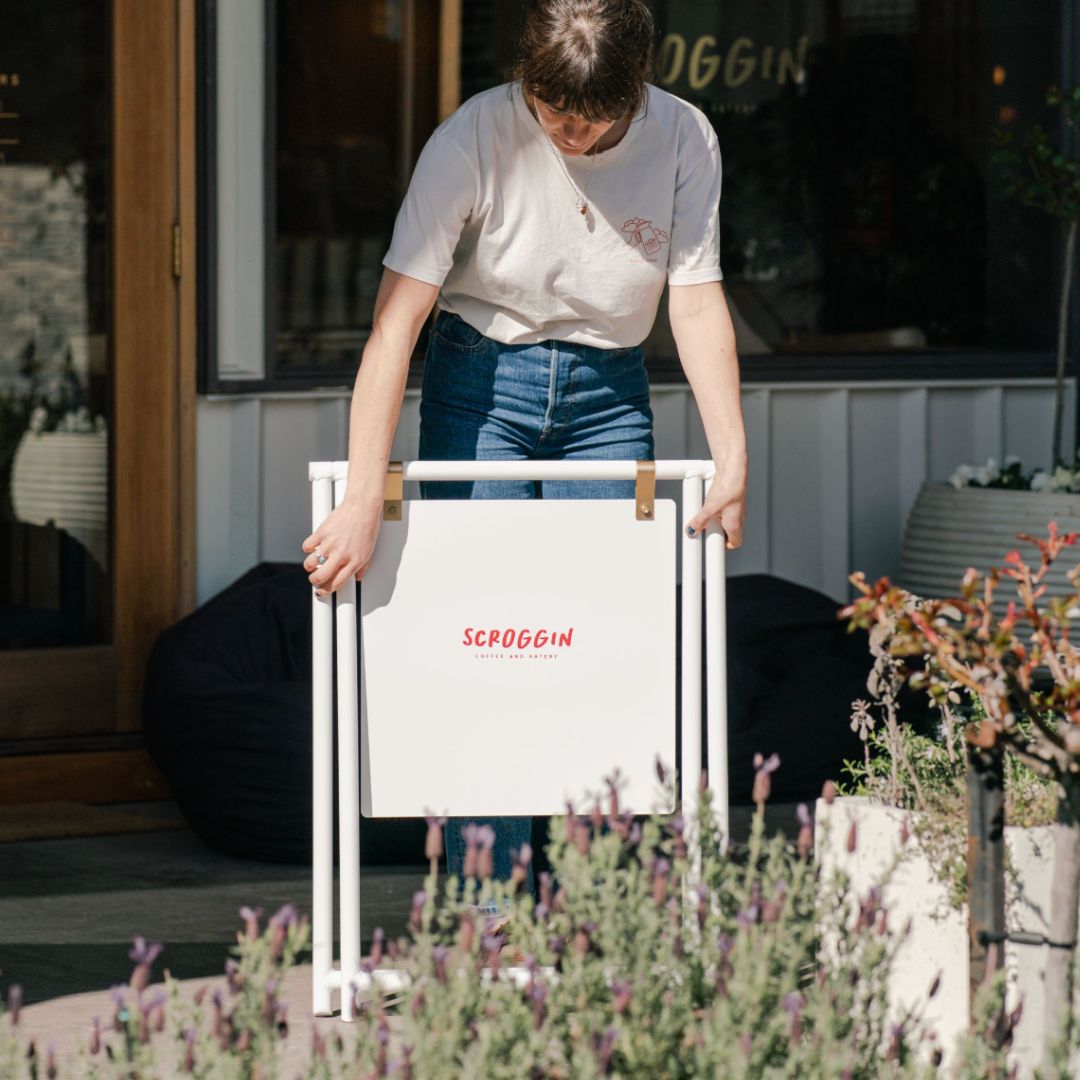
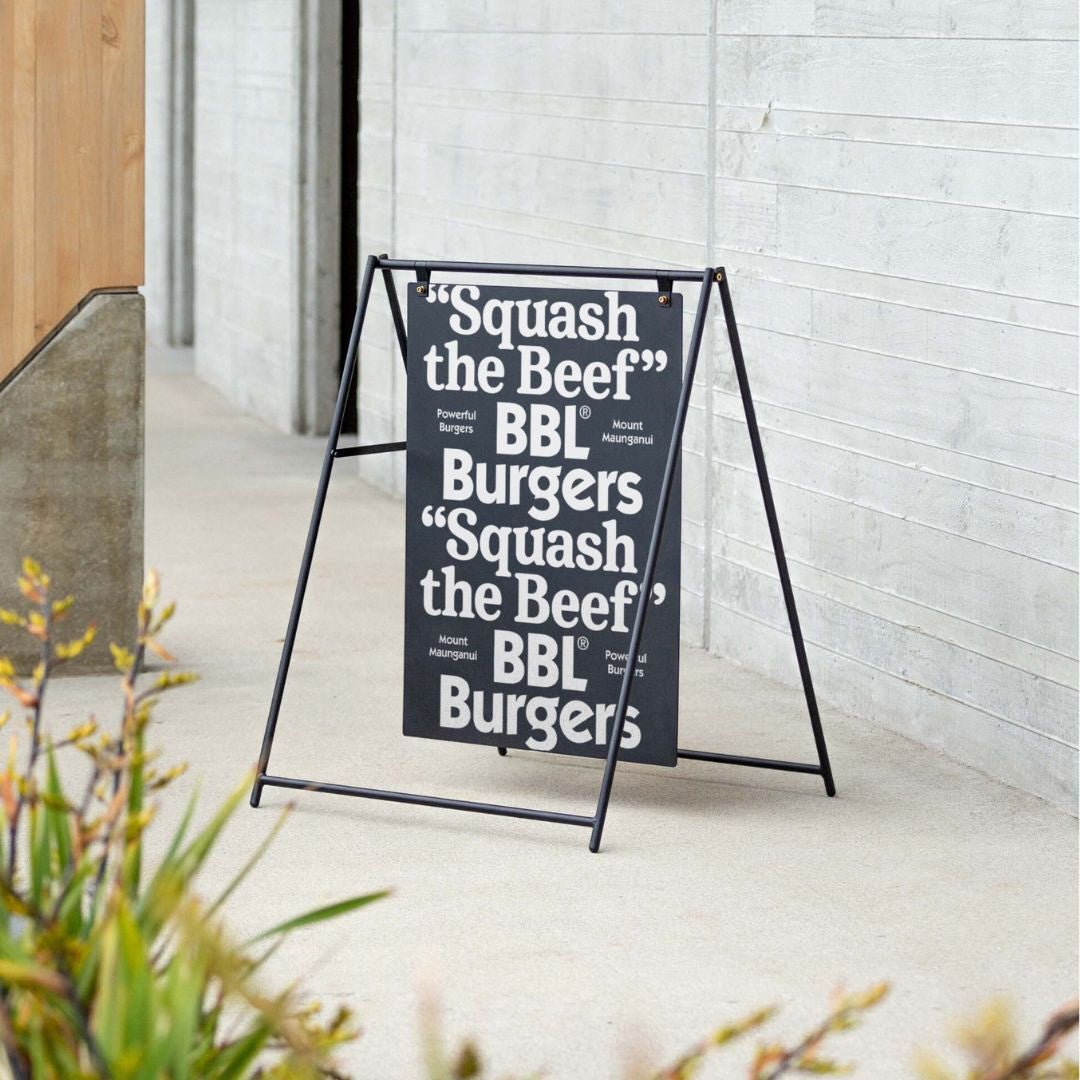
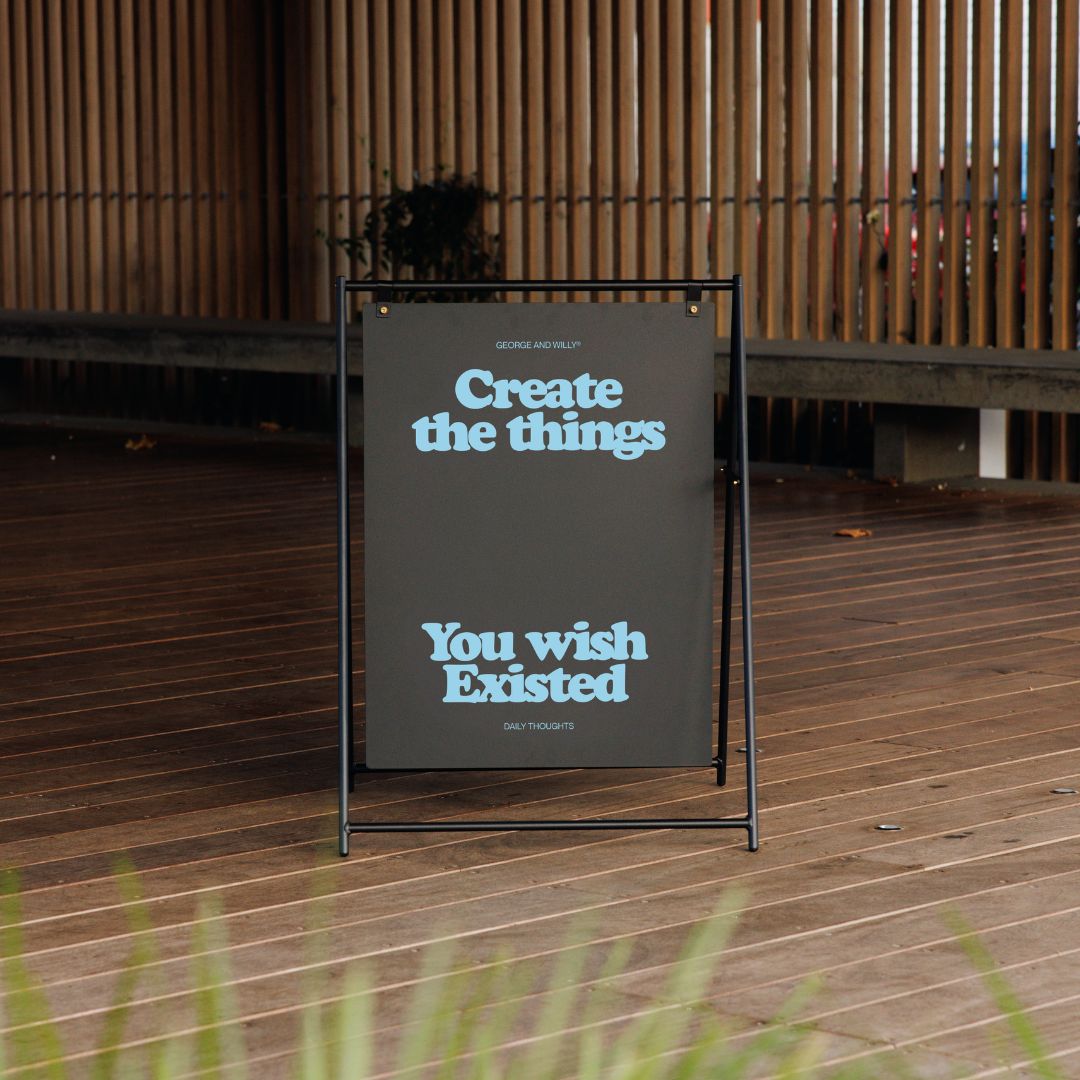
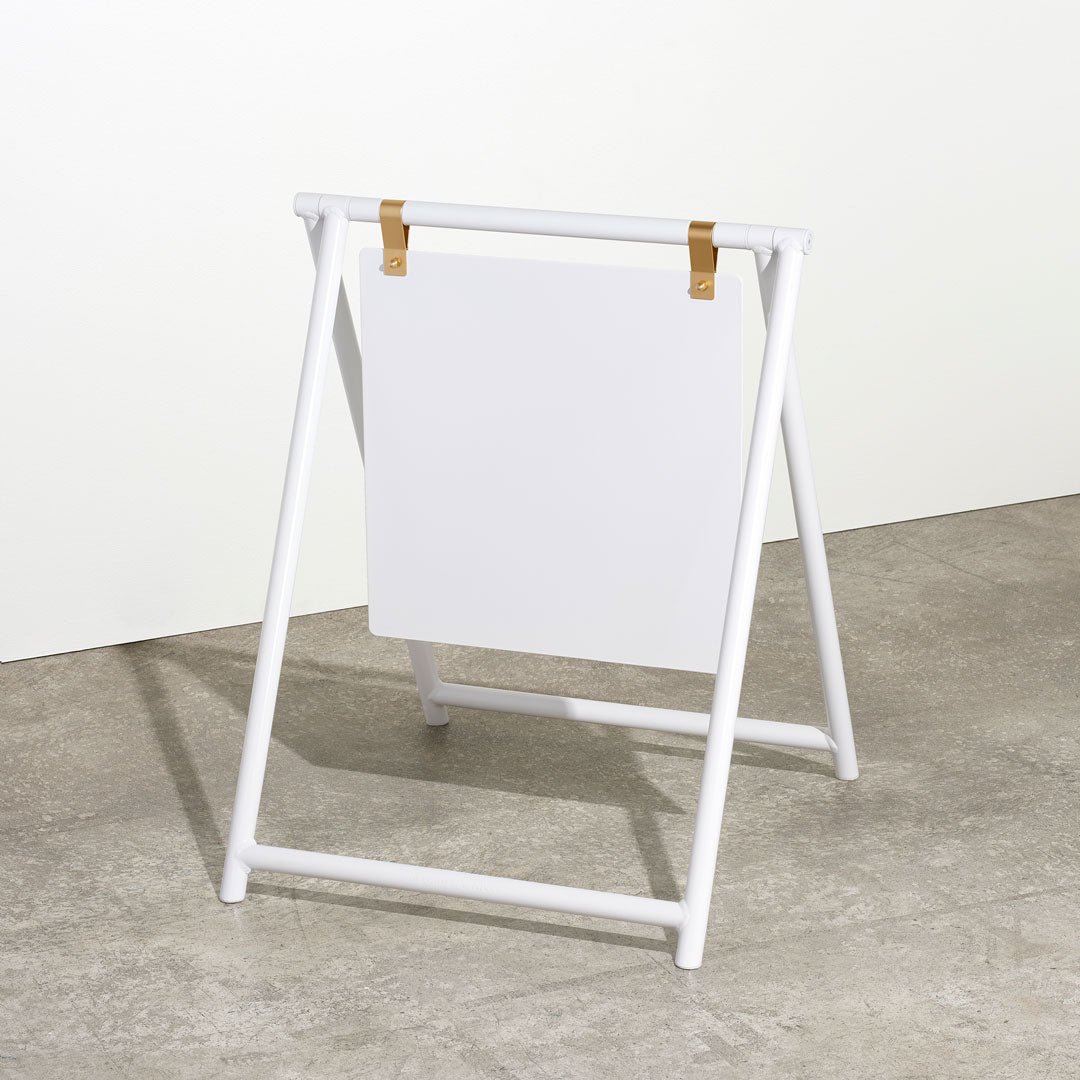
You can take the design you made and have a local signwriter print it onto a vinyl decal. This decal is then applied to a piece of timeless hardware, like the popular standing signs, creating a fully custom and professional look without the long lead times or high costs of full custom fabrication. This two step process, design online and apply to quality hardware, is the secret behind many of the most effective and stylish business signs you see today.
Frequently Asked Questions
What is the best online signage creator for beginners?
For those new to design, Canva is often recommended. Its intuitive drag and drop interface, massive template library, and helpful tutorials make it very easy to get started and achieve professional looking results without a steep learning curve.
Can I really create signs for free?
Yes, many of the most popular online signage creator platforms, including Canva, Adobe Express, and Snappa, offer robust free plans. These plans typically provide access to thousands of templates, fonts, and stock images, which is often more than enough to create high quality designs for your business.
How do I turn my digital design into a durable outdoor sign?
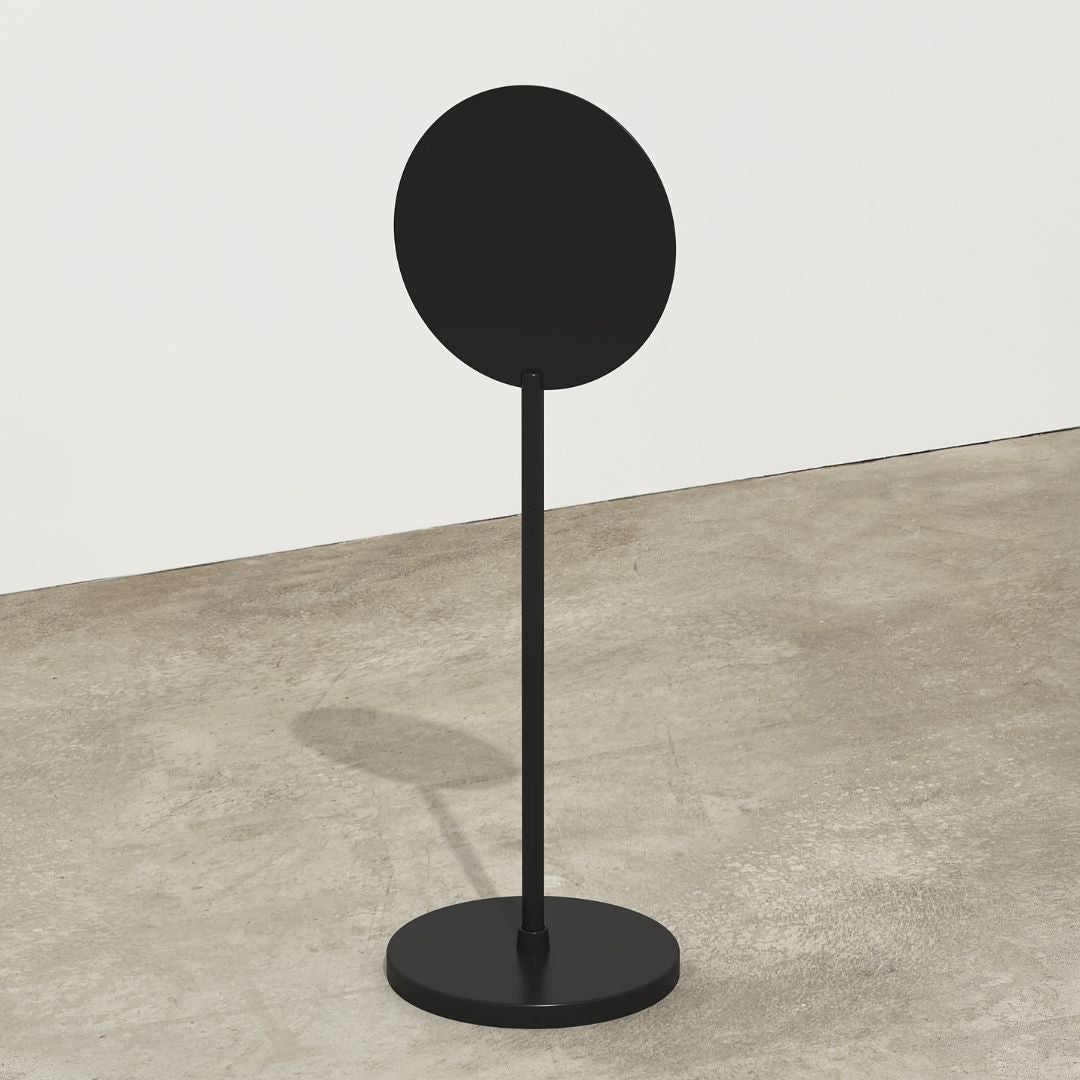
Once you have your design from an online signage creator, you’ll need to export it as a high resolution file. The best method for a lasting sign is to work with a local sign shop to print your design on weather resistant vinyl, which can then be applied to a durable blank sign made of a material like powder coated aluminum. Powder-coated aluminum blade signs, such as a metal sign, are built for outdoor durability.
What makes a business sign effective?
An effective sign has three key qualities: it is visible, legible, and on brand. It should be large enough to be seen, with clear, easy to read text. Most importantly, its style, colors, and tone should instantly communicate your brand’s personality and what you offer. For curbside visibility, the Rounded Sidewalk Sign helps catch attention at street level.
Why is the physical quality of a sign so important?
The physical quality of your sign sends a powerful message. Over two thirds of consumers believe a store’s signage reflects the quality of its products. A sturdy, well crafted sign suggests professionalism and quality, while a flimsy or faded one can detract from your brand’s credibility before a customer even steps inside.